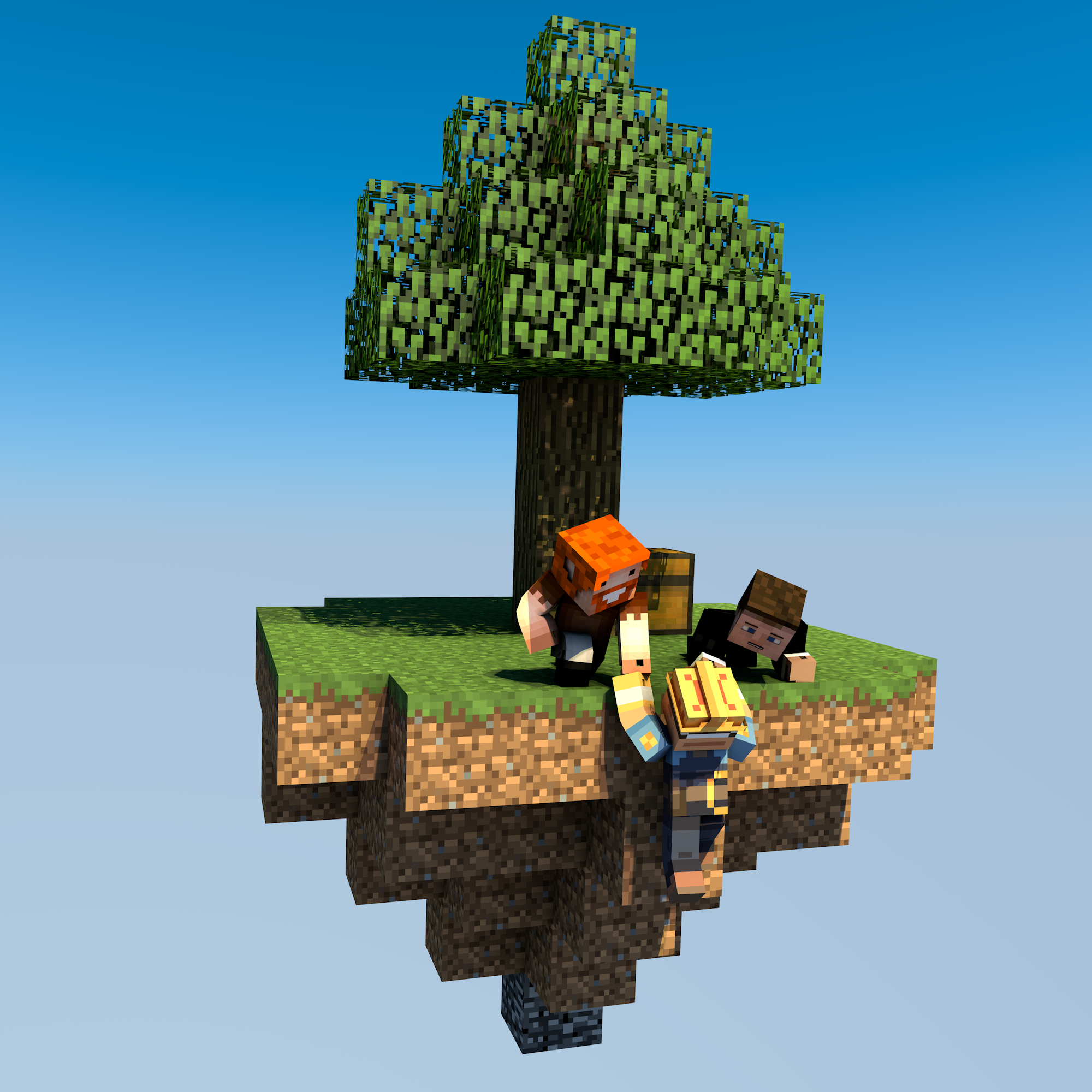
uSkyBlock
This DevBukkit page is being updated again with current releases and links to the maintained uSkyBlock project. We had lost access to the DevBukkit project page for some time, but have now regained it and are bringing it back up to date.
uSkyBlock is an open-source Skyblock plugin for Paper and Spigot.
Start on a small floating island, build it into something thriving, complete challenges, and team up with other players to push your island further.
Why uSkyBlock
uSkyBlock gives you a complete Skyblock foundation with island progression, deep customization, and a maintained open-source codebase you can build on long term.
Complete Skyblock gameplay. Build your server around islands, progression, challenges, and party play.
Deep customization. Shape the experience with focused configuration including challenge design, biome options, custom islands, and more.
Integrates with your server. Extend uSkyBlock through its public API and placeholder support so it fits cleanly into your server.
Open source with proven lineage. uSkyBlock is fully open source under GPLv3, free to run, and backed by more than a decade of project history.
Maintained for modern servers. Continues to evolve for current Paper and Spigot versions, with new features, docs, support, and maintenance.
International by default. Support international player communities with bundled translations into 53 languages.
Project links
-
Homepage and documentation: https://uskyblock.github.io/
-
Source code and releases: https://github.com/uskyblock/uSkyBlock
-
Issue tracker: https://github.com/uskyblock/uSkyBlock/issues
Documentation
Detailed documentation is available on the official site, including guides for Players, Admins, Developers, and Contributors.
Support and bug reports
We welcome any feedback, suggestions, and bug reports on GitHub:
https://github.com/uskyblock/uSkyBlock/issues
When reporting a problem, please include your server version (/version), uSkyBlock version (/usb version), relevant logs, and clear reproduction steps.
Comments


-

minoneer Owner
-

_ForgeUser22408952 Tester
-
_ForgeUser7007803 Documenter
-
_ForgeUser9099129 Former Author
-

dutchy1001 Author
-
Forge_User_08254971 Author
-
View User Profile
-
Send Message
Posted Jan 10, 2016@dutchy1001
300, 350 in order. I made the scale of the nether world 1.0
-
View User Profile
-
Send Message
Posted Jan 10, 2016@cj89898
what is the distance and protectionRange value's?
-
View User Profile
-
Send Message
Posted Jan 10, 2016@dutchy1001
I have the correct versions for my other plugins.
Just updated uSkyblock.
- Enabled Nether - Not working still
-
View User Profile
-
Send Message
Posted Jan 10, 2016@MacMasterMac
Your getting 2 things mixed up. WorldEdit and WorldGuard need to be the same version number (v5.x.x in both plugins or v6.x.x) and the Essentials plugins need to be from the same version. If WE and Essentials are always different in versions as there from different devs.
You need to check what has priority for the spawn, Essentials or Multiverse. This can be set in the Essentials config (near the bottom) and have the right setting (lowest,high and highest)
-
View User Profile
-
Send Message
Posted Jan 10, 2016@dutchy1001
True, I had the wrong WorldGuard but I had the same Essentials and Worldedit... I added Multiverse core, but don't get a map. And somehow when I do /setspawn and then /spawn it does not go to the place where I setspawned. Now it's messed up xD
-
View User Profile
-
Send Message
Posted Jan 10, 2016A new release from the uSkyblock team
Change Log v2.5.7
I do strongly suggest to backup the challenges file if you have made custom challenges, they will be overwritten on update.
Rewards are set to very basic, change them to your own liking.
Bug fixes
To donate visit JustGiving
-
View User Profile
-
Send Message
Posted Jan 10, 2016@Makhulu
It's simple,
is telling me that there is:
I know when this message occurs on the server the command /usb version doesnt work. It is up to the OP to then manual find the versions, best way to do this then is to copy/paste from the log file or post the log file. Most plugin version shows a lot more numbers behind it, this way we can see what exact versions they are.
My guess here is, yet again, a reading issue as you probably used the uSkyblock v2.5.3 for Bukkit 1.7.9 instead of uSkyblock v2.5.3 for 1.8 for a Spigot 1.8.x server.
-
View User Profile
-
Send Message
Posted Jan 10, 2016@dutchy1001
Server is 1.8 spigot, uskyblock is v 2.5.3 world edit is v6.1 and world gaurd is v6.1 vault is 1.5.6 and multiverse core is 2.5-b699 beta
-
View User Profile
-
Send Message
Posted Jan 10, 2016@Makhulu
have you read this section here
report back with the needed info and I can then help.
-
View User Profile
-
Send Message
Posted Jan 10, 2016Whenever I do /island all it says is "/island [restart/sethome/info/level/lock/unlock/top/party]" when I have all the plug ins on the correct version and all the plug ins suggested. Any idea?
-
View User Profile
-
Send Message
Posted Jan 10, 2016@cj89898
"world.yml" file is fine, dunno why you cant create a portal.
Have you updated the plugins I mentioned?
-
View User Profile
-
Send Message
Posted Jan 10, 2016@dutchy1001
I backed up before trying to disable MV, when it didn't work I went to my backup.
Here is world.yml file: http://pastebin.com/RZT7t62x
-
View User Profile
-
Send Message
Posted Jan 10, 2016@cj89898
To be honnest I'm not a fan of KCauldron and I don't have a setup to test things for it.
There a good few files that can be updated.
Missing in the list, due to not a full startup log are:
I use for all those depended plugins the dev build were available.(links are in the above page.
Can you post the "world.yml" from the mv-core plugin? This is 1 option were portals can be blocked. Disabling MV is not a good option anyway, but might indicate that the problem is elsewhere.
-
View User Profile
-
Send Message
Posted Jan 10, 2016@dutchy1001
I tried disabling MV and the portal still didn't light.
-
View User Profile
-
Send Message
Posted Jan 10, 2016@dutchy1001
Here are the outputs:
USB output: http://pastebin.com/j1gWn8iS
MV Output: http://pastebin.com/jTT3PQef
-
View User Profile
-
Send Message
Posted Jan 10, 2016@cj89898
Can you give the output of /usb version including the MV versions. This way we can see if anything is wrong.
If you can't light a portal that mostly means the portal creation is turned off. As far I know this is a setting in MV
-
View User Profile
-
Send Message
Posted Jan 10, 2016I've been having trouble lighting a nether portal in my worlds! I have MV-core and MV-NP installed. I followed the instructions you guys said, but I still can't light the nether portal. Please help!
-
View User Profile
-
Send Message
Posted Jan 7, 2016@MacMasterMac
Not sure what to look for as it's not uSkyblock related.
The only error that occurs in your log is from Essentials. When using a version of Essentials, do not mix and match different versions. I think I mentioned this before (to you or someone else), you have Essentials vTeamCity for server that runs Craftbukkit/Spigot 1.8 and the EssentialsChat is from a previous version (and I think a different Dev team too). This will never work "nice" together. To get a full set for Essentials vTeamCity go here.
On that note for getting the right versions, you might as well update WorldEdit and WorldGuard with the links provided but if you want the real latest versions use a dev version (I use the dev versions on the test server with no hassle), links can be found in the Installation section (I do strongly suggest to update WorldGuard).
I also miss the Multiverse-core plugin in your list, for this I suggest the dev versions from here, You need Mv-core and strongly suggest the use of MV-portals and MV-NetherPortals.
-
View User Profile
-
Send Message
Posted Jan 7, 2016@dutchy1001
hi, you're the only person I know who can actually help me, lol Could you take a look and say what's wrong This time.....
http://pastebin.com/qrqqdKEN
-
View User Profile
-
Send Message
Posted Jan 2, 2016I have updated the Challenges page (to accomplice the next release) to the latest config and new additions. See here the page.
In the next release the challenges will have a major change (backup the challenges before the next update is not a bad idea).
Some (ridicules) challenges have been removed, some have been remade/adjusted to create a better experience and some new ones have bee added.