uSkyBlock
This DevBukkit page is being updated again with current releases and links to the maintained uSkyBlock project. We had lost access to the DevBukkit project page for some time, but have now regained it and are bringing it back up to date.
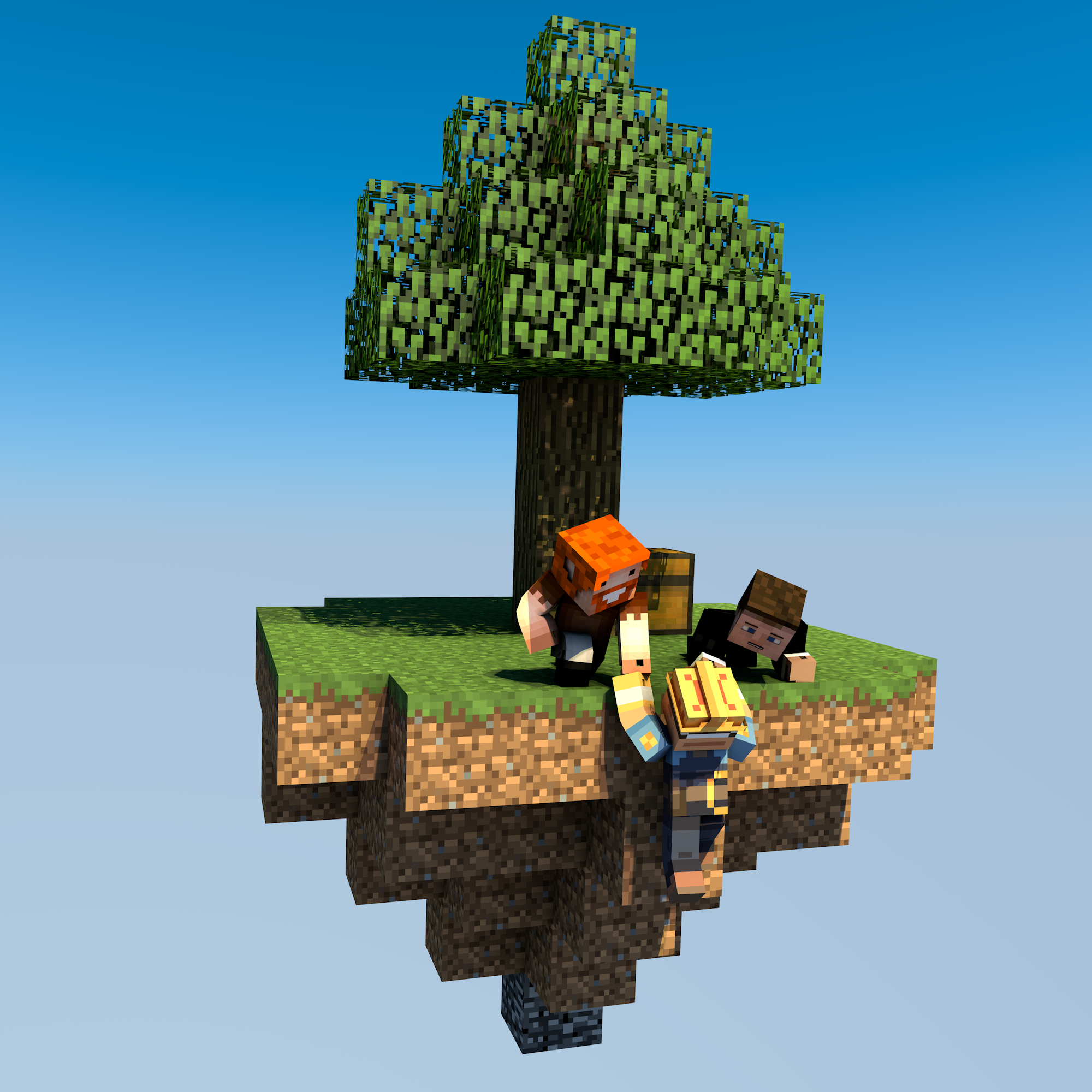
uSkyBlock is an open-source Skyblock plugin for Paper and Spigot.
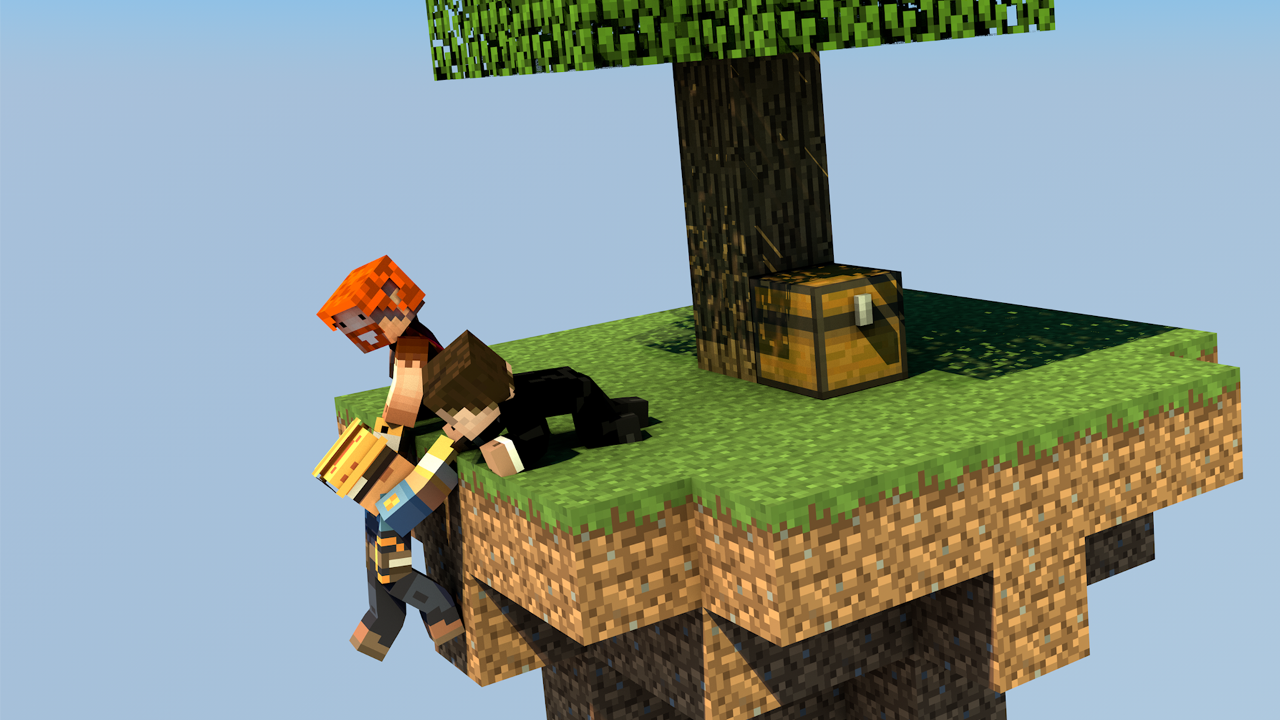
Start on a small floating island, build it into something thriving, complete challenges, and team up with other players to push your island further.
Why uSkyBlock
uSkyBlock gives you a complete Skyblock foundation with island progression, deep customization, and a maintained open-source codebase you can build on long term.
Complete Skyblock gameplay. Build your server around islands, progression, challenges, and party play.
Deep customization. Shape the experience with focused configuration including challenge design, biome options, custom islands, and more.
Integrates with your server. Extend uSkyBlock through its public API and placeholder support so it fits cleanly into your server.
Open source with proven lineage. uSkyBlock is fully open source under GPLv3, free to run, and backed by more than a decade of project history.
Maintained for modern servers. Continues to evolve for current Paper and Spigot versions, with new features, docs, support, and maintenance.
International by default. Support international player communities with bundled translations into 53 languages.
Project links
-
Homepage and documentation: https://uskyblock.github.io/
-
Source code and releases: https://github.com/uskyblock/uSkyBlock
-
Issue tracker: https://github.com/uskyblock/uSkyBlock/issues
Documentation
Detailed documentation is available on the official site, including guides for Players, Admins, Developers, and Contributors.
Support and bug reports
We welcome any feedback, suggestions, and bug reports on GitHub:
https://github.com/uskyblock/uSkyBlock/issues
When reporting a problem, please include your server version (/version), uSkyBlock version (/usb version), relevant logs, and clear reproduction steps.
Comments


-

minoneer Owner
-

_ForgeUser22408952 Tester
-
_ForgeUser7007803 Documenter
-
_ForgeUser9099129 Former Author
-

dutchy1001 Author
-
Forge_User_08254971 Author
-
View User Profile
-
Send Message
Posted Feb 13, 2017i mean cheerleader spirit
-
View User Profile
-
Send Message
Posted Feb 9, 2017How to remove "Quản lý: {player}" = "Owner: {player}"
In a certain way it is automatically added to items ( My shopkeeper is a problem with it )
-
View User Profile
-
Send Message
Posted Feb 9, 2017I dont think the "owner" tag on an item is due to uSkyblock, I never came across this.
How or when does it get the "owner" tag, if I reproduce this then we know if it's uSkyblock or a diferent plugin.
-
View User Profile
-
Send Message
Posted Feb 9, 2017I have also found it in translation
-
View User Profile
-
Send Message
Posted Feb 9, 2017Can you explain how it gets this owner tag?
What steps are you doing to get the "owner" tag?
I have found it in the code.
EDIT:
Could you try and set
item-drops: false
in the config (in the "protection" section)
-
View User Profile
-
Send Message
Posted Feb 9, 2017I don't know why, but it seems that after I die
-
View User Profile
-
Send Message
Posted Feb 7, 2017Hello,
a few players in my minecraft server has discovered that the challenge requirements won't reset after the hours in config.
All players with OP on the server has the same problem. How can I fix this?
I have:
Vault 1.5.6-b49
WorldEdit 6.1.5:4651611
WorldGuard 6.1.3-SNAPSHOT:c904242
Multiverse-Core 2.5-b717
Multiverse-Portals 2.5-b725
Multiverse-NetherPortals 2.5-b675
-
View User Profile
-
Send Message
Posted Feb 7, 2017What uSkyblock version you use?
Spigot or Craftbukkit?
-
View User Profile
-
Send Message
Posted Feb 8, 2017I use skyblock version 2.7.2 On Spigot
-
View User Profile
-
Send Message
Posted Feb 8, 2017For some reason it will ever go back to the default value, it will always be 1 higher (depending on the next tier what requirement is needed)
        requiredItems:
        - '4:64;+2'
Looking at the example for the next tier you need 2 more then default. So next time you complete you need 66 next again 68 again 70 etc etc. When time resets it will only go back to 66.
This seems to be a limitation what we cant fix.
-
View User Profile
-
Send Message
Posted Feb 6, 2017The /is invite Command Doesn't work ;( Please help me?
-
View User Profile
-
Send Message
Posted Feb 6, 2017Plz post the output of /usb version, if that doesnt work a full startup log
-
View User Profile
-
Send Message
Posted Feb 7, 2017I've got it sorted, Err Now I have the problem of islands being too small and too close together How would I change that in the Config?
Thanks for your help in Advance
-
View User Profile
-
Send Message
Posted Feb 7, 2017you can only change the distance/protectionRange when you start with a new world.
So if you want to change you have to reset your skyworld.
In your config you have 2 settings to set the size and protected area for your islands.
Distance must always be bigger or the same as the protectionRange. Best result are when the distance can be divided by 32 (256, 320, 192 etc etc).
If you set the protectionrange a bit smaller then the distance you will then create a "gap" between islands were no one can build then (due to the protection we have this is not always necessary).
-
View User Profile
-
Send Message
Posted Feb 5, 2017Although I have config spawnSize: 500
When I move a few steps, then get the message that I was in a certain player's island, I've tried deleting all data and the island of players but still no good news
-
View User Profile
-
Send Message
Posted Feb 5, 2017check your server.properties file in the main server folder and make sure spawn-protection is set to 0 (zero).
-
View User Profile
-
Send Message
Posted Feb 5, 2017-
View User Profile
-
Send Message
Posted Feb 5, 2017After reading again I know what is going wrong.
When deleting all data did you delete the files in WorldGuard? (plugins>WorldGuard>Worlds>skyworld>regions.yml)
And same for the skyworld_nether.
After deleting those 2 files it should be OK.
If you have made new islands after you have set your spawnSize to 500 (wow, a spawn of 1000x1000) then instead of deleting you need to alter and delete the entrees that are within the spawn.
I hope this makes sense.
-
View User Profile
-
Send Message
Posted Feb 5, 2017I still get the message "Trading isnt allowed on other islands. Do it in spawn."
-
View User Profile
-
Send Message
Posted Feb 5, 2017can you tell me what files have been deleted to reset the skyblock?
Plz be specific in naming the files or/and folders.