uSkyBlock
This DevBukkit page is being updated again with current releases and links to the maintained uSkyBlock project. We had lost access to the DevBukkit project page for some time, but have now regained it and are bringing it back up to date.
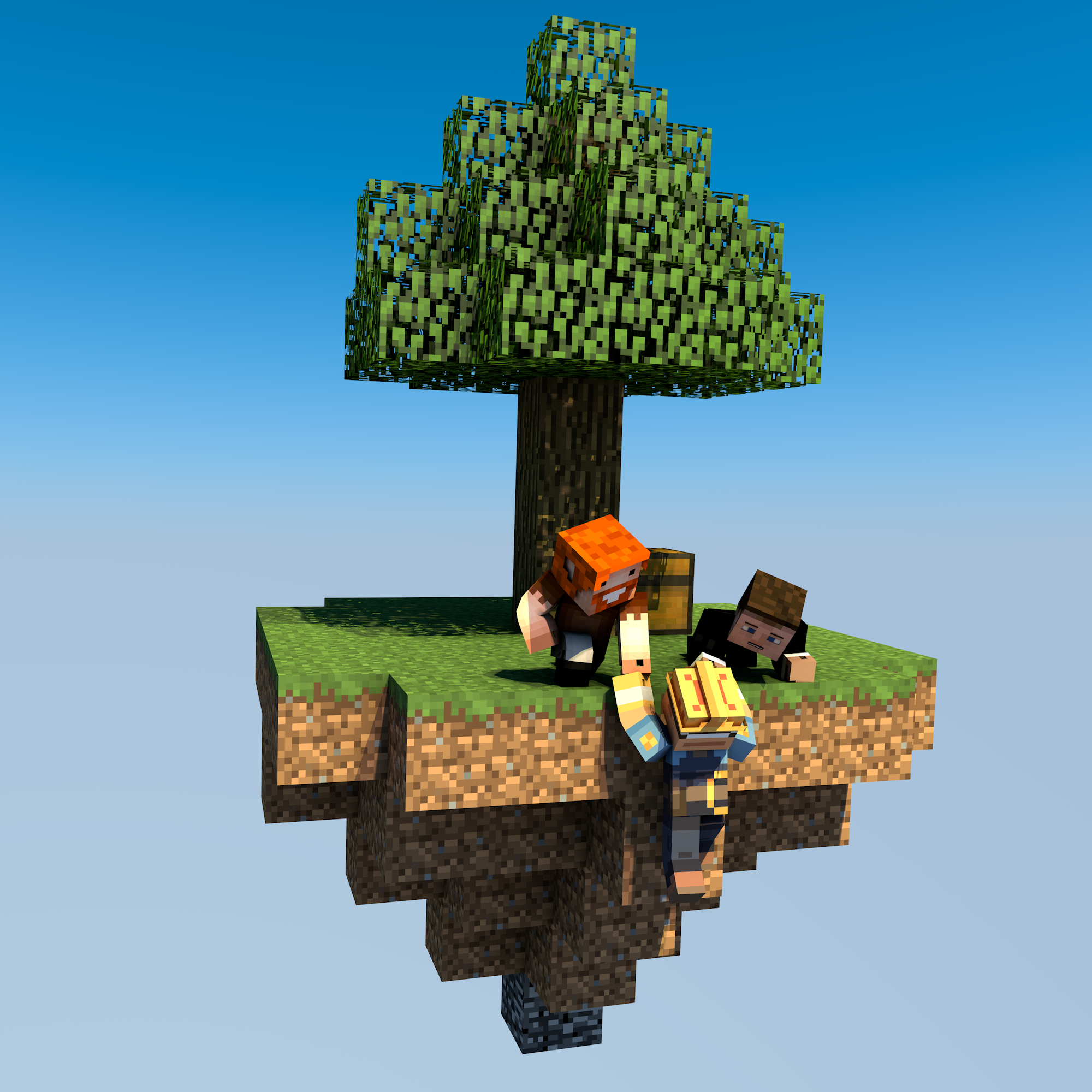
uSkyBlock is an open-source Skyblock plugin for Paper and Spigot.
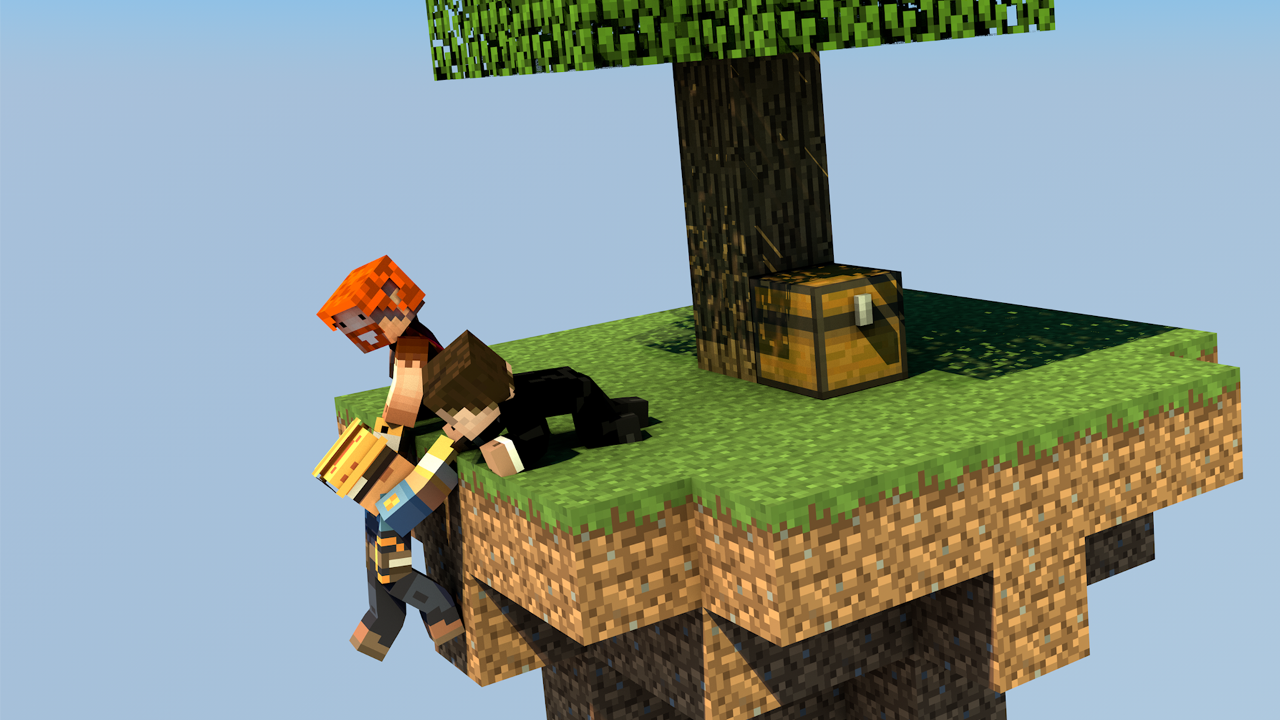
Start on a small floating island, build it into something thriving, complete challenges, and team up with other players to push your island further.
Why uSkyBlock
uSkyBlock gives you a complete Skyblock foundation with island progression, deep customization, and a maintained open-source codebase you can build on long term.
Complete Skyblock gameplay. Build your server around islands, progression, challenges, and party play.
Deep customization. Shape the experience with focused configuration including challenge design, biome options, custom islands, and more.
Integrates with your server. Extend uSkyBlock through its public API and placeholder support so it fits cleanly into your server.
Open source with proven lineage. uSkyBlock is fully open source under GPLv3, free to run, and backed by more than a decade of project history.
Maintained for modern servers. Continues to evolve for current Paper and Spigot versions, with new features, docs, support, and maintenance.
International by default. Support international player communities with bundled translations into 53 languages.
Project links
-
Homepage and documentation: https://uskyblock.github.io/
-
Source code and releases: https://github.com/uskyblock/uSkyBlock
-
Issue tracker: https://github.com/uskyblock/uSkyBlock/issues
Documentation
Detailed documentation is available on the official site, including guides for Players, Admins, Developers, and Contributors.
Support and bug reports
We welcome any feedback, suggestions, and bug reports on GitHub:
https://github.com/uskyblock/uSkyBlock/issues
When reporting a problem, please include your server version (/version), uSkyBlock version (/usb version), relevant logs, and clear reproduction steps.
Comments


-

minoneer Owner
-

_ForgeUser22408952 Tester
-
_ForgeUser7007803 Documenter
-
_ForgeUser9099129 Former Author
-

dutchy1001 Author
-
Forge_User_08254971 Author
-
View User Profile
-
Send Message
Posted Jan 30, 2016@GarrettD78
You might want to whitelist me, same name as here (small D)
-
View User Profile
-
Send Message
Posted Jan 30, 2016I also followed the Install guide and also cleaned the Server and so on.. but everytime this Error
-
View User Profile
-
Send Message
Posted Jan 30, 2016It looks like it's a map, the files in it are data, playerdata, region and then session.lock, uid.dat, level.dat_old and level.dat Ip: garrettplays.mcpro.co
-
View User Profile
-
Send Message
Posted Jan 30, 2016@Cavilos
Plz read the bug report page and supply us with the info needed. Also read the installation page as I suspect an outdated or wrong plugin.
@GarrettD78
It's the first time I hear about this "setskyblock" folder, what does it contain?? Are you sure no duplicate jars are in your setup? Give the IP for the server and I can join to check.
-
View User Profile
-
Send Message
Posted Jan 30, 2016Hey, I also get this error.. http:pastebin.com/HpzV1yk4 how can i Fix it?
-
View User Profile
-
Send Message
Posted Jan 30, 2016I did what you said, it generated the setskyblock again. The world now removed my old islands in skyworld BUT it generated my new island and now their is NO wholes it all ground under my island
p.s. I don't know what setskyblock is either
-
View User Profile
-
Send Message
Posted Jan 30, 2016@GarrettD78
With using /is create it wont generate a new world, that is impossible.
The folders skyworld and skyworld_nether are fine, dunno were setskyworld comes from.
I suggest to delete all the skyworlds (as it looks like your just setting this up), delete the folder \plugins\uSkyblock and in your WorldGuard folder (\plugins\WorldGuard\worlds\) skyworld, skyworld_nether and setskyworld (if present). Leave the uSkyblock.jar in the plugins folder.
Restart the server and let the uSkyblock plugin do what it needs to do. When this is all finished do the commands /is and from the GUI click the grass block (make sure you have OP you can set later the permissions).
Back the files up before deleting just incase
-
View User Profile
-
Send Message
Posted Jan 30, 2016I did /is create and it automatically generated the world It is not my main world I do /mv tp skyworld to get there My main world is called world
Note: under my ftp file access server root ( I use mcprohosting) I see 3 files related to skyblock 1: setskyblock 2: skyworld 3: skyworld_nether
If I click plugins I see 2 files related to skyblock 1: USkyBlock 2: USkyBlock.jar
Anymore information needed?
-
View User Profile
-
Send Message
Posted Jan 30, 2016@GarrettD78
Ok versions are fine.
How did you generate the world?
Is this your main world and how is is set in the server.properties? (think I hinted for that answer already).
Any other info you can give us to sort your issue is helpful.
-
View User Profile
-
Send Message
Posted Jan 30, 2016http://pastebin.com/AU5Zf8Ya (I'm not sure if my first post worked so i'm sending it again)
-
View User Profile
-
Send Message
Posted Jan 30, 2016@SuakuraHaruno90
If you read the installation page then you should know that WE 5.9 was the issue before you even started.
It still wont help future users as reading is the main issue for problems with the installation (in general).
@warderkeeju
It depends on what setting you have for distance and protectionRange in the config and if the nether_world is created by you or the plugin. Without that info I cant say but in general a restart of the world is required. You can copy islands into a new world using WE copy/paste or schematics, just need to be careful to paste it at the right locations
-
View User Profile
-
Send Message
Posted Jan 29, 2016@SuakuraHaruno90
we have found the issue with the /island reset, we had world edit 5.9 and we needed world edit 6+, thank you for the awesome pluggin and i hope that this and my previouse comment help future useres :)
-
View User Profile
-
Send Message
Posted Jan 29, 2016I added the skyblock_nether AFTER i already had uSkyBlock up and running. Is it possible to create the island in nether without /is restart ? I don't want to wipe the existing fairly advanced island in the overworld just to create the nether island for my players.
-
View User Profile
-
Send Message
Posted Jan 29, 2016hello, i am having problems with the /island Restart, when i did /island restart it says (an internal error has occurred while attempting to perform this command) then when i do /is home it says (your island is in the process of generating, you cannot teleport home right now) does anyone know how to fix this
-
View User Profile
-
Send Message
Posted Jan 29, 2016@GarrettD78
Post the output of command /usb version and a startup log through pastebin(it's free), telling us "I am using spigot 1.8, all required plugins and all recommended plugins" is worthless without the plugin versions.
If you have set the default world in the server.properties to skyworld then that is not right, this causes the land being generated in the skyworld.
If you created your own world using Multiverse or similar plugin then that can have the same effect. Let uSkyblock generate what it needs to generate.
-
View User Profile
-
Send Message
Posted Jan 29, 2016I am using spigot 1.8, all required plugins and all recommended plugins but multiverse netherprotals and multiverse portals. I did /is create and it generated a world and my island, the issue is it only cleared out a little bit of space and if I restart my island 3 times it will make a new island each time but the third time if i look down I will see main land. How do I fix it? http://imgur.com/a/Rh0Eu
-
View User Profile
-
Send Message
Posted Jan 25, 2016@OTF_Catastrophe
I think if you use
- console: command
It will still be the same command then without the message as far I know.
Edit the edit the edit lol
make sure you use the right placeholders to give to the players or party
-
View User Profile
-
Send Message
Posted Jan 25, 2016@dutchy1001
NEW EDIT: Again...little stupid. I just changed the gamerule sendCommandFeedback to false and it got rid of the messages. All problems resolved, thank you a ton Dutchy! :)
EDIT: I feel a little stupid... I removed the spaces between "op:" and the command and they all work now. One last question, is there any way to remove the message it puts out? I understand it's a Minecraft addition to tell you "Given blindness to (player) for etc..." and "Object successfully summoned". I just don't want those messages. Though the rest of this post was the before statement, I'll leave it just in case someone else has the same issue and was like me and didn't understand aha. Just to make it clear, the rest of this post is irrelevant to my issues now.
After trying out a few things I encountered a few issues. I have some commands I want to run as the player creates an island; one summon command, two effect commands, and a setblock command(I'll explain the setblock command in a minute). As all of these commands are run as an operator, I put them all as "op:". The summon command works but doesn't put the animal in the place I wanted(Which is alright, I'll just alter it so it works out anyways), the effect commands don't work though they are correct, and the setblock command ran as op doesn't work. No matter what the summon command works but the other three only work if my player is opped. I tried running them from op and console but they don't seem to work.
As for the setblock command: I've found a way to put the player wherever you want. In the schematic I put a chest right in front of where I want the player to spawn and the player will spawn there, while op I can use the setblock command to change the chest to air making it so players can't get free stuff from the chest while still having the actual chest wherever I wanted on the island. But my issue with that is like I said above, it is one of the commands that don't work under "op:". I'll provice that small part of the config just in case I did something wrong. Thank you for your help dutchy! :D I really appreciate it!
PasteBin: Removed Pastebin.
-
View User Profile
-
Send Message
Posted Jan 25, 2016@OTF_Catastrophe
After talking to our dev he said that we use the island spawn point due to many serverowners making a custom island but copying it from a corner in the air, this caused so many problems he added the code to spawn in front of the chest. Only option I see is to move the chest were you like the players to spawn.
Your issue with the extra-commands is simple
This should work, if not let me know.
-
View User Profile
-
Send Message
Posted Jan 25, 2016@dutchy1001
That's what I was thinking Dutchy, but after making the schematic over and over again; it always put's me in front of the chest. I wanted my custom island to spawn the player on a small area inside of the island right on top of the bedrock. I remember back in the day if you set down an end portal frame it used to spawn the player there, but of course that's outdated and doesn't work anymore aha. If you could just let me know as soon as you get the info I would greatly appreciate it! :D
I was also wondering about the new feature in the config that allows you to add "extra-commands" upon island creation. Is there any way to make it so those commands can be ran from an op's point of view? For example, when a player creates an island I want them to get special effects for a short amount of time. So I put down the effect command on the player and if they aren't op it'll say they don't have permission to do so. So yeah, is there any way to make these extra commands run as op even if the player isn't op?