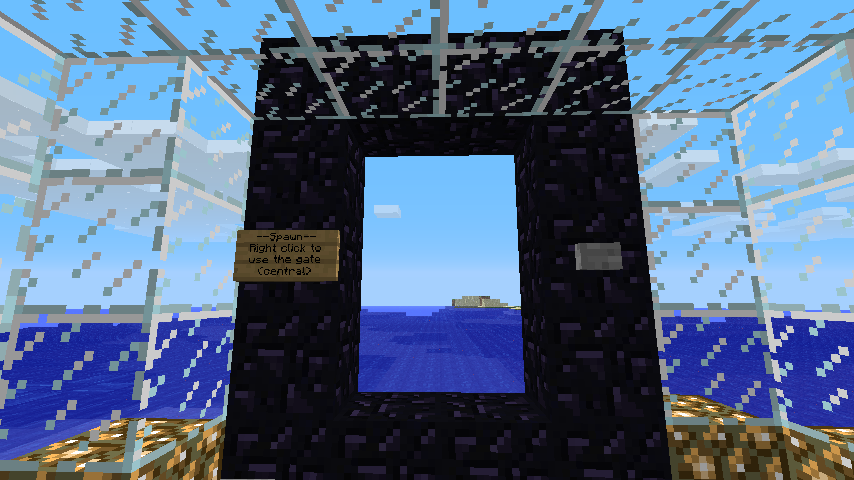
Custom Gate Layout
You can create as many gate formats as you want, the gate layouts are stored in plugins/Stargate/gates/
The .gate file must be laid out a specific way, the first lines will be config information, and after a blank line you will lay out the gate format. Here is the default nether.gate file:
      portal-open=90
      portal-closed=0
      X=49
      -=49

       XX
      X..X
      -..-
      X*.X
       XX
portal-open/closed are used to define the material in the gate when it is open or closed.
"X" and "-" are used to define block "types" for the layout (Any single-character can be used, such as "#").
"." is used to define where the portals Gate Material will show up.
In the gate format, you can see we use "X" to show where obsidian must be, "-" where the controls (Button/sign) are.
You will also notice a "*" in the gate layout, this is the "exit point" of the gate, the block at which the player will teleport in front of.
As of v0.5.5 you can use block data in .gate files in the format:
X=35:15
Which would make the block only work if it's black wool. If no data is supplied any type of that block (Any color wool) will work.