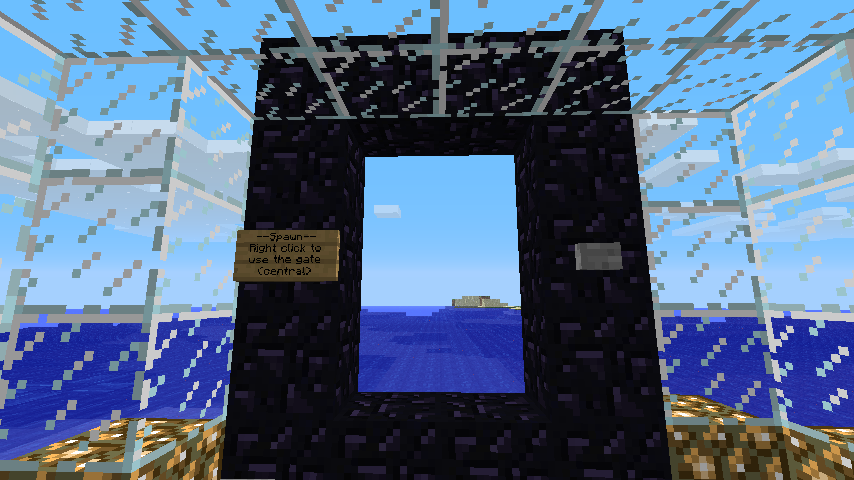
BungeeCoord Gates
As of v0.7.9.0 Stargate now has support for BungeeCord (Or any sufficiently advanced Proxy with plugin support, and an accompanying Stargate plugin). This means that using any gate layout defined in Stargate, you can create a portal to another server behind your BungeeCord proxy!
Unlike the built in /server command, or the Janus plugin, Stargate will teleport the player to a specific location on the destination server, as defined by the "Destination Gate" on the sign.
To utilize BungeeCord with Stargate you will need at least BungeeCord b152 (http://www.spigotmc.org/threads/bungeecord.392/). To enable BungeeCord support in Stargate, set "enableBungee" to true in your config.yml, and start building your inter-server gates!
Building the initial gate is the same as a normal Stargate, the difference comes in the sign:
Sign Layout:
- Line 1: Gate Name (Max 11 characters). This name must be unique among all your BungeeCord gates on this server.
- Line 2: Destination Gate (Max 11 characters). This is the name of the BungeeCord gate to teleport to on the destination server.
- Line 3: Destination Server (Max 15 characters). This is the name of the destination server as defined in your BungeeCord config.yml.
- Line 4: The option 'U'. This specifies that this is a BungeeCord gate.
A BungeeCord gate is always-open, and permissions are currently handled via Network permissions (So to give somebody access to the server "server2", you would give them stargate.network.server2). This is likely to change to a new set of nodes in the future (stargate.server.{servername}).
If a player goes through a gate specifying an invalid destination server, they will be disconnected, and upon reconnecting will be at the gate they tried to go through.
If a player goes through a gate specifying an invalid destination gate, they will be teleported to their last known location on the destination server, as if they had used the /server command of BungeeCord.