Player Visibility
Player Visibility
This plugin will prevent players from having lag on your hub server because you can toggle off players.
Current stable version: v2.5.3
Tell me more!
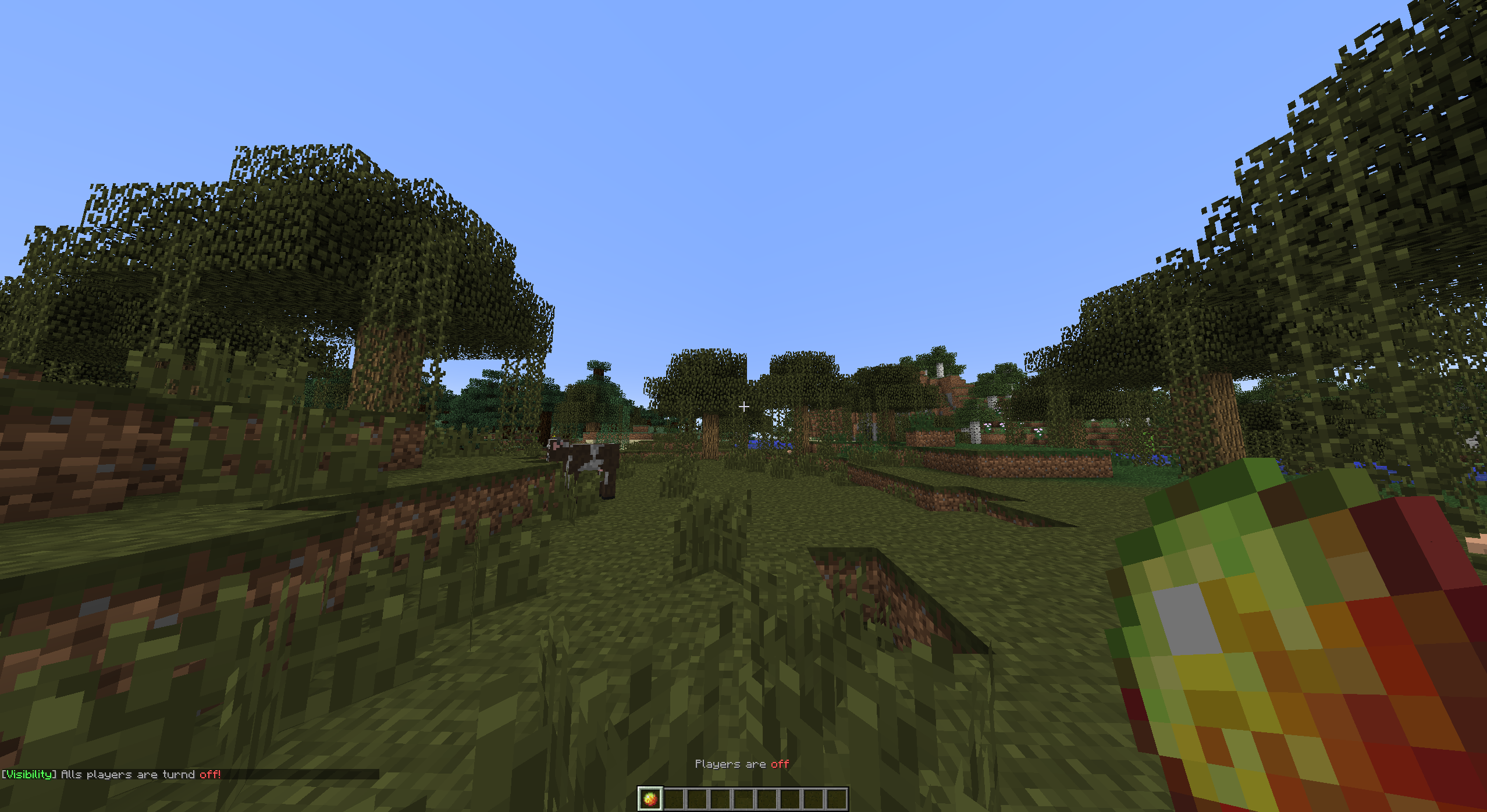
By toggling other players, you are able to hide or show all other players. You can toggle with the item defined in the config when you click the item it will change in an "off" state item. This means the item will change in another item. 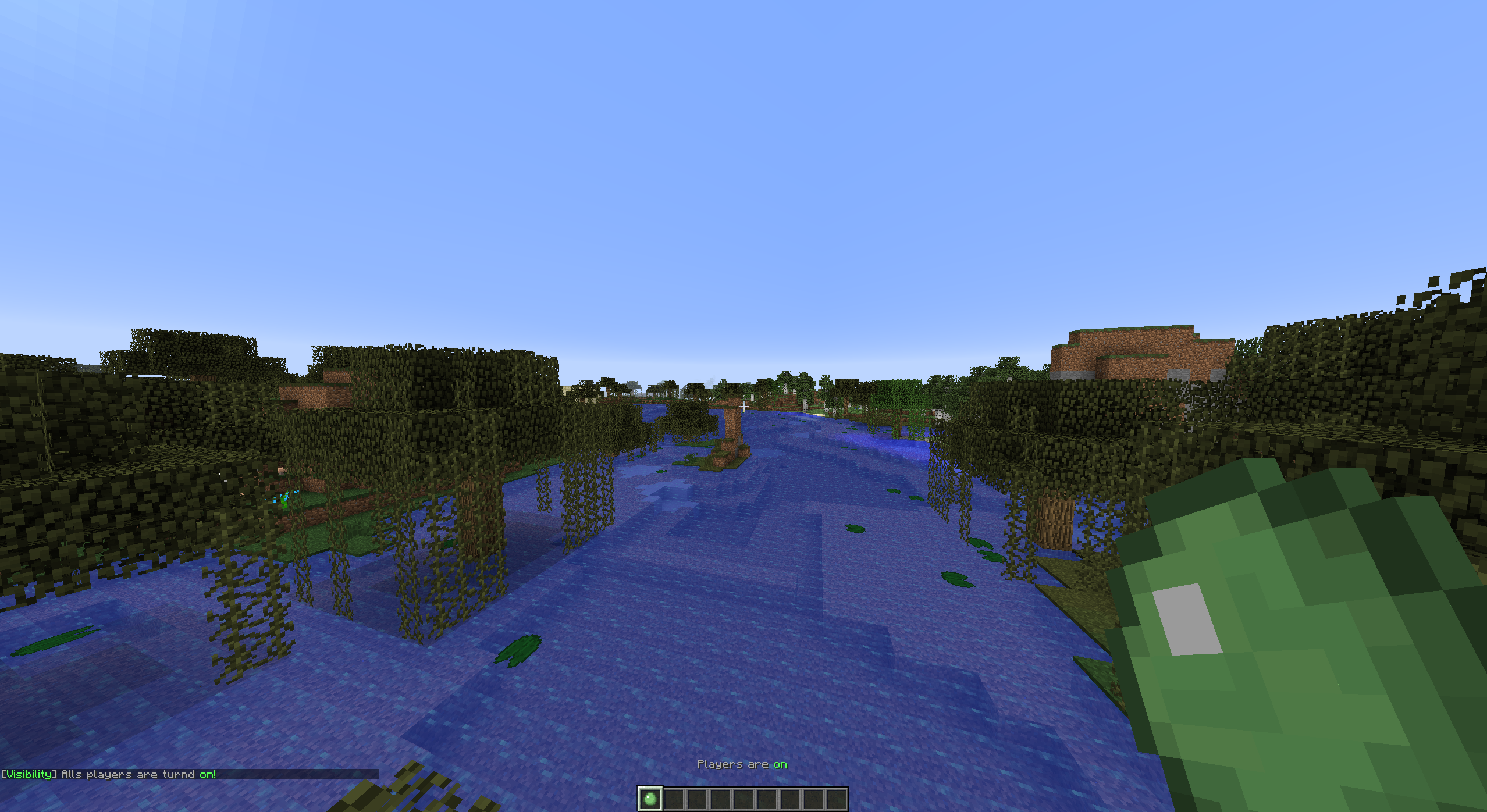
Tutorials
English VariationVault
Turkish CrystalGamingTR
Portuguese AbsintoJ

Setup
Project >> Installation >> Configuration >> Commands and Permissions

Comments

-

tomudding Owner
-
View User Profile
-
Send Message
Posted Mar 12, 2014It turns off players to vanish mode, causing less lag movement.
-
View User Profile
-
Send Message
Posted Mar 12, 2014I have no idea what this pluggin does, maybe someone can explain it too me.
-
View User Profile
-
Send Message
Posted Mar 10, 2014@GalaxyBeatzz
What do you mean with a 'cool' effect? Just an effect like "smoke" or a cooldown?
-
View User Profile
-
Send Message
Posted Mar 10, 2014Make it having some sort of cool effect when toggling players... :3
-
View User Profile
-
Send Message
Posted Mar 7, 2014@iSacha
Make a ticket with errors, screens etc...
@Pascal98R
Is configured in english. Next initial update (v1.3.0) will add that to the config.
-
View User Profile
-
Send Message
Posted Mar 6, 2014<<reply 2049290="">>
it doesn't work on my server :(
-
View User Profile
-
Send Message
Posted Mar 6, 2014The config misses the message for player visibility item drop. Can i manually add this, or do i have to wait for an update?
-
View User Profile
-
Send Message
Posted Feb 25, 2014@iSacha
Can you read? Give the players the permission 'Visibility.Spam.Bypass'. That will prevent them from having any problems with the cooldown. This is only available in the version v1.2.5
If you don't understand this. I recommend you to read the permissions & commands page.
-
View User Profile
-
Send Message
Posted Feb 25, 2014Could you add an option to disable the anti-spam?
-
View User Profile
-
Send Message
Posted Feb 24, 2014@ShortShot25
The plugin gives the "on item" on the first join. And you joined a long time ago, so it is not giving any item to you. Just delete your player file in your hub world. Than join again in it will work.
-
View User Profile
-
Send Message
Posted Feb 24, 2014This is probably completely obvious, but how can I make it so it gives the player the item automatically? Because it doesn't do it, even when I'm OP.
-
View User Profile
-
Send Message
Posted Feb 21, 2014@Meronat
In the future (I think v1.3.0) I will add an option for multiple worlds.
-
View User Profile
-
Send Message
Posted Feb 21, 2014Would it be possible to have the commands and/or the items work in more than one world? On my server we would like to use it as more of a tool for making sure there is no interference from outside sources while you build.
-
View User Profile
-
Send Message
Posted Feb 20, 2014Oh Now It Works
-
View User Profile
-
Send Message
Posted Feb 20, 2014It Doesnt Work For Me. Im On The 1.7.2 Version And Is Workless
-
View User Profile
-
Send Message
Posted Feb 15, 2014@iSacha
Which spam? I don't have any message spammed in the newest version. Please make a ticket, provide screenshots or errors in it. With only a little piece of text I can not fix something.
Aw, I know what you mean. That there isn't a cooldown? Just set it to 0
-
View User Profile
-
Send Message
Posted Feb 15, 2014@tomudding
And could you add an option do disable the anti-spam?
-
View User Profile
-
Send Message
Posted Feb 14, 2014@tomudding
Oh sorry I didn't see the permissions sorry ^^
-
View User Profile
-
Send Message
Posted Feb 14, 2014@iSacha
Do you mean Visibility.Ignore or a bypass for the cooldown?
-
View User Profile
-
Send Message
Posted Feb 14, 2014Could you add a bypass for admins with a permission?
Sorry for my bad english ^^