Player Visibility
Player Visibility
This plugin will prevent players from having lag on your hub server because you can toggle off players.
Current stable version: v2.5.3
Tell me more!
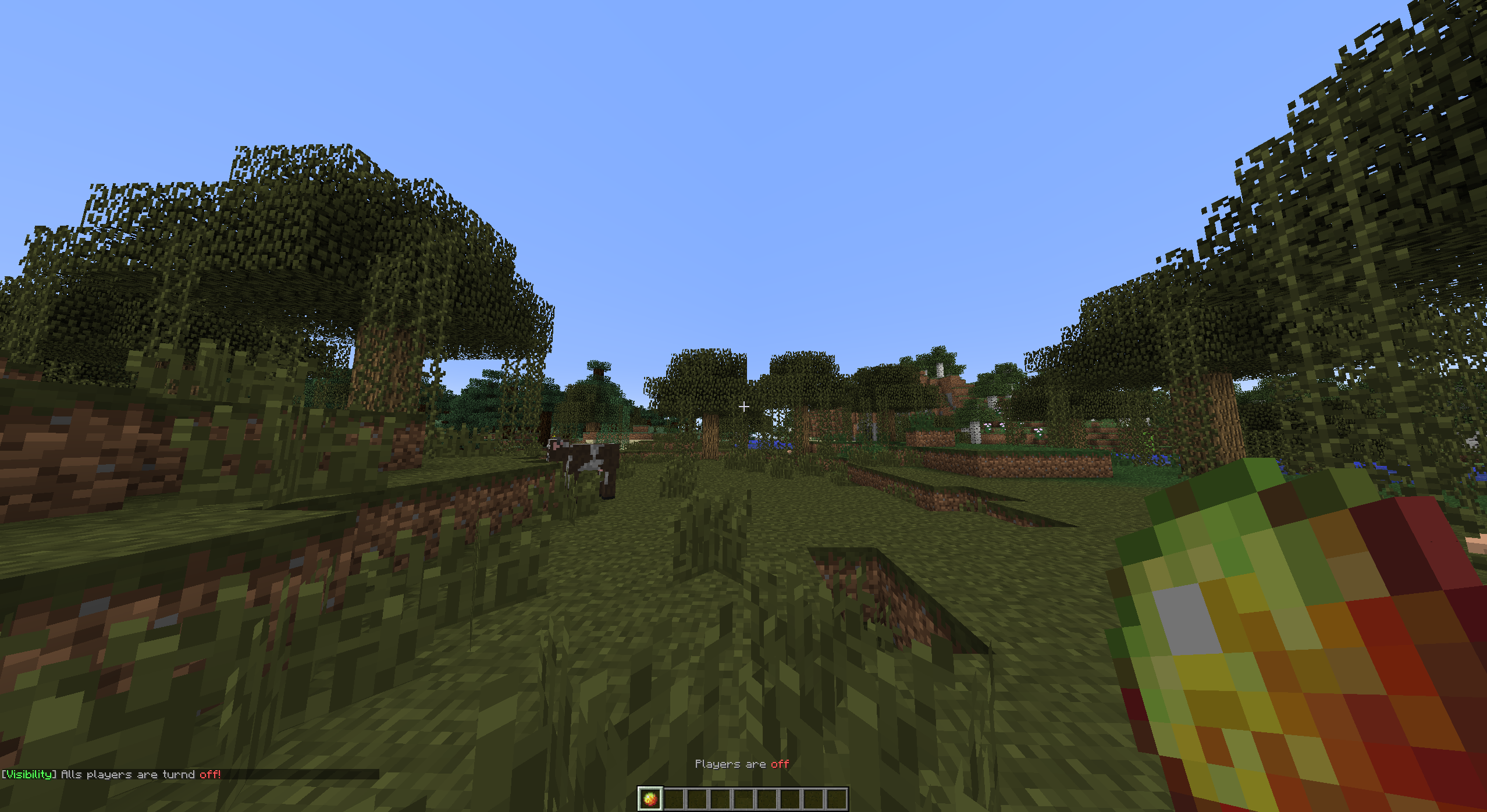
By toggling other players, you are able to hide or show all other players. You can toggle with the item defined in the config when you click the item it will change in an "off" state item. This means the item will change in another item. 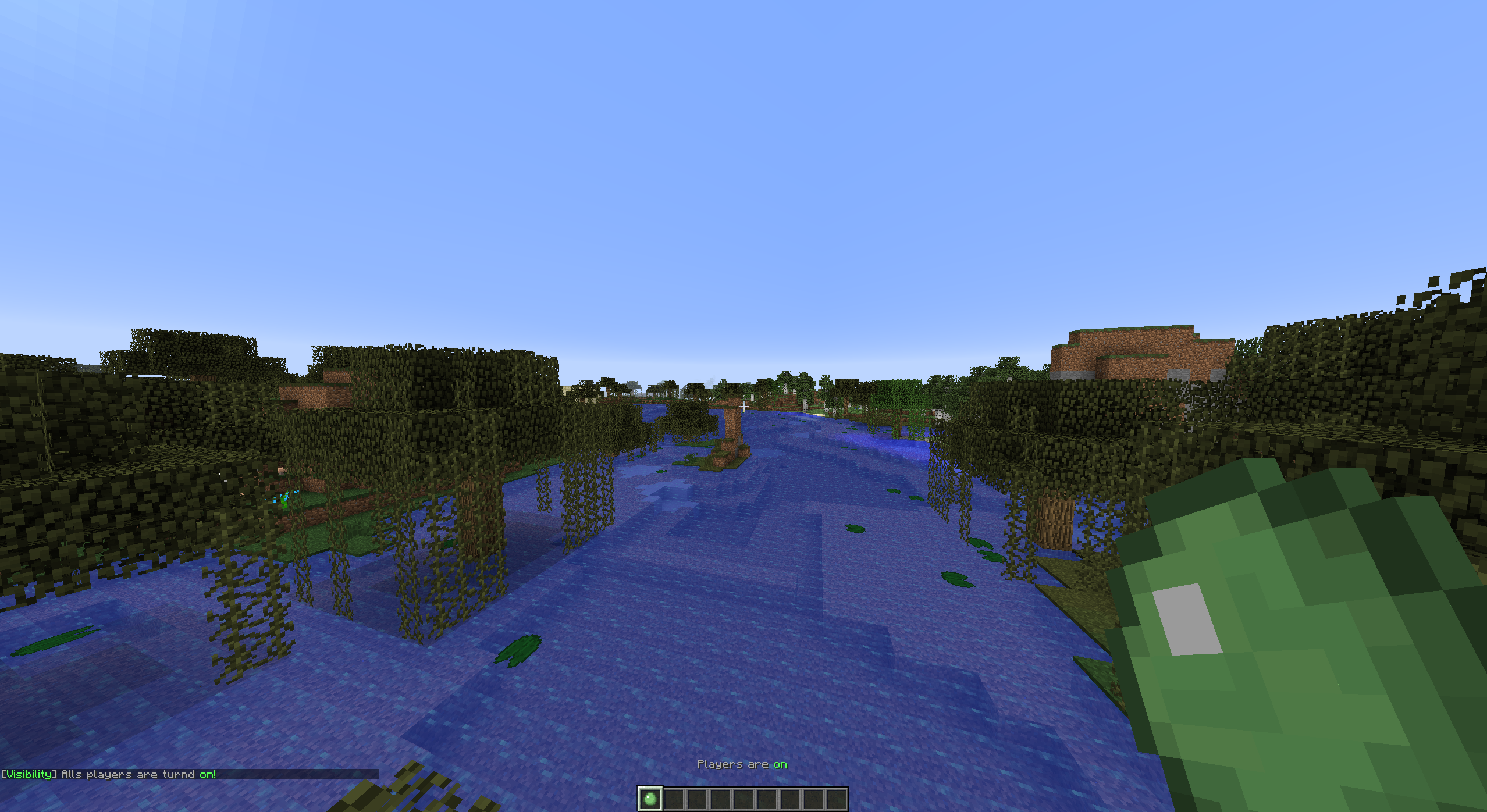
Tutorials
English VariationVault

Turkish CrystalGamingTR
Portuguese AbsintoJ

Setup
Project >> Installation >> Configuration >> Commands and Permissions

Comments

-

tomudding Owner
-
View User Profile
-
Send Message
Posted Feb 13, 2014@tomudding
Oh
-
View User Profile
-
Send Message
Posted Feb 12, 2014@Shadowcoco141
Haha, I don't think so. I made the plugin because I saw it on the Hive.
-
View User Profile
-
Send Message
Posted Feb 12, 2014I think the Hive is using your plugin.
-
View User Profile
-
Send Message
Posted Feb 11, 2014@CamSFGiant
The first releases used the Item IDs, but I changed it to Names.
The /visibility config reload command resets the config.yml because if you are making changes in memory it will reset
-
View User Profile
-
Send Message
Posted Feb 11, 2014@tomudding
And I think he means the /visibility config reload
doesn't reload, the server must be offline to make changes.
-
View User Profile
-
Send Message
Posted Feb 11, 2014Nice update! do you think you would change item name to item id in the future ;]
-
View User Profile
-
Send Message
Posted Feb 11, 2014@Shadowcoco141
What do you mean with that? The config does not reload properly? Errors? Please make a ticket
-
View User Profile
-
Send Message
Posted Feb 11, 2014This is the best player visibility plugin on bukkit. Awesome plugin. The only problem is that the config does not reload properly.
-
View User Profile
-
Send Message
Posted Feb 11, 2014@Caaake
Did you read the Upcoming features?
-
View User Profile
-
Send Message
Posted Feb 11, 2014Is it possible to set which worlds you want the item enabled in?
-
View User Profile
-
Send Message
Posted Feb 9, 2014@Limerance
You can see the permissions and commands on the "Permissions and Commands" page. Below the project you can see the next page.
-
View User Profile
-
Send Message
Posted Feb 9, 2014permissions?
-
View User Profile
-
Send Message
Posted Feb 5, 2014ahh, yay got it to work! The config i believe has a bug where all it adds is the player name and if they can see players or not, but all you do is copy the config in description and paste it in while your server is offline. Then start server and it should load it properly.
-
View User Profile
-
Send Message
Posted Feb 4, 2014@CamSFGiant
When you added the new version of the plugin, did you delete the old config? Because the new config (above on the page) is more "difficult" to work with.
-
View User Profile
-
Send Message
Posted Feb 4, 2014I've tested the version 1.0.4 and it's the only one that works with no errors. Only thing I have to do is rename the config.yml to Config.yml and reload server then it will then load the config.
-
View User Profile
-
Send Message
Posted Feb 4, 2014There is no ticket system to send this too so here it is. I get this when I run /show and there is two /hide commands in the help for /visibility, and null errors when I run commands /hide, /visibility config reload.

-
View User Profile
-
Send Message
Posted Feb 4, 2014You should add a portal block on the block that their head is on, then delete it very quickly so it looks cool when transitioning! :D
Just make sure to disable the effect for creative players so they don't go to the nether, or cancel the event ;)
-
View User Profile
-
Send Message
Posted Feb 1, 2014@_Massacre
This feature will be added in v1.2.1 to. This version will be uploaded today and I hope it is tomorrow downloadable.
-
View User Profile
-
Send Message
Posted Feb 1, 2014Can you add a feature to edit the message prefix too?
-
View User Profile
-
Send Message
Posted Feb 1, 2014@RockZz1
Yes, that will come in the next update. (v1.2.1 or v1.2.2) In that update you can change the Item its Name and Lore.