
FastSurvival Minecraft Plugin: A New Adventure Awaits!
FastSurvival gives routine mining and tree cutting less of your time, then adds custom bows, special items, Recall teleportation, a Builder's Wand and Moon/Sky exploration. The Moon is its centrepiece. It runs on the server; players do not need a client mod or resource pack.
Start with the project overview, then read the Dimensions guide and the Moon portal guide when you are ready to explore.
Starting a new server with 3.22
Version 3.22 requires Paper 26.2 and Java 25. Stop your server and back up all worlds and plugin data before upgrading. Follow the server-owner upgrade guidance below, install FastSurvival 3.22, then check the server log and test a disposable area before reopening to players. Release artifact SHA-256: 59df397dbca172fedccae4dd05826fc3c47a1baace7523094a29a0ea6d797637.
Use /fshelp for command help and /recipes for the recipe browser and guide books. /recall provides Recall actions and information. Creative operators can use /b for custom bows and /it for the special-item browser. Choose from 12 custom bow types and 28 special-item variants. Use the recipe browser to see available crafting recipes.
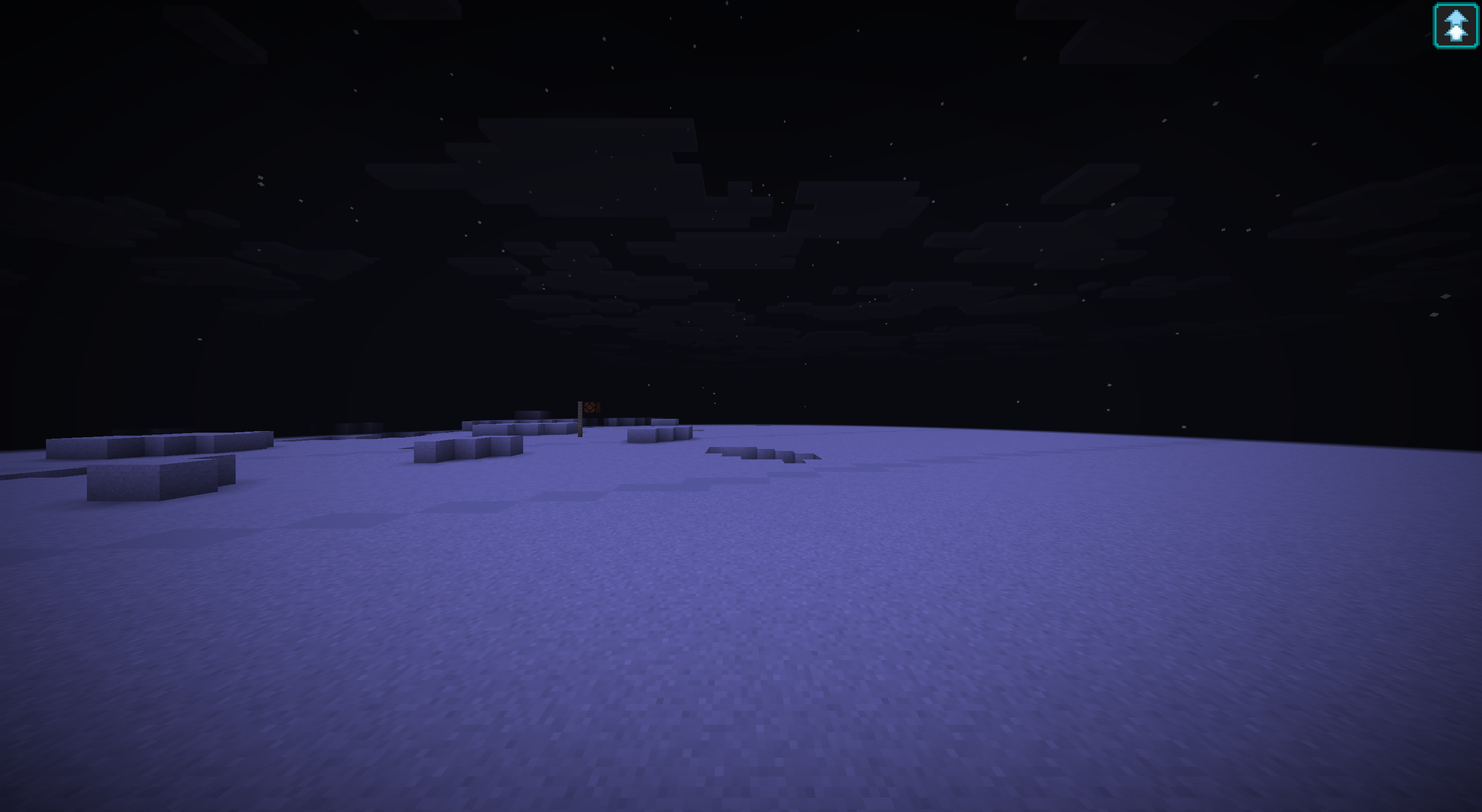
All 18 modern structure generators are enabled in a fresh 3.22 installation. Newly explored land can contain balloons, graveyards, hidden Nether huts, Sky trees and icy arches, Moon flags, craters and rockets, and other discoveries. Existing config files keep their saved values; turn on any earlier false settings to match a fresh installation. See the dimension guides for travel and world-upgrade guidance. The Moon gameplay image was captured with an ordinary client on the release JAR.
Support: Telegram and Discord. Bug reports: Bukkit Issues. Current release documentation is English; selectable language packs are not supported. Some older in-game messages remain untranslated.
Upgrading an existing server
Stop the server and make one matching backup of every world, the complete plugins/FastSurvival/ directory, and the working-directory SpecialItemData/ and TurretData/ folders if present. Keep player inventories and plugin data from the same stopped snapshot. Preserve world UUIDs, seeds, dimension generators and height settings. Keep the plugin's pending-work and completion records with their worlds; they are not disposable caches. Do not share this data between two running servers.
Structure settings under worldGeneration.boundedPopulators and their historical aliases both remain effective: either setting can enable a feature. To disable it, set both its canonical and historical values to false, then restart. Disabling new structure discovery does not cancel previously recorded work; that work can still finish when its target chunks load.
Enabling structures does not scan or regenerate old chunks. Large structures crossing old and newly explored terrain can remain incomplete; an upgrade does not promise completion across those boundaries or authorize rebuilding player terrain. Moon terrain and infrastructure changes apply only to new chunks. Existing Moon chunks are preserved, so old and new sections may meet visibly. If saved work reports conflicts, retain the records and logs rather than deleting them to force progress.
Test the copied server before reopening to players. To roll back, stop it and restore the matching pre-upgrade worlds, plugin data and compatible server/plugin versions together. Installing only an older JAR against newer worlds or journals is not a safe rollback.