Knokko's Custom Items
Note: this plug-in requires a different installation procedure than most other plug-ins. You really need to check the installation section or one of the tutorials.
Description
This plug-in allows the owners and developers of servers to create custom items with their own textures. (It requires a server resource pack.) Everyone who would like to use this plug-in needs to download the Editor and use that to create their own custom item set.
Installation
- Download and run the Editor. Editor.jar can be found in the Files section. If you have a working Java installation, you can just download and double-click this file. If not, you can either install Java or download a native version of the Editor from https://github.com/knokko/custom-items-gradle/releases
- Put this plug-in (CustomItems.jar) in your plug-ins folder
- Configure the items and textures you want (in the Editor)
- Click on the Export... button, and follow the steps (in the Editor)
If you need more detailed information about these steps, you can ask for help on the Discord server.
Discord server
Invite link: https://discordapp.com/invite/bmF3Zvu
New tutorials:
https://www.youtube.com/watch?v=GsC-pNlBjwg
Old basic tutorials:
Text: https://knokko.github.io/custom%20items/index.html
Video: https://www.youtube.com/playlist?list=PLcc-tPs9PuADC-shEBRynL9s2j6slSWCa
Old advanced tutorials:
Custom containers (video): https://knokko.github.io/custom%20items/tutorials/containers/index.html
Wands and guns (text): https://knokko.github.io/custom items/tutorials/wands and guns/index.html
Troubleshooting
If you can, use /kci debug
If that doesn't work, check whether CustomItems is listed in /plugins
Features
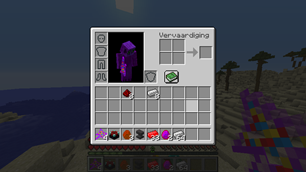
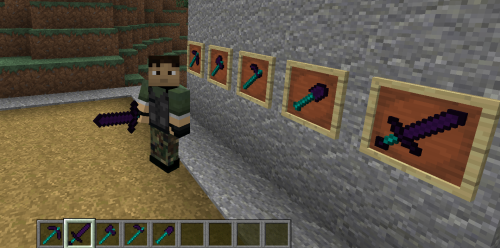
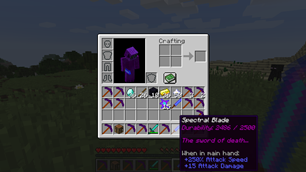
-Custom items with their own display name, lore, attribute modifiers and textures
-Custom tools with their own damage and durability
-Custom bows with their own damage, speed and durability
-Custom armor with their own armor value and other attribute modifiers, unfortunately without model texture.
-Crafting recipes that can use vanilla ingredients and custom items (or combined)
-Block & mob drops for custom items
-Custom containers (like a custom furnace, but much more powerful, unfortunately without block texture)
-Custom projectiles with custom wands to launch them
-Custom blocks (but still in beta)
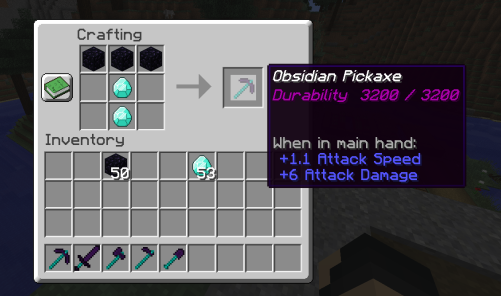
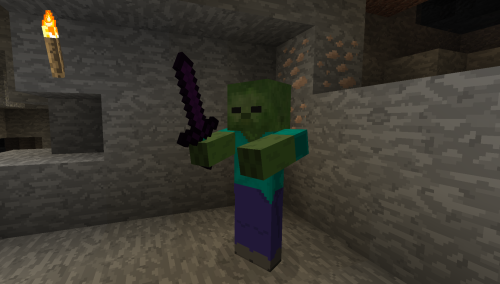
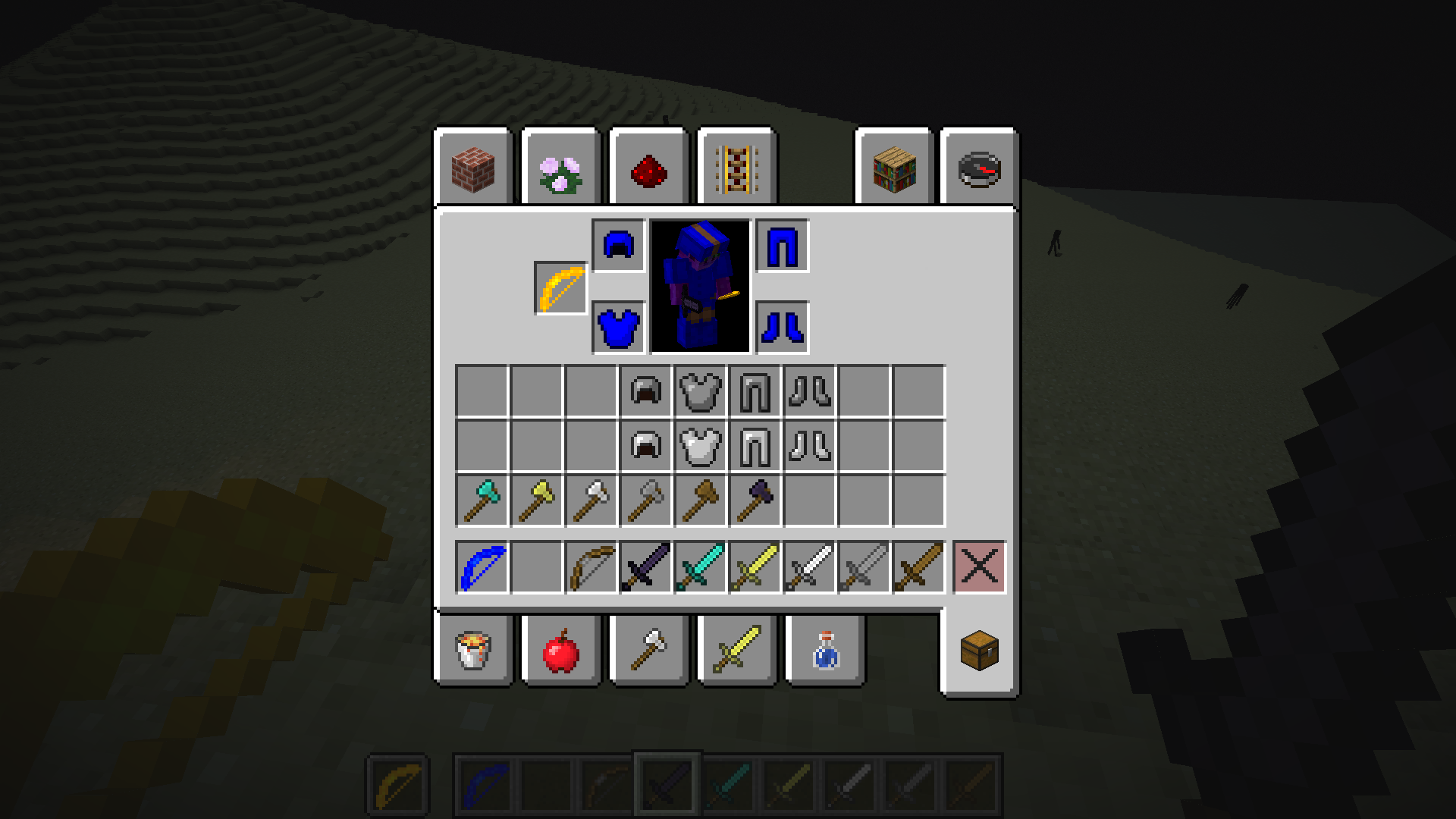
Check the wiki for more information.
Source code (programmers only)
Comments

-

knokko Owner
-

knokko2 Author
-

TechWizzart Contributor
-
View User Profile
-
Send Message
Posted May 7, 2019In reply to nightwolfgaming365:
like im in the editor and i have it made but im not sure what data vault it needs for each creature
-
View User Profile
-
Send Message
Posted May 8, 2019In reply to nightwolfgaming365:
What exactly do you want? Mob spawners that spawn zombies that equip custom items?
Or custom items that spawn monsters when you right-click with them?
-
View User Profile
-
Send Message
Posted May 2, 2019Heya. its me again.
I tested a bit with Resource Packs and textures etc.
So, I checked some files which got edited when I added custom armors.
Like that Leather armor has besides his regular line, a custom one as well.
The question is: Is it possible to change the location of the armor textures as well, so we can change the model?
-
View User Profile
-
Send Message
Posted May 2, 2019In reply to Forge_User_67487503:
Hello Shock,
As far as I know, this is not possible in minecraft 1.12 (at least not without mods).
To get custom textures for normal items, the resource packs use so-called resource pack predicates which allow items to have different textures based on whether or not they are unbreakable and the damage they have taken. Unfortunately, there is no such thing for armor models. Since plug-ins (unlike mods) can't change the client-side code, this is a line I simply can't cross.
I don't know whether or not this is possible in later versions of minecraft, but I am looking into updating to later versions because it allows at least for more block textures.
In case I am wrong, please let me know and send me some link to what I would need to do.
-
View User Profile
-
Send Message
Posted Apr 30, 2019Hey :)
Do you think the plugin works with 1.14? I can't tell if I am doing something wrong or it's the incompatibility.
When I use the /customitems command to give myself a custom item, there is no response in the chat nor I have the item in my bag.
I was wondering if this might be because I am running the latest 1.14 spigot?
Thank you.
-
View User Profile
-
Send Message
Posted Apr 30, 2019In reply to Forge_User_99664354:
This plug-in is currently only made to work with 1.12, so it probably won't work with 1.14. I will try this myself and see if I can quickly resolve this, but I don't know that yet.
I am planning to add support for more versions, but I need to do this carefully as inventories work differently in different versions of Bukkit and thus hard to notice bugs can come easily. (for instance, crafting has completely different behavior in 1.13)
-
View User Profile
-
Send Message
Posted Apr 30, 2019In reply to knokko:
Thank you for the prompt reply. In this case, I will patiently wait and use an alternative for the time-being.
Thanks for your hard work.
-
View User Profile
-
Send Message
Posted May 6, 2019In reply to Forge_User_99664354:
Hello Tomas,
I made it possible to use the plug-in in minecraft 1.14.
You need to install the Knokko Core plug-in for minecraft 1.14 instead of for minecraft 1.12 and you need to use the 'Export for 1.14' button of the editor instead of the normal export button (a different resourcepack is required for minecraft 1.14).
-
View User Profile
-
Send Message
Posted Apr 22, 2019Hey, i have a question. How do you add custom textures to a custom item? I'm looking to make a plugin with custom items for my server, but i dont know how to do this. Could you help me?
-
View User Profile
-
Send Message
Posted Mar 14, 2019Hey.
Im a big fan of your Plugin.
I combined it various Plugins and it works in harmony.
Except that some are not compatible, but who cares.
But I have an Issue with the editor.
When I try to create regular Items, it says:
Use the appropriate method for that class
And I have no idea how to avoid that.
-
View User Profile
-
Send Message
Posted Mar 14, 2019In reply to Forge_User_67487503:
That error message is actually a debug message that is not supposed to be shown to actual users. I can hardly believe I didn't find this bug earlier.
I will upload the new editor right now, it will probably become available this evening.
-
View User Profile
-
Send Message
Posted Mar 14, 2019In reply to knokko:
Oh thanks.
I didnt expected to worked on it so fast.
-
View User Profile
-
Send Message
Posted Mar 15, 2019In reply to knokko:
Im sorry to bother yet again.
I can create the simple Items now. But I sadly cant stack them.
Is it because its a hoe?
-
View User Profile
-
Send Message
Posted Mar 17, 2019In reply to Forge_User_67487503:
Sorry for late reply this time.
Last time I checked, they didn't stack in creative mode but did stack in Survival mode. (At least if you set the 'max stacksize' in the editor.) They indeed don't stack in creative mode because it is actually a hoe, but I found a way around that by dirty coding (in Survival mode).
-
View User Profile
-
Send Message
Posted Mar 17, 2019In reply to knokko:
With the stacking works randomly for. Sometimes I can stack, sometimes not regarding the gamemode.
But I found a rather interessting discovery regarding the issue.
I use the Shopkeeper Plugin, so Villager can dupe the Item and trade/sell it.
If I use a crafted one, I can't trade it with
one which was given me through the /customitems give Command.
Or is it cause I was in Creative and then Survival?
-
View User Profile
-
Send Message
Posted Mar 18, 2019In reply to Forge_User_67487503:
I have never tested trading, I will try that when I have some time. I'm busier than expected, so this can take a while...
-
View User Profile
-
Send Message
Posted Mar 26, 2019In reply to Forge_User_67487503:
I finally found the time and energy to look into this and I managed to resolve the issue mostly. Trading should now work fine in survival mode and work mostly in creative mode.
I just realized this fix comes at the cost of losing attribute modifiers. I will try to fix it soon...
the older versions will still have attribute modifiers
-
View User Profile
-
Send Message
Posted Mar 30, 2019In reply to Forge_User_67487503:
It looks like the issue is completely resolved now. You only need to use the latest versions of this plug-in and Knokko Core (a new release of Knokko Core was necessary).
-
View User Profile
-
Send Message
Posted Jan 8, 2019I found a bug, or I am missing something. I have created two items atm. First, red diamond is a "Simple item" with own texture and recipe - and it works perfectly. After that, I have created wooden dagger - "Sword" type, own texture, internal type "Wood sword", custom recipe. Loaded resourcepack with two custom textures, added CUSTOM.cis to correct folder, but only red diamond is working. I can craft dagger, I can use it, but it can't load a dagger texture. How can I fix that?
Another question, damage scaling. Wooden sword have 4 damage by default. I set damage for dagger to 3, but it hits a looot of less than sword, somehow about 1 maybe.
-
View User Profile
-
Send Message
Posted Jan 8, 2019In reply to Forge_User_08294257:
Thanks for reporting those bugs!