Knokko's Custom Items
Note: this plug-in requires a different installation procedure than most other plug-ins. You really need to check the installation section or one of the tutorials.
Description
This plug-in allows the owners and developers of servers to create custom items with their own textures. (It requires a server resource pack.) Everyone who would like to use this plug-in needs to download the Editor and use that to create their own custom item set.
Installation
- Download and run the Editor. Editor.jar can be found in the Files section. If you have a working Java installation, you can just download and double-click this file. If not, you can either install Java or download a native version of the Editor from https://github.com/knokko/custom-items-gradle/releases
- Put this plug-in (CustomItems.jar) in your plug-ins folder
- Configure the items and textures you want (in the Editor)
- Click on the Export... button, and follow the steps (in the Editor)
If you need more detailed information about these steps, you can ask for help on the Discord server.
Discord server
Invite link: https://discordapp.com/invite/bmF3Zvu
New tutorials:
https://www.youtube.com/watch?v=GsC-pNlBjwg
Old basic tutorials:
Text: https://knokko.github.io/custom%20items/index.html
Video: https://www.youtube.com/playlist?list=PLcc-tPs9PuADC-shEBRynL9s2j6slSWCa
Old advanced tutorials:
Custom containers (video): https://knokko.github.io/custom%20items/tutorials/containers/index.html
Wands and guns (text): https://knokko.github.io/custom items/tutorials/wands and guns/index.html
Troubleshooting
If you can, use /kci debug
If that doesn't work, check whether CustomItems is listed in /plugins
Features
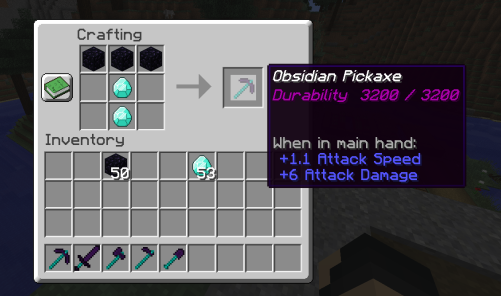
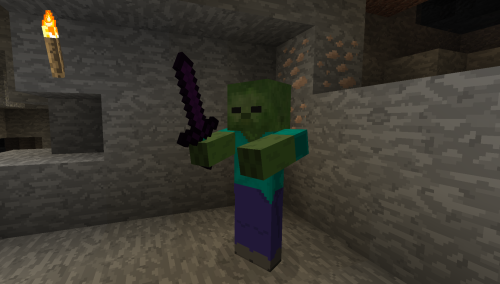
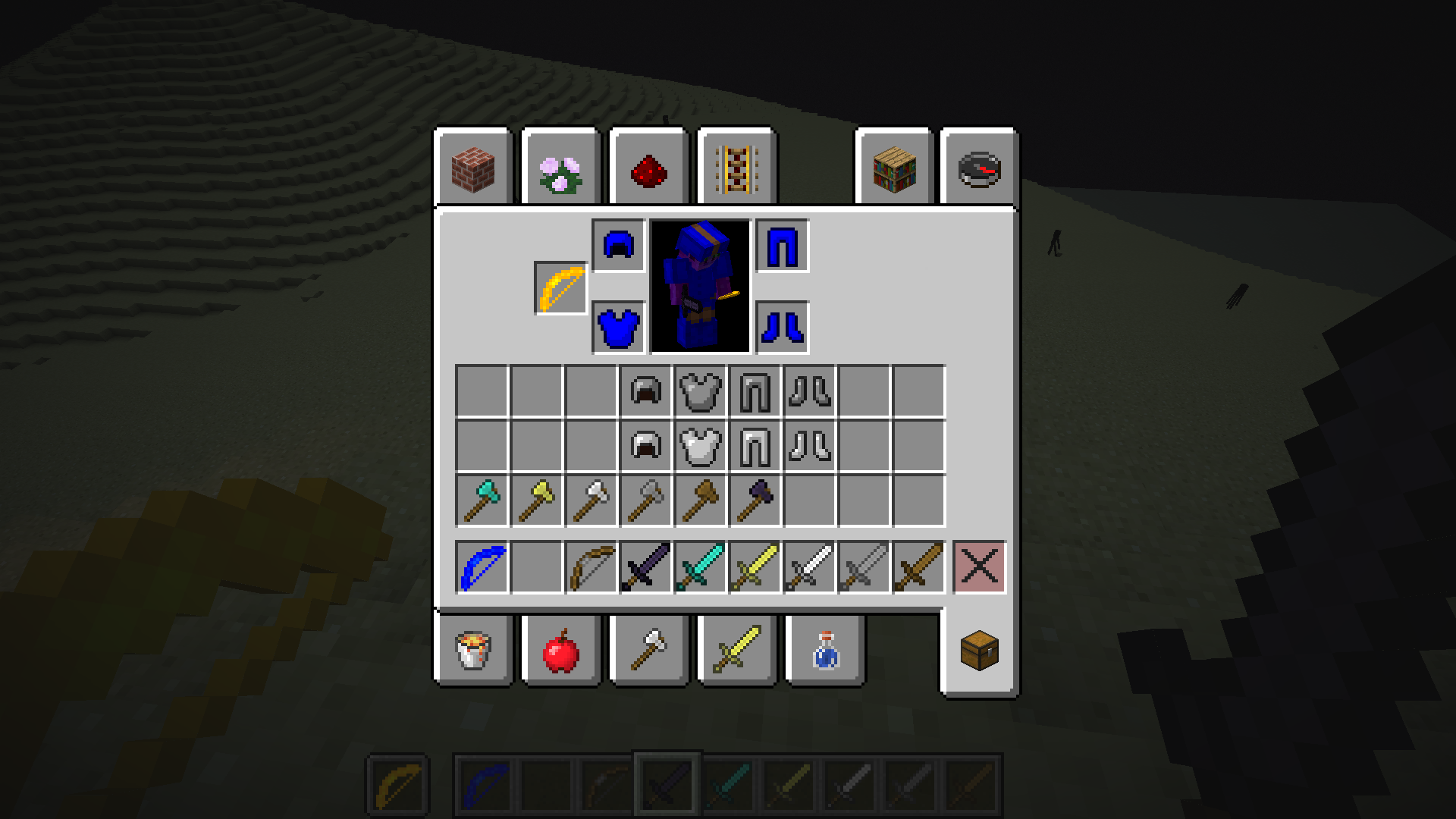
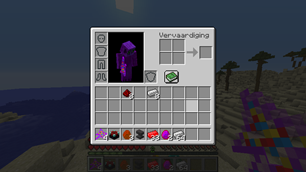
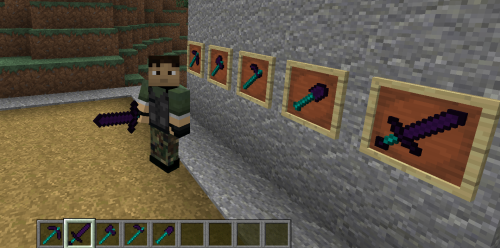
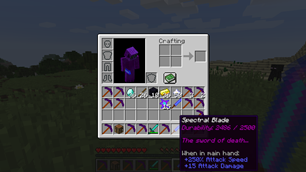
-Custom items with their own display name, lore, attribute modifiers and textures
-Custom tools with their own damage and durability
-Custom bows with their own damage, speed and durability
-Custom armor with their own armor value and other attribute modifiers, unfortunately without model texture.
-Crafting recipes that can use vanilla ingredients and custom items (or combined)
-Block & mob drops for custom items
-Custom containers (like a custom furnace, but much more powerful, unfortunately without block texture)
-Custom projectiles with custom wands to launch them
-Custom blocks (but still in beta)
Check the wiki for more information.
Source code (programmers only)
Comments

-

knokko Owner
-

knokko2 Author
-

TechWizzart Contributor
-
View User Profile
-
Send Message
Posted Jan 8, 2019In reply to knokko:
Another thing - when I left item name unedited (without "&" codes) it goes obfuscated in-game. Is there a way to set it to regular look? Or allow to enchant by anvil with "&" in name?
Thanks for fast reply! :)
-
View User Profile
-
Send Message
Posted Jan 9, 2019In reply to Forge_User_08294257:
-
View User Profile
-
Send Message
Posted Jan 9, 2019In reply to knokko:
By the way, plugin is great!
I have noticed that when durability of weapon is going down while fighting, then after fight and collecting EXP balls its self-repairing.
-
View User Profile
-
Send Message
Posted Jan 9, 2019In reply to Forge_User_08294257:
-
View User Profile
-
Send Message
Posted Jan 9, 2019In reply to knokko:
About names, there is a plugin which allow to use renamed items on anvil, so this is possible to do. I'm using it, just need to overpass editor command. Can you add an exception, or just a warning? I'll be soo glad :)
EDIT
Sorry for massive spam here, but I have an idea how to improve overall look of plugin. How about changing "Durability: XX/XX" to bar, like in default? Or add translate file? I'm hosting polish server and it would be great for me to have an ability to translate "Durability" to "Trwałość" for example. Of course, it's just a thought :)
-
View User Profile
-
Send Message
Posted Jan 9, 2019In reply to Forge_User_08294257:
-
View User Profile
-
Send Message
Posted Jan 9, 2019In reply to knokko:
Example from my server: I take a sword, and use renaming plugin to change it name. Let's have it like this: "/rename &6&lGreat &7&ocolor &4sword". So the name is "Great color sword". When I try to fix it or enchant with a book - it works fine, and the name is kept. I think it will be the same with your plugin.
-
View User Profile
-
Send Message
Posted Jan 9, 2019In reply to Forge_User_08294257:
-
View User Profile
-
Send Message
Posted Jan 9, 2019In reply to knokko:
-
View User Profile
-
Send Message
Posted Jan 9, 2019In reply to Forge_User_08294257:
-
View User Profile
-
Send Message
Posted Jan 9, 2019In reply to knokko:
Tested it already. Everything is fine, I crafted two custom weapons with "&r" in name, enchanted one on table, enchanted second on anvil, it's working perfectly. Probably it won't work without this anvilpatch.
Do you plan adding armors to plugin?
-
View User Profile
-
Send Message
Posted Jan 9, 2019Weird thing, "Export" button is not working after some time. When I click it, it creates broken zip file. I'll send you "*.cis", "*.cisb" and graphic files to knokogator@hotmail.com
Polish special symbols aren't the reason, probably something is wrong with pickaxe/axe/shovel/hoe editor.
-
View User Profile
-
Send Message
Posted Jan 9, 2019In reply to Forge_User_08294257:
-
View User Profile
-
Send Message
Posted Jan 10, 2019In reply to knokko:
-
View User Profile
-
Send Message
Posted Jan 10, 2019In reply to Forge_User_08294257:
-
View User Profile
-
Send Message
Posted Jan 10, 2019In reply to knokko:
Gaaaah, I feel dumb now :O
I forgot that custom items are based on hoes too.
-
View User Profile
-
Send Message
Posted Jan 11, 2019Is there any way to make custom items stackable? Like I have created this plonacydiament and it's rather resource than usable item, so I wanted to stack it to 16 or 64, like regular MC items.
-
View User Profile
-
Send Message
Posted Jan 12, 2019In reply to Forge_User_08294257:
-
View User Profile
-
Send Message
Posted Jan 12, 2019In reply to knokko:
After some tries: I can craft stacked items if I use more crafting components, but after separating them, I can't stack them back.
-
View User Profile
-
Send Message
Posted Jan 12, 2019In reply to Forge_User_08294257: