Alias Config

Alias Config
- ButtonCommands Version 1.9 -
- Main Page
- Documentation
- Commands & Permissions Page
- Variables & Color Codes Page
- Config File Page
- White-List Config File Page
- # Alias Config File Page
This page will show you how to set up your aliases.yml located in "<server>/plugins/ButtonCommands/".
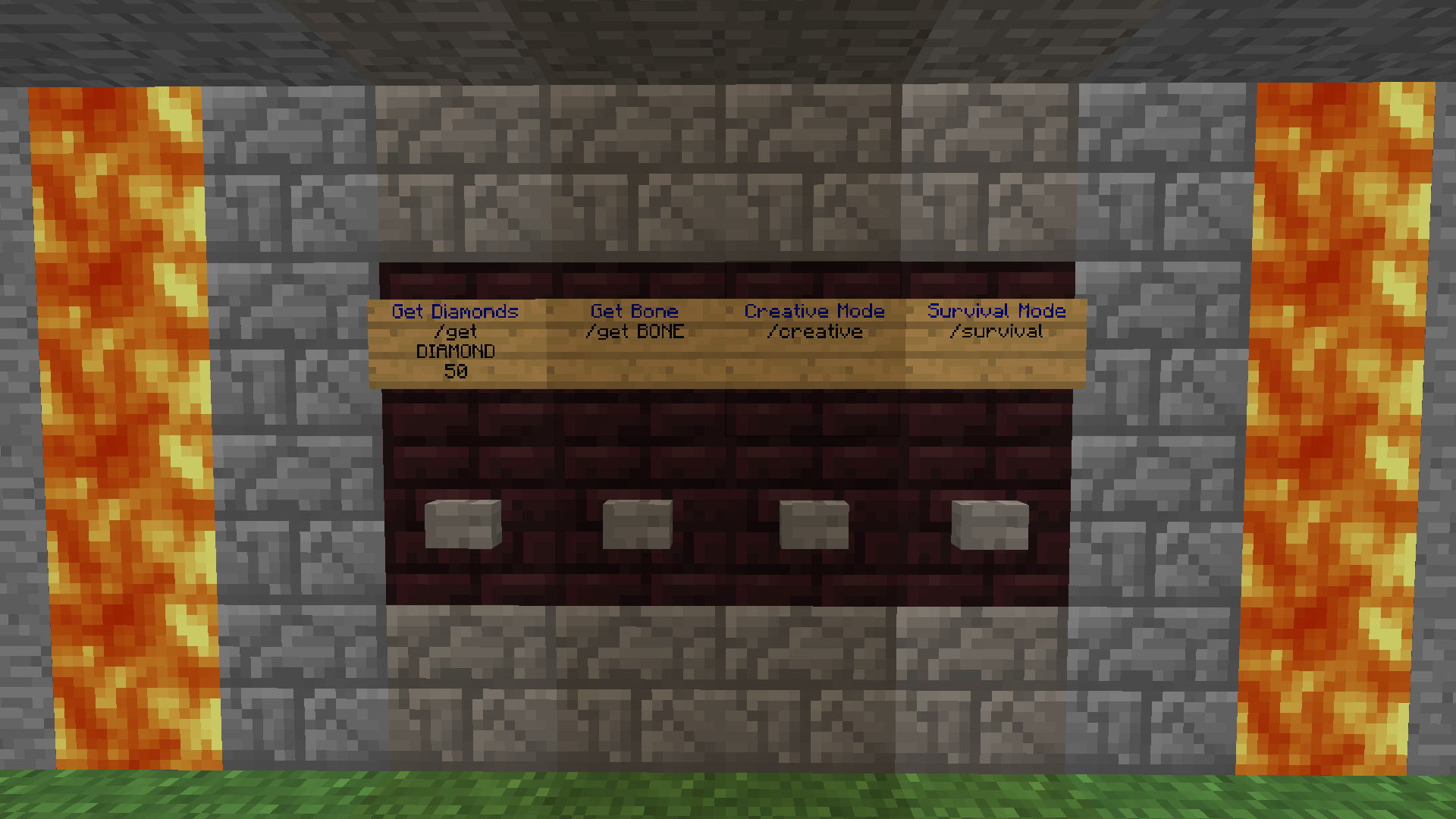
To use aliases, put "/a " or "/alias " on a command sign, and then the alias to get executed. If you want to use console commands, prefix the commands with "/c " or "/console ". You can also put aliases in aliases, by prefixing them with "/a " or "/alias " (aliasception).
To create a new alias you can either copy/paste or type "<name>: new" in the alias config, where <name> is the new alias' name, then reload the plugin. A new section like derp will be created, for you to customize. Or you can allways just copy/paste another section. If an alias is missing variables, default ones will be added to repair the aliases.
# This section is an example of a alias named "derp".
derp:

  # All the commands you want "derp" to execute. YAML-List
  commands:
  - cmdA Herp
  - cmdB Derp

  # Should the button output a current? Booleans
  current:
    hasPerm: false
    missingPerm: true

  # Optional permission you maybe want to add to get access to this alias. String
  # E.G.: permission: "herp.derp"
  permission: ""

  # Don't check if the player has permission to execute normal or console commands.
  # He/she will still need permission to use alias commands.
  ignoreOtherPerms: true

  # Ignore if the commands are white-listed in white-list.yml if they are console commands.
  ignoreWhiteList: true

  # Time until the same player can use the same alias again. Unit: milliseconds
  cooldown: 5000


# A new alias can be created above or below another alias.
# There can not be any spaces in front of the alias name / section start.