main/Screens
Screens
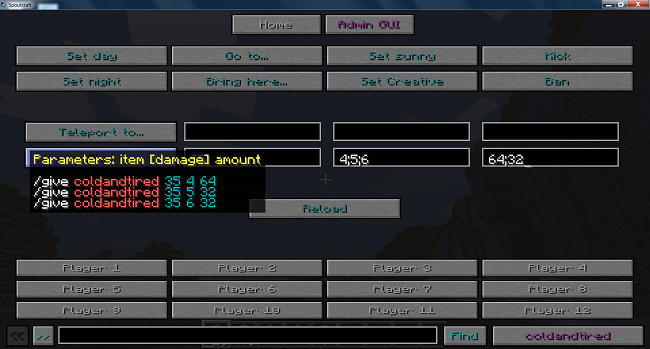
If there is only one screen in a file, the screen element can be the root element. If there is more than one in a file, there must be a root element (which can be called anything).
Screens have one required attribute and three optional ones.
Required:
label="name_shown_on_the_screen_button"
Can't be crazily long or it won't fit on the button. If there is no "label" attribute the text will be created from the file name.
Optional:
info="text_to_appear_in_the_tooltip"
This will add text to the tooltip that appears when the mouse hovers over the button.
permission="my.custom.permission"
If the user doesn't have the required permission the whole screen and the button won't appear
sub_screen="true"
Using this means that the screen won't appear in the main navigation area, and can only be reached by being linked to with link buttons.
Example
<screen label="Time" info="Commands that manipulate the time of day" permission="can_change_time">
This will create a button with the text "Time" with the tooltip "Commands that manipulate the time of day". The button won't be visible to anyone who doesn't have the permissions "can_change_time".