
Zenchantments
August 2025 Update: Consider the not-yet-official 1.21.5 fork https://github.com/moikheck/Zenchantments/!
Thanks for joining the Zenchantments Tech Support Discord and reporting bugs.
Try out the 1.20.4 version on the official test server:

Zenchantments is a custom enchantment plugin adds 70+ new enchantments to the game, covering a multitude of different uses. These include target-tracing arrows, lumber axes, block-breaking lasers, and much more. These custom enchantments are obtained through the normal enchantment process, and act like regular enchantments, capable of being combined and merged. A complete list of all these enchantments can be found below.
Gameplay
Zenchantments seamlessly expands the possible range of enchantments available using the enchanting table. Their appearance is made to match that of the original enchantments as closely as possible!
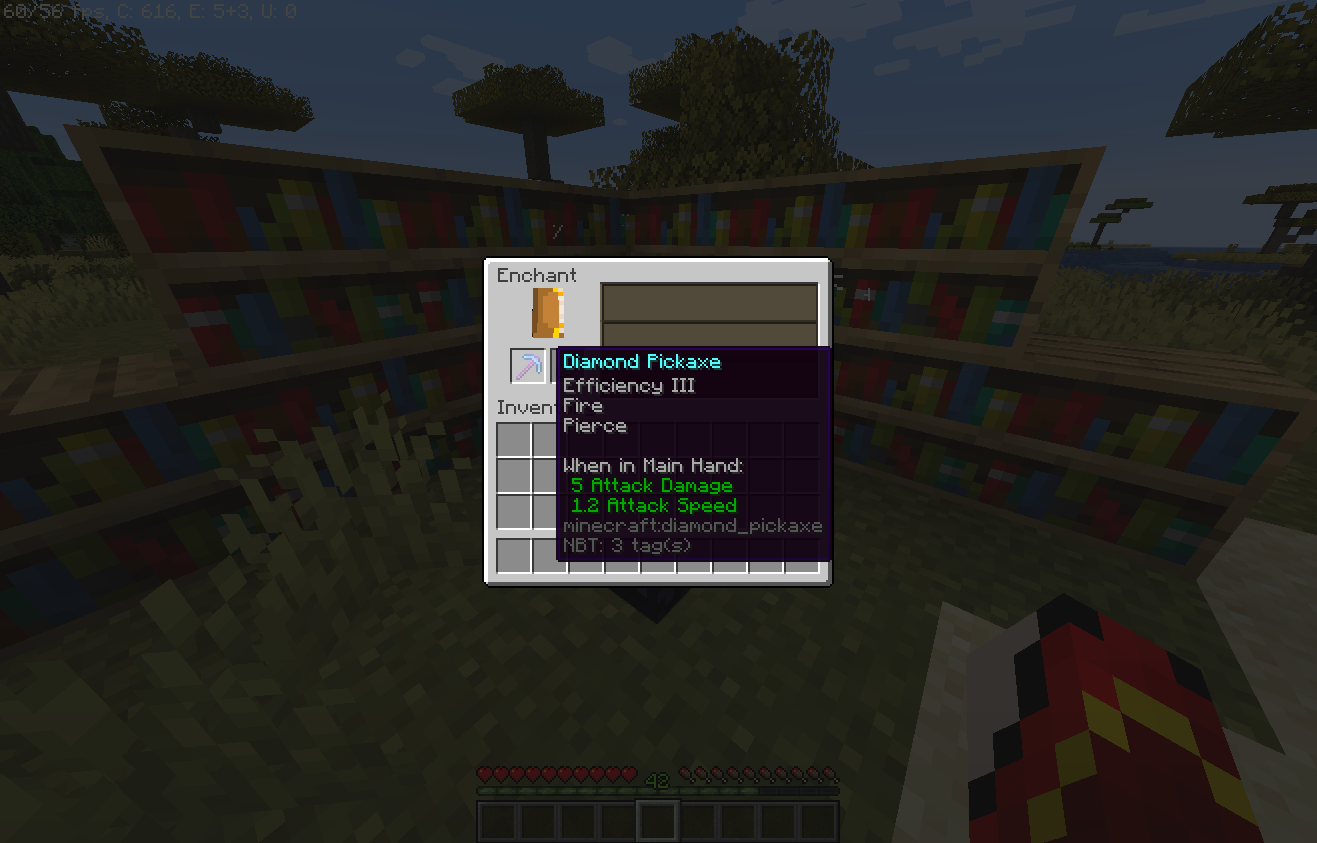
A freshly enchanted pickaxe with new enchantments
Zenchantments can be merged between tools in the Anvil and removed using the Grindstone.
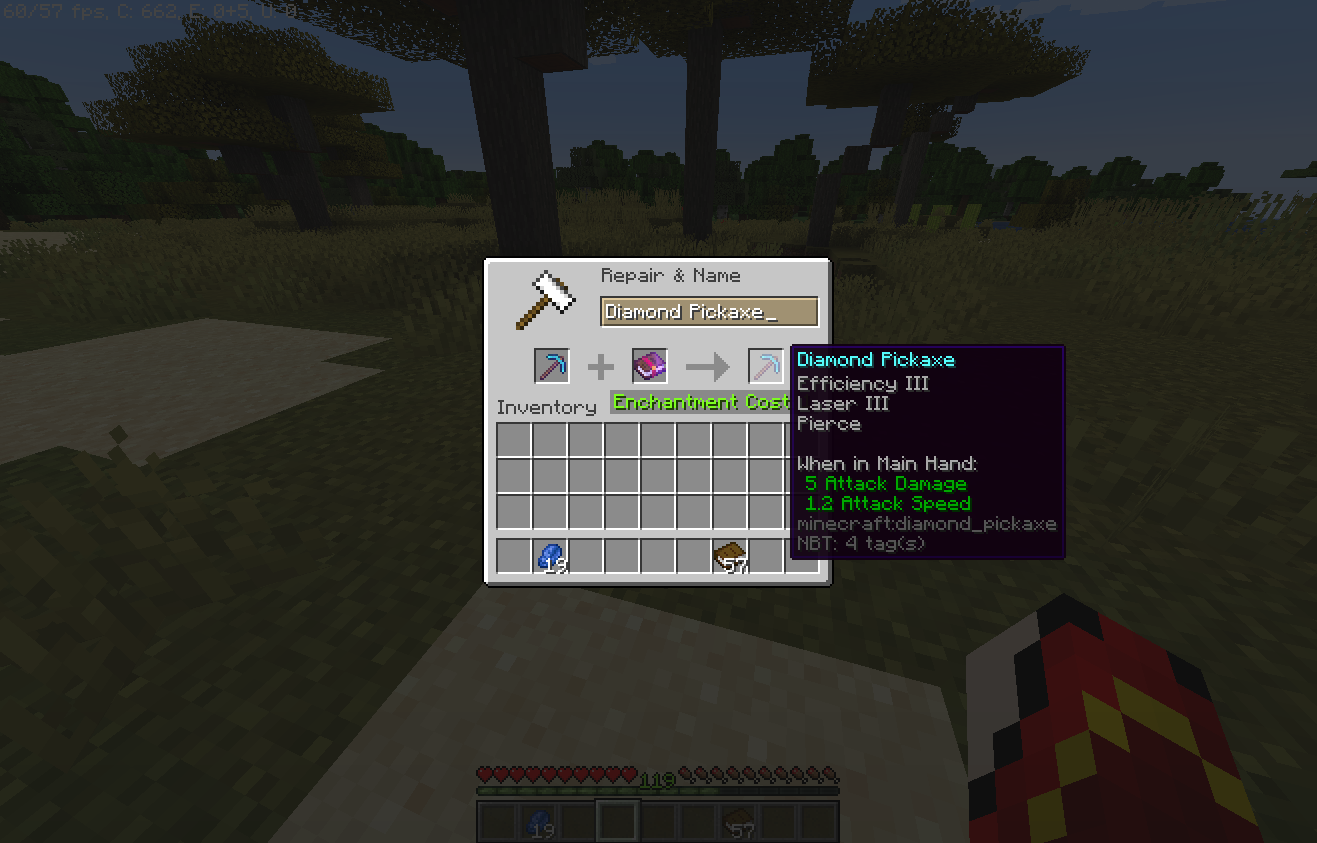
Using the anvil to apply more Zenchantments to a tool
Once applied, Zenchantments can have effects when a tool is used, when you are under attack or continuously depending on how you deck out your gear.
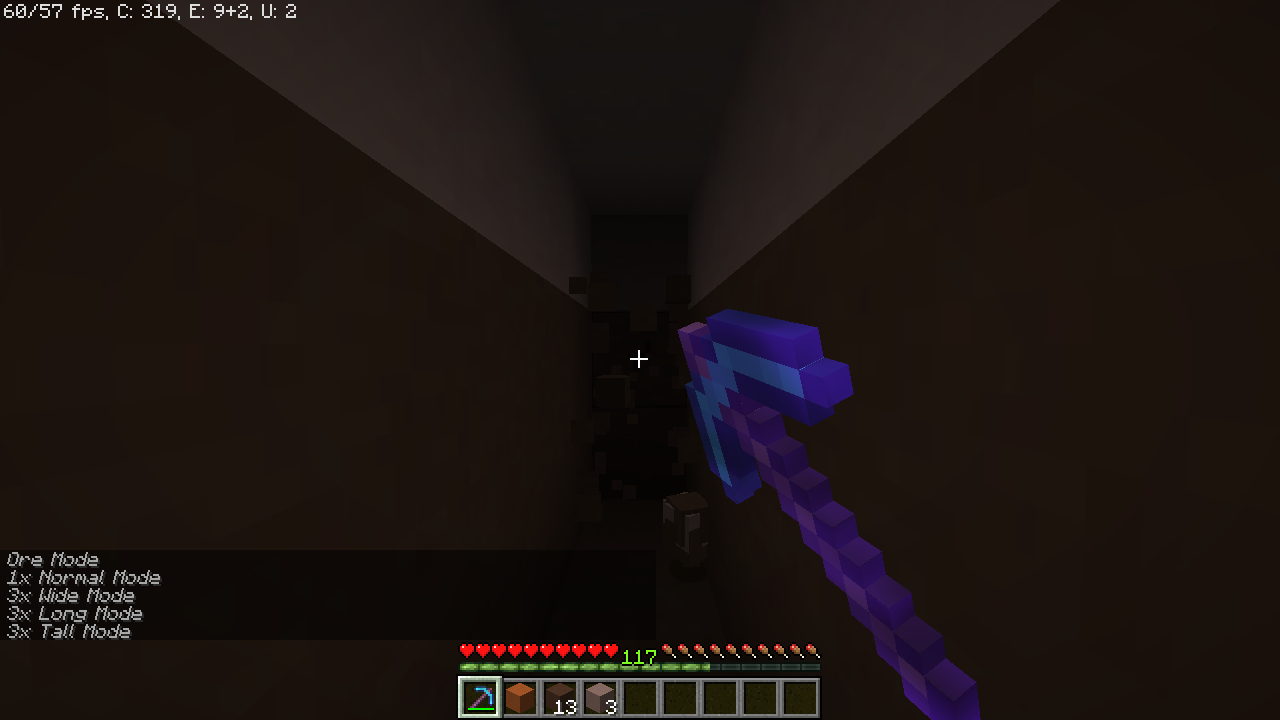
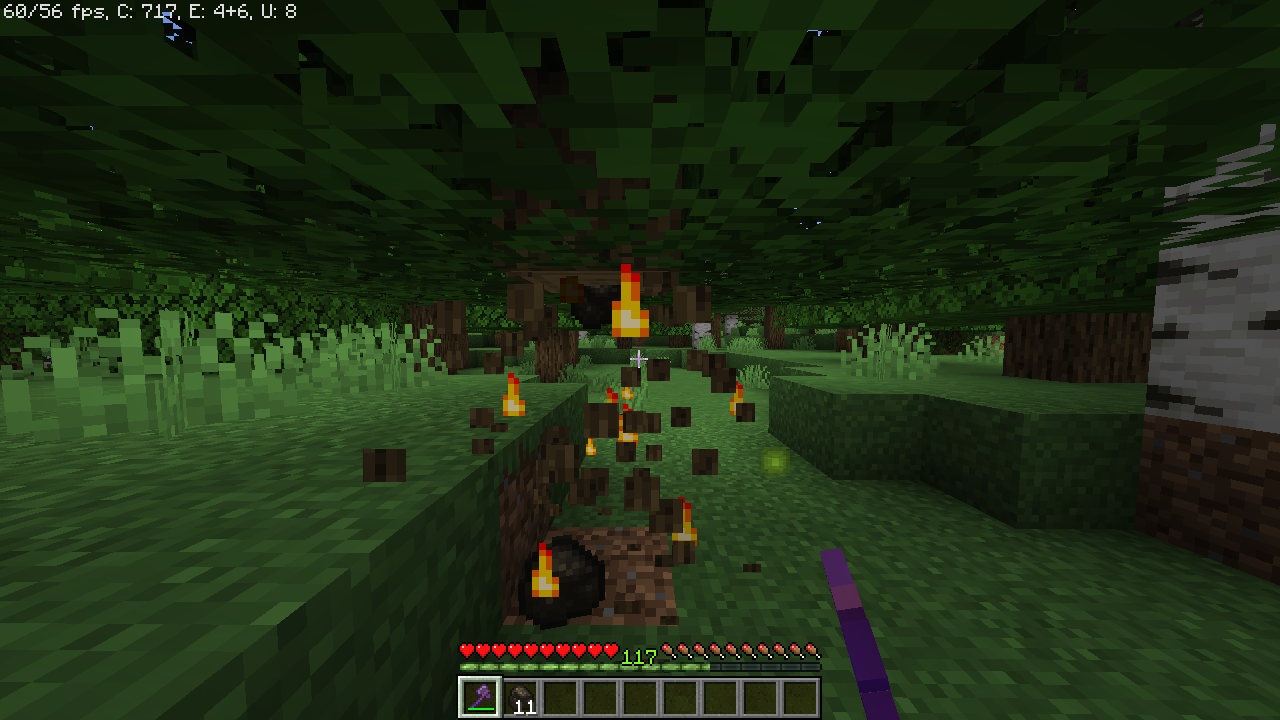
Pierce mining a tall shaft, Fire smelting logs while being broken
Customization
The displayed name of each Zenchantment can be edited in each world's config file. Before you start editing those though, we will add proper multi language support in the coming weeks.
Because of the way Zenchantments recognizes enchantments on your tools, you must not change the enchantment display names after you have created enchanted items. Items with the old name for an enchantment will cease to work!
Each Zenchantment has a short description which can be enabled towards the bottom of the config file. If you change this setting after creating a few items with Zenchantments, the description will appear/disappear on each tool when it is repaired in the anvil. The enchantments will continue to work regardless of the descriptions setting.
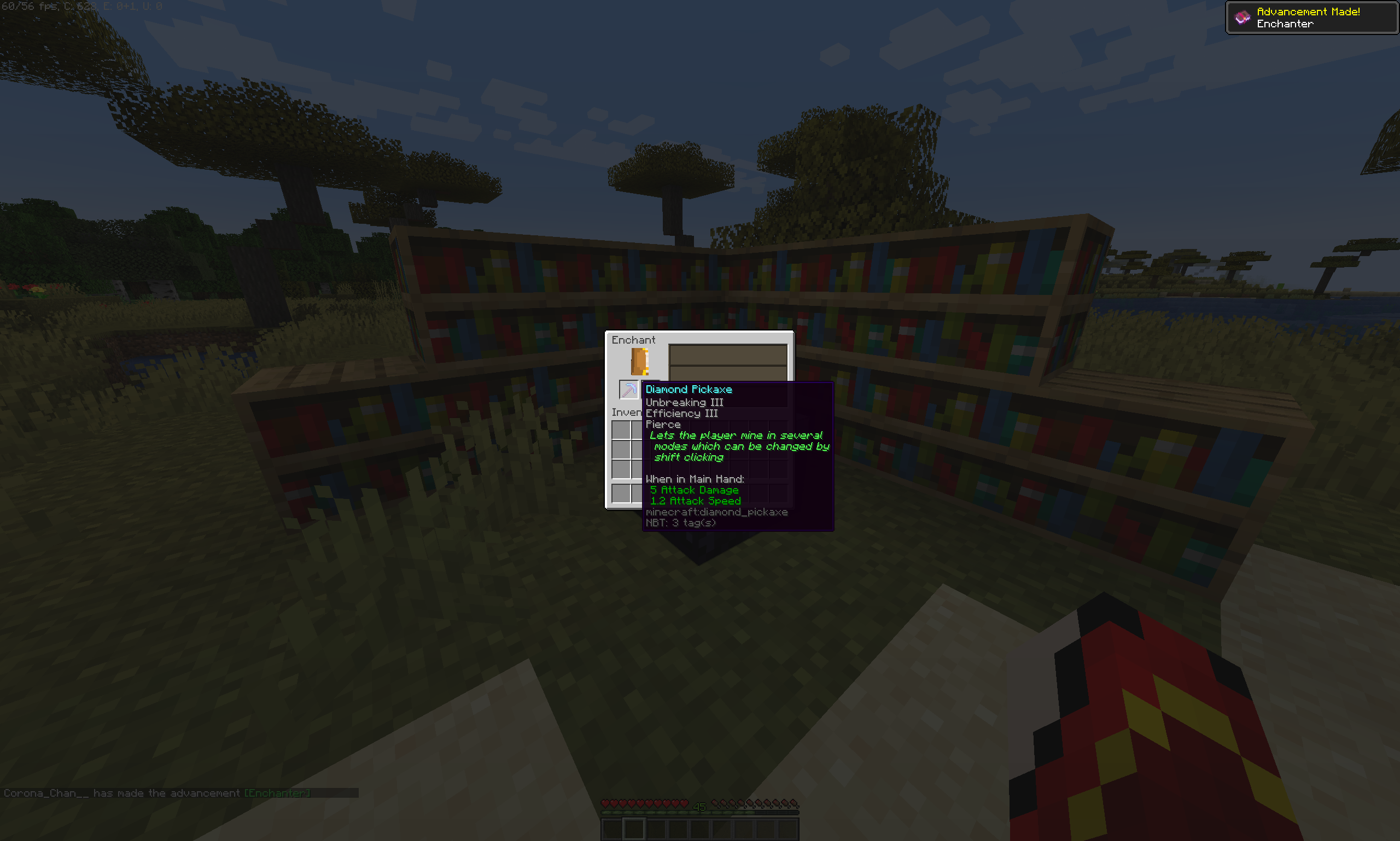
Descriptions allow new players to quickly undersatand the function of the enchantments on their tools
World Safety
Zenchantments does its best to respect protection and logging plugins and is confirmed to work reliably with WorldGuard as well as HawkEye or CoreProtect. Most other protection/claims plugins such as Factions should work and no particular dependencies exist.
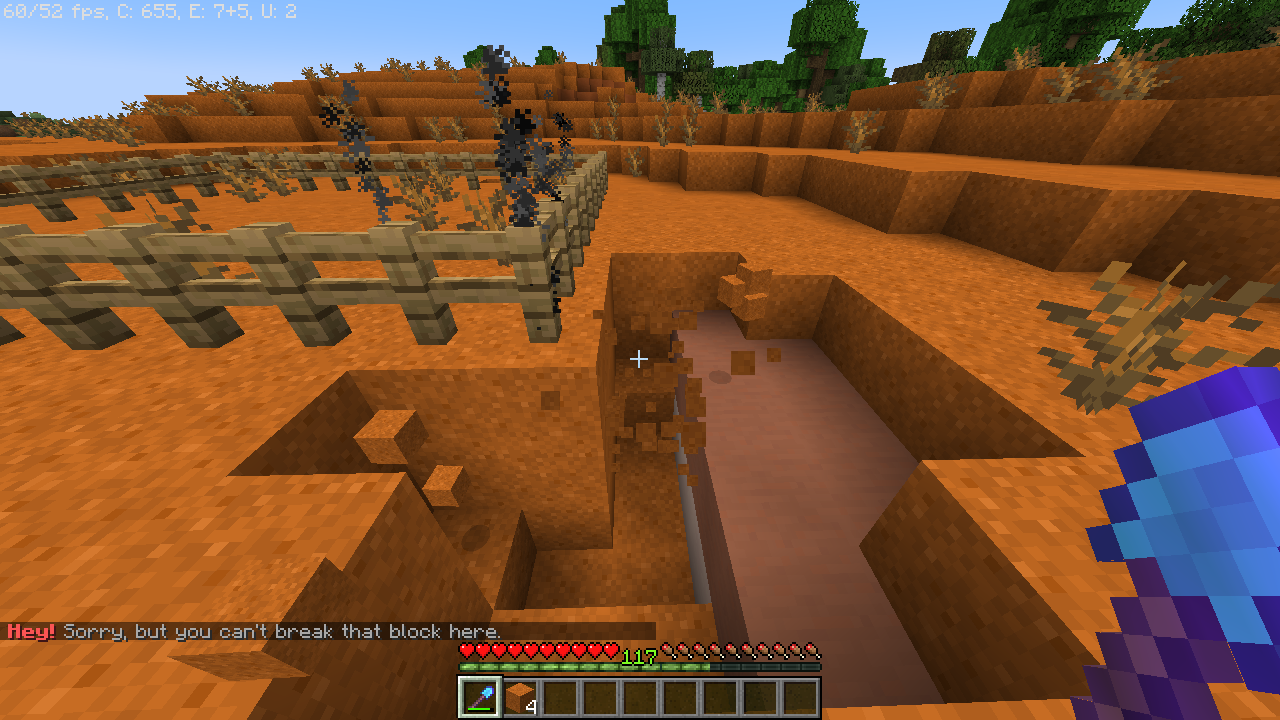
A shovel with Shred V is sparing somebody's plot protected by WorldGuard
Installing and Configuration
If you still have a Zenchantments config from an older version, we strongly recommend you to delete the old files, let it generate a fresh set, and re-apply any changes you made.
To install Zenchantments, simply add it to your plugins folder. Zenchantments creates one config file for each world active on your server. In it, you can disable enchantments individually, change their abundance, maximum available level and, for some of them, fine tune their power. To be fair though, the config file is pretty ugly. We can help you set it up if you contact us.
Out of the box, Zenchantments is configured to add a distinctly more powerful late-game experience without ruining the fun of the daily grind. Check out the list of available enchantments to see if there are any deal-breakers in it, then just set their probability to 0.0!
Adding new enchantment configuration manually:
If you don't want to redo your changes to the default Zenchantments config, simply add these items to the end of the list of enchantments in each .yml file:
      - Blanket:
              probability: 3.0
              tools: Axe, Shovel, Sword, Pickaxe, Hoe
              name: Blanket
              max-level: 3
              cooldown: 0
              power: 1.0
      - Caffeine:
              probability: 4.0
              tools: Helmet
              name: Caffeine
              max-level: 3
              cooldown: 0
              power: 1.0
      - Chitin:
              probability: 5.0
              tools: Elytra
              name: Chitin
              max-level: 4
              cooldown: 0
              power: 1.0
      - HelpingHand:
              probability: 3.0
              tools: Chestplate
              name: Helping Hand
              max-level: 1
              cooldown: 0
              power: 1.0
      - MasterKey:
              probability: 4.0
              tools: Chestplate
              name: Master Key
              max-level: 1
              cooldown: 0
              power: 1.0
      - Trough:
              probability: 5.0
              tools: Chestplate, Leggings
              name: Trough
              max-level: 1
              cooldown: 0
              power: 1.0
If you get errors while loading the config file, make sure your text editor didn't accidentally add any Tab characters to any .yml files, because servers are highly allergic to those.
See also
Bug Reporting & Suggestions
Contact us on Discord, here on CurseForge, on GitHub or send an email to ZedlyDev@gmail.com for any suggestions or bug reports. Don't forget to include Plugin version and a Console error if there is one. Thank you!
Special Thanks to the Bug Hunters:
Lilith - Fahubi - Konni - Darky - Letrek - Bijter - Henry - Beddong
And many thanks to our new dev Syndek!
Comments


-

zedlydev Owner
-
View User Profile
-
Send Message
Posted Oct 25, 2019In reply to zedlydev:
Just realised I wasnt shifting. The enchantment page and /ench info doesn't say you need to shift lol.
-
View User Profile
-
Send Message
Posted Nov 13, 2019In reply to Forge_User_23391300:
Vortex+Mending will work in the next build after 1.6.3-1
-
View User Profile
-
Send Message
Posted Oct 9, 2019Can you make this compatible for 1.14.4 or is that impossible?
-
View User Profile
-
Send Message
Posted Sep 21, 2019Not seeing the Arrow config section in the config file.?
-
View User Profile
-
Send Message
Posted Sep 16, 2019my spread enchantment doesn't work on the bow is there a reason for this
-
View User Profile
-
Send Message
Posted Oct 23, 2019In reply to Forge_User_66126850:
Hi, it should be fixed in the release I uploaded just now, try it when it passes review in a couple of hours!
-
View User Profile
-
Send Message
Posted Sep 2, 2019Yo, is is possible to apply this to an enchantment table, or is it already applied?
-
View User Profile
-
Send Message
Posted Sep 8, 2019In reply to flimsynimsy:
already applied, just not visible before enchanting
-
View User Profile
-
Send Message
Posted Aug 31, 2019How does the Reveal Enchantment work I cant see any ores
-
View User Profile
-
Send Message
Posted Oct 23, 2019In reply to krrisin:
You right click with your pickaxe while sneaking and any ore blocks within range will begin to glow!
-
View User Profile
-
Send Message
Posted Jan 19, 2020In reply to zedlydev:
Sneaking + Right-clicking doesn't work for me.
-
View User Profile
-
Send Message
Posted Aug 22, 2019please tell me.
I want to make sure that only administrators can enchant me.
What settings should I make?
-
View User Profile
-
Send Message
Posted Aug 16, 2019Is it possible to stop/allow certain enchantments depending on an item's NBT? I have custom items using NBT, and I want some to not be able to have some enchantments. Thanks
-
View User Profile
-
Send Message
Posted Oct 23, 2019In reply to Shad0wSlam:
Hi, unfortunately the compatible tool range is coded pretty rigidly into each enchantment. We can't support custom criteria anytime soon
-
View User Profile
-
Send Message
Posted Aug 16, 2019Will the plugin also work for 1.14.4? Or is it currently incompatible for 1.14.4? I'm pretty sure making compatibility for 1.14 makes it work for all versions. Correct me if I'm wrong.
-
View User Profile
-
Send Message
Posted Aug 14, 2019Hey, quick question with kit support, Trying to add some enchants to my kits with essentials and doesn't seem to work? If there is support with that I could use some guidance, thanks.
-
View User Profile
-
Send Message
Posted Oct 15, 2019In reply to Killbots2012:
https://www.youtube.com/watch?v=zNI_9zBpf6A
-
View User Profile
-
Send Message
Posted Aug 8, 2019How does the Reveal enchantment work? Nothing is happening when I use it.
-
View User Profile
-
Send Message
Posted Aug 8, 2019Anyone else having troubles with the arrows? I'm not getting any config file generated to edit them. Enchantments work great though lol
-
View User Profile
-
Send Message
Posted Aug 20, 2019In reply to hdr098:
Having the same issue. Arrows cannot be crafted and no matches for 'arrow' in any files. Also there are no /arrow commands.