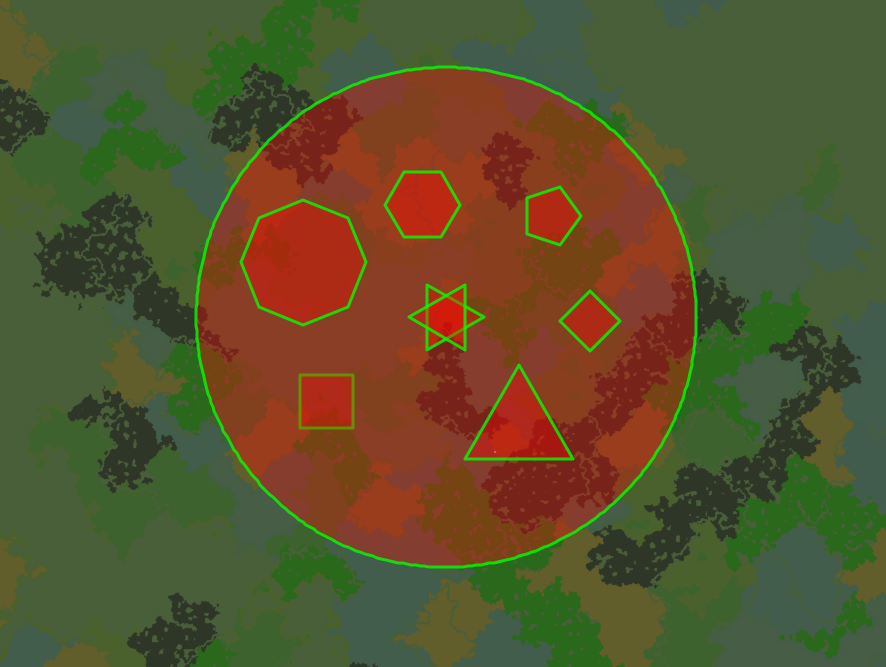
Tutorial
Legacy page for version 1.1. See here for updated version.
Commands:
Arguments enclosed within angled brackets indicate they are required. Arguments in square brackets are optional arguments if the command is being run by a player. They are required if the command is being run from the console.
/wgpg <regionName> <radius> <points> <offset> <minY> <maxY> [X] [Z] [world]
Region Name: This is the name you wish to give to the region created with this command. By default you can’t use the name of a region that already exists within the same world. You can allow to command to override existing regions by either allowing it in the configuration file or by giving the permission node ‘wgpg.generate.override’.
Radius: The radius is the distance between the centre of your shape to the points of the shape. All the shapes are generated based upon a circle, so think of your shape inside of a circle.
Points: This is the number of points you want your shape to have, this also corresponds to the number of sides the shape will have. You must have at least 2 points and no more than 360 points, you can choose any other number between 2 and 360, inclusive of 2 and 360. Examples:
2 points = straight line, 3 points = triangle, 4 points = square, 5 points = pentagon, 6 points = hexagon, 8 points = octagon, 360 points = circle.
Off-set: This sets the offset in an anti-clockwise direction for the first point in degrees. By default the first point will be created at y = 0 and z = radius.

The triangle on the left has no offset; the triangle on the right has an offset of 30 degrees in an anti-clockwise direction.
Minimum Y: This sets the minimum Y coordinate of the polygonal region. This should be between 0 and 255, but doesn't have to be.
Maximum Y: This sets the maximum Y coordinate of the polygonal region. This should be between 0 and 255, but doesn't have to be.
X coordinate: This sets the X coordinate for the centre of your shape. This is an optional argument if the command is run by a player. It will use the players current location if no value is defined.
Z Coordinate: This sets the Z coordinate for the centre of your shape. This is an optional argument if the command is run by a player. It will use the players current location if no value is defined.
World: This defines the world in which you want to create the region. It will return an error if the world doesn’t exist or couldn’t be loaded. This is an optional argument if the command is run from within the game by a player. It will use the players current world if no value is defined.
/wgpg help
Displays the WGPG help menu.
/wgpg reload
Reloads the configuration file.
Deleting regions:
If you wish to remove a region you can do that by using the WorldGuard command for removing a region.
“/rg remove <Region Name>”
You can also use other Worldguard commands that apply to regions normally once the region has be generated. For example to edit flags, members, owners, priorities, etc.
Adding Members and Owners:
To add members and owners to a WGPG region use the normal WorldGuard commands:
“/rg addowner <Region Name> <Player Name>”
or
“/rg addmember <Region Name> <Player Name>”
In the configuration file you can enable the options ‘add-as-owner’ and/or ‘add-as-member’ if you want to be added to the region automatically, as either a member, the owner, or both upon creation of the region.
Comments