RegionWarpsigns
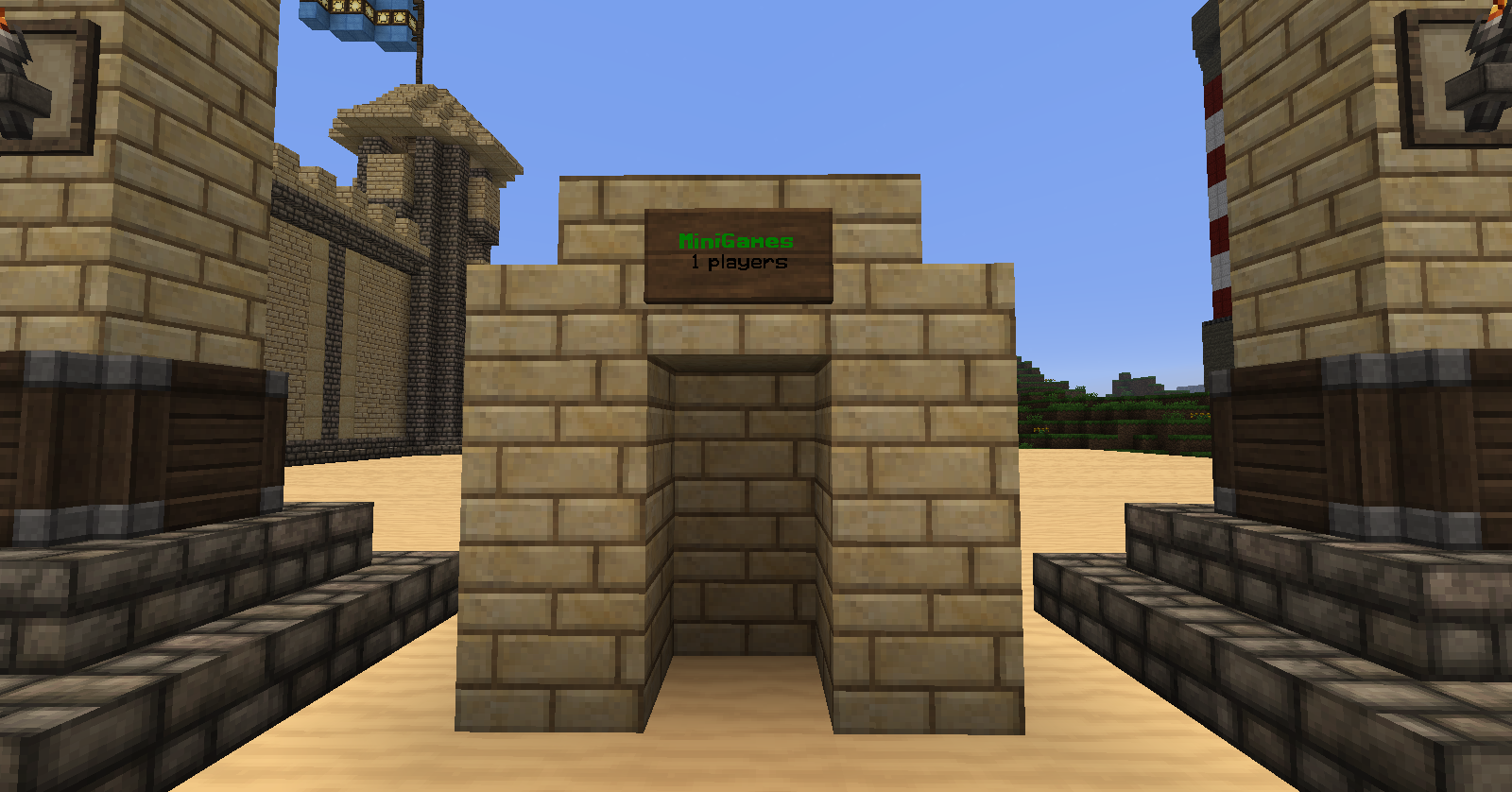
With this plugin, you can create a sign containing info about how many players there are in a world/region and the name of the region. You can also set a maximum player count and right-clicking one of these signs will teleport you to this region.
Features
- You can set a spawn
- If you right click you teleport to those coordinates
- You can set a max player count of a region and if it's full you cant join
- You can see on a sign how many players there are in a world/region
To-do
- Remove usage of world ID and replace with world name
- Change player prefix based upon region
- Allow you to create a permission that indicates whether or not you can teleport to a region
- Sign paramters, e.g.: -notp -noplayercount, etc.
Place a comment if you want to make a suggestion for this plugin!
Permissions
- warpsigns.region - to add, remove or edit regions
- warpsigns.signs - to add or remove WarpSigns
- warpsigns.* - any of the permissions above
How to use
Use the commands below to create a region. Then place a sign and write !!warpsign!! on the first line and the region's name on the second. Finally shift+right-click the sign and you're done!
Commands
- /ws list - shows a list with all existing regions
- /ws add (name) - add a region
- /ws remove (name) - remove a region
- /ws world (name) (world) - set the world a region is in
- /ws bounds (name) (x1) (z1) (x2) (z2) - set the bounds of a region
- /ws full (name) - sets the bounds of the region to the entire world
- /ws spawn (name) (x) (y) (z) - set the spawn of the region after right-clicking a warpsign
- /ws here (name) - updates the spawn and world of the region to your current position
- /ws goto (name) - teleports you to the region's spawn.
- /ws name (name) (newname) - change the name of a region
- /ws max (name) (maxplayers) - set the max player count of a region (0 or less = no maximum)
- /ws save - save the plugin file
- /ws cleanup - remove all actual non-existing warpsigns from memory (e.g. when the sign doesn't exist anymore)
Credits
The plugin was made by Ruud Verbeek - also known as Arfie99, a member of our server S-Craft, especially for our Paintball lobby.
Comments


-

_ForgeUser12493773 Owner
-
_ForgeUser12652287 Author
-
View User Profile
-
Send Message
Posted Sep 8, 2014I Will Pay You To Update And Add More Stuff
-
View User Profile
-
Send Message
Posted Aug 24, 2014Robot Much?
-
View User Profile
-
Send Message
Posted Aug 24, 2014Can Use update to 1.7
-
View User Profile
-
Send Message
Posted Nov 26, 2013@malandrix_bunny
tnks:) if you want to see it go on S-Craft we dont use it with minigames but you see it working the ip is 185.12.12.28:26670
-
View User Profile
-
Send Message
Posted Nov 26, 2013Seems awesome, I can definitely see this being used on minigame servers.
-
View User Profile
-
Send Message
Posted Nov 24, 2013The TUT is coming :)
-
View User Profile
-
Send Message
Posted Nov 24, 2013@Arfie99
Ok. Thanks for helping :D
-
View User Profile
-
Send Message
Posted Nov 23, 2013@elkidz
I'm aware of that. Currently you need to type the world ID in /ws world, this will change in the next update (1.2). The world ID is an identity number for a world. By default, 0 means world, 1 means world_nether and 2 means world_end. After the update, you will need to use these names. If you use worlds created by other plugins such as Omniverse, you will need to use the name supplied by that plugin.
-
View User Profile
-
Send Message
Posted Nov 22, 2013what do you type in? the hole command plz
-
View User Profile
-
Send Message
Posted Nov 22, 2013/ws world isn't working for me. "[warpsigns] NumberFormat Exception"