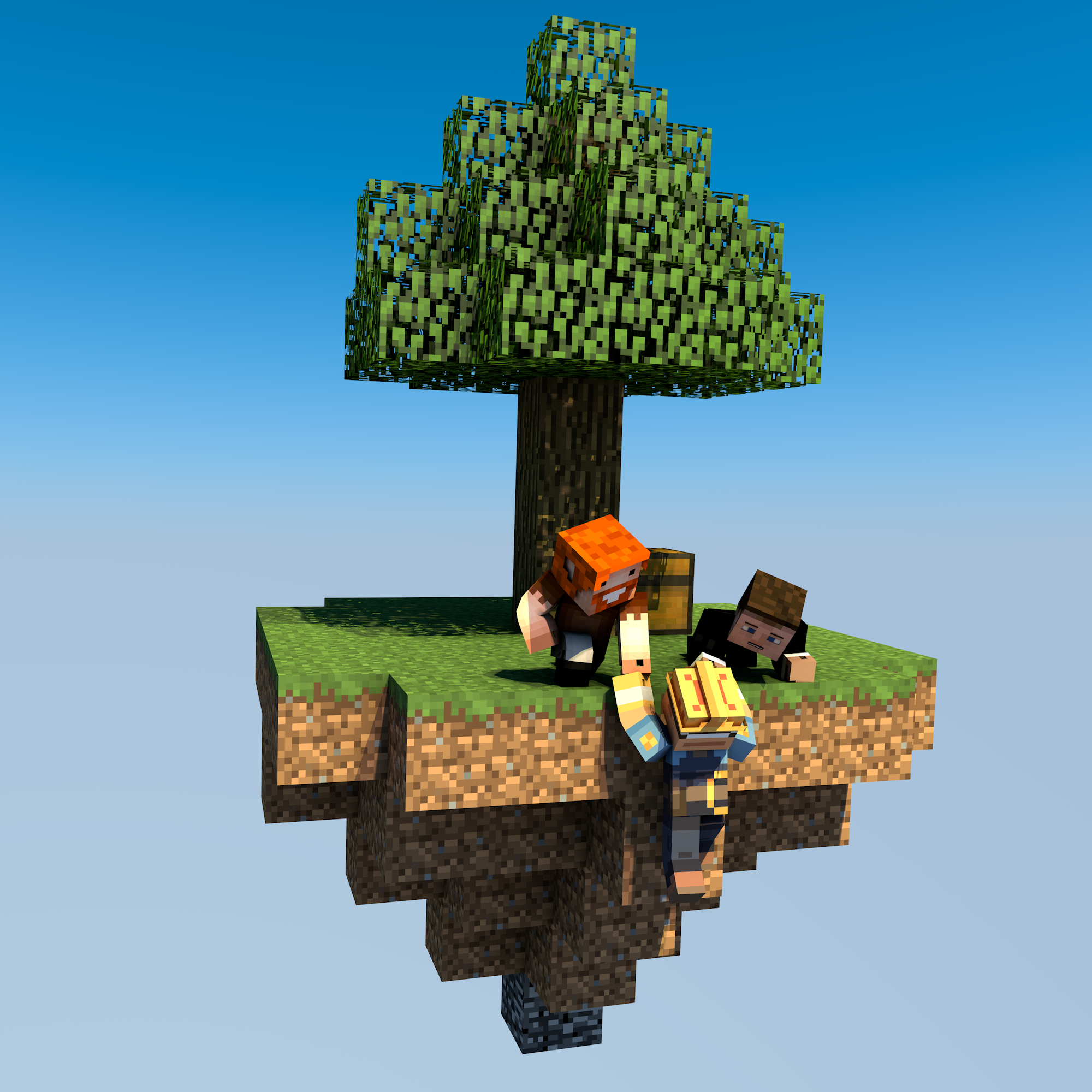
uSkyBlock
This DevBukkit page is being updated again with current releases and links to the maintained uSkyBlock project. We had lost access to the DevBukkit project page for some time, but have now regained it and are bringing it back up to date.
uSkyBlock is an open-source Skyblock plugin for Paper and Spigot.
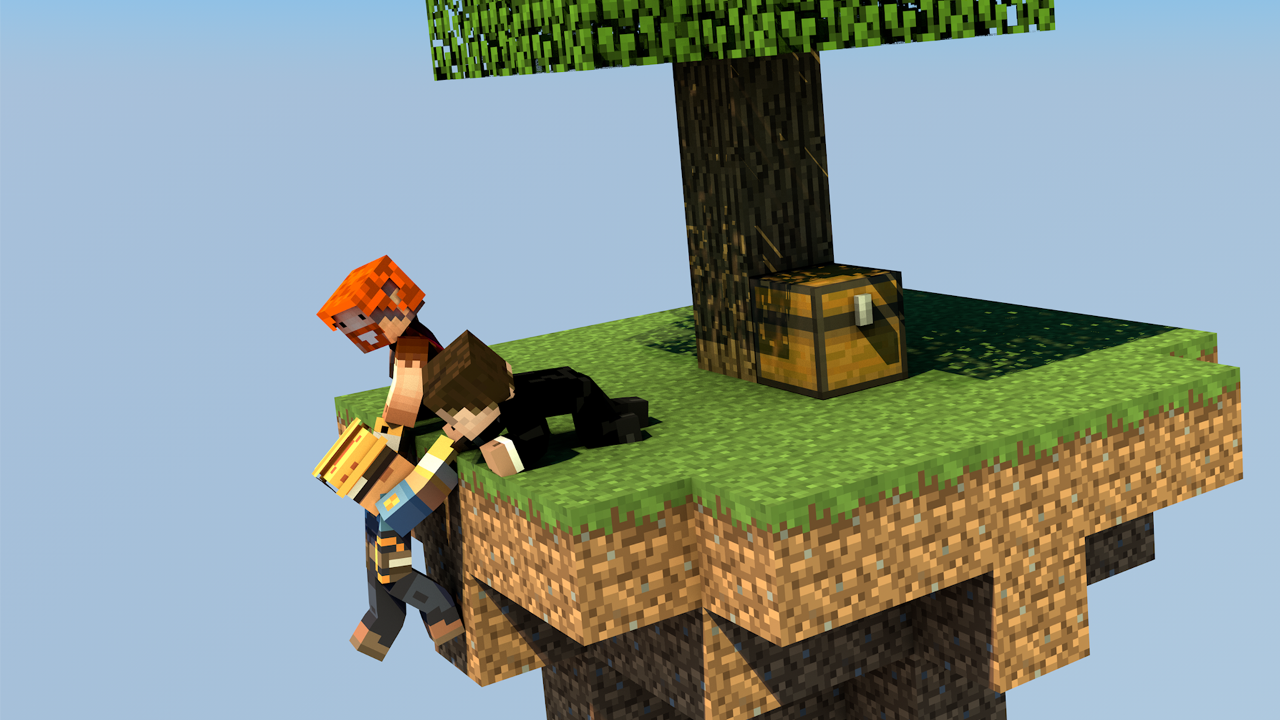
Start on a small floating island, build it into something thriving, complete challenges, and team up with other players to push your island further.
Why uSkyBlock
uSkyBlock gives you a complete Skyblock foundation with island progression, deep customization, and a maintained open-source codebase you can build on long term.
Complete Skyblock gameplay. Build your server around islands, progression, challenges, and party play.
Deep customization. Shape the experience with focused configuration including challenge design, biome options, custom islands, and more.
Integrates with your server. Extend uSkyBlock through its public API and placeholder support so it fits cleanly into your server.
Open source with proven lineage. uSkyBlock is fully open source under GPLv3, free to run, and backed by more than a decade of project history.
Maintained for modern servers. Continues to evolve for current Paper and Spigot versions, with new features, docs, support, and maintenance.
International by default. Support international player communities with bundled translations into 53 languages.
Project links
-
Homepage and documentation: https://uskyblock.github.io/
-
Source code and releases: https://github.com/uskyblock/uSkyBlock
-
Issue tracker: https://github.com/uskyblock/uSkyBlock/issues
Documentation
Detailed documentation is available on the official site, including guides for Players, Admins, Developers, and Contributors.
Support and bug reports
We welcome any feedback, suggestions, and bug reports on GitHub:
https://github.com/uskyblock/uSkyBlock/issues
When reporting a problem, please include your server version (/version), uSkyBlock version (/usb version), relevant logs, and clear reproduction steps.
Comments


-

minoneer Owner
-

_ForgeUser22408952 Tester
-
_ForgeUser7007803 Documenter
-
_ForgeUser9099129 Former Author
-

dutchy1001 Author
-
Forge_User_08254971 Author
-
View User Profile
-
Send Message
Posted Mar 6, 2016it still amaze me the patience of many plugin dev's since there is google a ton of wiki's and apparently its easier to let other ppl think for you.
If you want too run your own server.
i think it a imported thing that you try to read up on what you want most questions I see are asked 200 times before.
Specially on free plugin that gives hell of a good support and donates the little appreciation they get to charity..
please respect the dev's and support
-
View User Profile
-
Send Message
Posted Mar 6, 2016@GarrettD78
This is way to simple to figure out yourself but as I'm in a good mood.....
Place a block in the water stand on it and do command /island setwarp then remove block.
If by any change it will give you "unsafe" warp location then that is unfortunately as that is default MC.
-
View User Profile
-
Send Message
Posted Mar 6, 2016How do I make it so people can make warps in water?
-
View User Profile
-
Send Message
Posted Mar 6, 2016@GarrettD78
While standing on an island you can try the command /is level [playername], but you need the permission usb.island.level
Edit:
Anyone can do that if they have the perm, only normal players need to be able to access the island with a warp as they dont have the /usb goto permission ofcourse.
-
View User Profile
-
Send Message
Posted Mar 6, 2016Is there a way for admins to update other plays island levels?
-
View User Profile
-
Send Message
Posted Mar 5, 2016@GarrettD78
That is possible with the use of some other plugins, I haven't looked into this and don't know exact names for those plugins.
-
View User Profile
-
Send Message
Posted Mar 5, 2016Is there a way to make it so there is a auto updated sign wall with top island levels?
-
View User Profile
-
Send Message
Posted Mar 5, 2016@GarrettD78
We do not mess with the spawning of mobs, only a limit that can be set for islands. As spawn is not classes as an island there should be no limit.
Check your other plugins the might prevent mobs from spawning with "mobspawners", I think there might be a setting in Essentials.
-
View User Profile
-
Send Message
Posted Mar 4, 2016Dutchy1001, Mobs won't spawn in my skyblock spawn but at peoples islands, I removed my regions and created them again hopping to fix it and no luck. I want a cow and pig farm using spawners at spawn with no mobs spawning anywhere else in spawn besides in the farm and at peoples islands.
-
View User Profile
-
Send Message
Posted Mar 2, 2016@MacMasterMac
Not suppriced then that permission nodes for v2.6.x aint working. Reading is still a main issue.
Were do the players spawn then? Do you have a spawn plugin like EssentialsSpawn or simular?
-
View User Profile
-
Send Message
Posted Mar 2, 2016Oh... I got 2.5.7...... The "sendToSpawn" is already false but doesn't work and the permission doesn't work either lol Welp
-
View User Profile
-
Send Message
Posted Mar 2, 2016@MacMasterMac
You can disable the /is spawn command by negating the permission (usb.island.spawn (from version 2.6 and up)) or with WorldGuard and set a global flag "blocked-cmds"
If there is no spawn island players should spawn at location 0-150-0. If there is no island there then there should be a "bedrock" block(default placed).
You can set the config setting "sendToSpawn" true or false. If set to "true" players will be send to the "server"spawn this can be on an other world (in the same server), if set to false it will spawn players on location 0-150-0 by default or were the spawn is set with either MV, Essentials or any other spawn plugin.
I have just tested the warp permissions and they are working fine for me. Check if you dont have 2 uskyblock.jar's in your plugin folder.
-
View User Profile
-
Send Message
Posted Mar 1, 2016Hi Dutchy, How to disable /is spawn command and/or delete island spawn without deleting the islands? And when I remove island spawn. Where do I get teleported to when I die?
P.S. I add usb.island.setwarp but that didn't work, then I used usb.extra.addwarp (which is the older one) and it worked...
-
View User Profile
-
Send Message
Posted Mar 1, 2016We have released a new version that is compatible with Minecraft 1.9.
Change Log v2.6.3 (1.9 update)
There is no 1.9 TAG yet to set for this page.
Bug fixes
To donate visit JustGiving
-
View User Profile
-
Send Message
Posted Mar 1, 2016@Galaxypop1
that all depends on what permission plugin you use, best to go to their site for that information then.
-
View User Profile
-
Send Message
Posted Mar 1, 2016How can i make "per world" premissons?
-
View User Profile
-
Send Message
Posted Feb 29, 20161.9? :) *Im Joking*
-
View User Profile
-
Send Message
Posted Feb 28, 2016@Galaxypop1
You could create a WorlGuard region and use the blocked-cmds flag. I think that is the easiest way to it. Find the documentation of WG flags here.
Depending on your setup you can also make "per world" permissions and if it's bungee then each lobby is separate anyway.
-
View User Profile
-
Send Message
Posted Feb 28, 2016Hey how can i make that so i can't use skyblock commands in server lobby but in skyblock lobby?
-
View User Profile
-
Send Message
Posted Feb 28, 2016@GarrettD78
very simple, centre of your spawn is 0-150-0. If spawnsize is set to 128 you need to go out 128 blocks to the north,west, south and east to find the border of your spawn. With it set to 128 your spawn is then 256 x256 with 00 as middle point.