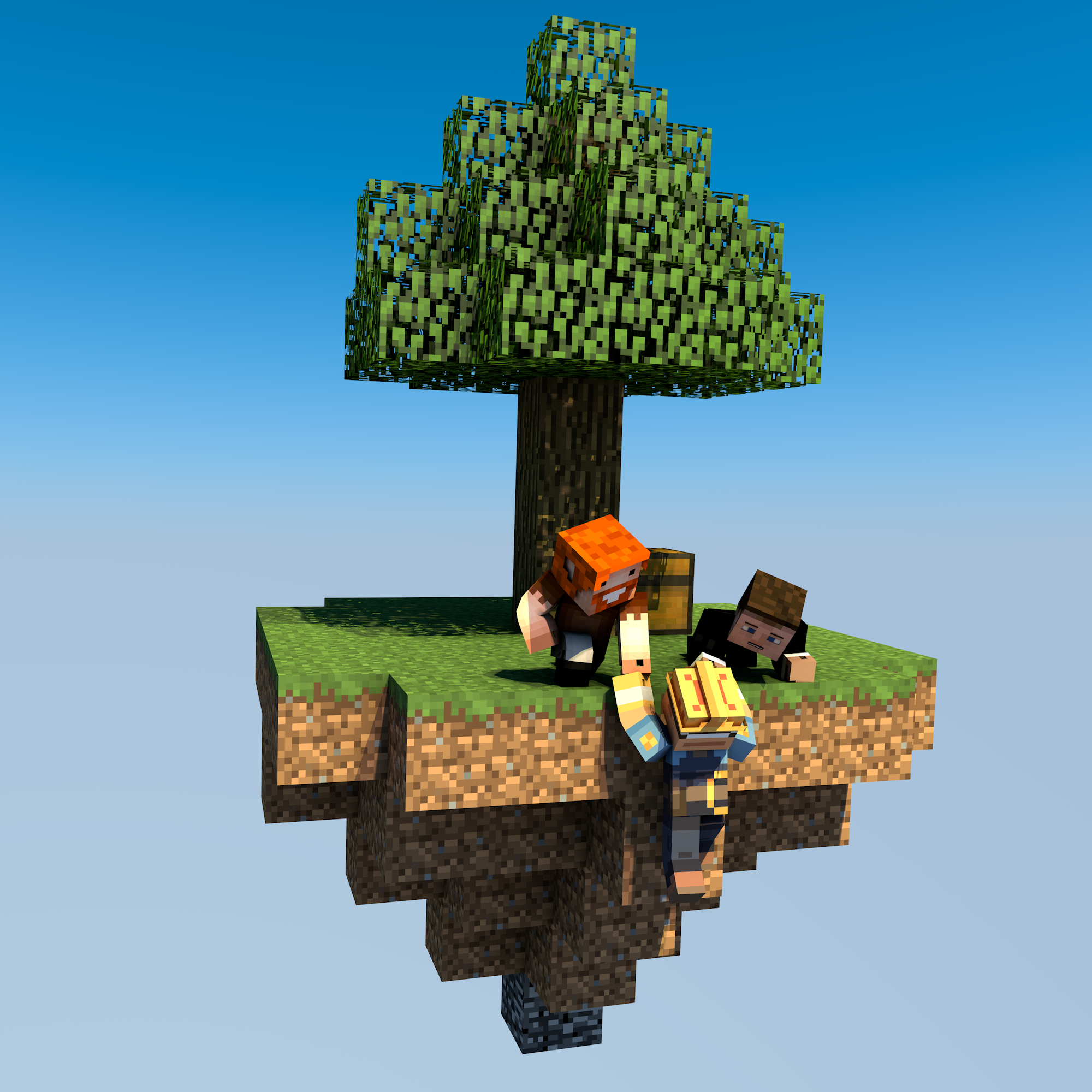
uSkyBlock
This DevBukkit page is being updated again with current releases and links to the maintained uSkyBlock project. We had lost access to the DevBukkit project page for some time, but have now regained it and are bringing it back up to date.
uSkyBlock is an open-source Skyblock plugin for Paper and Spigot.
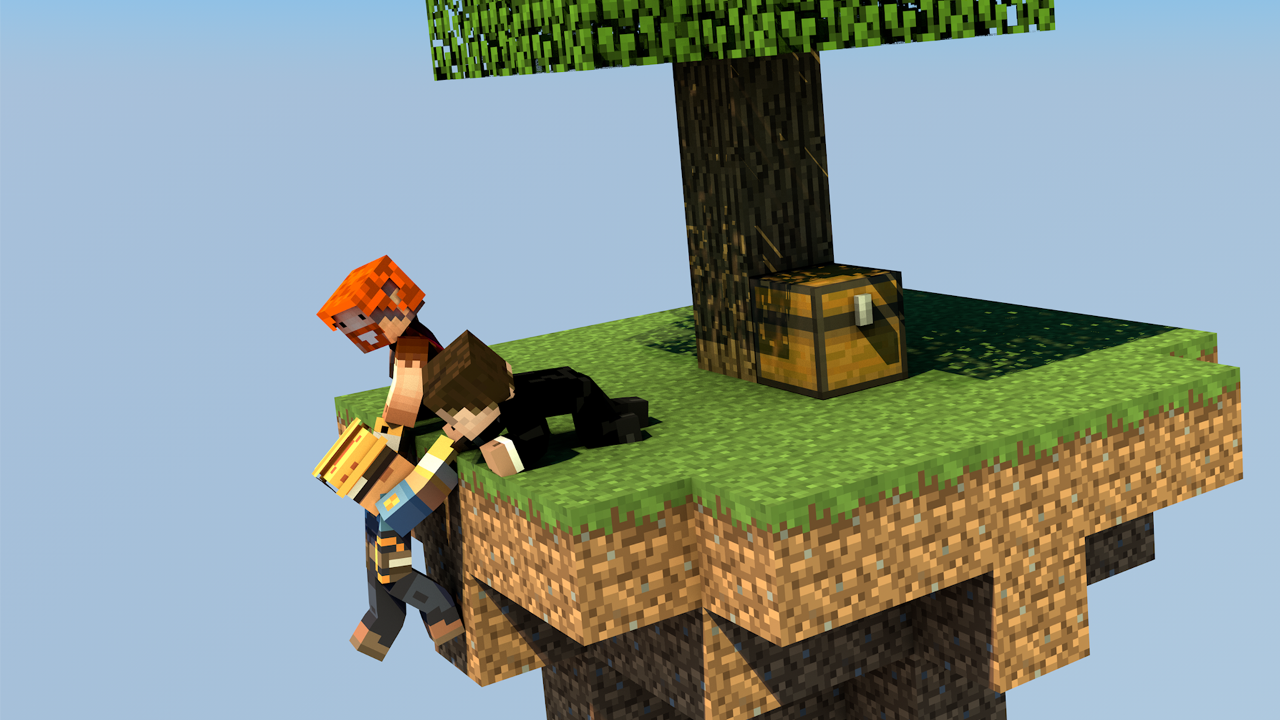
Start on a small floating island, build it into something thriving, complete challenges, and team up with other players to push your island further.
Why uSkyBlock
uSkyBlock gives you a complete Skyblock foundation with island progression, deep customization, and a maintained open-source codebase you can build on long term.
Complete Skyblock gameplay. Build your server around islands, progression, challenges, and party play.
Deep customization. Shape the experience with focused configuration including challenge design, biome options, custom islands, and more.
Integrates with your server. Extend uSkyBlock through its public API and placeholder support so it fits cleanly into your server.
Open source with proven lineage. uSkyBlock is fully open source under GPLv3, free to run, and backed by more than a decade of project history.
Maintained for modern servers. Continues to evolve for current Paper and Spigot versions, with new features, docs, support, and maintenance.
International by default. Support international player communities with bundled translations into 53 languages.
Project links
-
Homepage and documentation: https://uskyblock.github.io/
-
Source code and releases: https://github.com/uskyblock/uSkyBlock
-
Issue tracker: https://github.com/uskyblock/uSkyBlock/issues
Documentation
Detailed documentation is available on the official site, including guides for Players, Admins, Developers, and Contributors.
Support and bug reports
We welcome any feedback, suggestions, and bug reports on GitHub:
https://github.com/uskyblock/uSkyBlock/issues
When reporting a problem, please include your server version (/version), uSkyBlock version (/usb version), relevant logs, and clear reproduction steps.
Comments


-

minoneer Owner
-

_ForgeUser22408952 Tester
-
_ForgeUser7007803 Documenter
-
_ForgeUser9099129 Former Author
-

dutchy1001 Author
-
Forge_User_08254971 Author
-
View User Profile
-
Send Message
Posted Nov 13, 2016@minimario350
Can you post the output of /usb version?
You can also post the startup log through pastebin so we can see if thate are ant errors.
-
View User Profile
-
Send Message
Posted Nov 13, 2016I have a big problem:
When i put lava/water, they get all bugged. And so, the blocks are bugged. I do everything, but i can't solve the problem Please, help me :(
-
View User Profile
-
Send Message
Posted Oct 24, 2016@enkrona3053
the default is set to an island from 128 x 128, personal I like 256 x 256 (then have spawnSize set to 128)
-
View User Profile
-
Send Message
Posted Oct 24, 2016What would u recommend for a island size?
-
View User Profile
-
Send Message
Posted Oct 24, 2016@enkrona3053
All seems fine by looking at the "/usb output" and startup log.
The only thing I can think off what can cause this is the insane size of the islands. Even you have only 10 islands active, the area it needs to scan for 1 island is taking time which could (doesnt have too) cause the lag.
Ps.
It is recommended to use the "MultiverseNetherPortal" addon for teleporting to the nether.
-
View User Profile
-
Send Message
Posted Oct 24, 2016@dutchy1001 here is he paste bin: http://pastebin.com/b3Ez42Jc and here is the /usb version info https://gyazo.com/d15a46b0b0e948a9089db097d66fdb3b
-
View User Profile
-
Send Message
Posted Oct 23, 2016@MacMasterMac
The placeholders from Mvdw are listed on one of his pages that are referring to uSkyblock. Not all his placeholders are supported by uSkyblock but gained through various methodes (which are not supported by us).
If ChatCommandGUI doesnt support any placeholder then that is not our issue but I thought it did supports some default ones. The chat placeholders listed on then bottom are for used when "chatplaceholder: true" is set in the config. These are still in their infant stage and might not all work ......yet.
@enkrona3053
Not sure why this would happen, can you post the full output of "/usb version" and a startup log so we can see what's used and going on.
-
View User Profile
-
Send Message
Posted Oct 23, 2016Hi! So i use Uskyblock on my server and i love it! but when i request the plugin to calculate island level it kills my TPS dont know why but there is no error in my console just pure lag? any ideas?
-
View User Profile
-
Send Message
Posted Oct 23, 2016@dutchy1001
Can I use other placeholders from Mvdw? Or only the one at the bottom? Chestcommands doesn't support placeholders so how else could I do it?
-
View User Profile
-
Send Message
Posted Oct 23, 2016@MacMasterMac
There have been some changes to the permissions for OPed players what they would have for default permissions. This is to prevent OPed players to take advantage of some perks. This is the reason it worked before and doesn't now (same will be for the biome changes and some extra items).
The MvdwAPI is for when using placeholders from Mvdw. You need to see his placeholders page for that.
-
View User Profile
-
Send Message
Posted Oct 22, 2016@dutchy1001
Sorry for that. No I don't have that but I didn't use it either by another schematic and that one worked...
Also what is MvdwAPI at the bottom? I have the plugin but what can I do with it when I enable it?
-
View User Profile
-
Send Message
Posted Oct 22, 2016@MacMasterMac
Why always the "wft" comments, it's not necessary and sounds very disrespectful. Just finish with a dot is enough.
For your issue with the island, have you added this in the config?
-
View User Profile
-
Send Message
Posted Oct 22, 2016@dutchy1001
I made a schematic and saved it with worldedit, named it test. Copied it and pasted it in the uSkyblock/schematics folder, set default schematic to: test Gave myself usb.schematic.test permission "You do not have access to that island-schematic" Opped myself, "You do not have access to that island-schematic" wtf
-
View User Profile
-
Send Message
Posted Oct 20, 2016@MacMasterMac
I had a quick look through the code but only see internal code to change those permissions. I dont think you can set them with a command.
-
View User Profile
-
Send Message
Posted Oct 20, 2016@dutchy1001
When you type /is party and then click on someones player head you can change their permissions, is there a command for too? http://prntscr.com/cwn2t3
-
View User Profile
-
Send Message
Posted Oct 19, 2016@MacMasterMac
For what command?
-
View User Profile
-
Send Message
Posted Oct 19, 2016Is there a command to give your island member a permission? I think it's the only thing that has no commands for it...
-
View User Profile
-
Send Message
Posted Oct 7, 2016@Twiistttt
Plz read this page here, if that doesnt help make a new post with the information needed.
How to report an issue can be found here
-
View User Profile
-
Send Message
Posted Oct 7, 2016When I do /is, it comes up with a list of commands. When I try one of these commands, it tells me the exact same message with the exact same commands. How do I fix this?
-
View User Profile
-
Send Message
Posted Oct 3, 2016@MacMasterMac
You can set it per Tier or per Challenge.
See below the example:
The first resetInHours is to set the default per Tier
The second resetInHours, within the challenge, is to set it per challenge.
Both overwrite the defaultResetInHours which is set in the overall settings.
Each value can be anything you like, 24h or 48h or whatever you like.
ResetInHours does not mean they can not do the challenge for that period, just the requiredItems will go back to default +1 (depending on what is set as +)