uSkyBlock
This DevBukkit page is being updated again with current releases and links to the maintained uSkyBlock project. We had lost access to the DevBukkit project page for some time, but have now regained it and are bringing it back up to date.
uSkyBlock is an open-source Skyblock plugin for Paper and Spigot.
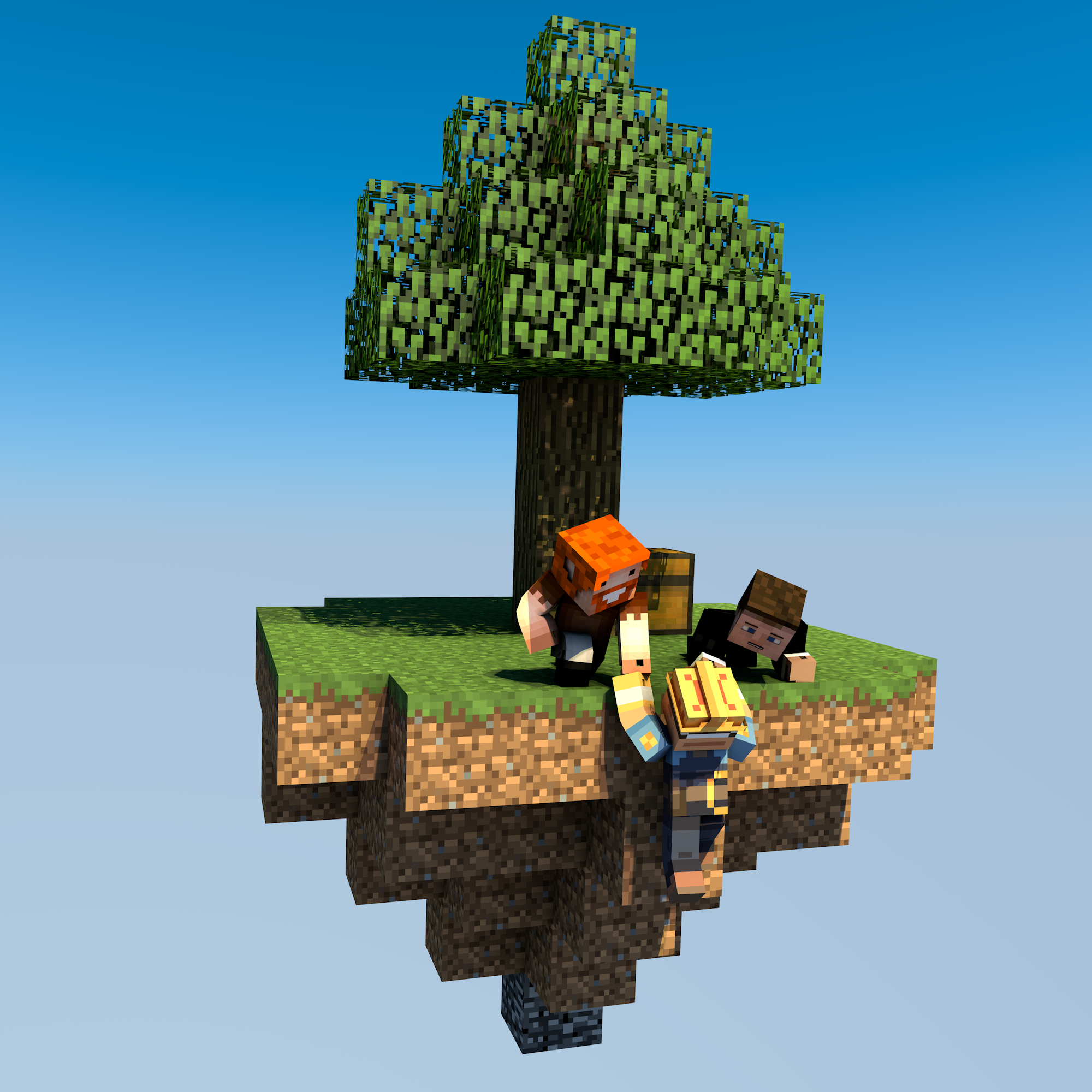
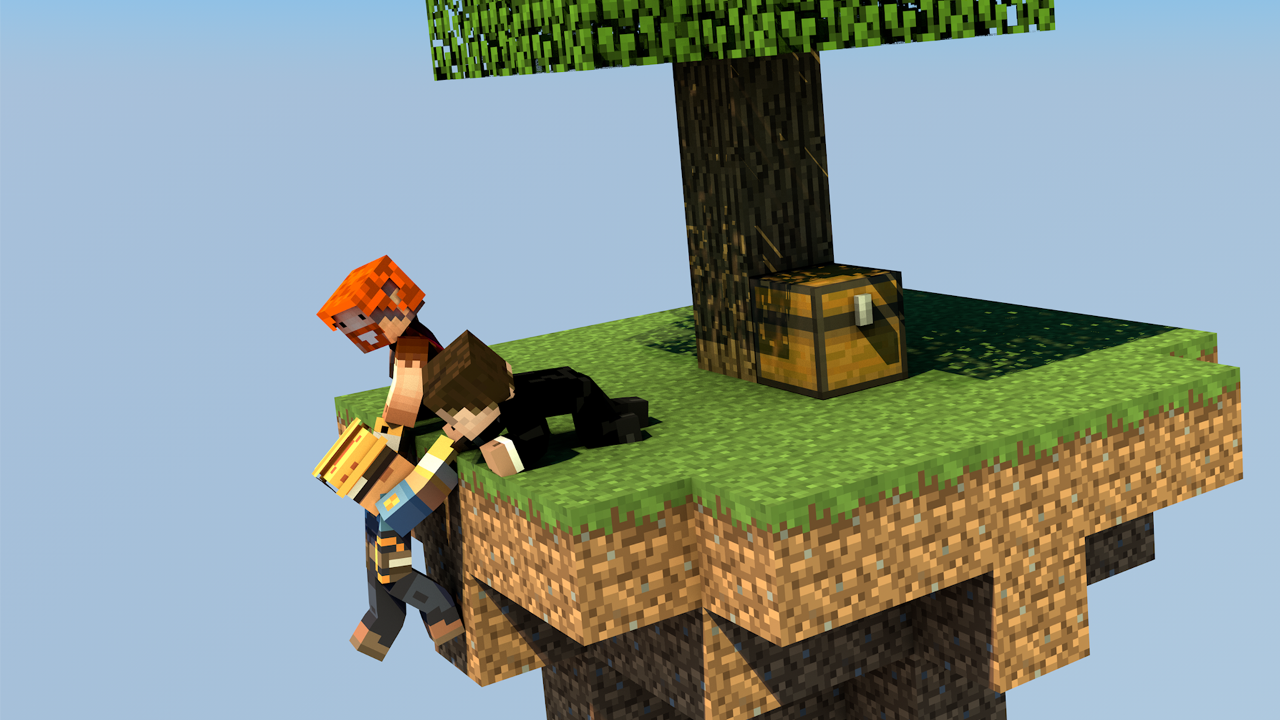
Start on a small floating island, build it into something thriving, complete challenges, and team up with other players to push your island further.
Why uSkyBlock
uSkyBlock gives you a complete Skyblock foundation with island progression, deep customization, and a maintained open-source codebase you can build on long term.
Complete Skyblock gameplay. Build your server around islands, progression, challenges, and party play.
Deep customization. Shape the experience with focused configuration including challenge design, biome options, custom islands, and more.
Integrates with your server. Extend uSkyBlock through its public API and placeholder support so it fits cleanly into your server.
Open source with proven lineage. uSkyBlock is fully open source under GPLv3, free to run, and backed by more than a decade of project history.
Maintained for modern servers. Continues to evolve for current Paper and Spigot versions, with new features, docs, support, and maintenance.
International by default. Support international player communities with bundled translations into 53 languages.
Project links
-
Homepage and documentation: https://uskyblock.github.io/
-
Source code and releases: https://github.com/uskyblock/uSkyBlock
-
Issue tracker: https://github.com/uskyblock/uSkyBlock/issues
Documentation
Detailed documentation is available on the official site, including guides for Players, Admins, Developers, and Contributors.
Support and bug reports
We welcome any feedback, suggestions, and bug reports on GitHub:
https://github.com/uskyblock/uSkyBlock/issues
When reporting a problem, please include your server version (/version), uSkyBlock version (/usb version), relevant logs, and clear reproduction steps.
Comments


-

minoneer Owner
-

_ForgeUser22408952 Tester
-
_ForgeUser7007803 Documenter
-
_ForgeUser9099129 Former Author
-

dutchy1001 Author
-
Forge_User_08254971 Author
-
View User Profile
-
Send Message
Posted Feb 15, 2015@dutchy1001
Do you know where to edit/fix the unknown command error when new players open up the Island creation menu? The Sign in the 9th slot gives you an Unknown Command error when you click on it, so I was wondering if I was missing anything?
-
View User Profile
-
Send Message
Posted Feb 15, 2015@DarkCrimsonFury
The reason you get that message when restarting the island is normal, you been teleported from the old island to spawn and back to the new island, nothing to worry about here.
Regarding to the schematic, have you used "MyIsland" or "MyIsland.schematic" in the config? You dont use the file extension in the config.
I would also not use capitol letters in my schematic, but that shouldn't cause this. Setting the cooldown to a "week" is a very long time, I dont know how often your server restarts but the cooldown time will reset itself at a server restart.
For testing purposes I would just put the restart (while testing) to 10 seconds, this does require a server restart to take effect and return it to your default time when finished.
-
View User Profile
-
Send Message
Posted Feb 14, 2015I am using the latest version, uSkyBlock v2.2-HF9b, and I encountered a problem. I made my own island, created the schematic, and placed it in the USkyBlock's schematics folder, then changed the name of the schematic in the config to "MyIsland" like I named the schematic through WorldEdit. I then went back to Minecraft, created an island, but I was given the default island. I didn't want that island, and I tried to remove it, but it only got rid of the dirt and the tree, not the bedrock. I don't know if it's the fact that I made the island reset time 1 week, but the schematic, as well as the restart, did not work.
If you need any additional information, please respond!
Hope you can help! Thanks!
EDIT: I also felt it might be important to add this, when I restarted my island, the plugin said " You are leaving DarkCrimsonFury's island."
- Dark
-
View User Profile
-
Send Message
Posted Feb 14, 2015@gartenzaun
I will have a word with the dev what he thinks of that.
-
View User Profile
-
Send Message
Posted Feb 14, 2015Could you add an option to disable the skyblock broadcast message overall?
-
View User Profile
-
Send Message
Posted Feb 13, 2015@dutchy1001
Thank you for your very detailed answer :)
-
View User Profile
-
Send Message
Posted Feb 13, 2015@gartenzaun and everybody else that wants to update
The best way to update from v1.0.8 to v2.2-xx is to use the older v2.0.0 Beta first so player files are converted to the new system that was introduced then.
After you have restarted the sever with v2.0.0 Beta stop the server again and check the files if they indeed have been updated to .yml format.
The next step is to change the uSkyblock.jar again to the new one, in this case v2.2-HF9b. Make sure you have all the dependencies added to the plugins folder (see above in the discription).
After the server has restarted check all the configs to see if any value needs altering from the older configs, ie spawnSize, height, distance or any other value you have changed in the previous version.
You can then do the command /usb island protectall. So all islands will get properly protected by WorldGuard. This might take a while and can cause some lag, best is to do this while no players are online (admins/mods are fine aslong there not doing anything on the islands). A resent test showed that it took 45 minutes for 21000 islands to give you an indication how long it can take.
I presume your updating the server to CraftBukkit/Spigot 1.8 (leaving the server as a CraftBukkit/Spigot 1.7 can (doesnt have to) give some errors due to the WorldGuard flags).
Click here to get the uSkyblock v2.0.0 Beta (this version has the WorldEdit fix as mentioned on the troubleshoot page)
Backup before you start updating, I cant say this enough times Backup before you start updating, I cant say this enough times
-
View User Profile
-
Send Message
Posted Feb 13, 2015Hello,
I used your old uSkyBlock Plugin 1.0.8. Now I want to update to your new UUID compatible plugin. Is there a way to import the old islands?
Thanks for your answer.
-
View User Profile
-
Send Message
Posted Feb 11, 2015@MineLab
that is great news, thx for letting us know.
-
View User Profile
-
Send Message
Posted Feb 11, 2015I've done some testing, I use v2.2-HF9b and it works great on 1.7.10. No error on startup, neither during runtime !
I'm using WG 6 beta 5, WorldEdit 6.0, Vault 1.4.1-b436 on Spigot 1.7.10 with 1.8 protocol hack.
-
View User Profile
-
Send Message
Posted Feb 9, 2015We have uploaded a new version (v2.2-HF9b).
In this version are a lot of small bug fixes and a fix for the purge command.
This purge command is not yet fully tested and should ony be used on test servers that can be reset for this purpose, using this on a live server is not recommended yet and at your own risk. We are not responsible for any data loss.
In the config is an option to set the maximum "purgeLevel" that can be purged and it is set at default 10. This means that islands with a lower level and the amount of days filled in will be deleted from the world. There is no way back after executing the command.
Example command: /usb purge 30 this will delete all islands with a level lower or equal then 10 (default) and 30 days of no activity.
-
View User Profile
-
Send Message
Posted Feb 8, 2015@dutchy1001
that's pretty much what I meant making sure each island does not have its own world thanks.
-
View User Profile
-
Send Message
Posted Feb 8, 2015@CreepersplaysMC1
not sure what you mean, but all island have always been in the same world. You can have spawn in a different world but that's it.
-
View User Profile
-
Send Message
Posted Feb 7, 2015@dutchy1001 If i understand this correctly it puts all the islands in the same world correct?
-
View User Profile
-
Send Message
Posted Feb 6, 2015Thx Koz4Christ for making us an awesome new tutorial vid.
The vid is now added to the site.
-
View User Profile
-
Send Message
Posted Feb 6, 2015The tutoiral is updated: https://www.youtube.com/watch?v=0E22LEyJjus By Koz4Christ
-
View User Profile
-
Send Message
Posted Feb 5, 2015After some investigation it appears that there is a setting in WorldGuard to convert all regions at once.
You can find this setting in the "plugins/woldguard/config.yml".
Change this "perform-on-next-start: false" to true.
This will add all the UUID to the "owners" tag in the region file. If you have a big player DB that playes USB then this can take some time. This is unfortunattely out of our hands as this is a WorldGuard issue.
-
View User Profile
-
Send Message
Posted Feb 4, 2015please add 1.5.2 - 1.6.4 - 1.7.2 versions :'3
-
View User Profile
-
Send Message
Posted Feb 4, 2015We are aware of the problem with the name changing and trying to work it out how to go about it. For the mean time adding a player as owner to their island through a WorldGuard command is the easy fix for now.
The command is:
/region addowner XXX,YYYYisland [name] (I think this is case sensitive)
Obvious you need to have access to the island.yml to see the right co-ords
Edit:
You can also use the command /usb info [name]
The last line has the co-ords just dont use the height (that's the number in the middle) and dont use the decimals.
-
View User Profile
-
Send Message
Posted Feb 4, 2015@HertzLifeGamers
Thx.