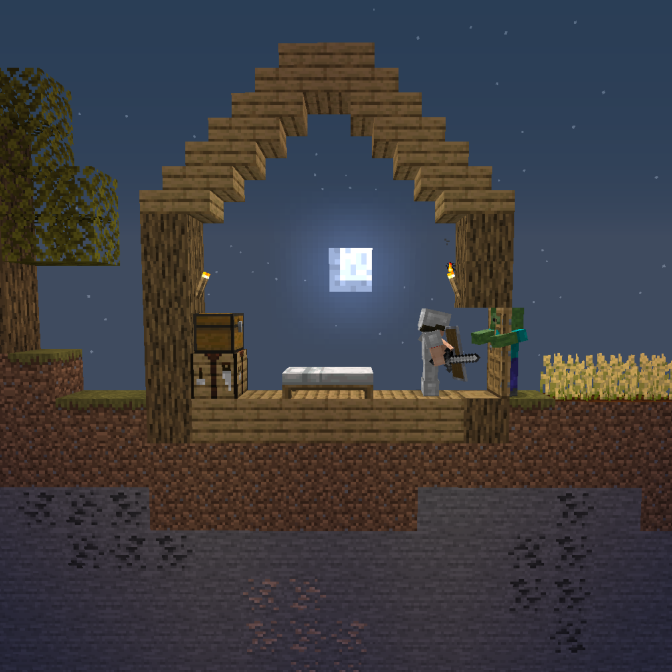
Two Dimensions Survival Mode
2D Minecraft survival Challenge
In this plugin, you can only move in the Z axis and one block in the X axis.
It only works if your world is named "hardcore" or if you type "/set2dmode".
This command set the world you're in as the world used for the 2D survival Mode.
There is a shop that you can open with the command "/shop" in which you can sell items to expand your area in the X axis.
Items can't be sold as many times as you have them, there is a limit of uses that you can increase by selling a block of diamond.
In the shop, you can see how long is your zone :
There is a wall of particles that shows you where you can't go and a line of particles in the middle of your area.
You can change your particles color with the /color command. There are 2 usages for this command :
/color [nameOfTheColor]
example: /color red
/color [redValue] [greenValue] [blueValue]
example: /color 200 150 50
(you can get a color picker by searching "hex color picker" in google)
There is also a home function in the plugin.
Just do "/sethome [home name]" to create a new home.
"/home [home name]" to teleport to a home.
Or "/delhome [home name]" to delete a home.
Compatible with :
Bukkit 1.13.2
Bukkit 1.14.4
Spigot 1.13.2
Spigot 1.14.4
If you have any suggestions of what I could add in the plugin, you can send your request in the comment section.


-

Forge_User_88131817 Owner
Comments