main/Setup
Welcome to the TheWalls setup guide!
Using this plugin, you can have 100% automated The Walls games on your server.
Currently, you cannot change things such as game length, minimum people to start game, and things like that.
These are things I plan on adding in the future.
How to setup the plugin.
Step 1: Install Multiverse, Permissions, and TheWalls.
Step 2: Link Removed: http://www.mediafire.com/download/x6b0bhikqav98a2/backup.zip and import the backup world into Multiverse. (After putting the backup folder into your main server folder, do /mv import backup normal)
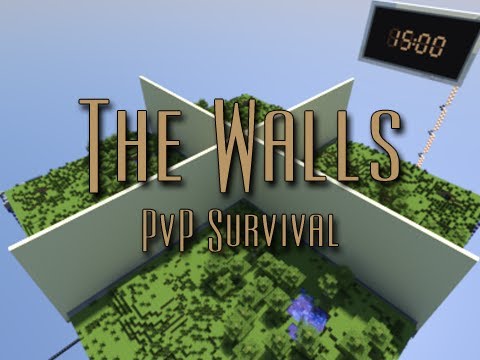
Step 3: TP to the backup world (/mvtp backup), stand in the middle of the map (where all four sides meet), and do /setback.
Step 4: Shutdown your server and delete the uid.dat from the backup world.
Step 5: Create multiple copies of the backup world, name them world1, world2, and so on. (Names suggested, not required.)
Step 6: Import these worlds into Multiverse, TP to the world, stand in the middle of the map (where all four sides meet), and do /add.
Step 7: Create a waiting location for people, I suggest the end, stand where you want them to spawn, and to /setwait. DO NOT MAKE THIS IN THE BACKUP OR LOBBY WORLDS.
Step 8: Enjoy.
(P.S.) Make sure all the world configs are right in the multiverse worlds config file. Monsters are supposed to be off, animals are supposed to be on, and I suggest setting it to at least normal.
-
View User Profile
-
Send Message
Posted Sep 7, 2013will there be any option to use own world and create own spawn points tem size etc like you mentioned any time soon?
-
View User Profile
-
Send Message
Posted Sep 16, 2013When I try to do the command /add walls it says "ERROR: Could not load world." HELP
-
View User Profile
-
Send Message
Posted Nov 24, 2013What do you mean by 'Where all four sides meet'??
-
View User Profile
-
Send Message
Posted Dec 30, 2013He means the middle of the walls
-
View User Profile
-
Send Message
Posted Mar 26, 2014@TheGamer243
Same