
TARDIS

Join the TARDIS Community Discord Server - https://discord.gg/sfuPVHh
Downloads
I'm too lazy to upload TARDIS files to Bukkit anymore, as builds are automatically created when the plugin is updated and changes pushed to GitHub.
Version specific downloads can be found here: https://tardis.pages.dev/download
Please make sure you are using the latest Spigot/Paper builds (for the Minecraft version you are running) before installing TARDIS or creating an issue!
What it does
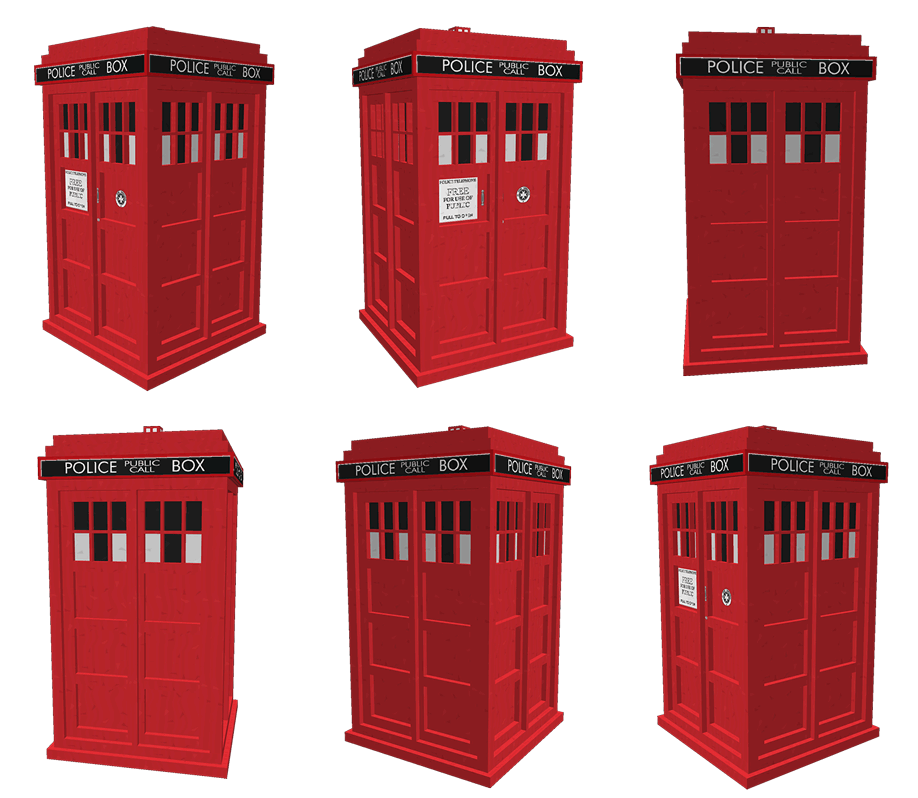
TARDIS is a plugin that gives you the ability to create a Police Box that lets you time travel (teleport) to random locations. It adds a Whovian twist to the typical /sethome and /home commands.
As a player, you can:
- Create a TARDIS that is bigger on the inside.
- Time travel to a random location.
- Time travel back home (where you created the TARDIS initially).
- Save and list interesting time travel locations, so you can return to them easily.
- Take companions with you when you time travel.
- Make your TARDIS blend in with the Chameleon Circuit.
- Use your own schematic to build the TARDIS interior
- Grow new TARDIS rooms
- Use Artron Energy
- Remote control the TARDIS
- Custom TARDIS sounds with companion Resource Pack
- Custom TARDIS textures with companion Resource Pack
Official documentation & FAQs
The documentation is here: https://tardis.pages.dev/
Tutorial videos for version 2+ (also included in the official docs)
Not all of these are up-to-date...
- Installation
- Creating a TARDIS - a bit old now, check the official docs for instructions
- Growing rooms and the Gravity well and changing Walls
- Time travelling
- Recharging Artron Energy - Updated with energy condenser chest!
- Companions
What's new?
Installation
As a minimum, just drop the TARDIS.jar, TARDISChunkGenerator.jar (look under Additional Files on the download page) and any optional plugins listed below into the Bukkit plugins folder and start your server. For more detailed instructions see: https://tardis.pages.dev/installation-v5
Optional installs
These are not needed for TARDIS to function, but enhance the plugin with extra features...
- Install the TARDIS-SoundResourcePack in the Minecraft client to hear custom TARDIS sounds
- Install the TARDIS-Resource-Pack to see aal the fancy textures and models (requires TARDIS v4.2 or higher).
- Install the TARDISChunkGenerator plugin so that you can generate TARDISes in their own self-contained world (included on the TARDIS plugin download page under Additional files).
- Install WorldGuard to automatically protect your TARDIS from griefing, and stop mobs spawning in TARDIS worlds.
- Install TARDISWeepingAngels to add some Whovian mobs to the game.
- Install a Permissions plugin, so that you can restrict or grant players the rights to use TARDIS’ different features. We like PermissionsBukkit.
Other important pages
| Subject | Link |
|---|---|
| Configuration | https://tardis.pages.dev/category/plugin-configuration |
| Commands | https://tardis.pages.dev/category/commands |
| Permissions | https://tardis.pages.dev/permissions-table |
| TARDIS Github repository | https://github.com/eccentricdevotion/TARDIS |
| Official todo list | https://github.com/eccentricdevotion/TARDIS/blob/master/todo.md |
| Bleeding edge builds (Will not always be available) |
Development builds of this project can be acquired at the provided continuous integration server. These builds have not been approved by the BukkitDev staff. Use them at your own risk. Latest TARDIS Build (Jenkins) Bleeding edge changes/commits |
Bugs / Requests
Please post a ticket for TARDIS plugin requests and bugs, thank you :)
WARNING: I am no longer prepared to waste my time looking at incomplete tickets. If your ticket does not follow the guidelines set out below, it will be deleted immediately!
Make sure you have read the FAQs first, as your question may already be answered there. Also make sure you have searched for a previous ticket with the same/similar issue (use the Filters to search closed tickets).
If you are going to create a BUG ticket you need to supply relevant information (as I'm not a mind reader, nor do I have access to your server...) - as a minimum you need:
- Exact CraftBukkit version i.e. NOT 'the latest' - use the
/tardis versioncommand if possible, otherwise copy from server log - Exact TARDIS version i.e. NOT 'the latest' - use the
/tardis versioncommand if possible, otherwise copy from server log - The server log showing the entire error (as a paste or at Pastebin - NOT a screenshot) - this should be the log from when the server starts up right through to when the error occurs
- If no error in the log, then a video of the bug happening or the EXACT steps needed to reproduce the issue.
- Attach your plugins/TARDIS/config.yml file or other configuration file if relevant
- Attach your plugins/TARDIS/TARDIS.db file if relevant
- List of other plugins on server
Stats
Basic statistics are collected for some versions of the TARDIS plugin (v2.5.8 and earlier). You can opt out at any time by setting opt-out: true in plugins/PluginMetrics/config.yml
External web access
Version 2.8 (and higher) of this plugin includes a translation feature (the /tardissay command) that connects to the Lingva translation service.
You can prevent players from using the command by removing / not giving them the permission tardis.translate

Comments


-

eccentric_devotion Owner
-
View User Profile
-
Send Message
Posted Mar 6, 2016@eccentricnz
I'm on the latest verision you just put up. I've been running int problems where people create a TARDIS and then get a "you do not have permission to enter" type message. There's nothing in my log files indicating any errors either.
-
View User Profile
-
Send Message
Posted Mar 5, 2016@TheAwesomeDocYT
/tardisadmin purge [player]
-
View User Profile
-
Send Message
Posted Mar 5, 2016I lost my tardis and the tardis is in a different world that was deleted. Now I cant delete it to get a new one. What do I do?
-
View User Profile
-
Send Message
Posted Mar 3, 2016@eccentricnz
Working great, thanks.
-
View User Profile
-
Send Message
Posted Mar 3, 2016Thank you once again for always being so quick with your updates :)
-
View User Profile
-
Send Message
Posted Mar 3, 2016TARDIS.jar updated, same link as before, changes listed here: https://github.com/eccentricdevotion/TARDIS/commits/v3.0
The plugin no longer depends on BarAPI or EffectLib, so if you're not using those for anything else you can ditch them from your plugins folder :)
-
View User Profile
-
Send Message
Posted Mar 3, 2016@eccentricnz
I did add the -U to the package command but no difference. If you look at my script it runs a cd to /usr/local/minecraft/BuildPackages then does the checkout in that dir for ChunkGen , cd's to the ChunkDir directory and it builds fine. Then it CD's back up a level and does the clone for the main TARDIS and cds to that dir, and won't build.
I would prefer your builds, but I'm trying to learn this as well.
-
View User Profile
-
Send Message
Posted Mar 2, 2016@Nomadadon
Make sure you have all the required dependencies in your local repo, then use the -U argument to force updates -
mvn package -U, I do all my builds through NetBeans so not entirely sure... easier just to use the links I provided, I'll keep them up-to-date until I get back home and can restart my Jenkins service.-
View User Profile
-
Send Message
Posted Mar 2, 2016@eccentricnz
I have a script ( included in the header of this pastebin ) which correctly builds the ChunkGen, then tries to build the TARDIS.jar. It gives this output.
http://pastebin.com/6d3WBxfH
-
View User Profile
-
Send Message
Posted Mar 1, 2016@Nomadadon
Need to build TARDISChunkGenerator first, and make sure that you have manually installed all other dependant artefacts.
-
View User Profile
-
Send Message
Posted Mar 1, 2016@eccentricnz
I just tried building from Github and get a dependancy error:
http://pastebin.com/w67aX9pc
Is it something in my setup or a timing issue ( I built before a commit, etc? )
-
View User Profile
-
Send Message
Posted Mar 1, 2016@Nomadadon
These builds are a work in progress and have not been approved by the BukkitDev staff. Use them at your own risk.
http://www.thenosefairy.co.nz/jenkins/TARDISChunkGenerator.jar
http://www.thenosefairy.co.nz/jenkins/TARDIS.jar
Be aware that some dependent plugins (ProtocolLib, LibsDisguises, Citizens etc) still need to be updated so you won't be able to run TARDIS fully until those work too.
-
View User Profile
-
Send Message
Posted Mar 1, 2016@eccentricnz
With no Jenkins, will you be able to post a functional Jar to bukkit.org? I seem to be cursed on building my own from Github.
-
View User Profile
-
Send Message
Posted Feb 29, 2016Building the first 1.9 version of TARDIS now...
Unfortunately there won't be any Jenkins builds available for a couple of weeks as I'm currently away from home working in the UK for a while.
[EDIT] Changes pushed to GitHub if you want to build your own...
-
View User Profile
-
Send Message
Posted Feb 21, 2016@Viper4382
Please move discussion here: http://dev.bukkit.org/bukkit-plugins/tardis/tickets/1237-mcpatcher-texture-issue
-
View User Profile
-
Send Message
Posted Feb 21, 2016@eccentricnz
And the same result except now the door isn't even textured properly in that one. The sonic and the circuits still work, but nothing else.
-
View User Profile
-
Send Message
Posted Feb 21, 2016@eccentricnz
I've downloaded the latest versions. Same results. Will try once more and update with the outcome.
-
View User Profile
-
Send Message
Posted Feb 21, 2016@Roxas1157
@Viper4382
What version of the pack are you using? There are separate packs for the sounds and the textures. You should be getting them at the links below for the most up-to-date versions:
Follow the instructions on the page.
-
View User Profile
-
Send Message
Posted Feb 21, 2016@eccentricnz
Having the exact same problem as Roxas. Ran MCPatcher multiple times. The only textures that work are the Sonic, the door, and the circuits. Everything else is default textures. Had this installed a few months back with no problem, but just started having it after starting back up.
-
View User Profile
-
Send Message
Posted Feb 20, 2016@eccentricnz
Maybe I could be more specific, I am having the same issue. I've installed the MCPatcher, as well as all the required packs, and hopped into the game. All main textures work like the Tardis door, the music and sounds, but I'm missing the replacement textures (different keys, distinction between certain furnaces, the quartz block sign, etc) Running version 1.8.9 mcpatcher jar with latest on plugin, server, and all packs. Tried several fixes, both through plugin config and general settings, even messed with order of packs from top to bottom. No dice