Setup Game
Setup Game
- Download latest Rush.jar
- paste it in the plugins Folder
- reload/restart your server
- open the connfig.yml file with Notepad(or simular programm)
Basic Konfiguration:
Games: Amount of Matches you want on your Server
showWelcome: True/False toggels Welcome Message when Players join the Server
WelcomeMsg: Edit Message shown when Players join the Server
Create multiple Matches
- Search for the Line Game0:
- The Line and all following belong to one game
- Copy all of that and paste it below. Rename the Line Game0: to Game1:
- now you have two games running! Ich you want more paste it again
- change games to the amount of games you created
Costumize Game:
General Settings
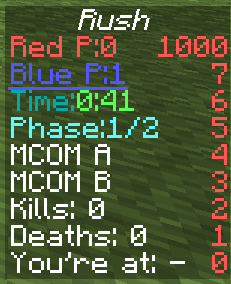
timeTilExplode: time it takes the Mcom to explode
tickets: Amount of tickets the Red team starts with
FriendlyFire: true/false toggles friendly fire
PlayerForAutostart: players needed to start the match
maxPlayer: maximum amount of players
timeUntilRespawn: time, it takes to respawn after death
timeUntilStart: time until the game starts, when the PlayerForAutostart number is reached
SpawnLobby: location, where players spawn after game ends WorldName#X#Y#Z (eg world#-77#114#130)
Maps: amount of maps
Map Settings
Name: name of the map
SpawnLobby: location, where players spawn during cooldown WorldName#X#Y#Z (eg world#-77#114#130)
Phases: amount of phases you want
ActivatorBlock: location, where the Redstone Block is spawned to open the area WorldName#X#Y#Z (eg world#-77#114#130)
SpawnRed: location, where players of the Red team will spawn WorldName#X#Y#Z (eg world#-77#114#130)
SpawnBlue: location, where players of the Blue team will spawn WorldName#X#Y#Z (eg world#-77#114#130)
McomA: location, of Mcom A WorldName#X#Y#Z (eg world#-77#114#130)
McomB: location, of Mcom B WorldName#X#Y#Z (eg world#-77#114#130)
Comments