QuickTP
QuickTP
QuickTP is a click-to-teleport plugin that is quite easy to configure, edit and keep track of. Create a teleport with "/qtp create <name>", then use "/qtp add <name>" while facing an input block and a target block, and everyone who has the permission can use the input block and is being teleported!
Inputs and targets
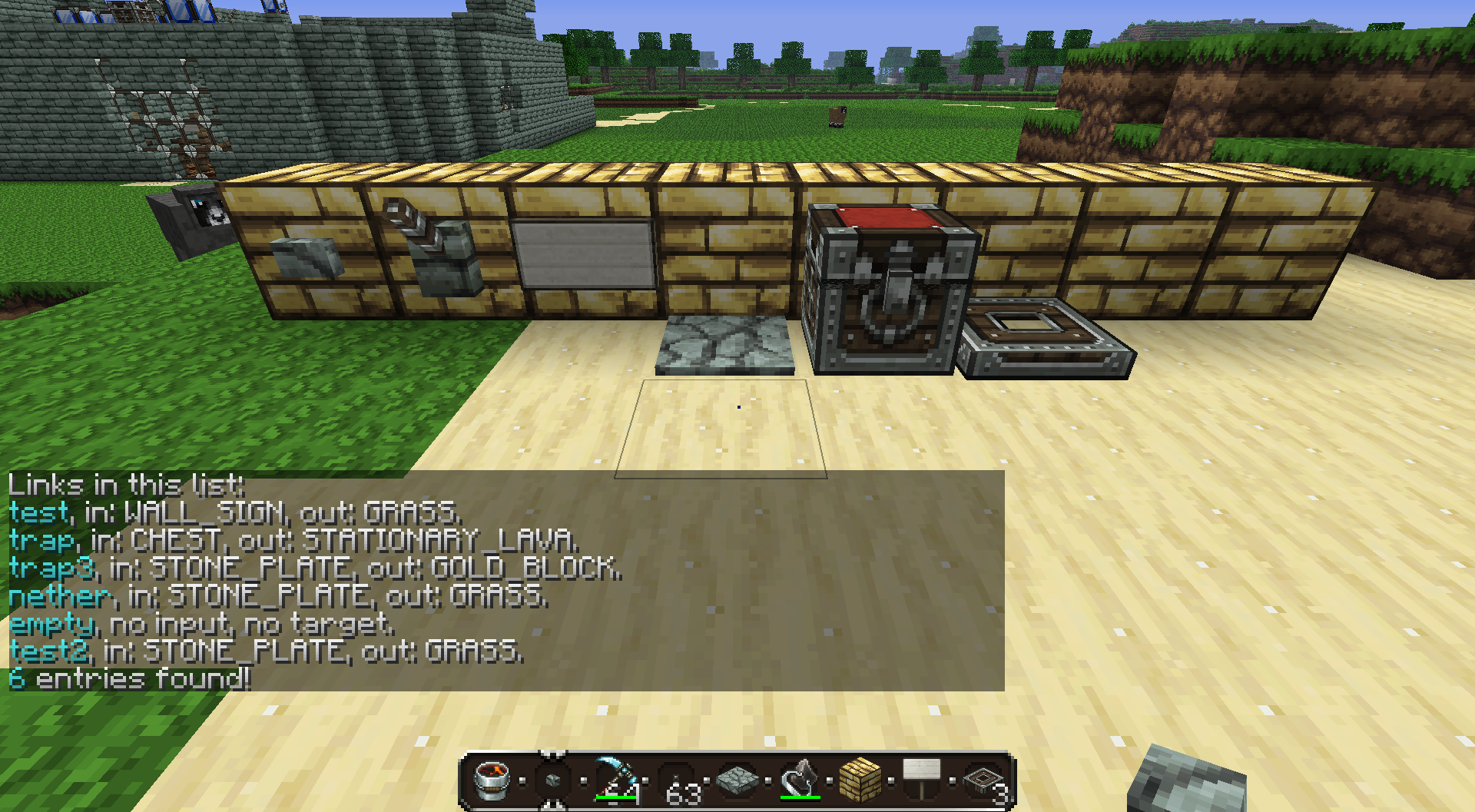
You can use the following blocks as input (if a player uses it he will be teleported):
- Buttons
- Levers
- Signs
- Pressure Plates
- Chests
- Trapdoors
all other blocks can be used as targets. qtp automatically detects whether the added block is used as an input or as target on using /qtp add.
Commands
- /qtp create <name>: Create an empty teleport
- /qtp add <name>: adds the target block to teleport <name>.
- /qtp remove <name>: Removes the teleport <name>
- /qtp face <name>: Sets the players facing after teleporting to the given facing.
- /qtp list [filter]: lists all teleports [<name> matching filter]
- /qtp input: Lists all materials available as input.
- /qtp goto <name>: Teleports you to the input block of <name>
- /qtp save: Saves the current data of qtp
- /qtp reload: Reloads all qtp data
Permissions
- quicktp.main: use /qtp
- quicktp.use: you can be teleported by clicking inputs
- quicktp.create: use /qtp create, add, face and input
- quicktp.remove: use /qtp remove
- quicktp.list: use /qtp list
- quicktp.save: use /qtp save
- quicktp.reload: use /qtp reload
- quicktp.goto: use /qtp goto
Comments


-

_ForgeUser4406354 Owner
-
View User Profile
-
Send Message
Posted Dec 27, 2013Great plugin! But one prob :P When ever you teleport you face to the left xD Its not that big of a deal :P
-
View User Profile
-
Send Message
Posted Aug 18, 2012When do you plan to have it for 1.3.1? or do you have it?
-
View User Profile
-
Send Message
Posted Aug 10, 2012Very nice, love the simplicity and flexible inputs.
Would like to see:
-
View User Profile
-
Send Message
Posted Jul 15, 2012It is awesome! :D
-
View User Profile
-
Send Message
Posted Jul 12, 2012looks good keep going
-
View User Profile
-
Send Message
Posted Jul 12, 2012@thatkylemartin Link is online, was just not approved. Not sure why development stage always switches back to planning...
-
View User Profile
-
Send Message
Posted Jul 12, 2012@thatkylemartin
he plans it and don't have made it yet
-
View User Profile
-
Send Message
Posted Jul 11, 2012download link?