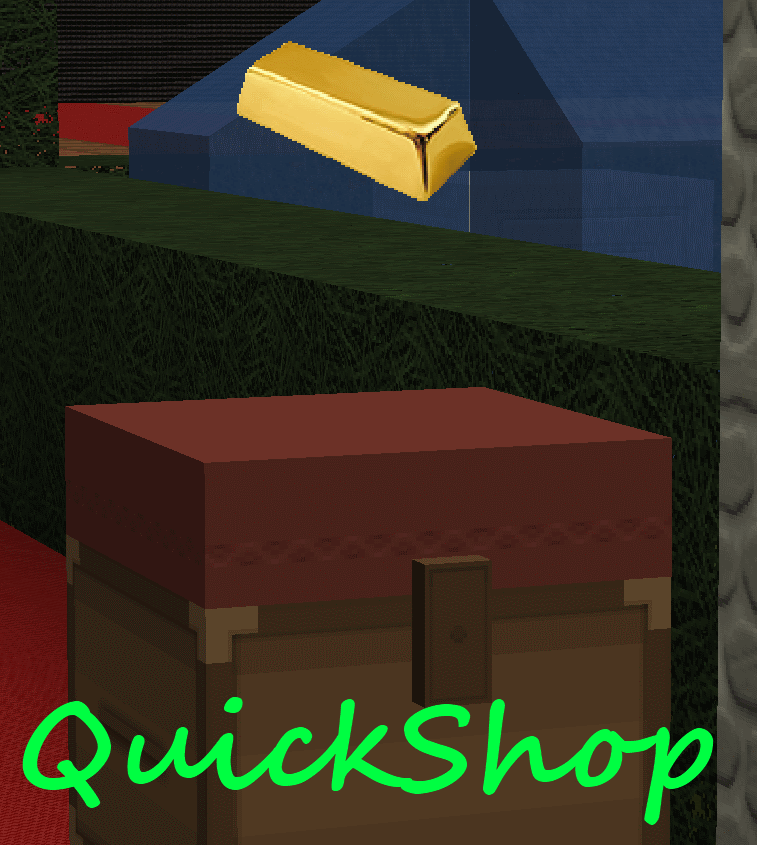
QuickShop
QuickShop
The Predecessors
Showcase was abandoned. Chestshop needed a display, with signs whose order you could never remember. SCS has too many commands. I'm yet to find someone who uses essentials shops.
Don't get me wrong though, they're all awesome plugins each in a few ways.
QuickShop
So, I set out to write this. QuickShop. QuickShop is a shop plugin, that allows players to sell items from a chest with no commands. It allows players to purchase any number of items easily. In fact, this plugin doesn't even have any commands that a player would ever need!
Features
- Easy to use
- Togglable Display Item on top of chest
- NBT Data, Enchants, Tool Damage, Potion and Mob Egg support
- Unlimited chest support
- Blacklist support & bypass permissions
- Shops that buy items and sell items at the same time are possible (Using double chests)
- Herochat support
- Checks a player can open a chest before letting them create a shop!
No longer accepting feature requests
For those people that hate reading, here's an awesome video from UltiByte:
A more up to date and informative video can be found here
Installation Guide:
http://www.youtube.com/watch?v=eJsv7fqaXNk
How to Create a Shop
- Place a chest on the ground
- Hit the chest with the item you want to trade
- Type in price for the item (As prompted) in chat
- Fill the chest with the items you wish to sell
Advanced
- Face the chest
- Type either /qs sell or /qs buy to make the shop buy/sell instead (Optional: use /shop instead of /qs)
- Stock the shop accordingly, if necessary.
How to Buy/Sell to a Shop
- Find a shop
- Hit / Left click the shop
- Enter the amount you wish to trade in chat
Menu Example:

See it in action:
http://maxgamer.org or
play.maxgamer.org:25571 and /warp market!
Commands
- /qs unlimited - Makes the shop you're looking at become unlimited.
- /qs setowner <player> - Changes shop owner to <player>.
- /qs buy - Changes your shop you're looking at to one that buys items
- /qs sell - Changes your shop you're looking at to one that sells items
- /qs price <price> - Change the price of your shop that you're looking at
- /qs clean - Removes any existing shop that has 0 stock.
- /qs find <item> - Use to find the nearest shop that begins with <item> - E.g. '/qs find dia' will find the nearest diamond shop.
- /shop - Alias (Optional) of /qs
Player Nodes
- quickshop.use - Required to use ANY quickshop
- quickshop.create.sell - Required to make a QuickShop (At all)
- quickshop.create.buy - Required to use /qs buy (Change the shop type from Sell -> Buy)
- quickshop.create.double - Required to make doublechest shops.
- quickshop.create.changeprice - Required to use /qs price (Ability to change the price of a shop without destroying it. This may allow for some scammers to quickly change the price while someone is buying.
- quickshop.bypass.ItemID - Required to sell blacklisted items (E.g. bedrock)
- quickshop.find - Required to use /qs find <item>
Admin Nodes
- quickshop.unlimited - Required to use /quickshop unlimited
- quickshop.setowner - Allows use of /qs setowner
- quickshop.other.destroy - Allow breaking other peoples QuickShops if they're locked by this plugin
- quickshop.other.open - Allow opening (And stealing/Stocking) other players QuickShops
- quickshop.other.price - Allow changing price of other people's shops
- quickshop.refill - Ability to refill chests using a command (=Unlimited items)
- quickshop.empty - Ability to empty chests of all items
- quickshop.clean - Permission to purge any shops that have 0 stock.
Source: Source on Github
Checkout the config over here.
Have Towny?
Try out this plugin http://dev.bukkit.org/server-mods/quickshop-towny-interop/ to stop players creating shops outside of Towny shop plots!
Calculating Economy Prices
Vagrant326 has created an Excel spreadsheet that allows you to calculate prices for a market, if you're looking to set one up! It takes a few minutes to setup the basic material prices, and once done, will tell you the appropriate value for almost any material! http://www.planetminecraft.com/blog/how-to-create-stable-prices-system-on-your-server/
Hi, I'm an 19 year old University student studying Software Engineering. I spend my time writing code that I receive practically no reward for other than people asking questions I've answered a hundred times before. I know server Admin's and Owners aren't the richest of people - But if you're feeling particularly generous, I always appreciate any amount for the time and patience I put into coding Bukkit plugins.
Comments


%2526business%253ddirk.jamieson%2540gmail.com%2526bn%253dPP-DonationsBF%253abtn_donateCC_LG.gif%253aNonHosted%2526cancel_return%253dhttp%253a%252f%252fdev.bukkit.org%252fserver-mods%252fquickshop%252f%2526lc%253dUS%2526item_name%253dQuickShop%2b(from%2bBukkit.org)%2526cmd%253d_donations%2526rm%253d1%2526no_shipping%253d1%2526currency_code%253dUSD)
-

netherfoam Owner
-
View User Profile
-
Send Message
Posted Feb 13, 2013@CoffeeNutz
So there's no admins online at the moment, I'll try later.
-
View User Profile
-
Send Message
Posted Feb 13, 2013@bukbuk3
I'm not going to add this kind of functionality, sorry.
@CoffeeNutz
Ill be on once the client downloads. I have no idea whats going wrong though if theres no errors in server.log
-
View User Profile
-
Send Message
Posted Feb 13, 2013@CoffeeNutz
build 231 doesnt fix the problems either, just wanted to let you know
-
View User Profile
-
Send Message
Posted Feb 13, 2013voltz 1.0.13 98.190.185.131:25565 ask for themalkav or burntime69 they'll admin you to help
http://build.technicpack.net:8080/job/BukkitForge/?
i can use 231 if needed but cdurrently its 230 version
-
View User Profile
-
Send Message
Posted Feb 13, 2013having the same problems as Themalkav with bukkitforge and a mindcrack pack
-
View User Profile
-
Send Message
Posted Feb 13, 2013Netherfoam what I mean is people can sell items in creative not make shops.
-
View User Profile
-
Send Message
Posted Feb 12, 2013@CoffeeNutz
Have you got an IP address I can join and see for myself? EDIT: And a link to the forge minecraft.jar? :)
-
View User Profile
-
Send Message
Posted Feb 12, 2013probelm is... its not giving any errors. just kinda forgets what its doing after you type in the amount. I just want it to be admin shops for the players to sell things to
-
View User Profile
-
Send Message
Posted Feb 12, 2013@CoffeeNutz
All i can do is ask for an error log and startup server.log file
-
View User Profile
-
Send Message
Posted Feb 12, 2013Thats already the one i'm using. Vault BoseEconomy Bukkitforge 1.4.7-230 Groupmanager(PEX doesnt work)
After placing the chest I left clcik it puts the item above it and asks for the price and after i set the price no sign appears and it still claims its not a shop for any of the commands
-
View User Profile
-
Send Message
Posted Feb 11, 2013@CoffeeNutz
Try 3.7.1, the latest version. It was fixed with forge.
@bukbuk3
You can't make a shop while in creative. It destroys the chest... I will not be adding any extra functionality like this.
-
View User Profile
-
Send Message
Posted Feb 11, 2013how i can disable the plugin use in creative cause i have creative control and people with gamemode can sell items.
-
View User Profile
-
Send Message
Posted Feb 11, 2013this would be a nice plugin but... it doesnt like bukkitforge. It would be nice if it did because i hate not having a phyiscal shop and i dont want hyperecon/signshop/chestshop but it seems all the good shop pluggins like this one and shopkeepers that do visual or none text, seem to load and die. it lets you start creating but never makes the sign after you eneter the price and hangs up. I run a voltz server and truelly would love it if you patched it to work with it. the bukkitforge part
-
View User Profile
-
Send Message
Posted Feb 10, 2013Appears fine now, ty.
-
View User Profile
-
Send Message
Posted Feb 10, 2013@KBG_Servers
@agaricus
Alright, I've done as Agaricus requested and changed how QuickShop finds an appropriate way of handling the NMS version.
Changes: https://github.com/netherfoam/QuickShop/blob/master/src/org/maxgamer/QuickShop/Util/NMS.java#L236
Compiled 3.7.1: https://dl.dropbox.com/u/72835893/Plugins/QuickShop.jar
I'll upload 3.7.1 as soon as it's confirmed working.
-
View User Profile
-
Send Message
Posted Feb 10, 2013@KBG_Servers
Well to be more precise, I removed the version detection code, as a test (not a complete fix) - further changes would be required to continue to support older versions (and Libigot). But the same NMSDependent will work on both vanilla CraftBukkit and MCPC+ (except for the reflection class check).
@netherfoam
Added some more details to your GitHub issue here: https://github.com/netherfoam/QuickShop/issues/12
-
View User Profile
-
Send Message
Posted Feb 10, 2013I actually do understand. :)
https://github.com/MinecraftPortCentral/MCPC-Plus/issues/267
He removed the version check, as requested and it fixed it.
-
View User Profile
-
Send Message
Posted Feb 10, 2013@KBG_Servers
You dont understand, it is trying to find a minecraft.net version that works, and it has none. Version info plz
-
View User Profile
-
Send Message
Posted Feb 10, 2013Getting this with mcpc+.
http://pastebin.com/EY4SXM79
Bypass version check would be nice.
-
View User Profile
-
Send Message
Posted Feb 10, 2013@netherfoam
How would one register the event?
Edit: I know how; what was I thinking?