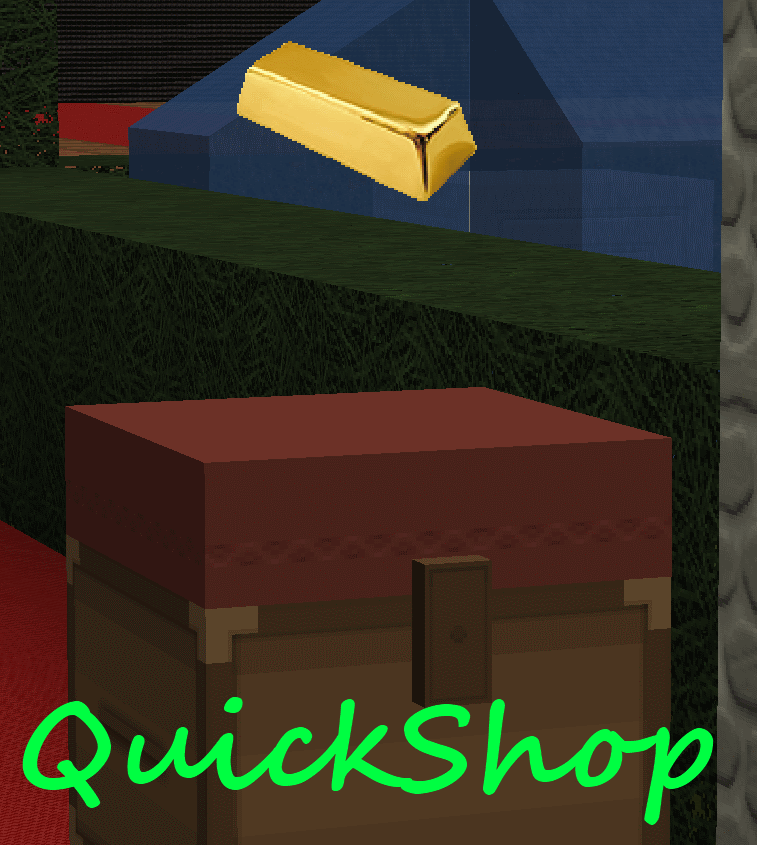
QuickShop
QuickShop
The Predecessors
Showcase was abandoned. Chestshop needed a display, with signs whose order you could never remember. SCS has too many commands. I'm yet to find someone who uses essentials shops.
Don't get me wrong though, they're all awesome plugins each in a few ways.
QuickShop
So, I set out to write this. QuickShop. QuickShop is a shop plugin, that allows players to sell items from a chest with no commands. It allows players to purchase any number of items easily. In fact, this plugin doesn't even have any commands that a player would ever need!
Features
- Easy to use
- Togglable Display Item on top of chest
- NBT Data, Enchants, Tool Damage, Potion and Mob Egg support
- Unlimited chest support
- Blacklist support & bypass permissions
- Shops that buy items and sell items at the same time are possible (Using double chests)
- Herochat support
- Checks a player can open a chest before letting them create a shop!
No longer accepting feature requests
For those people that hate reading, here's an awesome video from UltiByte:
A more up to date and informative video can be found here
Installation Guide:
http://www.youtube.com/watch?v=eJsv7fqaXNk
How to Create a Shop
- Place a chest on the ground
- Hit the chest with the item you want to trade
- Type in price for the item (As prompted) in chat
- Fill the chest with the items you wish to sell
Advanced
- Face the chest
- Type either /qs sell or /qs buy to make the shop buy/sell instead (Optional: use /shop instead of /qs)
- Stock the shop accordingly, if necessary.
How to Buy/Sell to a Shop
- Find a shop
- Hit / Left click the shop
- Enter the amount you wish to trade in chat
Menu Example:

See it in action:
http://maxgamer.org or
play.maxgamer.org:25571 and /warp market!
Commands
- /qs unlimited - Makes the shop you're looking at become unlimited.
- /qs setowner <player> - Changes shop owner to <player>.
- /qs buy - Changes your shop you're looking at to one that buys items
- /qs sell - Changes your shop you're looking at to one that sells items
- /qs price <price> - Change the price of your shop that you're looking at
- /qs clean - Removes any existing shop that has 0 stock.
- /qs find <item> - Use to find the nearest shop that begins with <item> - E.g. '/qs find dia' will find the nearest diamond shop.
- /shop - Alias (Optional) of /qs
Player Nodes
- quickshop.use - Required to use ANY quickshop
- quickshop.create.sell - Required to make a QuickShop (At all)
- quickshop.create.buy - Required to use /qs buy (Change the shop type from Sell -> Buy)
- quickshop.create.double - Required to make doublechest shops.
- quickshop.create.changeprice - Required to use /qs price (Ability to change the price of a shop without destroying it. This may allow for some scammers to quickly change the price while someone is buying.
- quickshop.bypass.ItemID - Required to sell blacklisted items (E.g. bedrock)
- quickshop.find - Required to use /qs find <item>
Admin Nodes
- quickshop.unlimited - Required to use /quickshop unlimited
- quickshop.setowner - Allows use of /qs setowner
- quickshop.other.destroy - Allow breaking other peoples QuickShops if they're locked by this plugin
- quickshop.other.open - Allow opening (And stealing/Stocking) other players QuickShops
- quickshop.other.price - Allow changing price of other people's shops
- quickshop.refill - Ability to refill chests using a command (=Unlimited items)
- quickshop.empty - Ability to empty chests of all items
- quickshop.clean - Permission to purge any shops that have 0 stock.
Source: Source on Github
Checkout the config over here.
Have Towny?
Try out this plugin http://dev.bukkit.org/server-mods/quickshop-towny-interop/ to stop players creating shops outside of Towny shop plots!
Calculating Economy Prices
Vagrant326 has created an Excel spreadsheet that allows you to calculate prices for a market, if you're looking to set one up! It takes a few minutes to setup the basic material prices, and once done, will tell you the appropriate value for almost any material! http://www.planetminecraft.com/blog/how-to-create-stable-prices-system-on-your-server/
Hi, I'm an 19 year old University student studying Software Engineering. I spend my time writing code that I receive practically no reward for other than people asking questions I've answered a hundred times before. I know server Admin's and Owners aren't the richest of people - But if you're feeling particularly generous, I always appreciate any amount for the time and patience I put into coding Bukkit plugins.
Comments


%2526business%253ddirk.jamieson%2540gmail.com%2526bn%253dPP-DonationsBF%253abtn_donateCC_LG.gif%253aNonHosted%2526cancel_return%253dhttp%253a%252f%252fdev.bukkit.org%252fserver-mods%252fquickshop%252f%2526lc%253dUS%2526item_name%253dQuickShop%2b(from%2bBukkit.org)%2526cmd%253d_donations%2526rm%253d1%2526no_shipping%253d1%2526currency_code%253dUSD)
-

netherfoam Owner
-
View User Profile
-
Send Message
Posted Jan 5, 2013@DragoHorse
QuickShop Build:
The rest of the error message you cut off:
Vault Installed?
Any errors on boot?
QuickShop uses Vault, which provides access to BOSE.
-
View User Profile
-
Send Message
Posted Jan 5, 2013Is this working with BOSEconomy? Because the money isen't going off. If its not compatible with it, what economy should I use?
I'm getting this error also; http://pastebin.com/ffJ7uvHZ
-
View User Profile
-
Send Message
Posted Jan 5, 2013@xGh0sTkiLLeRx
Yeah... Anything that cancels a chest open event will stop you creating a shop (Eg OpenInv cancels the actual event, and opens it without throwing another event or something)... Also happens with VanishNoPacket.
-
View User Profile
-
Send Message
Posted Jan 5, 2013Thanks for the fix, since I use subscriptions from BukkitDev, I used this link ;)
What I noticed (maybe add it to the FAQ if you want to)
When you have OpenInv installed, too and toggled SilentChest on, you are not able to create a shop.
Toke me nearly an hour to find this conflict xD
-
View User Profile
-
Send Message
Posted Jan 4, 2013@clutchcraft
This is the reason i made it convert for 3.4 :/ Unfortunately your system can't store the compressed NBT properly in 3.3 meaning it loses data, and then 3.4 can't rescue the data.
If you send me your shops.db.bak file (QS makes a backup before converting), I can use it to convert your shops proeprly and then send them to you, hopefully :)
-
View User Profile
-
Send Message
Posted Jan 4, 2013I'm trying to start the latest 3.4.1 on CB 1.4.6-R03 and I'm getting this error after converting the shops :-
http://pastebin.com/AqM8zDk2
Right now, all of my shops are not working...
Any ideas?
-
View User Profile
-
Send Message
Posted Jan 4, 2013@UnitedGamingNL
You need vault & an economy
-
View User Profile
-
Send Message
Posted Jan 4, 2013@netherfoam
It doesn't work for me it try the latest version on my 1.4.6 r0.1 but if i use an item on the chest it doesn't do anything at all. Also when i use /qs its turns on in white words and no commands
-
View User Profile
-
Send Message
Posted Jan 3, 2013@netherfoam
It Fixed the problem - you the man ! :)
-
View User Profile
-
Send Message
Posted Jan 3, 2013@xGh0sTkiLLeRx
@Luzitano
@JDSCraft
https://dl.dropbox.com/u/72835893/Plugins/QuickShop.jar
That should fix your issue guys :)
-
View User Profile
-
Send Message
Posted Jan 3, 2013@Luzitano
Nevermind, reproduced it, the shop must be an unlimited buying shop. I'm working on a fix now.
-
View User Profile
-
Send Message
Posted Jan 3, 2013@Luzitano
Can not reproduce, can you send me your server IP or an unlisted youtube video instead?
Bukkit build & QS build too?
-
View User Profile
-
Send Message
Posted Jan 3, 2013@netherfoam
1. Alright, I'll notify you if my users are doing it wrong too often ;)
2. Sounds good
3. Yeah, Spigot. You can change it in the bukkit.yml, but not e.g. in a certain area only...
-
View User Profile
-
Send Message
Posted Jan 3, 2013So mate u already saw the problem? :) This is Dangerous.
-
View User Profile
-
Send Message
Posted Jan 3, 2013http://imageshack.us/a/img407/7416/20130103080247.png http://imageshack.us/a/img801/9135/20130103080304.png http://imageshack.us/a/img547/5083/20130103080330.png http://imageshack.us/a/img715/9189/20130103080333.png http://imageshack.us/a/img707/456/20130103080337.png http://imageshack.us/a/img515/7170/20130103080353.png
-
View User Profile
-
Send Message
Posted Jan 3, 2013Okay i explained bad :) i will post this with some pics. But now please try Grab 20 Emeralds - rename them on anvil for TEST or otehr thing. Then try sell them .. you can sell and they will keep on inventory... Soooo u have unlimited Emeralds to sell... thats it :) ill post soon the pics ;)
-
View User Profile
-
Send Message
Posted Jan 2, 2013@Luzitano
You're wrong, here's the code which compares items:
http://privatepaste.com/4f9f5e17a9
I don't compare NBT tags like item name, I compare item material property (If it is diamond, it is diamond, if it is dirt labelled diamond, it is dirt).
Also tested by naming Dirt to Diamond via anvil and trying to sell it to a Diamond chest purchasing items. It could not be reproduced, and there's no reason for it to be reproduced unless another plugin is *actually* changing an objects type.
There is another plugin causing your issue or you're doing something incredibly wrong :/
-
View User Profile
-
Send Message
Posted Jan 2, 2013@Luzitano
If you run with essentials - as a temp fix - you could use the essentials protect building permissions to make interacting with anvils impossible.
-
View User Profile
-
Send Message
Posted Jan 2, 2013M8 Read this URGENT, and all the users of Quickshop to. There´s an HUGE money EXPLOIT with this plugin - im owner of a small server and always used this plugin, But with the 1.4.6 some people started to get many money and i didnt knew why.. then i started to see the logs and found that some people was selling stacks and stacks and stacks of diamons and emeralds .. wtf .. i thought.. with antiXray working how the f$%& a guy in 2 days get 5/6 stacks of Diamonds$$ So i started to TempBan some accounts until a guy come talk to me.. so there is the problem... With 1.4.6 people can rename the items on Anvil .. so this guys were Renaming DIRT to Diamond.. and the Quickshop was accepting them to sell the DIRT as Diamond. but funny is.. the Dirt kept on they inventory.. so they just sold 4.5.6 stacks of Dirt renamed to Diamonds to the admin QuickShop ... Huge Exploit.. i tryed and it worked... or ill get a way to stop Anvil item Rename . or please Fix this.
-
View User Profile
-
Send Message
Posted Jan 2, 2013@Iversen123
I will repeat myself.
What version of QS and Bukkit are you using?