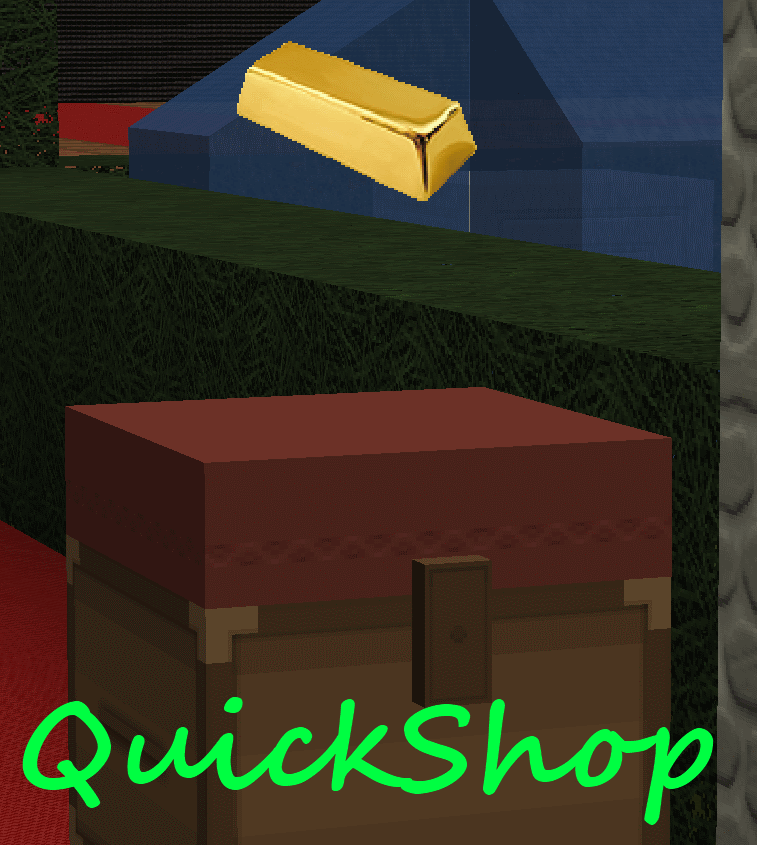
QuickShop
QuickShop
The Predecessors
Showcase was abandoned. Chestshop needed a display, with signs whose order you could never remember. SCS has too many commands. I'm yet to find someone who uses essentials shops.
Don't get me wrong though, they're all awesome plugins each in a few ways.
QuickShop
So, I set out to write this. QuickShop. QuickShop is a shop plugin, that allows players to sell items from a chest with no commands. It allows players to purchase any number of items easily. In fact, this plugin doesn't even have any commands that a player would ever need!
Features
- Easy to use
- Togglable Display Item on top of chest
- NBT Data, Enchants, Tool Damage, Potion and Mob Egg support
- Unlimited chest support
- Blacklist support & bypass permissions
- Shops that buy items and sell items at the same time are possible (Using double chests)
- Herochat support
- Checks a player can open a chest before letting them create a shop!
No longer accepting feature requests
For those people that hate reading, here's an awesome video from UltiByte:
A more up to date and informative video can be found here
Installation Guide:
http://www.youtube.com/watch?v=eJsv7fqaXNk
How to Create a Shop
- Place a chest on the ground
- Hit the chest with the item you want to trade
- Type in price for the item (As prompted) in chat
- Fill the chest with the items you wish to sell
Advanced
- Face the chest
- Type either /qs sell or /qs buy to make the shop buy/sell instead (Optional: use /shop instead of /qs)
- Stock the shop accordingly, if necessary.
How to Buy/Sell to a Shop
- Find a shop
- Hit / Left click the shop
- Enter the amount you wish to trade in chat
Menu Example:

See it in action:
http://maxgamer.org or
play.maxgamer.org:25571 and /warp market!
Commands
- /qs unlimited - Makes the shop you're looking at become unlimited.
- /qs setowner <player> - Changes shop owner to <player>.
- /qs buy - Changes your shop you're looking at to one that buys items
- /qs sell - Changes your shop you're looking at to one that sells items
- /qs price <price> - Change the price of your shop that you're looking at
- /qs clean - Removes any existing shop that has 0 stock.
- /qs find <item> - Use to find the nearest shop that begins with <item> - E.g. '/qs find dia' will find the nearest diamond shop.
- /shop - Alias (Optional) of /qs
Player Nodes
- quickshop.use - Required to use ANY quickshop
- quickshop.create.sell - Required to make a QuickShop (At all)
- quickshop.create.buy - Required to use /qs buy (Change the shop type from Sell -> Buy)
- quickshop.create.double - Required to make doublechest shops.
- quickshop.create.changeprice - Required to use /qs price (Ability to change the price of a shop without destroying it. This may allow for some scammers to quickly change the price while someone is buying.
- quickshop.bypass.ItemID - Required to sell blacklisted items (E.g. bedrock)
- quickshop.find - Required to use /qs find <item>
Admin Nodes
- quickshop.unlimited - Required to use /quickshop unlimited
- quickshop.setowner - Allows use of /qs setowner
- quickshop.other.destroy - Allow breaking other peoples QuickShops if they're locked by this plugin
- quickshop.other.open - Allow opening (And stealing/Stocking) other players QuickShops
- quickshop.other.price - Allow changing price of other people's shops
- quickshop.refill - Ability to refill chests using a command (=Unlimited items)
- quickshop.empty - Ability to empty chests of all items
- quickshop.clean - Permission to purge any shops that have 0 stock.
Source: Source on Github
Checkout the config over here.
Have Towny?
Try out this plugin http://dev.bukkit.org/server-mods/quickshop-towny-interop/ to stop players creating shops outside of Towny shop plots!
Calculating Economy Prices
Vagrant326 has created an Excel spreadsheet that allows you to calculate prices for a market, if you're looking to set one up! It takes a few minutes to setup the basic material prices, and once done, will tell you the appropriate value for almost any material! http://www.planetminecraft.com/blog/how-to-create-stable-prices-system-on-your-server/
Hi, I'm an 19 year old University student studying Software Engineering. I spend my time writing code that I receive practically no reward for other than people asking questions I've answered a hundred times before. I know server Admin's and Owners aren't the richest of people - But if you're feeling particularly generous, I always appreciate any amount for the time and patience I put into coding Bukkit plugins.
Comments


%2526business%253ddirk.jamieson%2540gmail.com%2526bn%253dPP-DonationsBF%253abtn_donateCC_LG.gif%253aNonHosted%2526cancel_return%253dhttp%253a%252f%252fdev.bukkit.org%252fserver-mods%252fquickshop%252f%2526lc%253dUS%2526item_name%253dQuickShop%2b(from%2bBukkit.org)%2526cmd%253d_donations%2526rm%253d1%2526no_shipping%253d1%2526currency_code%253dUSD)
-

netherfoam Owner
-
View User Profile
-
Send Message
Posted Jun 17, 2013I am server owner. How can I cancel a shop ? A lot of times when I break a chest and put a chest on same location. Tha old shop of there is working yet.
-
View User Profile
-
Send Message
Posted Jun 15, 2013@DJOnFire
http://www.youtube.com/watch?v=eJsv7fqaXNk
-
View User Profile
-
Send Message
Posted Jun 15, 2013Im not sure if a plugin is interfering with QuickShop but when i type /qs it says /qs in white on the screen, its downloaded just doesn't work right. Think u can help?
-
View User Profile
-
Send Message
Posted Jun 15, 2013@nadad0r11
Thanks dude =] It means a lot.
-
View User Profile
-
Send Message
Posted Jun 15, 2013Hi, Just wanted to say how great this plugin is and that I will be using it on my new server, as there seemed to be a lack of appreciation in the comments, except for a few. Keep up the good work!
-
View User Profile
-
Send Message
Posted Jun 14, 201303:48:00 [SEVERE] Could not pass event PlayerPickupItemEvent to QuickShop v4.4 org.bukkit.event.EventException
-
View User Profile
-
Send Message
Posted Jun 13, 2013@Exagerate
Find out. Its not the sharp 5 enchant.
-
View User Profile
-
Send Message
Posted Jun 12, 2013Um, Sharp 5 swords have been used to stop the shops working on my server, bizarrely- has this been patched in the latest version? I'm about to find out.. if not, please be aware of it, it's been badly abused for us.
-
View User Profile
-
Send Message
Posted Jun 12, 2013@roggbart
Your economy plugin formats the numbers. If you want to change decimals, change your economy plugin's config or change economy plugins to one that allows it.
-
View User Profile
-
Send Message
Posted Jun 12, 2013@netherfoam
Just tested and works really well because of the configuration possibilities.
Players love it already, amazing plugin!
Request: Config option to limit how many decimals you can put and how many it will show on the sign. Right now, you can set price to be 2,9999999999. For example limit to max 2 decimals would be nice.
-
View User Profile
-
Send Message
Posted Jun 12, 2013@roggbart
Yes & Yes
-
View User Profile
-
Send Message
Posted Jun 12, 2013Question: Do this plugin have inbuilt protection? If yes: Are you able to disable it?
I'm using griefprevention for protection and setting up protected shops around is a nice way of griefing, giving staff unnecessary jobs.
-
View User Profile
-
Send Message
Posted Jun 11, 2013@piritacraft
If players are getting items using that, then you are ignoring QuickShop error messages. The items have 0 count unless you're using MCPC+ or something. Players cannot pickup these items on vanilla bukkit, and therefore any dupe you're having would be something elses fault.
@SonarBeserk
Are you vanished? Silent chest on? Etc etc.
-
View User Profile
-
Send Message
Posted Jun 11, 2013I tested and not worked.
-
View User Profile
-
Send Message
Posted Jun 11, 2013@netherfoam
The dupe sim from Spigot with merge options disable. One player told me that the item duplication is using a mobspawner trap and a quickshop chest... Some mob get the item floating when create the shop but I do not tested yet. I will test again now.
-
View User Profile
-
Send Message
Posted Jun 11, 2013@KittyTristy
The merge items optioins already disable..
-
View User Profile
-
Send Message
Posted Jun 11, 2013I not sure why but when i try to sell something like a boat the shop creation never shows up.
-
View User Profile
-
Send Message
Posted Jun 10, 2013@MCLegendServer
Probably not for a while.
@PassWordE
No.
-
View User Profile
-
Send Message
Posted Jun 10, 2013can you add the vips' price
-
View User Profile
-
Send Message
Posted Jun 10, 2013A week ago i posted this post: "Hi. Can you plz fix a glich?
Even if you not have access to "quickshop.create.double", can you make a single chest shop, and then put a chest beside the shop. And it becomes a double chest shop... (if the same user try to make a shop by right clicking the double chest, does he get info that he dosent have permission to make a double chest shop....)
Benleo."
Can you plz tell me if you are going to fix this? :)