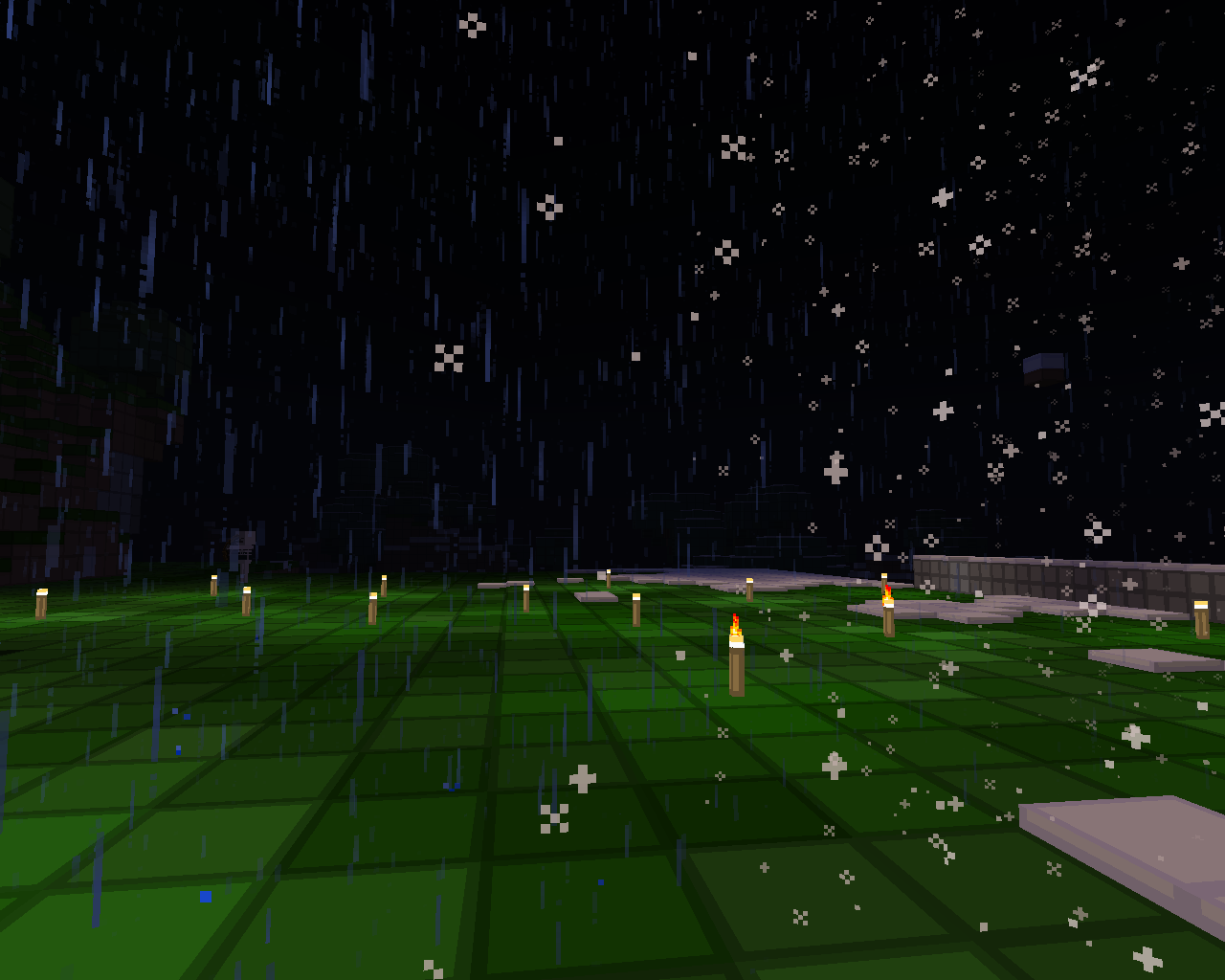
ProperWeather
Have you ever wanted to limit natural weather changes? Is snowing, raining or thundering disturbing you? Are you bored with 2 types of weathers? Do you want regional weathers? If so, you're on the correct page! ProperWeather is a plugin to stop/change natural weather changes in your world(s). It also adds custom weathers & region system, so you can enjoy any weather you want wherever you want.(Some custom weathers require spout to take effect, but most of them are made not to need spout)
Current stable version: 1.1.1
- Compatible also with spigot 1.8
- Mostly bugfixes, weather handling is now done correctly
- Only 3 types of weathers. If you want more, install ProperWeather-weathers.
- Introduced weather cycles
Current unstable version: 1.1.9b
- [1st june 2015]
- Please note, that unstable(development) versions don't usually have their features documented, so if you're unsure, you should stick with stables only! For unstable versions, always make sure to check changelog for information about stability and testing...
- The rest of this page is about current stable version
Features
- Easy to control
- Completely overrides minecraft server's weather system
- Supports Super-Perms( almost all permission systems)
- Supports Multiworld
- Custom Weathers
- Regional weather(currently biome-specific only)
- You can choose which weather can be active in which biome.
- Create custom weathers without programming
- Easily change weathers' duration and more!
- Stop weather in your world(s) forever
- Compatible with Multi-Verse(when you stop weather, MultiVerse will know that)
- Wind while sandstorm or windy weather is active
- Localisation possible
- Create random cycles of weathers
Video showcase(older version)
Commands
Args in [] are optional and args in <> are required. You can also use these commands from console, but you always need to enter the world name even if it's in [].
- /pw [help | ?]- Displays general help for the plugin
- /pw off [world] - Disables plugin(enables natural weather changes) in specified or player's world
- /pw stopat <rain | clear> [world] - Stops weather in specified world on rain or clear.
- /pw list - Lists worlds ProperWeather is currently controlling
- /pw wlist - Lists all available weather types
- /pw run [world] - Starts natural changing of weather in your world. This means, that it's going to cycle through all known weathers, while one weather shouldn't be longer than defined in its options file.
- /pw sit - Tells you which weather is in all regions of your world(console) or if you're a player, it tells you only situation in your region.
- /pw conf <property> - Reads property from config file.
- /pw conf <property> <value> - Sets property in config file.
- /pw rgt <world name> <region type> - Sets region type for certain world. Region type can be "biome" or "world". Please note that if you use biome, you also need to set use-biome-weather in config to true
- /pw im - Multi-verse import
Permissions
ProperWeather supports 3 permission modes: None, OP, SP.
- "None" allows everyone to do everything
- "OP" means only OPs can use commands from ProperWeather
- "SP" means you'll use an external plugin to deal with permissions
Permission nodes
Permission nodes are only effective in "SP" mode. Every permission node corresponds to some of commands above.
- pw.pw - Basic node for every user that wants to work with ProperWeather. You need it even if you have pw.*
- pw.* - All of below
- pw.disable - /pw off
- pw.enable - Both pw.run & pw.stopat
- pw.stopat - /pw stopat
- pw.list - /pw list
- pw.run - /pw run
- pw.wlist - /pw wlist
- pw.sit - /pw sit
- pw.im - /pw im
- pw.rgt - /pw rgt
- pw.conf - /pw conf
Configuration
ProperWeather generates its configuration file after it will be loaded(see How to Install)
Configuration nodes
- default-permissions - Tells plugin which permission mode it should use. Possible values(you have to type it exactly as you see it):OP,SP,None
- notify-mv - If there is MultiVerse found, should ProperWeather notify it when you use run or stopat? (true or false)
- translation-file - Location of translation file. en.txt means, that the file is where you have your craftbukkit.jar. Recommended value is plugins/ProperWeather/en.txt
- use-biome-weather - Set this to true if you want to use biome-specific weather.
- region-type.<world name> - Type of region this world is split up to. Possible values(must be UPPERCASE): BIOME, WORLD
Example configuration file
default-permissions: OP
notify-mv: true
translation-file: plugins/ProperWeather/en.txt
use-biome-weather: true
region-type.world: BIOME
How to install
- Download the latest jar file
- Place it into your server's plugins folder
- Run the server and wait for the "Done!" message
- Then, stop the server and go to plugins/ProperWeather/
- Change configuration(if needed)
Future plans/To-Do
Please vote on right to help me choose what to do.
- Events for developers (like weather change and so on) - 1.2
- Brand new way of creating weathers(connecting random events, elements, random time probability and so on...) - 1.2
- Terrain changing (erosion,genesis) - 1.2?
- Weather elements wrapping to regular plugins(you can configure that regular plugins can only be enabled while certain weather is active) - 1.2
- More to come...
- Have a suggestion? Leave it in the comments section! It won't get lost as I get an e-mail for every comment which is posted here(even my own)
Compatibility w/ other plugins
ProperWeather is currently compatible with following plugins:
- Spout ( custom weathers )
- ProperWeather-weathers provide more weather types (http://dev.bukkit.org/bukkit-plugins/properweather-weathers/)
- Any superperms-compatible plugin (for permissions)
Developers!
Don't miss this unique experience and create your own weather! Open Pages -> Hooking into ProperWeather
Localisation
As you may have seen, there's localisation API in ProperWeather and I want YOU to help me to extend it. If you know to translate to different language, you can just grab the default english translation file in '<path_to_server>plugins/ProperWeather/en.txt', translate those messages and send it back to me by PM, g-mail or even skype if you catch me online.
Have a problem? Take a ticket!
If you wanna submit a bug, please take a ticket, so we avoid comments section mess ;)
Contact Author
If you wish to contact author somewhere else, you can do so on:
- Blog: http://tomsik68.github.io/
- Twitter: https://twitter.com/tomsik68
- E-Mail: tomsik68@gmail.com
- GitHub: https://github.com/tomsik68 (also, sources of all plugins!)
- Skype: Tomsik68
Comments


-

Forge_User_36594775 Owner
-
View User Profile
-
Send Message
Posted Dec 25, 2011You, sir, are the greatest. :D Thanks VERY much!
-
View User Profile
-
Send Message
Posted Dec 14, 2011@Ceress
The issue is being caused by new and unsupported bukkit's API. I can't update till next year, since I can't get on PC :'( , but you can run properweather on 1.8.1 server and copy the data folder to a 1.0.1 server. That should work.
Edit: Got on PC and solved the issue!
-
View User Profile
-
Send Message
Posted Dec 14, 2011With the latest version, I'm still not getting a config.yml, just a weathers.yml which is completely blank.
I'm currently using the latest RB of CraftBukkit and MC1.0.1
Is that causing my issue? (since I do realize the latest version is still 1.8.1 and RB1337) Or is it something else?
-
View User Profile
-
Send Message
Posted Nov 22, 2011Wow ! Region specific weathers would be awesome !
-
View User Profile
-
Send Message
Posted Nov 18, 2011@MG127
Lol inferno weather :D. Region-specific weather requires a lot of work on already existing system ProperWeather uses and I don't know WHEN It'll be done.
-
View User Profile
-
Send Message
Posted Nov 17, 2011Future plans
Maybe region-specific weather - ???
only "maybe" ? but you already commented that you are working on it :) sounds nice
... yellow sky, maye with a little more red and brownish colores it could be used for inferno weather :D
-
View User Profile
-
Send Message
Posted Nov 9, 2011@Freakling6
It's not possible without rewriting WeatherRain at the moment. But it's very interesting idea. I'll add it asap.
-
View User Profile
-
Send Message
Posted Nov 9, 2011IMO there is too much rain in minecraft and it lasts too long. Can i reduce the probability and time of rain occuring with this plugin?
-
View User Profile
-
Send Message
Posted Nov 8, 2011@Ceress
Yeah, It's possible that new configuration format had screwed it up. It'll be fixed in 0.7b
-
View User Profile
-
Send Message
Posted Nov 8, 2011It seems as though v0.7a has forgotten to create it's configuration file(s)?
The only thing that was generated, was a "data.dat" file.
-
View User Profile
-
Send Message
Posted Oct 4, 2011@Nibelton
Yellow sky isn't intended now, but you can suggest some weather type, where I could use the yellow sky.
-
View User Profile
-
Send Message
Posted Oct 4, 2011yellow sky...its intended or ?
-
View User Profile
-
Send Message
Posted Sep 6, 2011@Slyvr
I'll look at it and see what I can do.
EDIT:Ok, It's possible. I'll work on it.
-
View User Profile
-
Send Message
Posted Sep 6, 2011@BluXDragon
Yes, that's exactly what this plugin is for.
-
View User Profile
-
Send Message
Posted Sep 5, 2011Does this plugin allow permanent storms on specific worlds, which don't revert on server-stop?
-
View User Profile
-
Send Message
Posted Sep 5, 2011I've been looking for a plugin that does region specific weather. Any chance you might work on that?