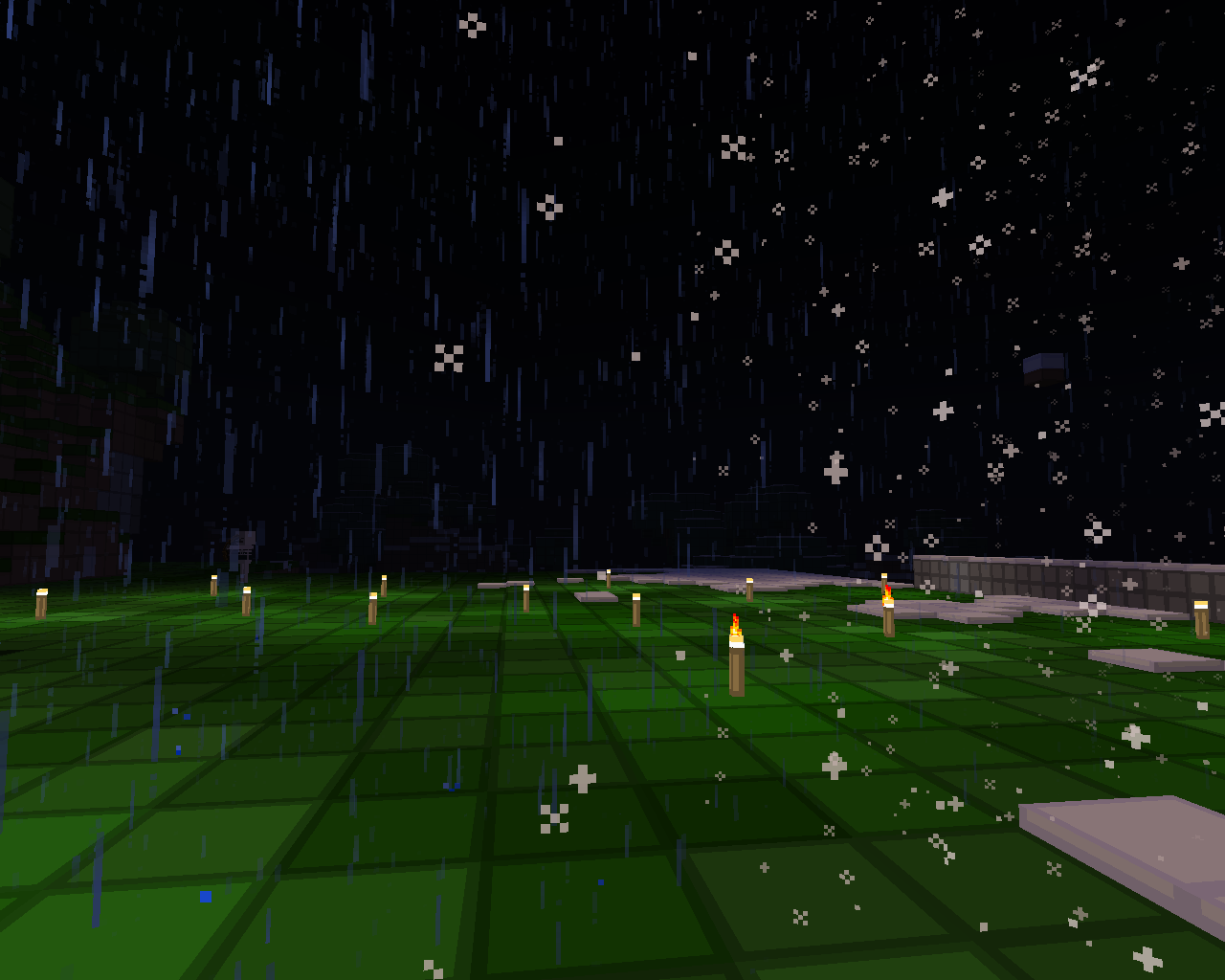
Creating a Custom Weather (0.7)[without programming]
How's custom weather defined?/What it is?
When you say custom weather, it's understood(at least by ProperWeather) as an event, which modifies current weather conditions in some world and occurs with some probability.
[without programming]
This section is about creating a custom weather by setting several properties in <path_to_server>/plugins/ProperWeather/weathers.yml . As of 0.7 release, you can use YAML file to create a custom weather, but you can use programming too.
Let's get started!
You first need to get a good text editor, which lets you edit YAML files. I suggest to use Notepad plus plus on windows, gedit on linux and [whatever similar] on mac.
Got the editor!
If you haven't started server with ProperWeather yet, rather do that now(you can stop it after all plugins are loaded). Open up <server>/plugins/weathers.yml in your editor. Here is a template for you:
# Name of weather
myweather:
  # Probability of weather in %s
  probability: 90
  # Maximal duration of weather in server ticks ( 12000 = half day; 24000 = day; 36000 = day and half
  max-duration: 24000
  # Don't care about this, always 0 when defining weather in this way
  rand-time-probability: 0
  # A list of weathers this one can't go after. You can see some weathers above in weathers.yml
  cant-be-after:
  - Hot
  # Color of sky *
  sky-color: red
  # Color of fog *
  fog-color: yellow
  # Color of clouds *
  clouds-color: blue
  # Size of sun in %s. 100% is original, 200% is twice bigger *
  sun-size: 100
  # Size of moon in %s. Same as above. *
  moon-size: 100
  # Frequency of stars in the sky. *
  stars-freq: 100
  # Height of clouds in blocks *
  cloud-height: 128
  # Whether moon is visible *
  moon: false
  # Whether sun is visible *
  sun: false
  #  Whether clouds are visible *
  clouds: false
  #  Whether stars are visible *
  stars: true
  #  This is not important
  thundering: false
  # Whether it's raining
  raining: true
* = Spout required to see effect of changing this option You can copy this template, append it to your weathers.yml and try to change some values.
-
View User Profile
-
Send Message
Posted Jan 7, 2012are there any predefined events that can happen? for instance i notice there is no snow weather (server-wide rather than biome) and there is mention of arrows...can there be other options, that could be defined in the config...like having snowballs fall to imitate hail?
-
View User Profile
-
Send Message
Posted Apr 16, 2012@fatmarleys
I'm sorry for being late, but I didn't notice your comment till now. There aren't any predefined events( no scripting = no fun ;) ). It's awesome idea to create server-wide snow weather using the snowballs, but there's also an option to use Spout and create a server-wide snowing using standard snow particle. The weather with snowballs will be implemented soon.