Printing Press Features
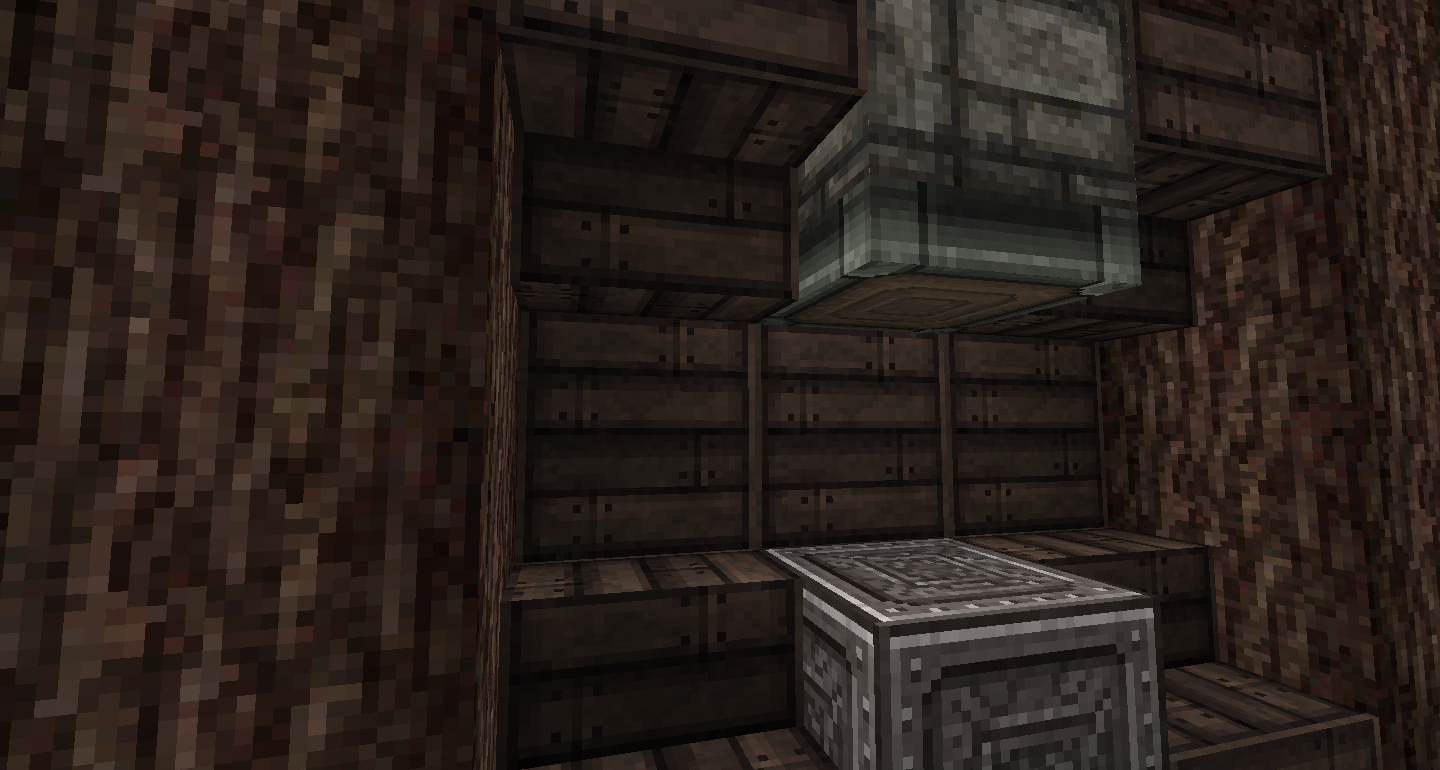
To create a printing press
- Place an iron block
- Two blocks above it, place a piston facing down.
Printing a book
- Place the written book you want to copy in the first slot of your inventory.
- Put the required item(s) in your inventory, (by default this is one ink sack).
- Left click the printing press with a normal book.
Clearing a book
- Put the book you want to clear as the item in your hand (can be a written or enchanted book)
- Put the required item(s) in your inventory, (by default this is three bone meal).
- Left click the printing press with the book.
Posts Quoted:
Reply
Clear All Quotes
Comments