Example setup
There's a working example (oct/2011) using PrefixedPlayerlist config file and permission nodes, as well as distinguishing server OPs. Also whenever you edit the config file, keep in mind the additional notes, which are mentioned on the main page.
Note that the player list and config can look a little bit different today (dec/2012). This does, however, still work.
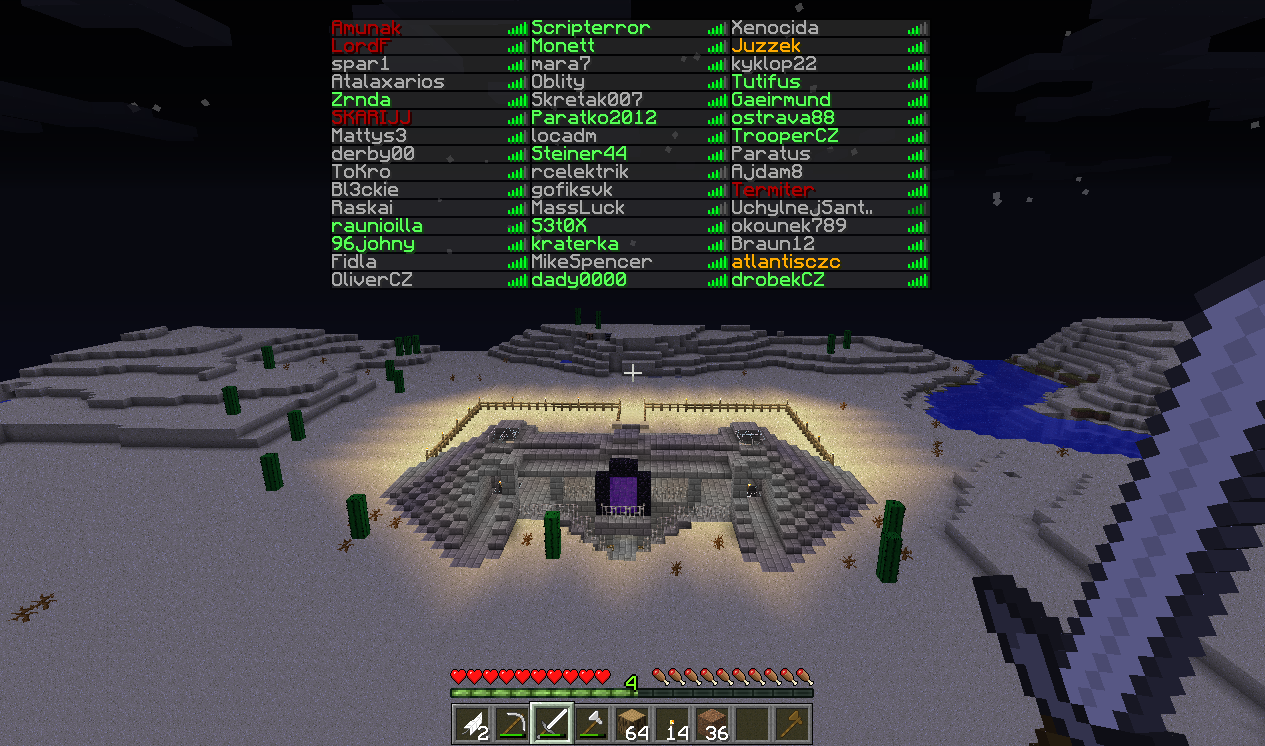
How it looks
This is our goal. I'm in group "mod" and I'm also opped on the server.

Config
pplconfig: true
options:
  usePEXPrefix: false
prefixgroups:
  general:
    default: ''
    op: '&4O'
  custom:
    mod: '&6M'
    vip: '&aV'
Permissions
In this example, I'm using file backend for PermissionsEx.
groups:
    player:
        default: true
        permissions:
        - modifyworld.*
        - some.permissions.players.have
    vip:
        permissions:
        - some.other.permission.nodes.vip.has
        #This gives the 'V' prefix
        - prefixedplayerlist.prefix.vip
        inheritance:
        - player
    mod:
        permissions:
        - some.other.permission.nodes.mods.have
        #This gives the 'M' prefix
        - prefixedplayerlist.prefix.mod
        inheritance:
        - vip
users:
    SomeVIP:
        group:
        - vip
    Amunak:
        group:
        - mod
Console output of PEX
Here you can see what exactly player Amunak has:
- > PEX user Amunak
- [INFO] Amunak are member of:
- [INFO] mod (not ranked)
- [INFO] Amunak's permissions:
- [INFO] some.other.permission.nodes.mods.have (from mod)
- [INFO] prefixedplayerlist.prefix.mod (from mod) ⇦ We want this to see the 'M' prefix
- [INFO] some.other.permission.nodes.vip.has (from vip)
- [INFO] prefixedplayerlist.prefix.vip (from vip) ⇦ He inherited prefix 'V' as well - that's why we want to have custom prefix mod defined first
- [INFO] modifyworld.* (from player)
- [INFO] some.permissions.players.have (from player)
- [INFO] Amunak's options: