
Player Visibility
Player Visibility
This plugin will prevent players from having lag on your hub server because you can toggle off players.
Current stable version: v2.5.3
Tell me more!
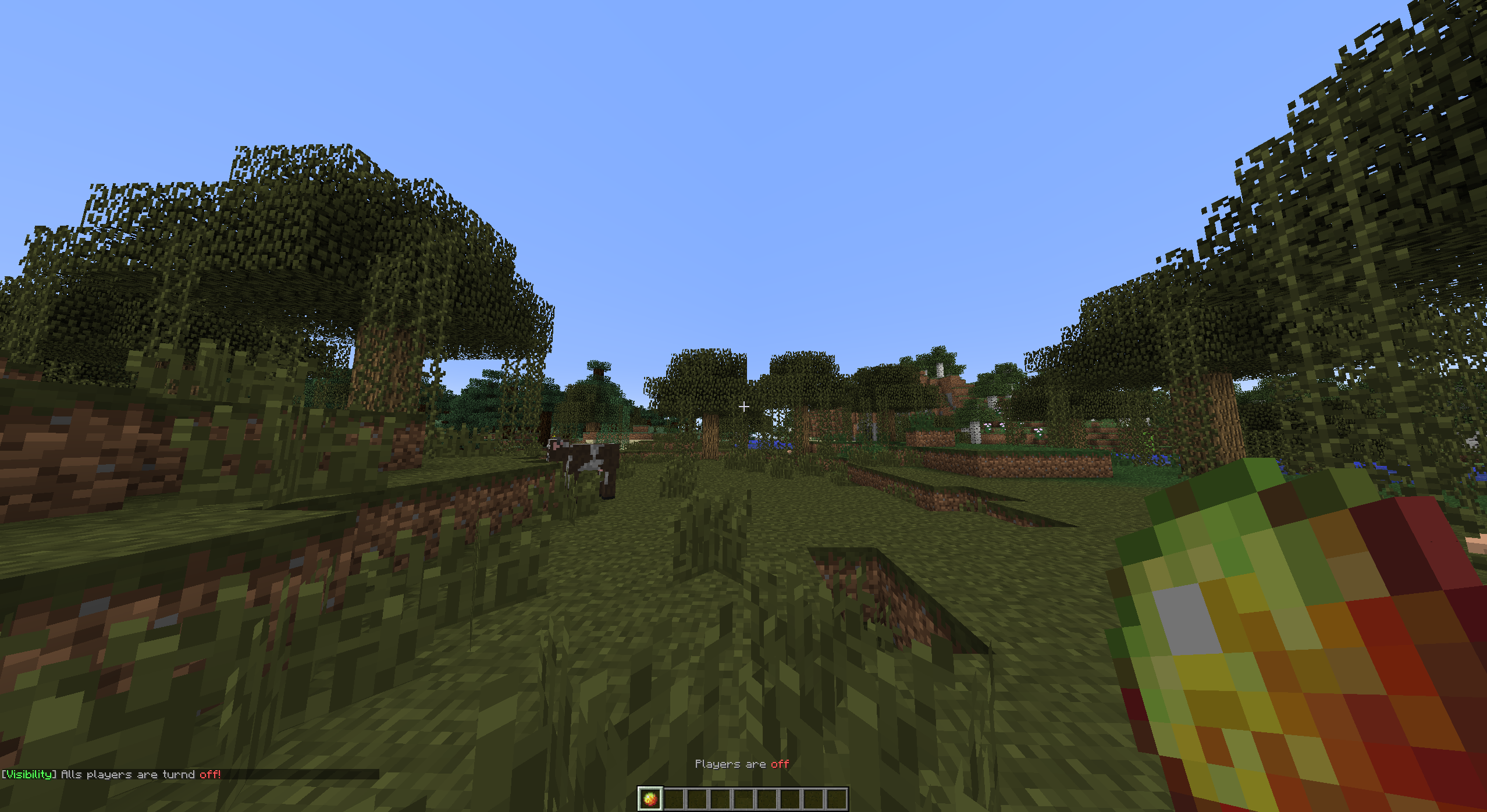
By toggling other players, you are able to hide or show all other players. You can toggle with the item defined in the config when you click the item it will change in an "off" state item. This means the item will change in another item. 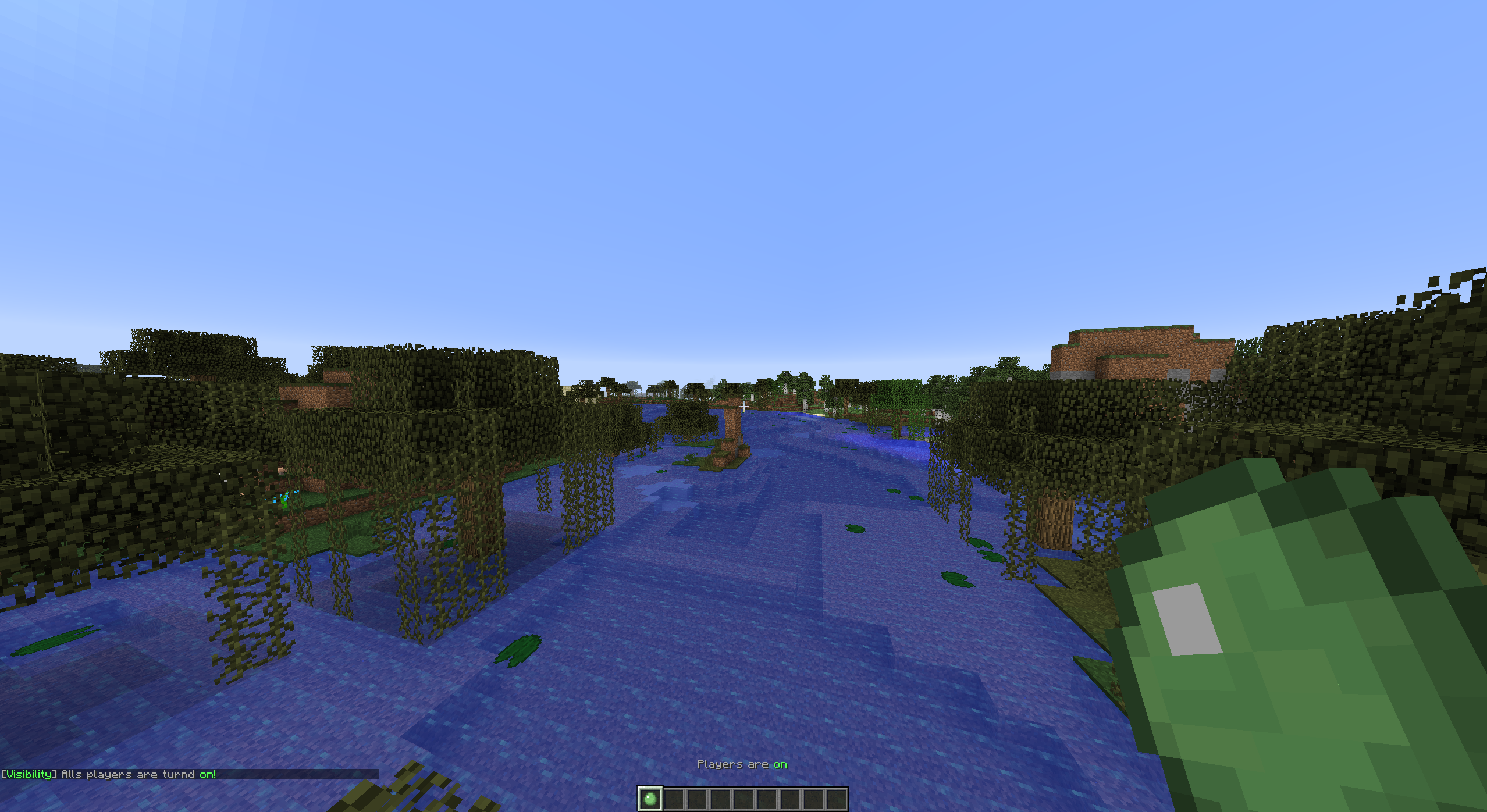
Tutorials
English VariationVault

Turkish CrystalGamingTR

Portuguese AbsintoJ

Setup
Project >> Installation >> Configuration >> Commands and Permissions

Comments

-

tomudding Owner
-
View User Profile
-
Send Message
Posted Jun 4, 2014@VideoGameBlackBelt
That is because the plugin is searching for a player who is clicking a block. Because else the plugin can't check if the player is clicking with the item. And because a 'block' is something different than an 'item' (for me...).
-
View User Profile
-
Send Message
Posted Jun 3, 2014@VideoGameBlackBelt
Is it Only with the first slot? If it so you have to put the item which you configure in the config into the first slot
In the next update get the item automatically
-
View User Profile
-
Send Message
Posted Jun 3, 2014I need a little help, my players can place the block and they dont get it back. Any help?
-
View User Profile
-
Send Message
Posted Jun 2, 2014Video Tutorial on the Plugin
http://youtu.be/J7EnCOM-aGU
Credits Video: (AbsintoJ/Player Visibility)
-
View User Profile
-
Send Message
Posted May 24, 2014In the next release (v1.3.3) the old support for names will be deleted and will become UUID's. For further information about UUID check this page: http://minecraft.gamepedia.com/1.8
-
View User Profile
-
Send Message
Posted May 24, 2014@tomudding
DahDuff,
Many thanks tomudding my problem is now officially fixed!
-
View User Profile
-
Send Message
Posted May 23, 2014@Shooty_
I am working an "custom inventory" that makes it able to toggle a configured amount of players on/off or only VIP etc.. And that other thing will be released in v1.2.3.2
-
View User Profile
-
Send Message
Posted May 22, 2014Awesome plugin, please add a way to add a limit, like 50 ppl max etc :).
Also there's a bug, if set 'invisible', new player joining will not be invisible.
-
View User Profile
-
Send Message
Posted May 20, 2014@MrSanfrinsisco
I use PEX to test permissions and it is working perfectly, please make a ticket with configurations, screenshots (the configs [Permissions and Player Visibility])
-
View User Profile
-
Send Message
Posted May 20, 2014@tomudding
Oh , Thank you very much. I'll let you know if that helped! :)
-
View User Profile
-
Send Message
Posted May 19, 2014Permissions
My permissions are not working but I would really love to stick with this plugin. It is very simple and absolutely amazing, Are there new permissions?
-
View User Profile
-
Send Message
Posted May 19, 2014@DahDuff
If the code is still alive it is doing this at its own, but if code is (like you are saying) not working properly I will bring a fix out on it.Got it, I forgot an exclamation mark In a day new version will be available with that fixed.-
View User Profile
-
Send Message
Posted May 18, 2014@tomudding
Um..I'm not sure I get your point but I did a quick check and find out essentials only allows you to vanish certain players of interest so that they don't get their view crowded by people. Could you maybe add a configurable small new feature that when you change worlds in general , players get visible again by default? ( true/false ) , Because once they join they won't be able to toggle it anymore since the item disappears. Thank you in advance for trying to help <3
-
View User Profile
-
Send Message
Posted May 17, 2014@DahDuff
In the Requirements for that Skywars plugin it is calling Essentials. And Essentials also can hide/unhide players. I have to say you need to check that out.
-
View User Profile
-
Send Message
Posted May 16, 2014@TiippexxModz
I'm referring to a skywars plugin I'm using > http://www.spigotmc.org/threads/wickedskywars.18267/
Once you join a game you get transferred to a different world. I've already done some research and found out that most plugins out there lead to the same issue. This might happen because the game world is generated on server startup , ( However it always has the same worldname *using this name to disable the plugin in the config ). Do you have any idea if this is even fixable? Stupid n' Desperate Idea >> Maybe a special version in which if a player changes world in general ( or just teleported ) players get visible by default?
-
View User Profile
-
Send Message
Posted May 16, 2014@DahDuff
did you just entered the world in the config have you actively want to?
-
View User Profile
-
Send Message
Posted May 14, 2014@tomudding
Hey ! I'm experiencing a kind of issue here , when I disable player visibility and move to another world I'm unable to see any players which means that the plugin keeps working :/
-
View User Profile
-
Send Message
Posted May 11, 2014@ItIsMeMyself
Why would you need an option for an item on join? If the item is already in there inventory and they are in an enabled world they will not get the item. And why would you like an option so player can drop the item? Because they can't drop the item.
-
View User Profile
-
Send Message
Posted May 11, 2014@tomudding
Can you add the config option to give players the visibility item on join and if they can drop it?
-
View User Profile
-
Send Message
Posted May 6, 2014@Dani5835
I am glad to hear that it is working now. :)