PlaceFallingBlock
Overview:
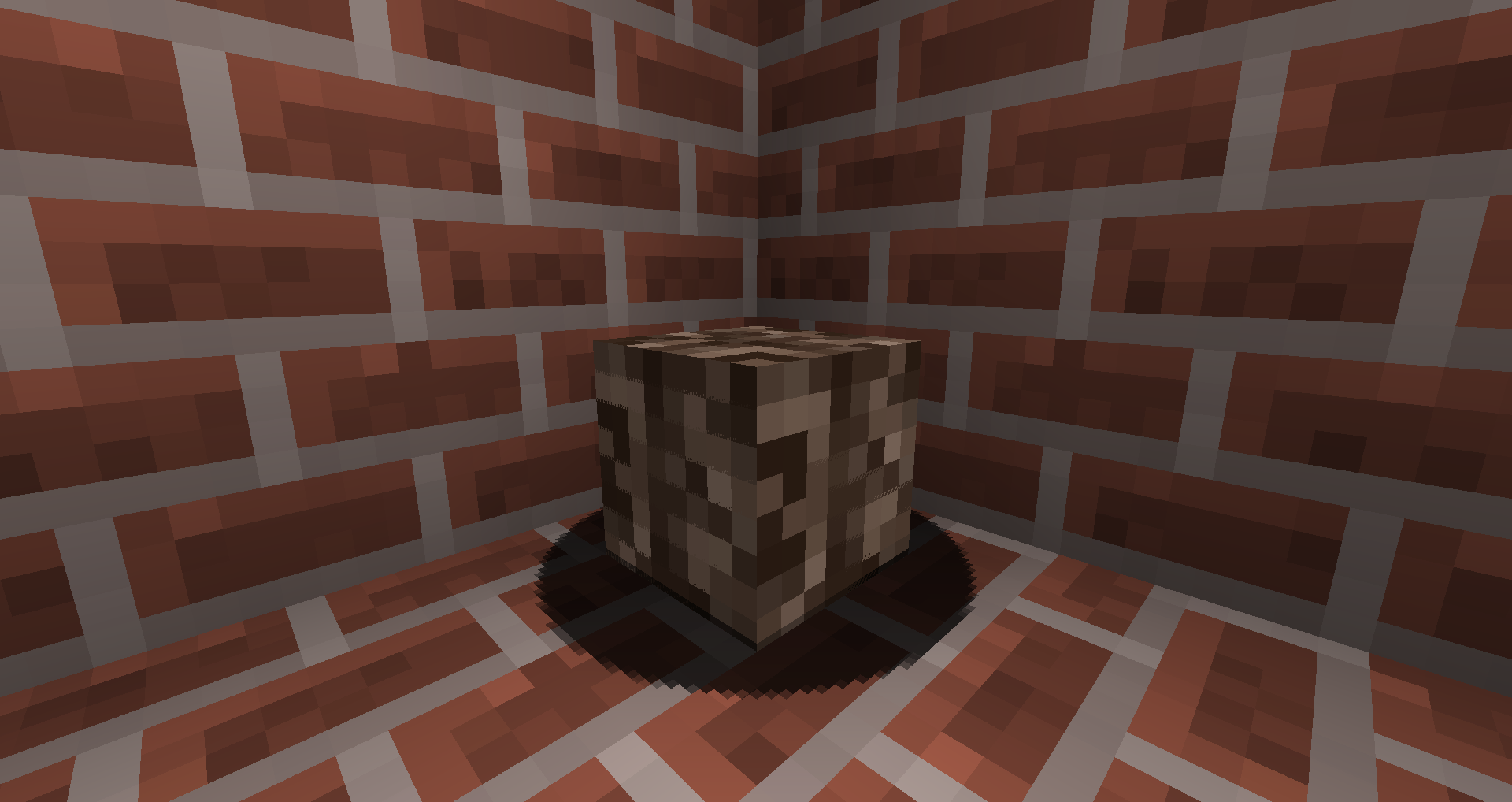
"Falling Blocks" are just sand blocks, retextured to look like other blocks, (Similar to how blocks' textures can be changed in a Resource Pack) such as bricks in the examples below. This plugin allows you to place them in a certain spot, and keep them from being affected by gravity, TNT explosions, or whatnot.
This plugin allows you to have:
- Non-solid blocks (able to be walked through)
Can be used to create secret entrances, or things of the sort.
Example: http://youtu.be/EQLRW4iuJu4
- Any block able to glow (place a torch and create a FallingBlock in its location)
Can be used to light places where torches and other lighting sources would look awkward.
Example: http://i.imgur.com/jqFWPBB.png
- "new" blocks due to differences in rendering when creating FallingBlocks.
Example: http://i.imgur.com/A5DKvSg.png
Instructions:
Left click with wooden shovel - Turn block into FallingBlock.
Right click with wooden shovel - Turn FallingBlock into normal block.
Commands:
/toggleEnabled or /te:
Toggles if falling blocks are shown. Disabling this allows you to place a block inside a normal falling block, and then toggle it back to enabled.
/spawnFallingBlock or /sfb:
Basically the same as left clicking with a shovel, except it spawns the block you're looking at at your location, instead of the block's location. Useful if you want to spawn a block you can't break, such as water.
Permissions:
PlaceFallingBlock.toggle_state - /toggleenabled
PlaceFallingBlock.create_with_command - /spawnfallingblock
PlaceFallingBlock.create - Left click with wooden shovel
PlaceFallingBlock.remove - Right click with wooden shovel
[Operators have all permissions]
Config:
SendMessageOnCreateOrRemoveFallingBlock - True to send messages, false to not.
TODO:
- Moving blocks
- FallingBlocks on non-integer coordinates
- Reduce ram usage
(Based off of SpaceYavin's request - http://forums.bukkit.org/threads/placefallingblock.166432)
Comments


-

_ForgeUser11800660 Owner
-
View User Profile
-
Send Message
Posted Jun 28, 2014@xNanochip
Possibly... I'm not sure about the necessity of that, though.
-
View User Profile
-
Send Message
Posted May 18, 2014Very nice plugin! Exactly what I needed for my creative server. Could you add a wand (or use world edit wand) where a player can select two points and turn that area into normal blocks or falling blocks?
Thanks for the plugin; nice job! -Nano
-
View User Profile
-
Send Message
Posted Apr 13, 2014@chrisp50
Didn't know that. Thanks.
-
View User Profile
-
Send Message
Posted Apr 6, 2014well you can actually stop blocks from falling as far as i know. Just create a wither skull and make the block ride the wither skull. This should work ^^
-
View User Profile
-
Send Message
Posted Mar 9, 2014@Epic_Weasel
It's not supposed to fall. That's kind of the point...
-
View User Profile
-
Send Message
Posted Feb 12, 2014I was using this plugin, and when i clicked the block, it didn't fall. It just kind of stayed there like a weird entity.
Cool plugin though!
-
View User Profile
-
Send Message
Posted Feb 9, 2014@Northwindyness
I've looked at it, but I haven't found a way. It seems that the client handles the gravity of falling blocks, meaning that I can't stop it from the server.
-
View User Profile
-
Send Message
Posted Jan 4, 2014I understand these blocks are just falling sand and do this regardless, but I want to know if there is a way to make them stop quivering so much when placed on top of each other. It makes secret entrances and other things of the sort too noticeable.
-
View User Profile
-
Send Message
Posted Oct 21, 2013@CoolKill3r
I would imagine this would cause some lag, however I have not experienced any such issues. I am working on removing some of the RAM usage.
Placing too many of the blocks in a chunk will most certainly lag a client (and possibly crash said client). This isn't an issue I can solve, though.
-
View User Profile
-
Send Message
Posted Oct 21, 2013How does this work on ram usage? I could imagine placign too much in a chunk could lag.
-
View User Profile
-
Send Message
Posted Oct 20, 2013@mrZcr4fter
Submitted a file, awaiting approval.
-
View User Profile
-
Send Message
Posted Oct 16, 2013Hey man, awesome plugin, update to 1.6.4 Please! Thanks!
-
View User Profile
-
Send Message
Posted Sep 15, 2013Thx, Normally You Needed to se McEdit for this, And It Was Very Hard To Do Now Its Just Easy, AWESOME BRO
-
View User Profile
-
Send Message
Posted Sep 13, 2013@filoghost
How else would I keep the block in the air?
As far as setting block's velocity causing lag, I've run into no such issues, but I recommend that you don't have more than 10-20 fallingblocks loaded at the same time.
-
View User Profile
-
Send Message
Posted Sep 13, 2013I suppose that you set the velocity, when falling. But you would need to do it very fast, and setting all that blocks velocity can cause lag.
-
View User Profile
-
Send Message
Posted Sep 11, 2013Very Very nice Plugin!
-
View User Profile
-
Send Message
Posted Sep 9, 2013@Noplix
I've uploaded the files, but Bukkit staff haven't approved them yet.
-
View User Profile
-
Send Message
Posted Sep 9, 2013Download link?
PS: Nice Plugin!!!