pixelArt
Introduction
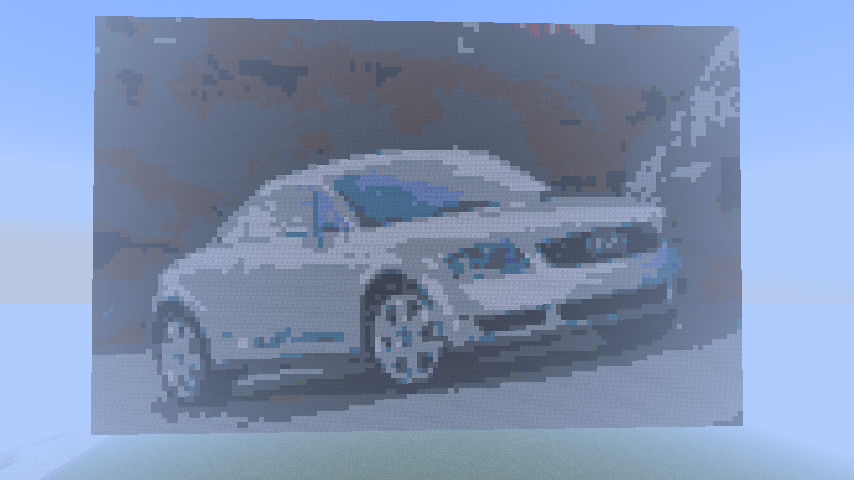
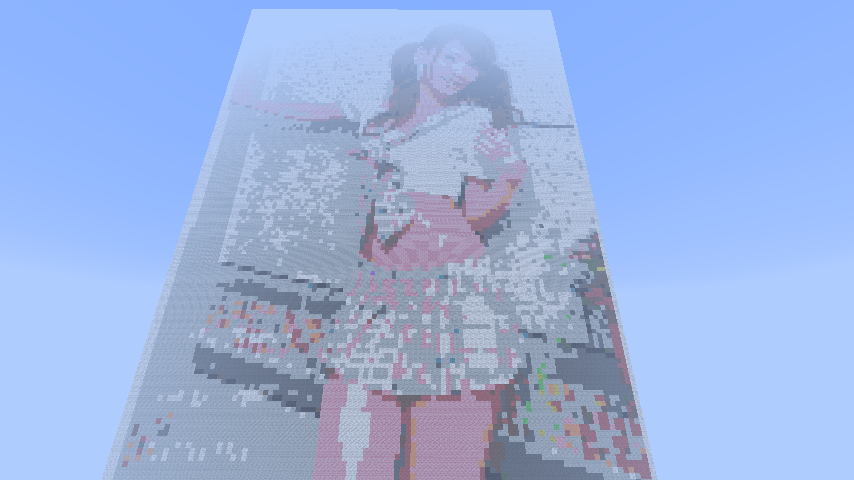
I have noticed a lot of people want to make pixel art and spend a lot of time doing it. Personally I don't like using all my time to do something when the computer can just do it for me. Call me lazy if you wish. So I wrote this very simple plugin that can load a max sized 200 x 200 pixel bitmap image and convert it into blocks within minecraft.
Either local files or online files can be used.
Commands:
p list <directory> List all the .bmp files in a directory.
p art <file path> <direction> <omit color>
<file path> can be a local file like C:/myimage.bmp or an online image like http://www.image.com/image.bmp
<direction> is either "h" for horizontal or "v" for vertical. Positioning is based on the players current location.
<omit color> This is optional but makes it possible for you to have pixel art that is not the shape of the image file. Say you want to make pixel art of an apple. Color the background behind the apple pink and set the <omit color> to pink and anything that is pink will not be drawn into the pixel art.
Colors black, white, silver, gray, red, orange, yellow, lime, green, lightblue, cyan, blue, purple, magenta, pink, brown
Colors are compared to the closest minecraft wool color. Sometimes colors will not look right and this works best with more simple colors. Images only load one direction.
Permissions
None.
Configuration
None.
Source Code
Examples

Comments


-

_ForgeUser10028772 Owner
-
View User Profile
-
Send Message
Posted May 27, 2016@DKCfighter
for me works fine ... example linux:
/server/minecraft/plugins/pixelArt/picture.bmp
-spigot 1.9 -2016
-
View User Profile
-
Send Message
Posted Feb 5, 2016YOU.... ARE.... FULL... OF..... SHIT.....
i had try your shit for a whole fucking night... you dont explain this fucking crap so every one understand it and when it is so long time since you last had maked anything on it... 2013 year !!! then PLEASE FUCKING leave something that still works or delete your fucking shit so people dont need to spill time on your crap... FUCKS SAKE
-
View User Profile
-
Send Message
Posted Nov 11, 2013@DarkReaperFap12
BEST PLUGIN EVER...
-
View User Profile
-
Send Message
Posted Oct 10, 2013is there anyone that can help
if there is someone add me on skype: Daniel234343 or join my server: 79.177.227.71:25565 thank you!
-
View User Profile
-
Send Message
Posted Sep 18, 2013DUDDEEE LOVE IT
-
View User Profile
-
Send Message
Posted Sep 13, 2013bmp. its for scanning make by save ".bmp" an finish Bmp / 254 colors
-
View User Profile
-
Send Message
Posted Sep 10, 2013Way cool. No 'undo' so experiment on a throw away world.
-
View User Profile
-
Send Message
Posted Sep 9, 2013Just asking, it only works with .bmp pictures? If so, is it possible for other picture formats? (.png, .jpeg)
-
View User Profile
-
Send Message
Posted Sep 9, 2013Got it working. Looks GREAT!
Any chance of an 'Undo' type command?
-
View User Profile
-
Send Message
Posted Sep 9, 2013Someone got it to work on my server and placed a bunch of these everywhere:
-
View User Profile
-
Send Message
Posted Sep 9, 2013@GERARD2202
What command did you try?
-
View User Profile
-
Send Message
Posted Sep 9, 2013A-W-E-S-O-M-E
-
View User Profile
-
Send Message
Posted Sep 9, 2013Hi man i dose not work you are not handling a null pointer exception correctly here is a error log for you http://pastebin.com/PYapna9G
-
View User Profile
-
Send Message
Posted Sep 9, 2013@mbalent
It shouldn't matter the direction of the slash. I uploaded a new version with p list <directory> to list the files in a directory and fixed the online file loading issue.
You can try it out in the PIXEL WORLD ONLY of http://minecraft.graphicport.net
I tested /p art http://www.graphicport.net/2.bmp v lime and it worked.
-
View User Profile
-
Send Message
Posted Sep 9, 2013@xavierarmadillo
So you use a forward slash for local files even though backslash is the standard?
-
View User Profile
-
Send Message
Posted Sep 9, 2013@Cehzinho
Let me look into it.
-
View User Profile
-
Send Message
Posted Sep 9, 2013@kurwajegomac
"v" is used to make vertical pixel art.
-
View User Profile
-
Send Message
Posted Sep 9, 2013@mbalent
It does work. I have a file in my C:/ directory and it is a standard bitmap that is less than 200 x 200 pixels. I call it 1.bmp so /p art C:/1.bmp v generates the pixel art.
-
View User Profile
-
Send Message
Posted Sep 6, 2013Don't work. Cannot find file. Always returns 'file not found' when looking for a local file.
A real example of the command syntax would be helpful.
Also, are you restricted by the type of bmp file? 256 or 16 color?
Enhancement: add a command like /p art list c:\temp to show all the bmp files at the location 'c:\temp'
-
View User Profile
-
Send Message
Posted Sep 6, 2013i keep trying to do online files for my hosted server but i always get errors saying cant find file or file not supported only accepts .bmp images. is there a way to get pass that? haven tried locally yet but i really would like this on my creative server