main/Configuration
Configuration
MOD SUPPORT IS AT BOTTOM OF THIS PAGE
In the config, you will see many comments explaining how the config works as well as what you might need to change and how to. It is there for quick reference and may not always be up to date. If you need an up to date guide, you can always come back here!
Changing mode
As simple as changing one line in your config - "mode:" - to any of the following modes.
- default
- hand
- inventory
- helmet
- multi
Once changed, you can do /nl to apply changes and you're set! In most cases, you can run the server with no problems without changing anything else. Multi is a new feature and checks helmet for the specified helmids as well as checking your hand for handids.
Changing applicable items a player may have in their inventory
Again, quite simple - just change the heading under which you see the mode you have set and do a simple /nl and then you're ready to go! You must use item IDs though, as the way I process the item data, it is impossible at the moment to use item names.
Example: I want to change to helmet mode, and then set it to only light up when I wear a pumpkin on my head.
- Change "mode: default" to "mode: helmet"
- Remove the ids listed under "applicableHelmIds:"
- Add the id for pumpkins (86)
Config should look something like this when its complete:
mode: helmet
...
#
# If you set your mode to helmet, you will be able to modify these
# ids, otherwise, there will be no effect in changing this.
# Rather than the other modes, this mode depends on having these
# items equipped. This way, players can be wearing a "mining helmet"
# or the sort.
#
# Default values: gold helm, chain helm
#
applicableHelmIds:
 - 86
Mod Support
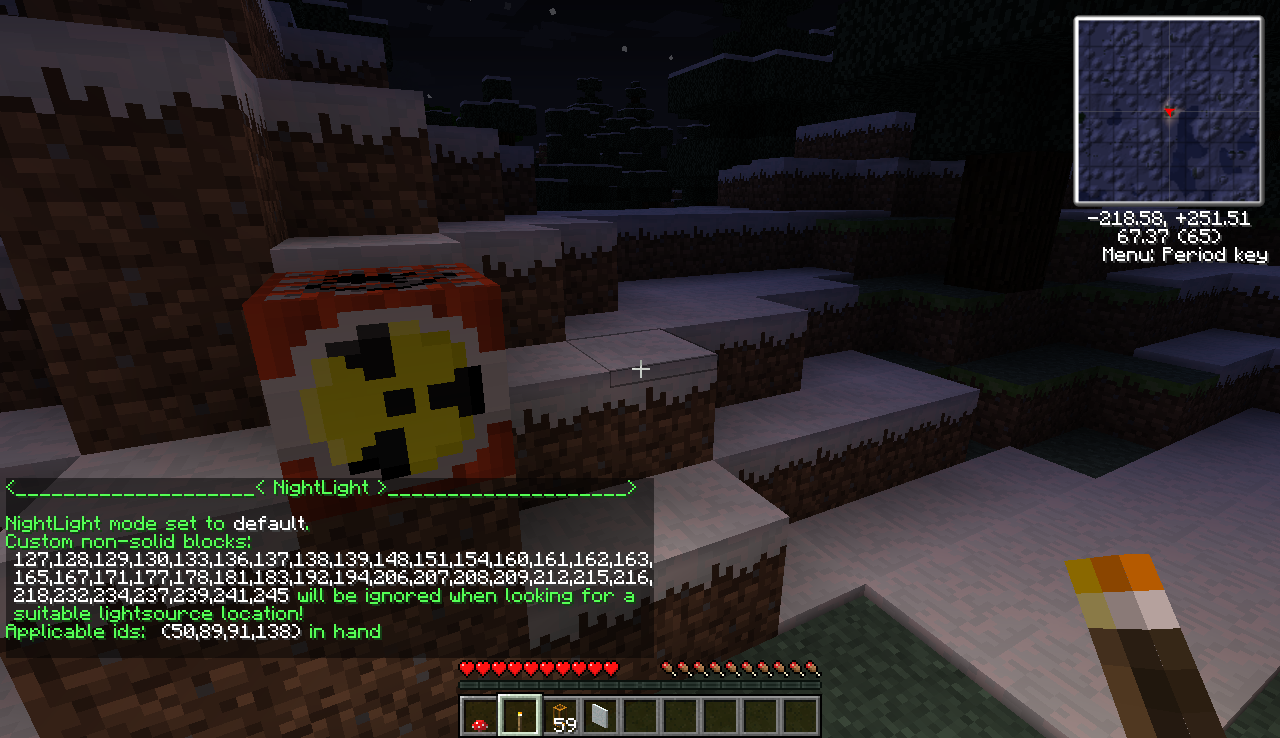
As easy as adding the mod's non-solid ids to the nonSolidIds list in your configuration file. If you're running tekkit, you're in for quite a surprise, as they will already be defined by your wonderful mod author - me :D
nonSolidIds:
 - 136
 - 130

...
Comments