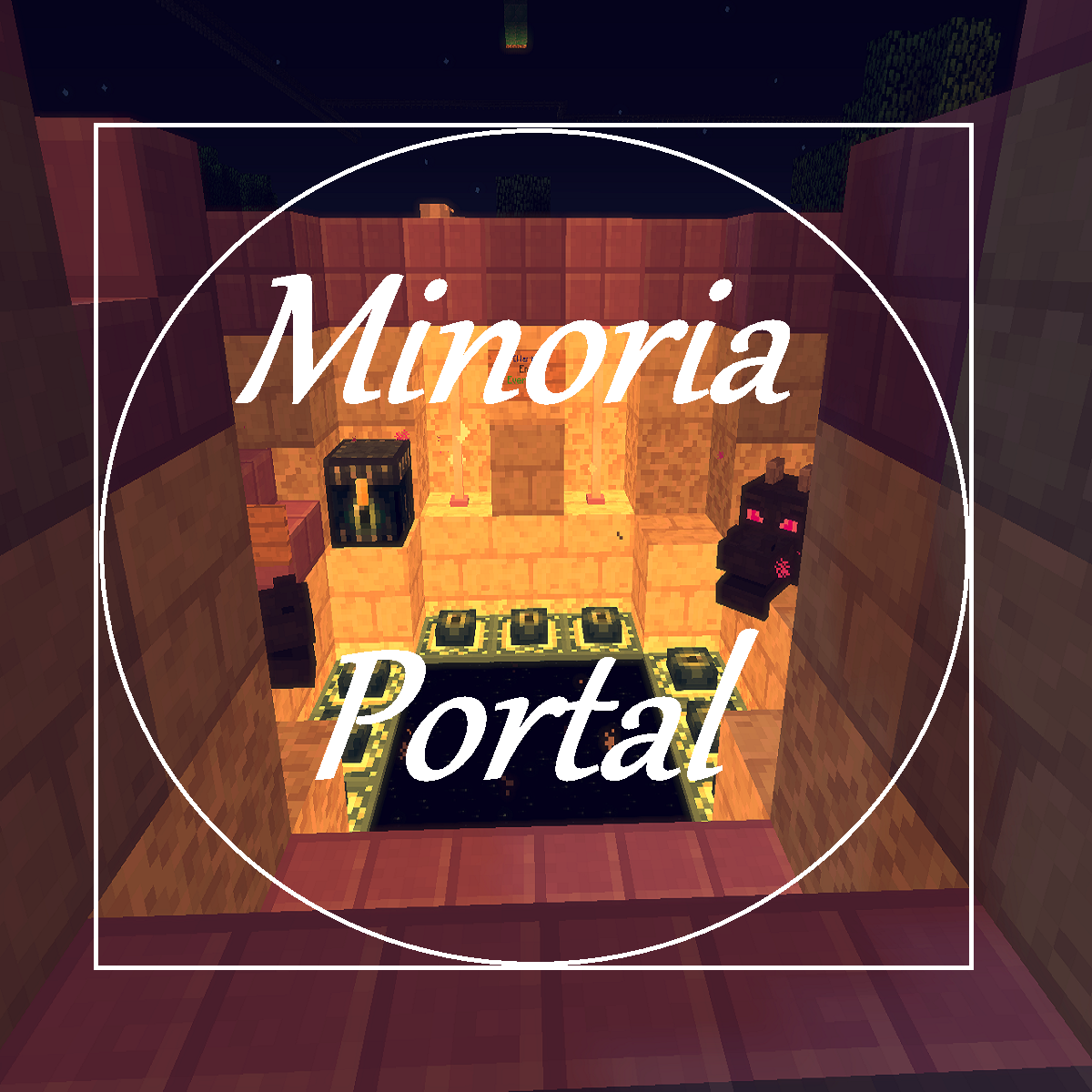
MinoriaPortal
Deutsch:
Erstelle ein Portal, z.B. ein Farmwelt-Portal und wenn du in das Portal reinläufst, wirst du Teleportiert!
Commands:
/MP createPortal [Warpname] -> Erstellt ein Portal -> MinoriaPortal.cmd.createPortal
/MP addWarp [Warpname] -> Erstellt ein Warp -> MinoriaPortal.cmd.addWarp
/MP wand -> gibt das Item zur erstellung des Portals(loc1, loc2) -> MinoriaPortal.cmd.wand
/MP list -> Listet alle Warps auf -> MinoriaPortal.cmd.list
/MP remove [Warpname] -> löscht einen Warp + Portal -> MinoriaPortal.cmd.remove
/MP reload -> reloadet die Config -> MinoriaPortal.cmd.reload
/MP help -> zeigt die Help-Seite an -> MinoriaPortal.cmd.help
In der Config kann man die Nachrichten verändern!
Portal erstellen:
Zu dem späteren Warp punkt gehen!
/MP addWarp [Warpname]
Zum Portal gehen
/MP wand
Die Seiten des Portals markieren. (Wie bei WorldEdit Position 1 und 2!)
/MP createPortal [Warpname]
Jetzt ist das Portal fertig!
Viel Spaß mit dem Plugin!
Englisch:
Commands:
/MP createPortal [name of the warp] -> create a portal -> MinoriaPortal.cmd.createPortal
/MP addwarp [name of the warp] -> create a warp -> MinoriaPortal.cmd.addwarp
/MP wand -> gives the wand item(like Worldedit) -> MinoriaPortal.cmd.wand
/MP list -> list all warps -> MinoriaPortal.cmd.list
/MP remove [name] -> delete a warp + portal -> MinoriaPortal.cmd.remove
/MP reload -> reload the config -> MinoriaPortal.cmd.reload
/MP help -> displays the help page -> MinoriaPortal.cmd.help
In the config you can change the messages!
How to create a Portal?
go to the warp point
/MP addWarp [name of the warp]
go to the portal
/MP wand
Select the Location1 and 2 of the Portal like WorldEdit
/MP createPortal [name of the warp]
Now the portal is ready!
Have fun with MinoriaPortal!:)
Comments


-

Forge_User_47696017 Owner
-
View User Profile
-
Send Message
Posted Oct 11, 2017kuy
-
View User Profile
-
Send Message
Posted Mar 20, 2018In reply to super1234: