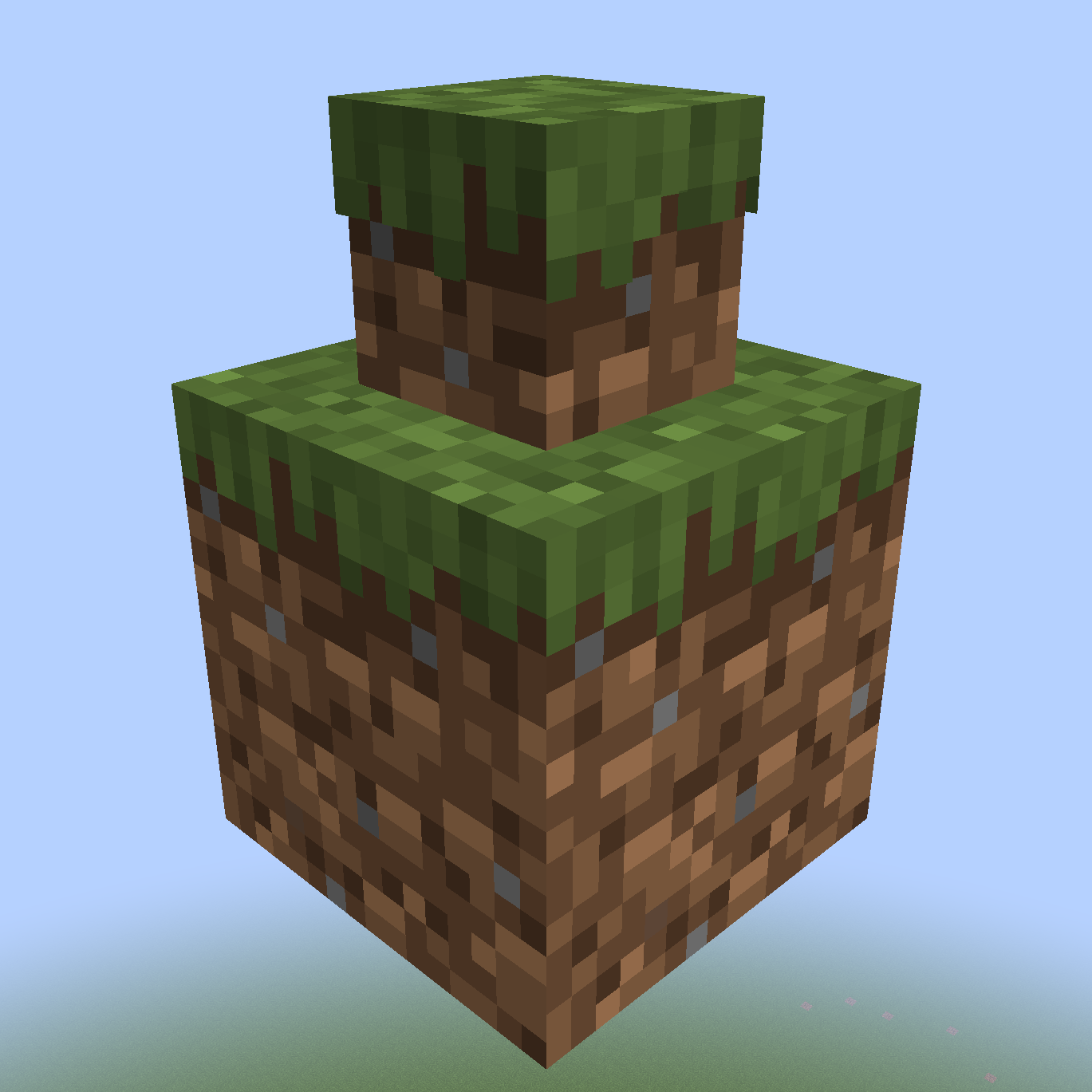
Mini Blocks
Add survival-friendly mini blocks to Minecraft!

Features:
- 600+ craftable miniblocks
- Configurable textures and recipes
- Survival friendly
- Full alphabet, arrows, and symbols
Usage:

Note, the above guide is a bit outdated. Sideways blocks are no longer crafted, but placed in-game similarly to logs. Place a sideways-compatible miniblock on the side of the block, and it will convert automatically. Hold shift to invert this functionality.
Commands:
| Command | Description | Permission |
|---|---|---|
|
/mbshrink |
Shrink the block you're holding | miniblocks.shrink |
|
/mbgrow |
Grow the miniblock you're holding | miniblocks.grow |
|
/mbgive |
Give yourself a Mini Block |
miniblocks.give |
Shoutouts:
While I did create a number of the textures myself, huge thanks to https://minecraft-heads.com/ for providing the rest!
Comments


-

Frogperson Owner
-
View User Profile
-
Send Message
Posted Jun 2, 2026Update for MC 26.1.x ?
-
View User Profile
-
Send Message
Posted Jun 2, 2026Please update for MC 26.1.x ??
-
View User Profile
-
Send Message
Posted Jun 2, 2026Please update for MC 26.1.x ??
-
View User Profile
-
Send Message
Posted Sep 11, 2025yo can you pls make it again but not a download just make it a mod you can play
-
View User Profile
-
Send Message
Posted May 20, 2025Hi so is this a mod or a data pack bc I try to put it in the mod folders and it not working
-
View User Profile
-
Send Message
Posted May 22, 2025In reply to alextheking_1210:
Neither, actually. It's a Paper plugin, and unfortunately I don't have any plans to port it to other platforms at the moment. If you need a datapack, I suggest checking out the VanillaTweaks one https://vanillatweaks.net/picker/datapacks/
-
View User Profile
-
Send Message
Posted Mar 17, 2025i would love this on forge
-
View User Profile
-
Send Message
Posted Oct 30, 2023*****5 STAR***** Awesome Dev.. was able to fix my issue i had with a land claim plugin that was blocking access to being able to use crafting very responsive and i highly recommend this plugin more people need to use it
-
View User Profile
-
Send Message
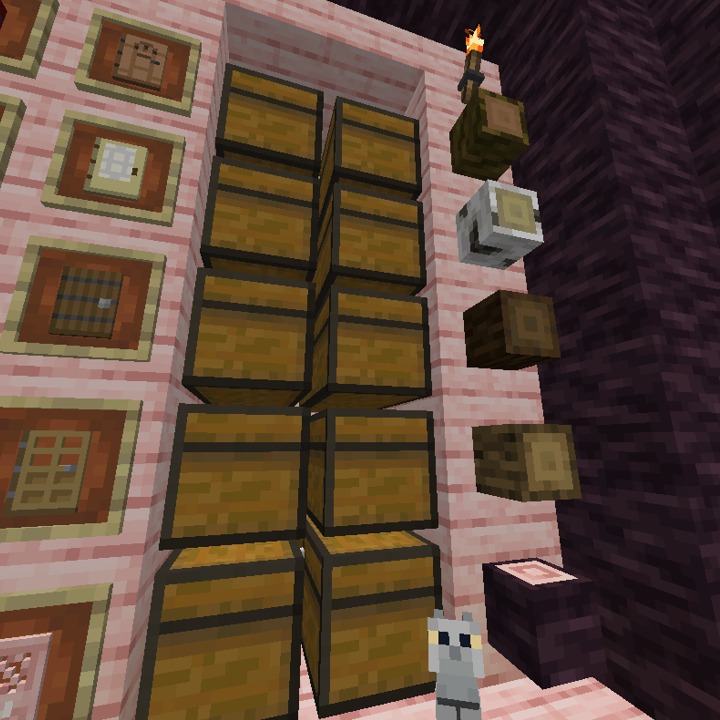
Posted Oct 21, 2023The cherry log is not placed the way I want it. I can place mini logs like spruce and oak horizontally or vertically, but the mini cherry log is only placed vertically. I would like to be able to place it horizontally like the others.
I have tried from every position but failed.
Version: MiniBlocks-3.4.1
What do you suggest me to do?
-
View User Profile
-
Send Message
Posted Oct 21, 2023In reply to EliminAyariYok:
The way player heads work is the sideways one actually needs a completely different texture. Most of my heads come from minecraft-heads.com, and when you search for spruce log you can see that they have regular and sideways variants https://minecraft-heads.com/custom-heads/search?searchword=spruce log
Sadly, this is not the case for cherry logs yet https://minecraft-heads.com/custom-heads/search?searchword=cherry log
minecraft-heads.com does allow user-submitted heads, so I'll see about creating my own sideways cherry log for you, and hopefully release this in an update to the plugin next week.
-
View User Profile
-
Send Message
Posted Feb 21, 2022Can't you use this plugin without commands?
-
View User Profile
-
Send Message
Posted Feb 21, 2022In reply to cwhitekid:
Yes! One of my main goals was actually to make it so survival players never had to use commands. Take a look at the usage guide here for crafting recipes https://imgur.com/PY7S2Tl
Unfortunately the guide is a bit outdated now. For example, sideways blocks are no longer crafted, but instead placed in the world naturally like logs. Holding shift will reverse the placement direction.
-
View User Profile
-
Send Message
Posted Feb 23, 2022In reply to Frogperson13:
But how can you get for exemple "mini Barrels"? without Commands. The recipied you showed me are just for one Block?
Thank you
-
View User Profile
-
Send Message
Posted Feb 23, 2022In reply to cwhitekid:
First, craft the "Mini Blank" block using 9 wood planks (the example shows oak, but I believe any wood type should work)


Then take the Mini Blank and combine it in a crafting table with whatever block you'd like to shrink.
Here's some screenshots to hopefully help clarify:
-
View User Profile
-
Send Message
Posted Feb 23, 2022In reply to Frogperson13:
Awesome Thank you