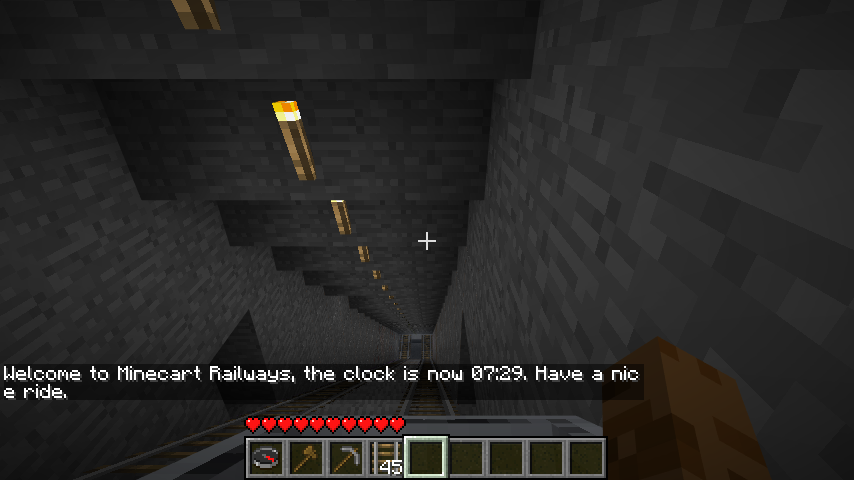
# enable debug mode?debug:false# optionsoption:clock:# display text and time when player exits the minecart?arrival:true# display text and time when player enters minecart?departure:true# use ingame times?ingame:true# use in real life clock?real:falsetraveltime:# show the time the minecart ride took, in real life time?real:false# show the time the minecart ride took, in minecraft time?ingame:truetraveldistanse:# show number of blocks the minecart have moved?real:true# show distance between the point the player entered the minecart, and the point of exit?air:true# customize messagesformat:text:custom:clock:real:arrival:# enable custom message?enabled:false# the text before the information (time, distance etc.)prefix:'Youarrivedat'# the text after the informationsufix:'.ThankyouforchoosingMinecartRailways.'departure:enabled:falseprefix:'WelcometoMinecartRailways,theclockisnow'sufix:'.Haveaniceride.'ingame:arrival:enabled:falseprefix:'Youarrivedat'sufix:'.ThankyouforchoosingMinecartRailways.'departure:enabled:falseprefix:'WelcometoMinecartRailways,theclockisnow'sufix:'.Haveaniceride.'traveltime:real:enabled:falseprefix:'Thetriptook'sufix:'.'ingame:enabled:falseprefix:'Thetriptook'sufix:'.'traveldistanse:real:enabled:falseprefix:'Youhavetraveled'sufix:'metersbyrailroad.'air:enabled:falseprefix:'Youhavetraveled'sufix:'metersindirectline.'time:# display AM/PM instead of am/pm?upperAMPM:false# true = 24hour clock, false = am/pm24hour:true# 0 = short format, 1 = long format, 2 = custom formattraveltime:0# if traveltime == 2, use those variablescustom:prefix:''sufix:''seperator:','lastseperator:'and'minutes:'Minutes'second:'Second'hours:'Hours'hour:'Hour'weeks:'Weeks'minute:'Minute'days:'Days'seconds:'Seconds'millisecond:'Millisecond'day:'Day'milliseconds:'Milliseconds'week:'Week'
Comments
To post a comment, please login or register a new account.
Comments