Commands & Permissions
Team management commands
User commands
Team related commands
-
Use /join ["Team name" OR "Team color"] to join a team.
Use /leave to leave your current team. Notice that you cannot leave the barbarian team.
Use /showteams to list all existing teams on the server.
Use /team to show your current teammates.
Use /team [Player name] to list the player's teammates
Base related commands
-
Use /createhq [Base name] to create your first base !
Use /createbase [Base name] [Base reference id] [Direction] to create other bases !
-
Base reference id is the id of one of a created base. You can see these id by using /basinfo command !
Direction can take 4 values : north, south, west and east.
The new base created will be build in the [direction] of the [base id].
Team treasure commands
-
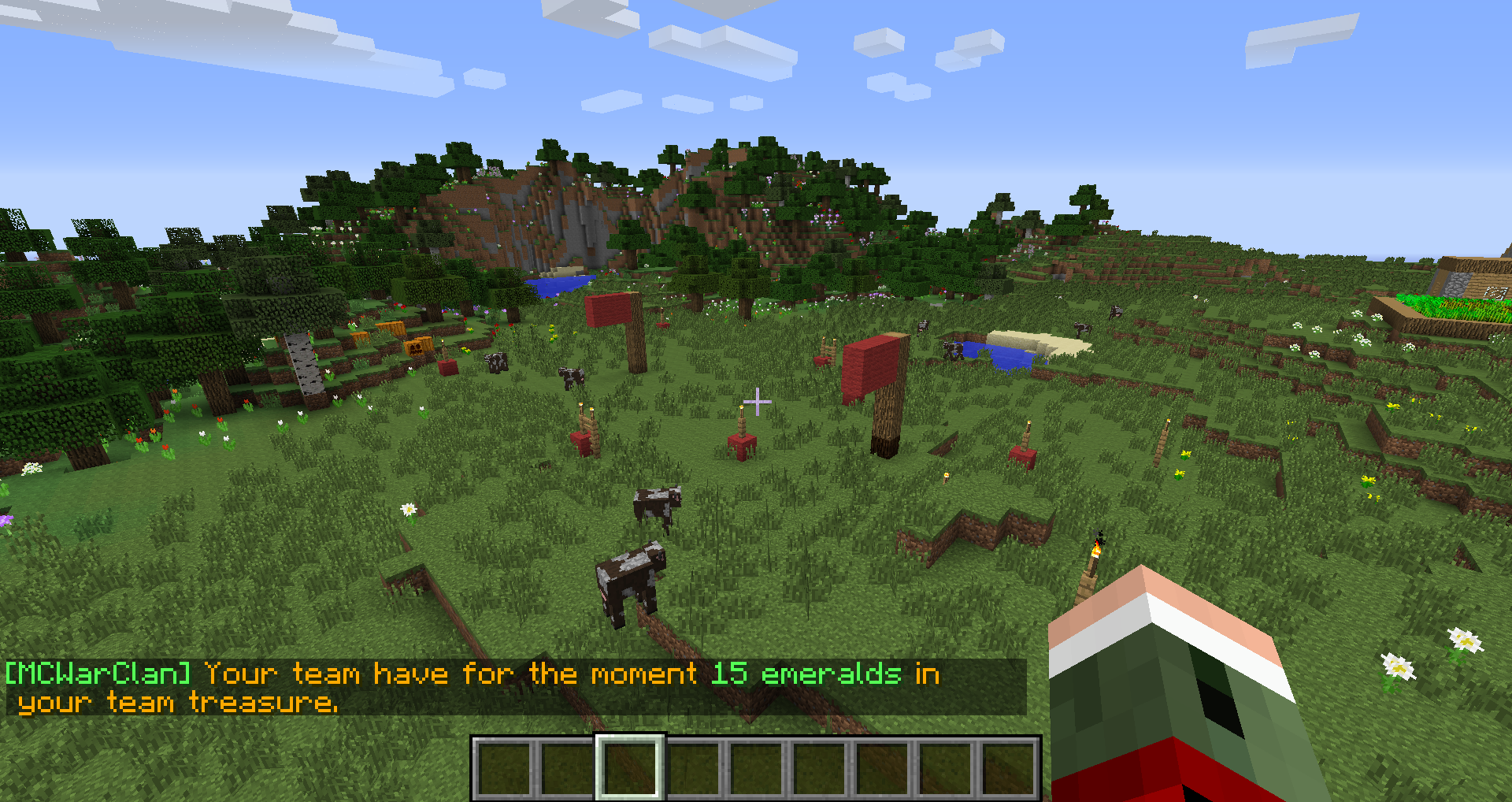
Use /treasure to see the current number of emeralds owned by a team.
Use /savemoney [number of emeralds] to save the given number of emeralds in the team treasure.
Use /withdraw [number of emeralds] to get the given number of emeralds from the team treasure. These emeralds will be droped in the current base you're in.
Admins commands
We recommanded that you only allows admin to use these commands.-
Use /assign [Player name] ["Team color" OR "Team name"] to add a player to a team without paying any tribute.
Use /unassign [Player name] to kick a player from his/her current team.
List of permissions
Each permissions are related to a specific command (generally the same name as the permission).
-
Use mcwarclan.* to give access to a group of player to all commands.
mcwarclan.showteams
mcwarclan.team
mcwarclan.assign
mcwarclan.unassign
mcwarclan.join
mcwarclan.leave
mcwarclan.createteam
mcwarclan.createflag
mcwarclan.createhq
mcwarclan.createbase
mcwarclan.baseinfo
mcwarclan.contest
mcwarclan.upgrade
mcwarclan.savemoney
mcwarclan.withdraw
Comments