MazeCraft
Maze Craft
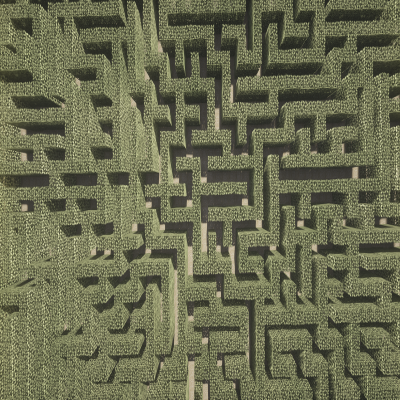
This plugin offers a simple way to create mazes in your world.
You can select the material of the walls, the size of the path and the height of the maze.
It is possible to randomly place loot chests inside your maze.
WorldEdit is required to use this plugin.
How to use it
Select the region where you want to build your maze with WorldEdit's //wand.
Now type /maze create to create a maze with default settings.
You can type /maze undo to undo your generated mazes.
Commands
/maze create [path_size] [block] [height] - generates a maze with given options.
/maze undo - undo your maze
/maze chests <chest-id> [amount] - randomly places configurable loot chests inside the last created maze
all only need permission: mazecraft.maze
Config
In the config.yml you can translate some of the messages of MazeCraft, but more important you can define loot chests, like this:
ExampleRandomChest: #This will be the "chest-id", which is needed for the /maze chests command.
max-items: 4 #the maximum amount of items in the chest.
ARROW: 6 #bukkit item name: amount of it
BOW: 1
STONE_AXE: 1
APPLE: 10
LEATHER_HELMET: 1
FISHING_ROD: 1
IRON_SWORD: 1
You have to write the correct bukkit name of the item and the wished amount. The items will be selected randomly.


-

Forge_User_71512905 Owner