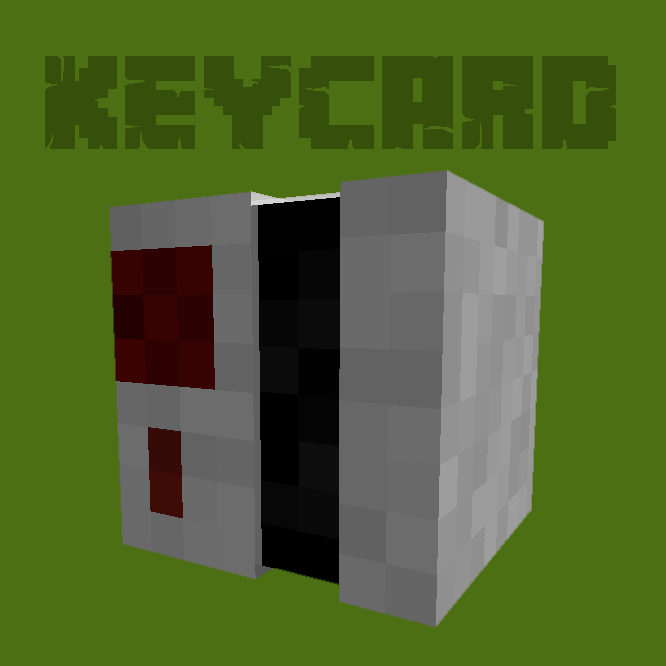
Keycard and Keypad Plugin
Is the classic button too unsafe?
Use a keycard reader and place it in a wall to secure a door or redstone mechanism.
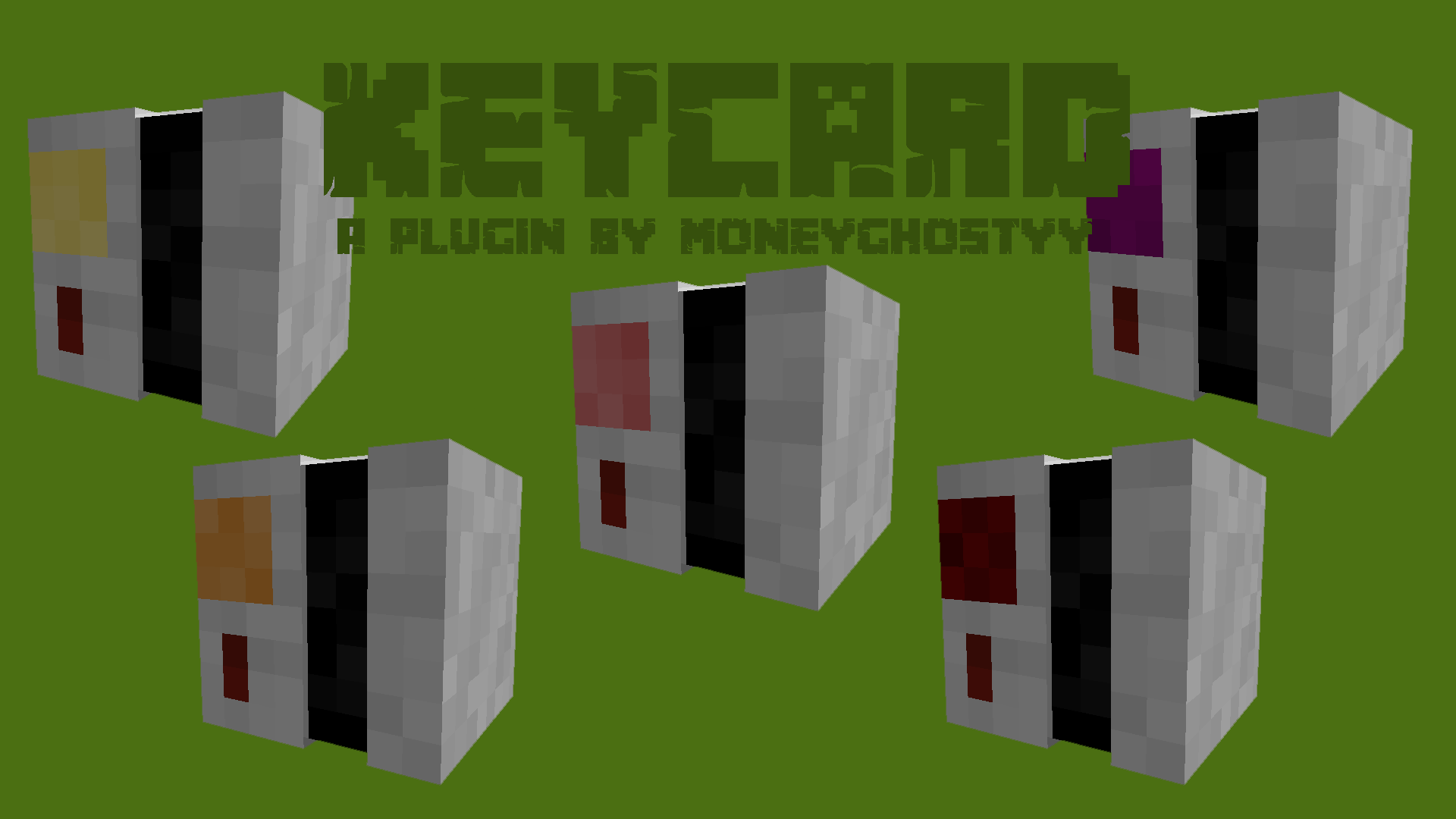
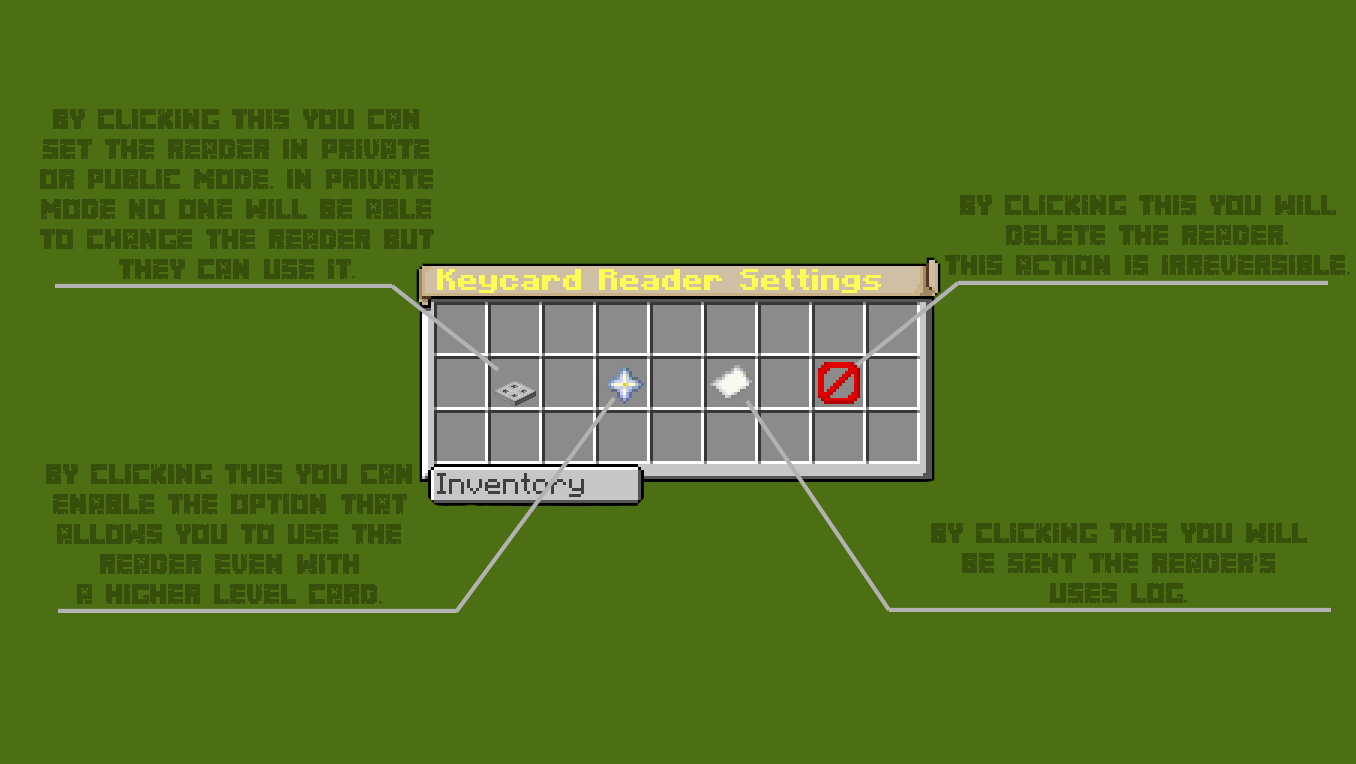
There are 5 different levels of security and each keycard reader can be changed to make it private, view the log of who used it etc.
===> Discord <===
Command:
- keycard help = send the list of commands
- keycard info = send plugin info
- keycard list = send a list of keycard readers
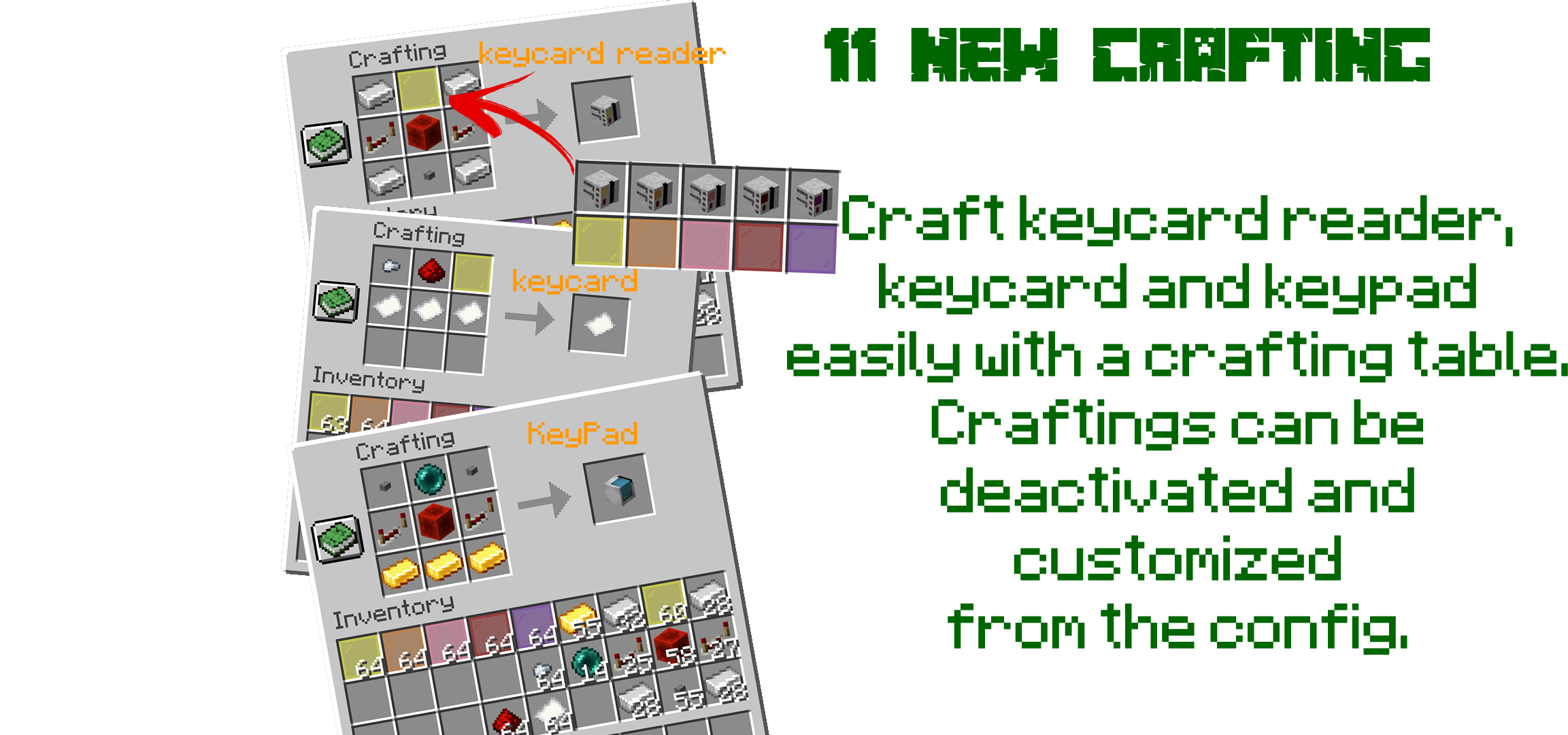
- keycard give <Items> = give plugins items and blocks
- keycard customgive <name> = gives a keycard reader called <name>
For <Items> is the name of the item you want, such as a Keycard Level 1.
It is recommended to use the tab to choose the item you want.
If you want to add a use limit for keycards, enter the number of uses after the keycard name. Example: "/keycard give keycardlevel1 10"
To use a KeyPad type the command "/keycard give keypad" and place it on a wall. At this point enter the code and then use the same code to open the door or to activate a mechanism.
To change the code, Shift + Right Click on the KeyPad and click on "code".
To modify or remove a keycard reader shift right click on it
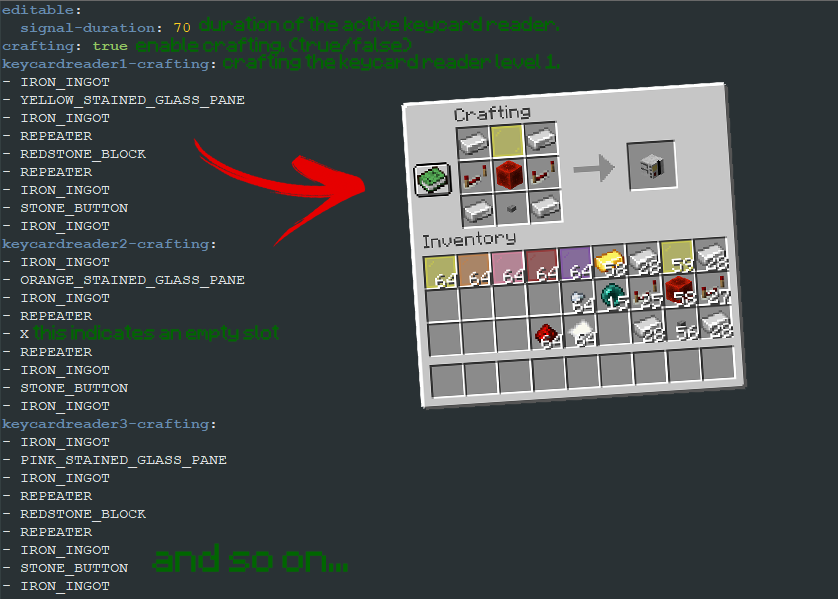
- Config Guide -
Permissions:
╠ keycard.command.give = Allows to give all the plugin items
-- ╠ keycard.command.give.keypad = Allows to give keypad
-- ╠ keycard.command.give.keycard.<level> = Allows to give keycard level <level>
-- ╠ keycard.command.give.keycardreader.<name> = Allows to give keycard reader level <name>
-- ╚ keycard.command.give.keycardreader.<level> = Allows to give keycard reader level <level>
╠ keycard.command.customgive = Allows to give all the custom plugin items
-- ╚ keycard.command.customgive.keycard = Allows to give all custom keycards
╠ *keycard.command.help = Allows to use the help command
╠ keycard.command.list = Allows to use the list command
╠ keycard.command.reload = Allows to use the reload command
╠ keycard.command.remove = Allows to use the remove command
╠ keycard.command.fix = Allows to use the fix command
╠ *keycard.command.info = Allows to use the info command
╠ *keycard.place = Allows to place all the blocks of the plugin
-- ╠ *keycard.place.keypad = Allows to place keypad
-- ╠ *keycard.place.keycardreader.<level> = Allows to place the level <level> keycard reader
-- ╚ *keycard.place.keycardreader.<name> = Allows to place the keycard reader named <name>
╠ *keycard.use = Allows to use all the blocks of the plugin
-- ╠ *keycard.use.keypad = Allows to use keypad
-- ╠ *keycard.use.keycardreader.<level> = Allows to use the level <level> keycard reader
-- ╚ *keycard.use.keycardreader.<name> = Allows to use the keycard reader named <name>
╠ *keycard.modify = Allows to modify all the blocks of the plugin
-- ╠ *keycard.modify.keypad = Allows to modify keypad
-- ╠ *keycard.modify.keycardreader.<level> = Allows to modify the level <level> keycard reader
-- ╚ *keycard.modify.keycardreader.<name> = Allows to modify the keycard reader named <name>
╚ keycard.forcemodify = Allows you to modify any block of the plugin even if you are not the owner and the reader is not public
-- ╠ keycard.forcemodify.keypad = Allows you to modify keypad even if you are not the owner
-- ╠ keycard.forcemodify.keycardreader.<level> = Allows you to modify the level <level> keycard reader even if you are not the owner and the reader is not public
-- ╚ keycard.forcemodify.keycardreader.<name> = Allows you to modify the level <name> keycard reader even if you are not the owner and the reader is not public
* = Permission default
If you like the plugin leave a review to support it.
* if you find bugs and problems please comment and explain your problem. *


-

moneyghost05 Owner
Comments