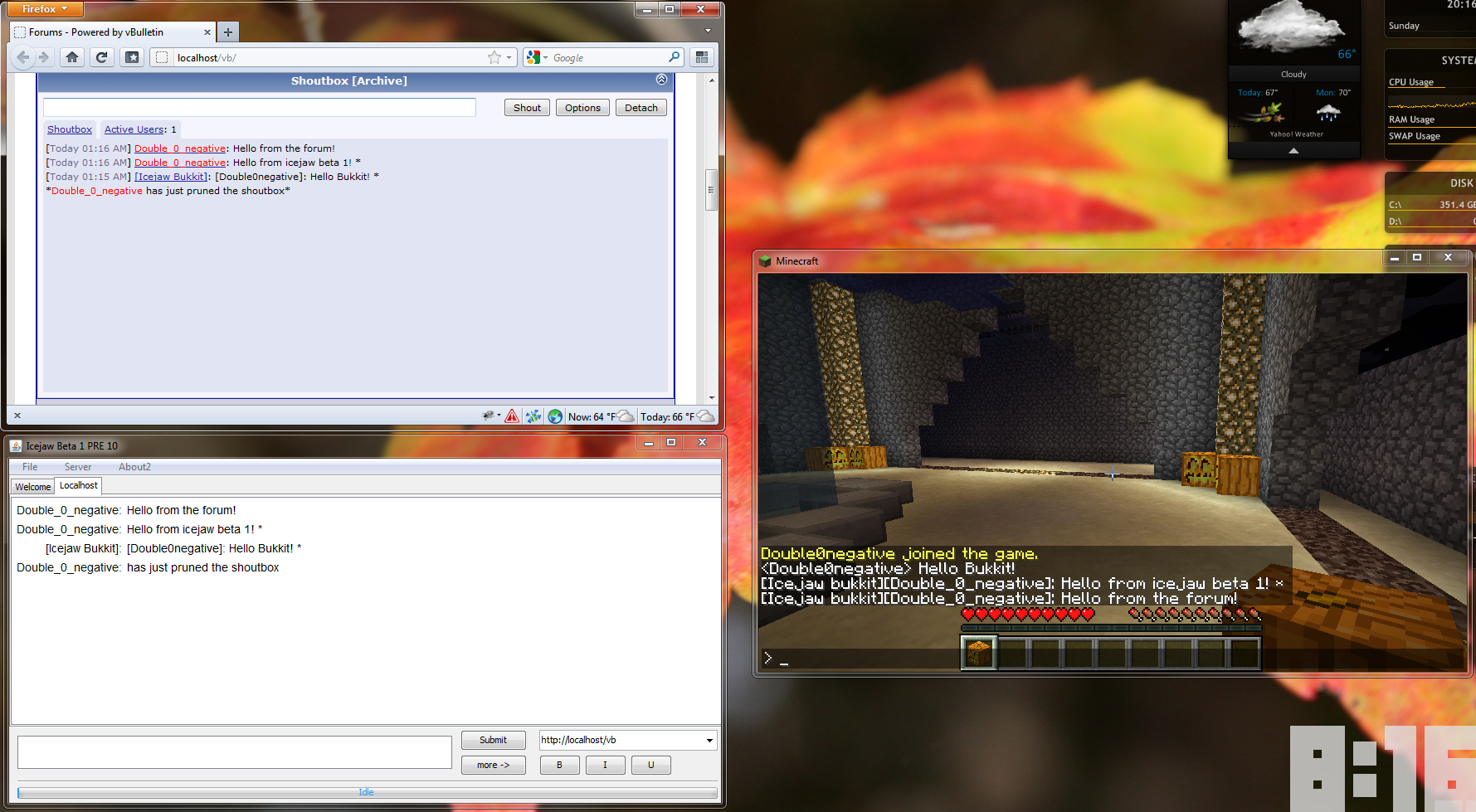
Installation
Installation
Installing the plugin comes in two parts. First you must download and install the bukkit plugin and then install the backend that allows the server to communicate with your forum.
Installing the plugin
- First, check out the supported forum/chatbox combos Here. If yours is not listed, make a request by commenting on that page, if it is listed, proceed with step 2
- Download the plugin [here] #TODO: link
- Put the plugin in your plugins folder and reload the server
- This will generate a config file that will let you specify your host, we will fill this in after installing the backend
- Next we must install the backend. Download The backend zip Here and select the forum and chatbox combo that you use. There will be instructions included with each one on how to install for that combo.
- Once you have installed the backend, copy the link that shows up on the last install page and put it as your host in the config file
- reload/Restart your server again and it should be ready to go
Comments