Hologram Click
HologramClick (LaviUI) 🌟
The Next Generation of Minecraft Menus – No More Chest GUIs!
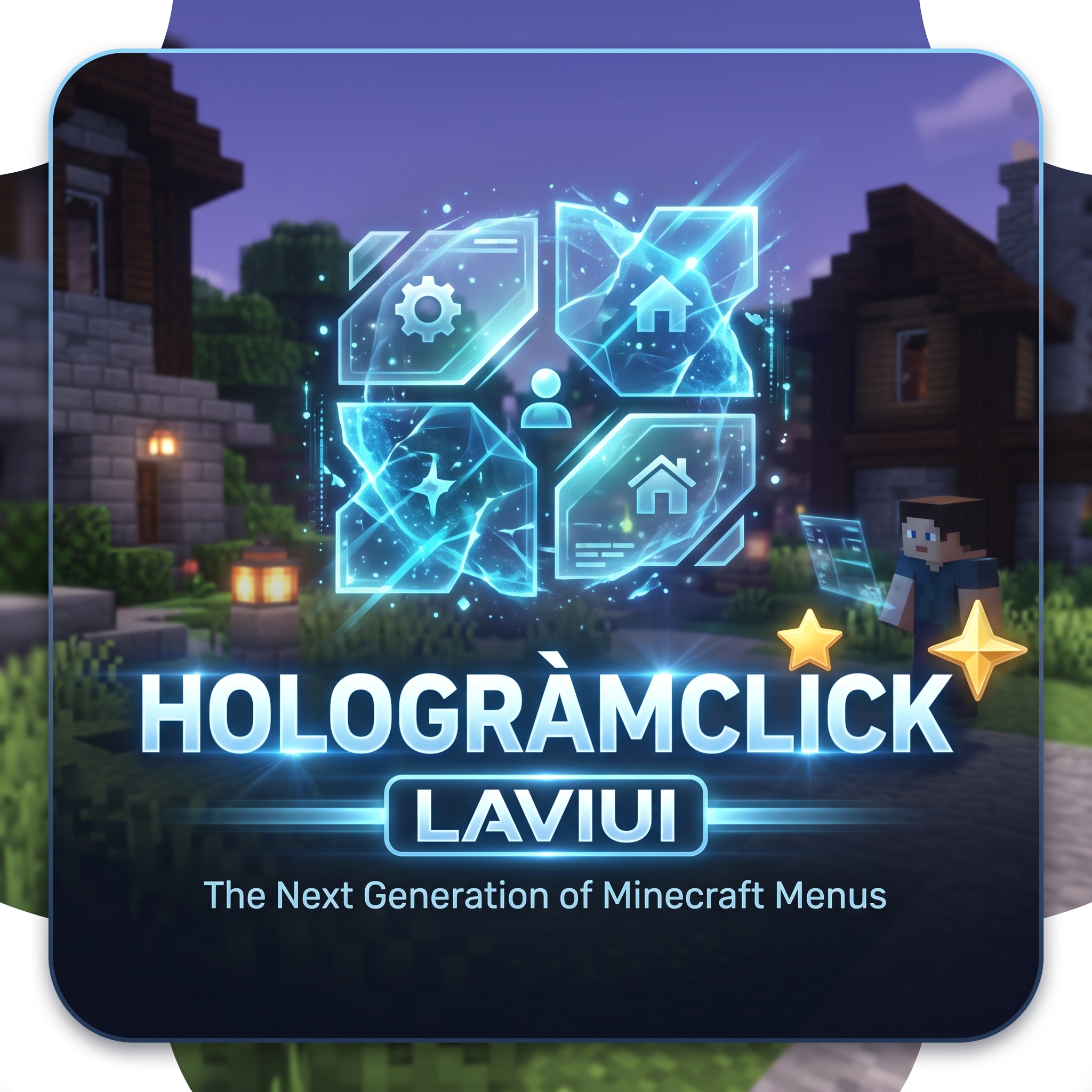
Tired of the standard, boring chest GUIs? HologramClick completely revolutionizes how players interact with your server by creating immersive, floating, in-world holographic menus using Minecraft's modern Display Entities!
With HologramClick, your menus exist directly in the world space. Players can look at buttons, see hover effects, and click on them naturally. Combined with a custom Resource Pack, you can create breathtaking, fully customized UI panels and buttons that look like modern video game menus.
✨ Key Features
- In-World Holographic UI: Menus are rendered using
TextDisplayandBlockDisplayentities, meaning they float beautifully in front of the player without locking their screen. - Pixel-Perfect Hitboxes: Advanced raytracing ensures that players can accurately click on any button, regardless of its size or position.
- Custom Textures & Resource Pack Ready: Seamlessly integrates with custom fonts and characters (like
\uE008and\uE00A) to draw beautiful panels, buttons, and icons. - Auto-Layout System: Don't waste time calculating coordinates! The built-in
auto_layoutsengine automatically arranges your buttons in perfect grids or lists with customizable spacing. - Dynamic Content: Easily create menus that display live server data, such as a grid of all currently online players (
dynamic_source: online_players). - Hover Animations: Buttons can dynamically change color or scale up smoothly when a player looks at them, making the menu feel incredibly responsive and alive.
- 100% Configurable: Everything is driven by simple, easy-to-understand YAML files. Configure scales, colors, commands, offsets, and more.
🛠️ Example Configuration
Creating a breathtaking menu is as simple as:
🎮 Why HologramClick?
Chest GUIs have been the standard since 2013. It's time to evolve. Whether you are running an SMP, a minigame network, or an RPG server, HologramClick gives you the tools to create an unforgettable, modern user experience that will blow your players away from the moment they join.
📥 Installation
- Drop
HologramClick.jarinto yourpluginsfolder. - Provide the accompanying Resource Pack to your players (contains the UI textures).
- Restart the server.
- Edit the
.ymlfiles inplugins/HologramClick/hologramsto build your dream UI! - Note: You must download the required Resource Pack from GitHub: [Link Here]


-

lavi123x Owner
Comments