FlooNetwork
The Floo Network system, Floo Network Authority, Harry Potter franchise and all related ideas are copyright J.K. Rowling. This plugin is neither endorsed nor supported by J.K. Rowling
Floo Network
Features
- Brings the Floo Network transportation system from Harry Potter to Minecraft. [1]
- Feel like a real wizard while transporting from fireplace to fireplace. The fastest and safest[2] way to travel, now also available for you muggl... wizards whom's letter from Hogwarts never arrived.
Permissions
Basic
There are a few special permissions that provide a set of permissions at once. These permissions are meant to make it easier for a server admin to setup this plugin. These include all actions an user/admin should be able to take (in my opinion) for basic functionality.
| Permission | Description | Included permissions |
|---|---|---|
| floonetwork.user | Can create and destroy (their own) fireplaces. Can travel to and from any fireplace. Can list all fireplaces they have access to. | floonetwork.use.* floonetwork.travel.* floonetwork.create floonetwork.destroy floonetwork.command.list |
| floonetwork.admin | All permissions. Can destroy any fireplace. Can reload the config. Can directly warp to fireplaces using commands. | floonetwork.* |
Advanced
See Permissions
LWC
This plugin supports LWC. How does this work? Well, in addition to the user having to have the appropriate permission to travel to someone else's fireplace (floonetwork.travel.other), the user also has to have access to the sign of the fireplace.
For example: user A creates a fireplace and then proceeds to make the sign of this fireplace private, which means user B won't be able to travel there. If user A then changes the protection of the sign to public, or explicitly allows user B access to the sign, then user B will be able to travel there.
Other protection plugins
I might consider adding support for other protection plugins, depending on the complexity of it. If you'd like to request support for a protection plugin, please create an enhancement ticket
Commands
| Command | Description | Permission |
|---|---|---|
| /fn | Prints the usage for the /fn command | floonetwork.command |
| /fn list | Prints a list of your fireplaces | floonetwork.command.list |
| /fn list <player> | Prints a list of all fireplaces of <player> that you have access to. | floonetwork.command.list |
| /fn listall | Prints a list of all fireplaces that you have access to. | floonetwork.command.list |
| /fn warpto <player> <fireplace> | Travel to <fireplace> of <player> immediately. | floonetwork.command.warp.* |
| /fn reload | Reloads the FlooNetwork config. | floonetwork.command.reload |
Config
The item that represents Floo Powder can be changed in the config.
Basic use
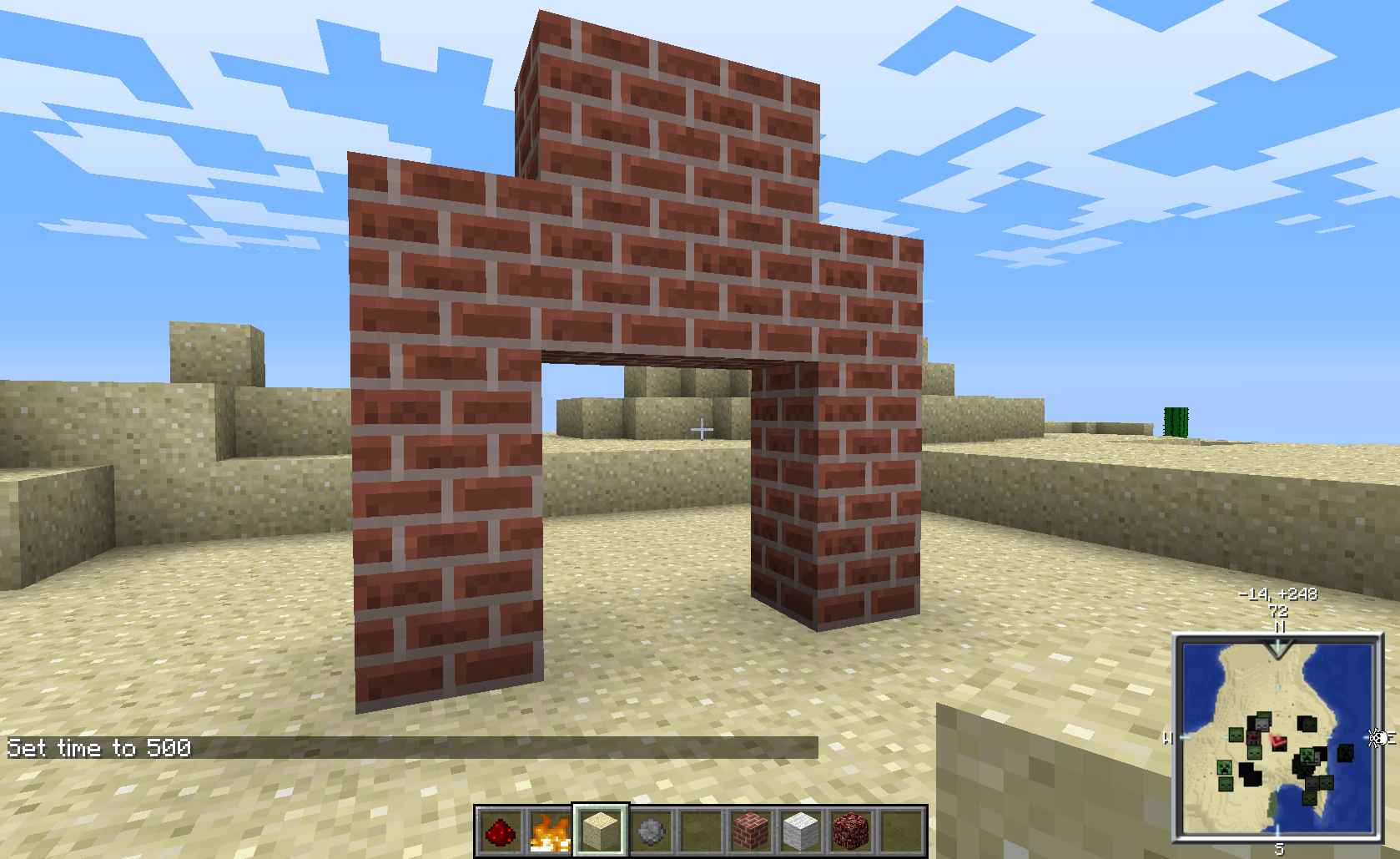
You craft a fireplace, using bricks.

You place a sign to name the fireplace.

You light the fireplace on fire.[3]

You grab some Floo Powder.[4] You use the Floo Powder, and you travel. Be sure to clearly state where you want to go, lest you end up somewhere else. Or just nowhere at all.
Support
If you have questions about how the plugin works/how you should set it up, feel free to ask in the comments. If you find a bug, create a ticket. Please make sure the bug has not already been reported before creating a new ticket. If you're unsure whether something is a bug or not, ask.
Dev builds
Development builds of this project can be acquired at the provided continuous integration server. These builds have not been approved by the BukkitDev staff. Use them at your own risk.
The CI server only compiles 1.5.2 versions for the time being.
CI server: http://jenkins.hsoserver.nl/
Source code: https://github.com/MaienM/FlooNetwork/
<sub>[1] Head only and/or item transportation are not supported.</sub> <sub>[2] The Floo Network Authority is not responsible for any lost limbs, other injuries and/or death.</sub> <sub>[3] As the fire is a vital component, the Floo Network Authority advises using a spell to keep the fire going permanently. Those of us that are unable to do this will need to think of something else.</sub> <sub>[4] To be determined which item will be used for this. Will be configurable.</sub>
Comments


-

MaienM Owner
-
View User Profile
-
Send Message
Posted Jan 5, 2014@MaienM
so i can download this plugin?T_T
-
View User Profile
-
Send Message
Posted Sep 17, 2013These builds have not been approved by the BukkitDev staff. Use them at your own risk.
I'm not currently able to provide any stable builds, as I have to wait for a stable release of MenuService to do this. I have contact with the author of MenuService, and I will release a stable version of FlooNetwork ASAP once he has a stable version.
In the meantime, I've added a link to my CI server for those that are willing to beta-test. The builds on this server are for 1.5.2. You will need to use the latest build of MenuService from the CI server, NOT the latest version from bukkit.
These builds have not been approved by the BukkitDev staff. Use them at your own risk.
-
View User Profile
-
Send Message
Posted Aug 27, 2013So, a quick update for those that are intrested. This plugin makes use of http://dev.bukkit.org/bukkit-plugins/itemmenu/, which just went through a major rewrite. Sadly, this (and my laziness) has lead to this plugin not yet being released. On the plus side though, I did have time to work out some kinks that I had initially overlooked. So less bugs for you. Yay! Anyway, just wanting to let you know that this hasn't been abandoned. I'm going to go ahead and say I'll try to get the plugin out this week. As always, no promises though.
-
View User Profile
-
Send Message
Posted Aug 4, 2013how do i down load this because its awsome
-
View User Profile
-
Send Message
Posted Jul 21, 2013@matcrafter202
The project is not yet finished. It's at about 90% though, and I plan on releasing it in the next couple of days. No promises though.
-
View User Profile
-
Send Message
Posted Jul 18, 2013how to download it?
-- hoe moet je het downloaden?-
View User Profile
-
Send Message
Posted Jul 18, 2013good¡¡¡ i am doing a harry potter server and this is good idea for my server¡¡¡¡congratulations¡¡¡