DropHeads
DropHeads
Let the head hunt begin!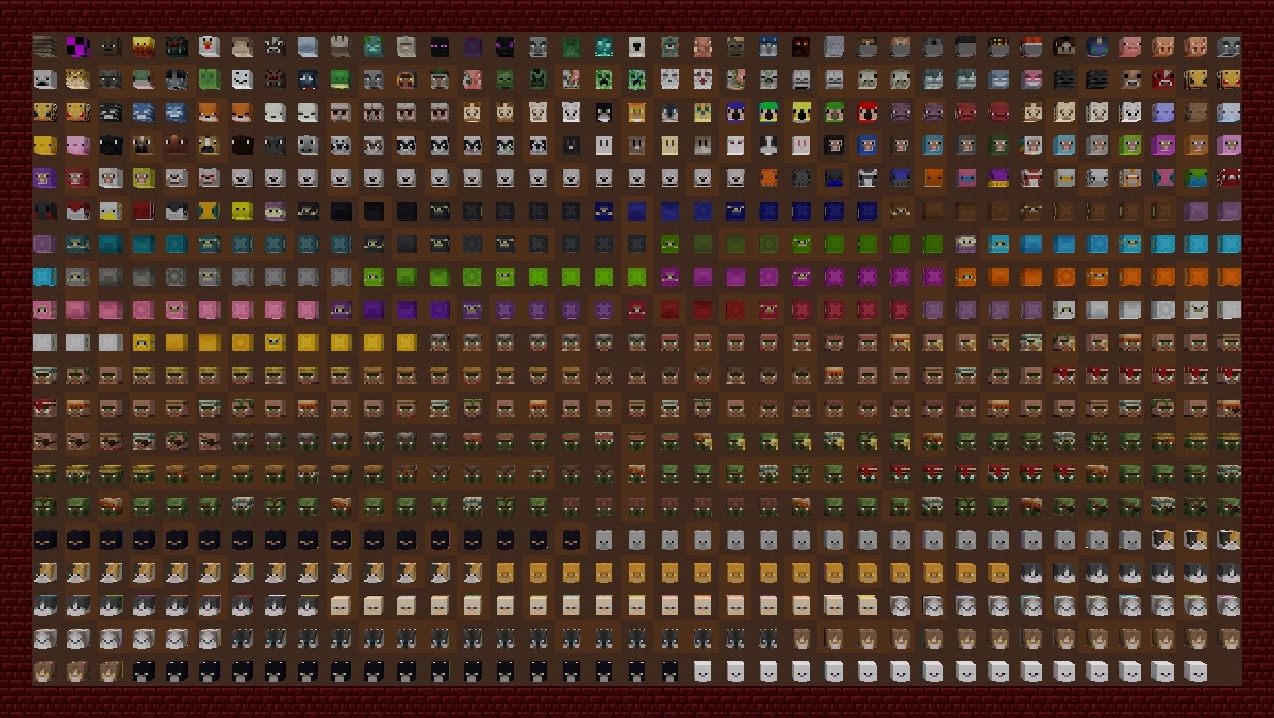
Using high quality textures 85% supplied by Minecraft-Heads.com ❤️
Highlights
- Super configurable
- Heads as a loot drop, or with a command
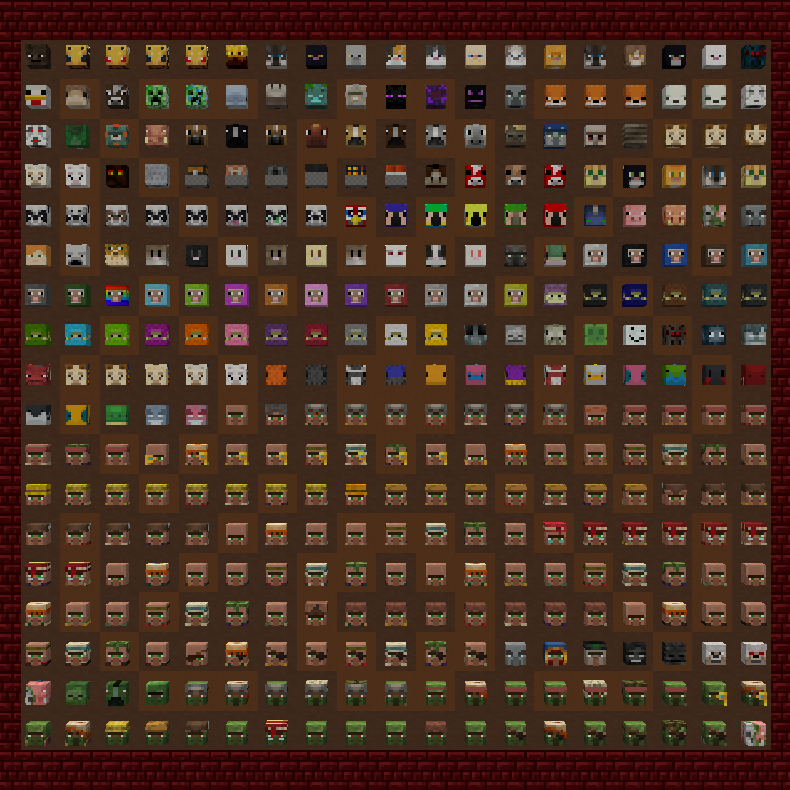
- Huge variety (e.g., snow fox, lime sheep, zombified swamp farmer villager, …)
- Behead messages and translation support
- Regularly updated heads from the latest Minecraft snapshots
- Complete API for other developers to hook into
Configuration
Default values picked to fit well on most servers,
However, if you like getting into configuration, here's just a taste of what you can do:
- Adjust drop rates based on mob type
- Adjust drop rates based on ticks-lived
- Adjust drop rates based on what weapon is used
- Adjust drop rates based on spawn conditions (Breeding, Spawners, /summon, ...)
- Require using specific weapon(s) to get heads to drop
- Enabling charged creeper head drops
- Change any head textures, or add your own
- Optionally require killed by a player (configurable what counts as 'killed by a player')
- Opt-in automatic updates
- ...and more! Check out config files in the GitHub repository
Permissions
For an always update-to-date list, check here.
dropheads.canlosehead: Can drop a head upon death
dropheads.canbehead.<mob_type>: Can get heads from killing the given mob
dropheads.alwaysbehead.<mob_type>: Get heads for 100% of kills (unless canlosehead is false)
dropheads.silentbehead: Avoid triggering a global behead message in chat *
dropheads.canplacehead: Can place a head as a block
dropheads.clickinfo: Can see the name of a head by clicking it *
dropheads.spawn: Can get heads with a command *
dropheads.droprate: Can check head drop rates with a command
* = has sub-permissions
Troubleshooting / F.A.Q.
Q: Heads are not dropping!
A: There a many possible causes; here is a quick checklist of things you should try:
* Check if another plugin is causing the issue (compatibility)
* Check if you have the dropheads.canbehead permission
* Check head-drop-rates and spawn-cause-modifiers configs (e.g. spawn egg rates are nerfed!)
* Keep in mind the time-alive, weapon-used, and looting modifiers.
* If killing a player, check if they have the dropheads.canlosehead permission
* If you have modified your config files, check them carefully for other causes
Q: Does this plugin cause lag?
A: It shouldn't! I hear it is much faster than Xisumavoid's datapack :)
Q: Can I edit the head textures (i.e., to match a resource pack)?
A: Yes! Look in the head-textures.txt file
Q: Migrating from another heads plugin?
A: It should be an easy drag-n-drop replacement, but if you have any issues let me know!
Q: How do I install on Forge/Fabric/Singleplayer?
A: DropHeads currently only works on Bukkit and its forks (Spigot, etc); try the MMH-Nano datapack
Q: Where do I get help / report a bug?
A: You can post a comment below, create a bug report, or DM me :)
Q: Older versions of Minecraft?
A: Currently, DropHeads runs on 1.13+. You can find older DropHead jars for 1.12 in the Files tab, otherwise seek out a plugin with support for legacy versions, such as PlayerHeads.
Planned
- Fabric support
- Improve existing textures
- Tropical Fish heads (have the 22 common ones, still need the 3104 rare varieties ☹️)
- Horse variants (for the different patterns)
- Carpeted llamas
Please reach out if you find bugs or have a texture suggestions!

Comments


-

EvModder Owner
-
View User Profile
-
Send Message
Posted May 18, 2020In reply to elstalpo:
Are you getting the drop message? How was the mob spawned? (perhaps drops for mobs summoned by commands are disabled in spawn-cause-modifiers.txt)
Maybe you have another plugin that is messing with the drops?
-
View User Profile
-
Send Message
Posted May 9, 2020UPDATE NIT TO 1.15 NWEMFSDFOPSDFJHMIOKERTNFG IO4RK
-
View User Profile
-
Send Message
Posted May 4, 2020Idk where else to really suggest things so imma do it here:
Can you make it so that players can configure whether or not they can get heads by killing mobs? That way, if a player is using a mob farm they could turn it off and not have to worry about heads clogging their storage.
(PS: I love this plugin! It is a nice alternative to Xisumavoid's datapack and HeadsPlus, which tends to put a much heavier weight on my server and has stuff like challenges that players on my server don't really need.)
-
View User Profile
-
Send Message
Posted May 6, 2020In reply to VoltroGames:
Hmm, right now the only way to do that would be for players to edit their own permissions and toggle 'dropheads.canbehead' (perhaps a command block or script can do that?)
Alternatively, they could add an extra item filter for heads in their storage, or even hook it up to a dispenser with lava to get rid of them.
Another idea might be to configure head drops so they are less common from farms, using settings like 'time-alive-modifiers' in config.yml and spawn-cause-modifiers.txt
-
View User Profile
-
Send Message
Posted May 9, 2020In reply to evmodder:
Dang, seems kinda clunky to let them edit their permissions tho. If they could do something like "/drophead behead <on/off>", and have it on by default, that would definitely fix the issue.
-
View User Profile
-
Send Message
Posted Jun 2, 2020In reply to VoltroGames:
Late-follow up, but I am looking into maybe doing something like this for the next version :)
-
View User Profile
-
Send Message
Posted Apr 30, 2020I have a question about the head-drop-rates file what does the first number mean and what does the second ( PH= #.##) number mean I understand that this is where I would edit the drop rates so I want to know if the First number after the name is if it was not killed by the player and if the PH number would be the player killed drop rate.
looks like this
PLAYER: 0.005 // PH=1
-
View User Profile
-
Send Message
Posted May 2, 2020In reply to can_parks:
The first number is what you want to modify. It scales from 0 to 1, where 0 = no chance of drop and 1 = 100% chance.
The second number, after the //, doesn't control anything.. It's actually a reference to this page: https://dev.bukkit.org/projects/player-heads/pages/configuration-4x#title-1-2
I actually didn't realize I put that in the drop rate config file; I was just using it as personal reference to compare with drop rate defaults of other plugins.
-
View User Profile
-
Send Message
Posted Apr 26, 2020Heads don't seem to be dropping from players anymore with the latest update. Unless I need to generate new configs to change something?
-
View User Profile
-
Send Message
Posted Apr 27, 2020In reply to GrimDeathX:
Yeah, I suggest trying a freshly generated config; if they still aren't dropping after that let me know.
-
View User Profile
-
Send Message
Posted Apr 27, 2020In reply to evmodder:
Will test shortly, noticed another thing. The behead-annoucement-mobs: in the config doesn't allow the OFF option. Throws an error in the console.
EDIT: Tested player heads, they are still not dropping with config reset.
-
View User Profile
-
Send Message
Posted Apr 28, 2020In reply to GrimDeathX:
I figured out the problem with OFF---Bukkit/Spigot's YML reader replaces OFF with false unless you put it in quotes like this: 'OFF'. Sorry about that.. in future versions of the config these values will be in quotes so that is more clear, and 'false' will works as well.
As for player heads not dropping, I still can't replicate that in my testing, perhaps we can follow up in a PM? perhaps it's a conflict with another plugin, although I've never had that happen before.
-
View User Profile
-
Send Message
Posted Apr 22, 2020Minecraft 1.15.2 says... decapitated... using [nothing-follows]
▲ the sentence ends at "using"; the sentence/script doesn't detect my enchanted diamond sword.
-
View User Profile
-
Send Message
Posted Apr 22, 2020In reply to JennerPalacios:
and mobs (zombies) aren't dropping anything.
-
View User Profile
-
Send Message
Posted Apr 23, 2020In reply to JennerPalacios:
The default drop chance for zombies is 0.4%, if you aren't getting any you can try bumping it up :)
-
View User Profile
-
Send Message
Posted Apr 27, 2020In reply to evmodder:
I did bump it up, like I mentioned it above I do get the messages, like 1 every 20 zombies, but no drops.
-
View User Profile
-
Send Message
Posted Apr 28, 2020In reply to JennerPalacios:
Very strange.. do you perhaps have some other plugin that modifies entity drops? I haven't been able to re-create it myself so I'm lost. If you can give some info (like server version, other plugins, config settings) I can try investigating more
-
View User Profile
-
Send Message
Posted Apr 23, 2020In reply to JennerPalacios:
Hmm, not sure what caused that, but the good news is I've rewritten the system that handles the tellraw messages for v3.3.2, so that problem should go away (I've uploaded the v3.3.2 jar, it might take bit for it to finish processing)
-
View User Profile
-
Send Message
Posted Apr 21, 2020Absolutely love this mod, was curious if there was a way to add a modifier for drop chance to a crossbow/bow?
-
View User Profile
-
Send Message
Posted Apr 23, 2020In reply to GrimDeathX:
Thanks for the comment! :)
Currently it just checks the item in the player's hand when the entity dies.. but keeping track of the item used to fire a projectile (bow, crossbow, trident, snowball,...) is actually a really good feature request-- I will see if I can get that added for v3.3.3!