Setup new game (Detailed Explanation)
Detailed instructions on how to setup a new game, with the in game easy wizard!
Remember to have WorldEdit installed before you begin!
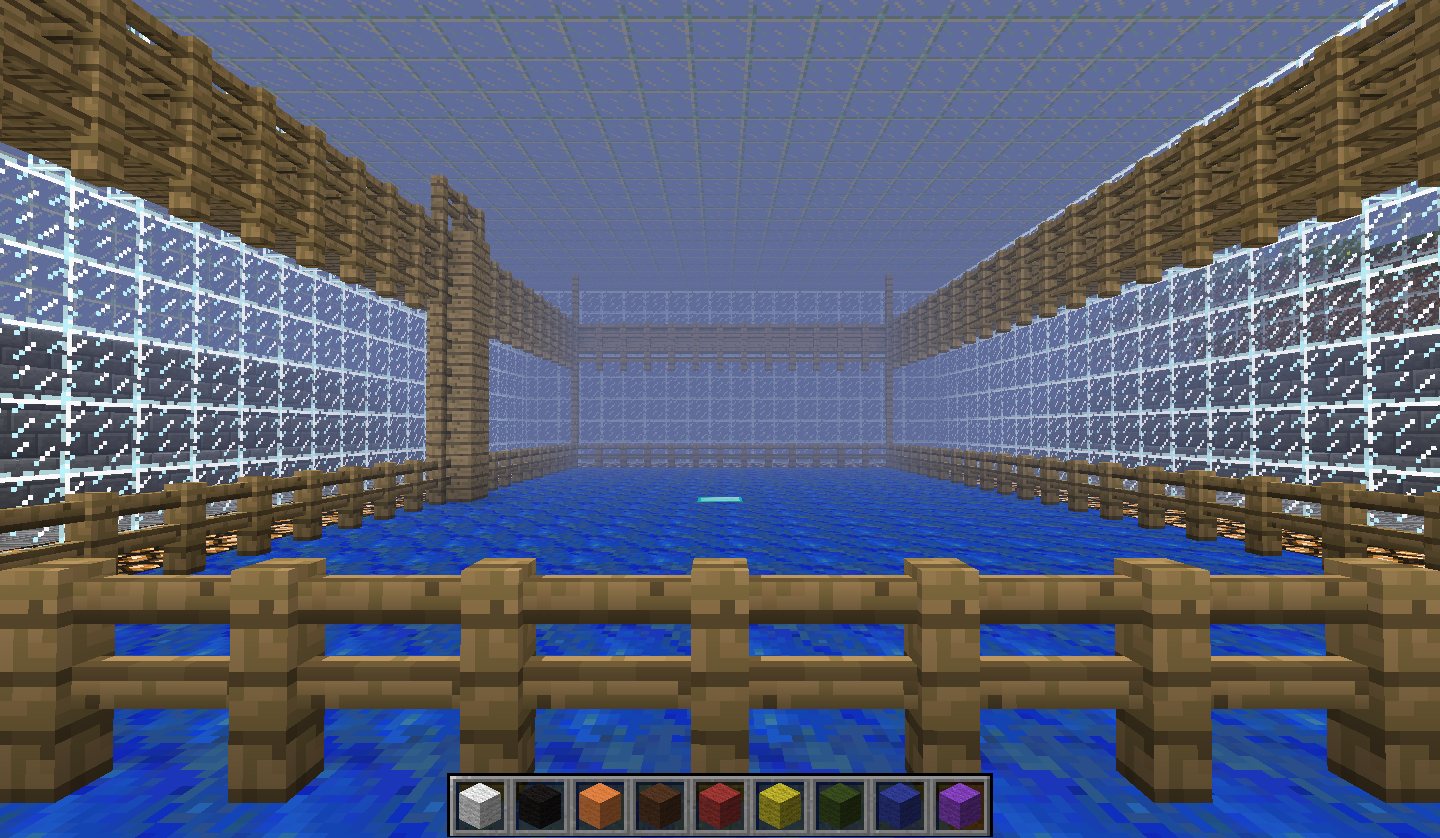
Start by making your arena! Here's some tips:
- Give the drawer enough space to draw on! Preferably no less than 12 * 12 * 10 blocks! (width * length * height)
- Don't let the drawers and viewers leave the arena!
- Don't let the viewers enter the drawing area!
- Make it possible for players not in the game, to view what's being drawed! (Like glass walls)
When you have created your arena, it's time to create the actual game!
- Type in the commando /DrawCraft create <name> - "name" is important as it is the name of your new game! 'game' is easy to remember, so think of maybe using that!
- The in-game wizard now begins, and wants you to select the area for the game to take place in.
- Place a block in a corner of your arena, and left click on it with wooden axe, or what your WorldEdit wand tool is.
- Place a block in the adjecent corner of your arena and right click on it. Remember that all blocks within the selected area will be deleted!
- Right click on the block where you want the drawer to spawn! Look in the direction (north, east, south or west) you want the drawer to look in when he spawns there.
- Left click on the block where you want the viewer to spawn! (The same looking direction rule applies here)
- DONE
Your new game is now created and ready to use!
Good luck!