Deadly Disasters


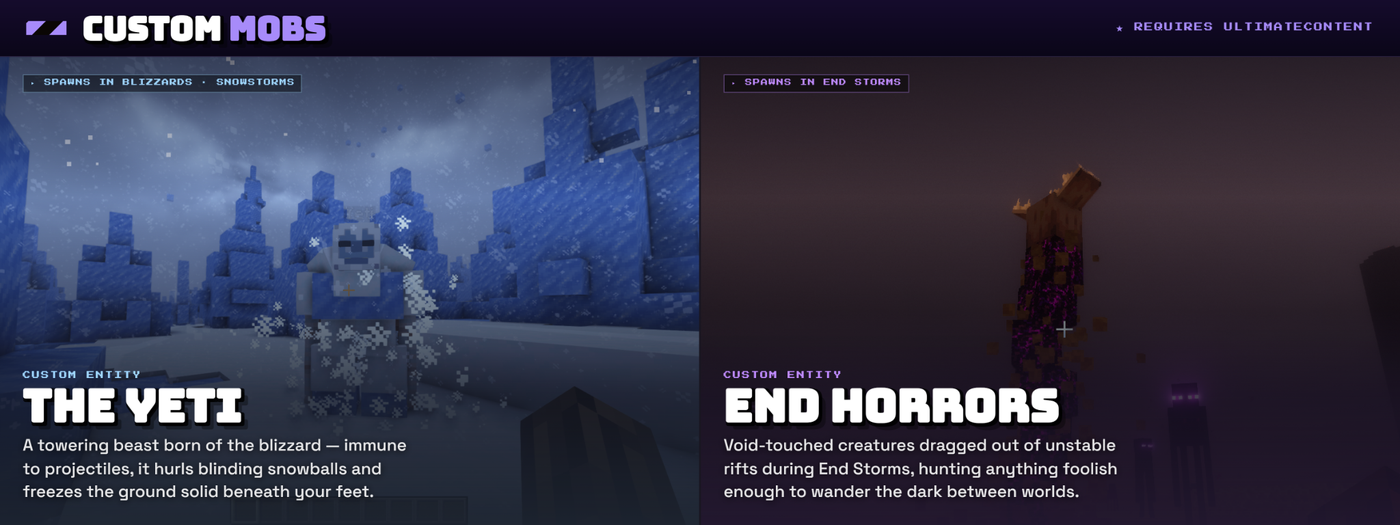
Deadly Disasters
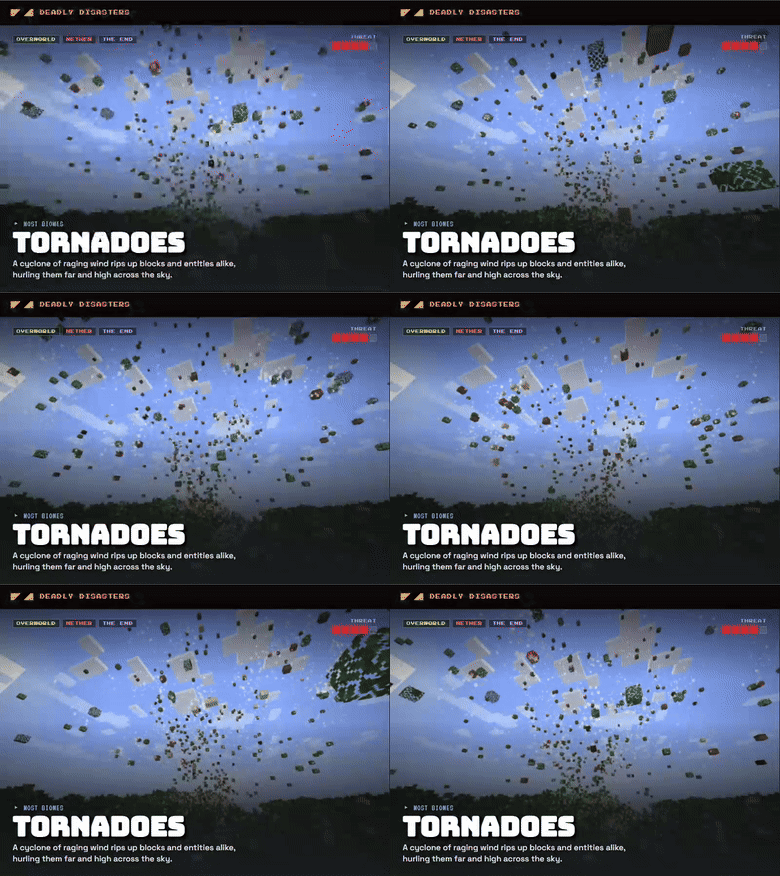
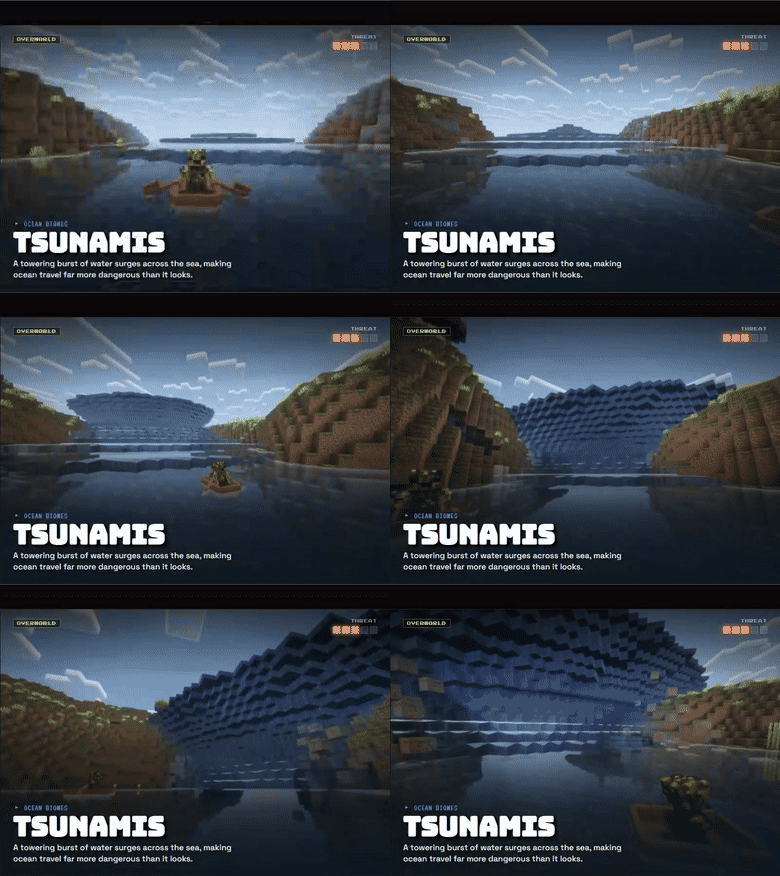
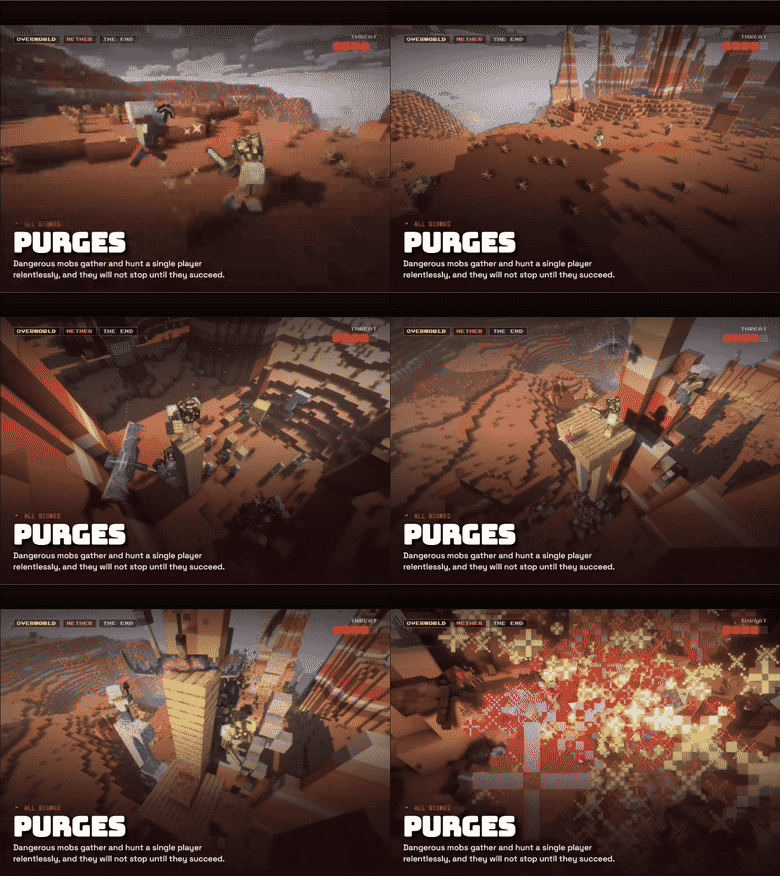
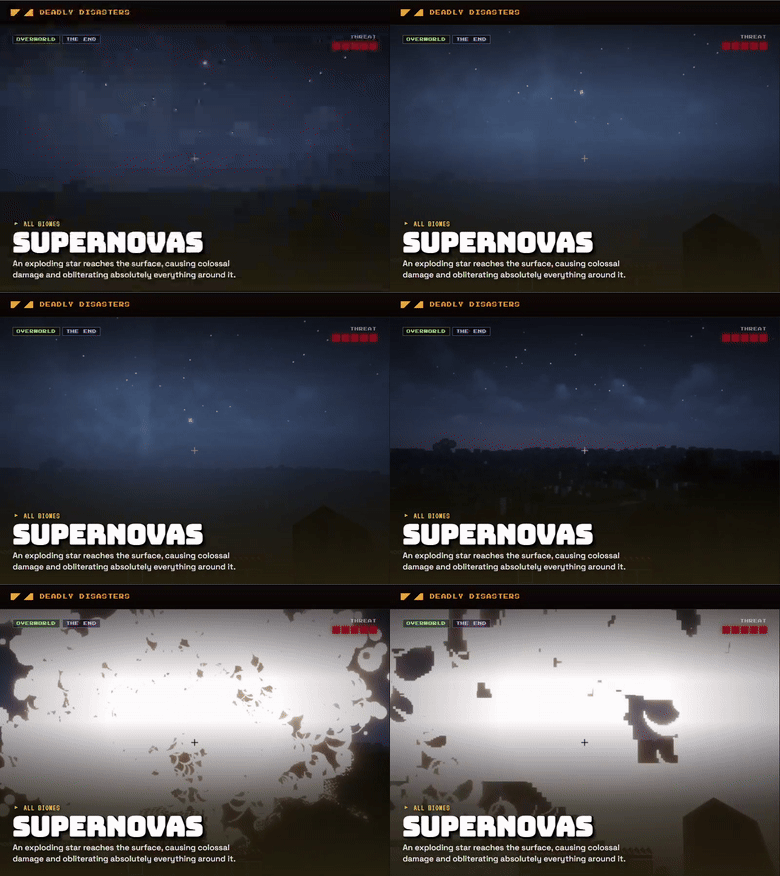
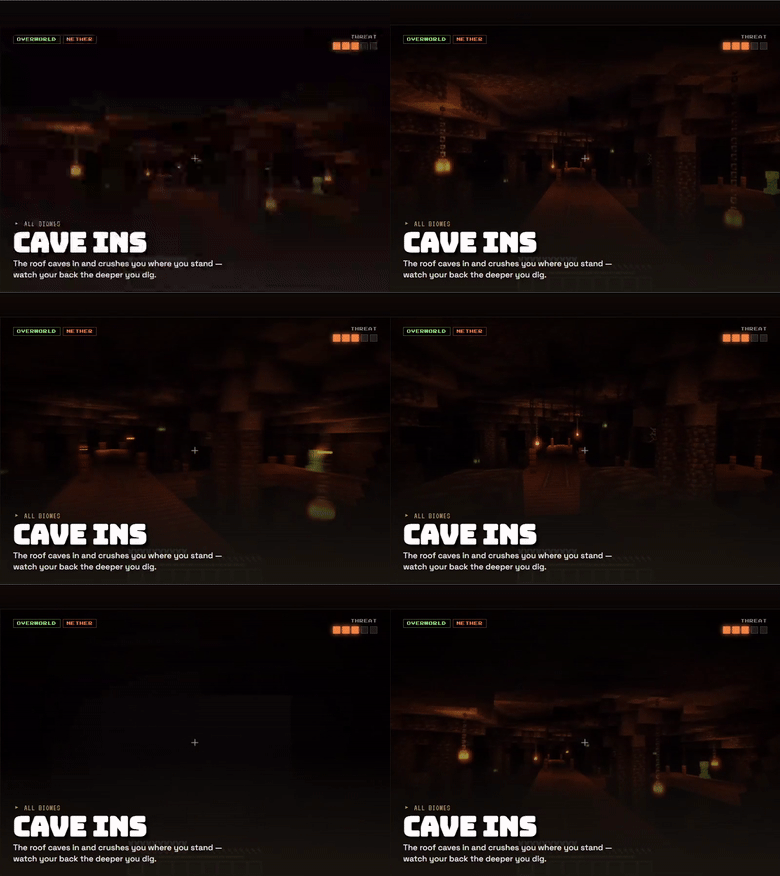
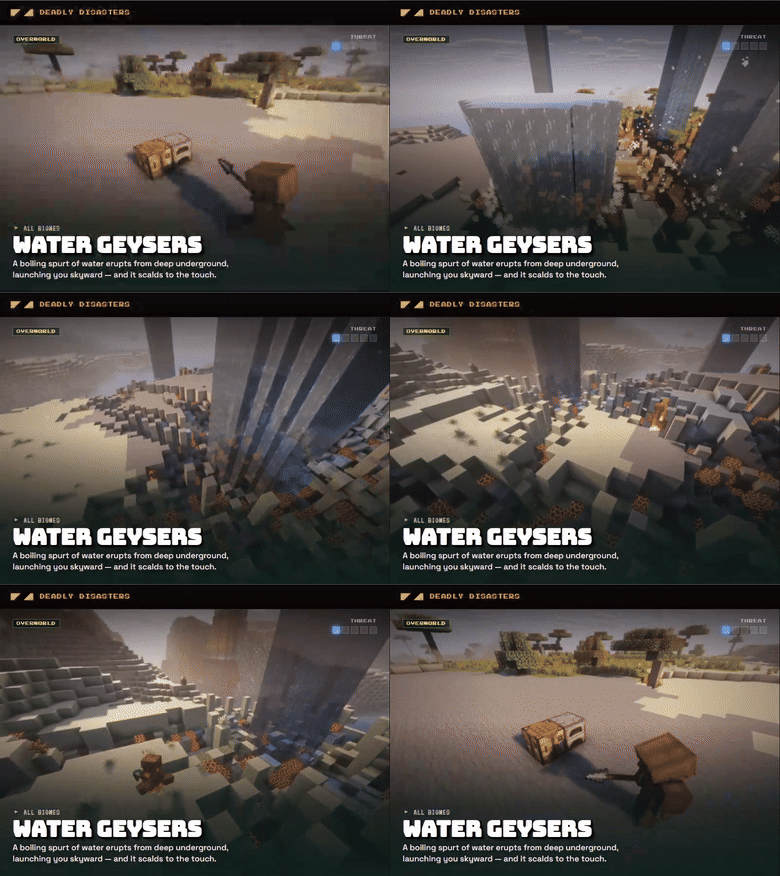
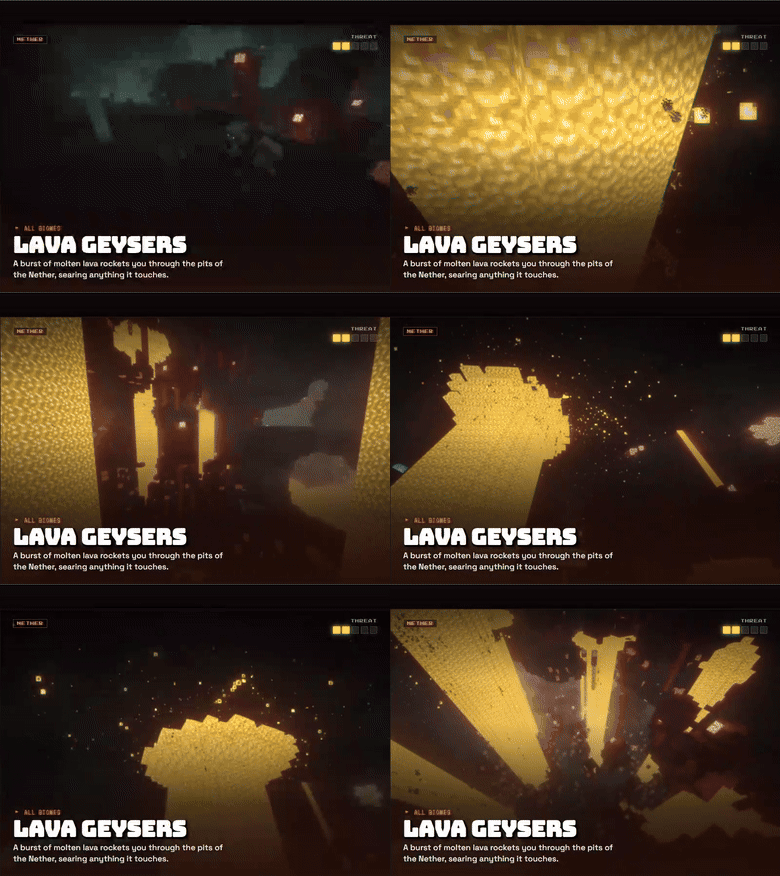
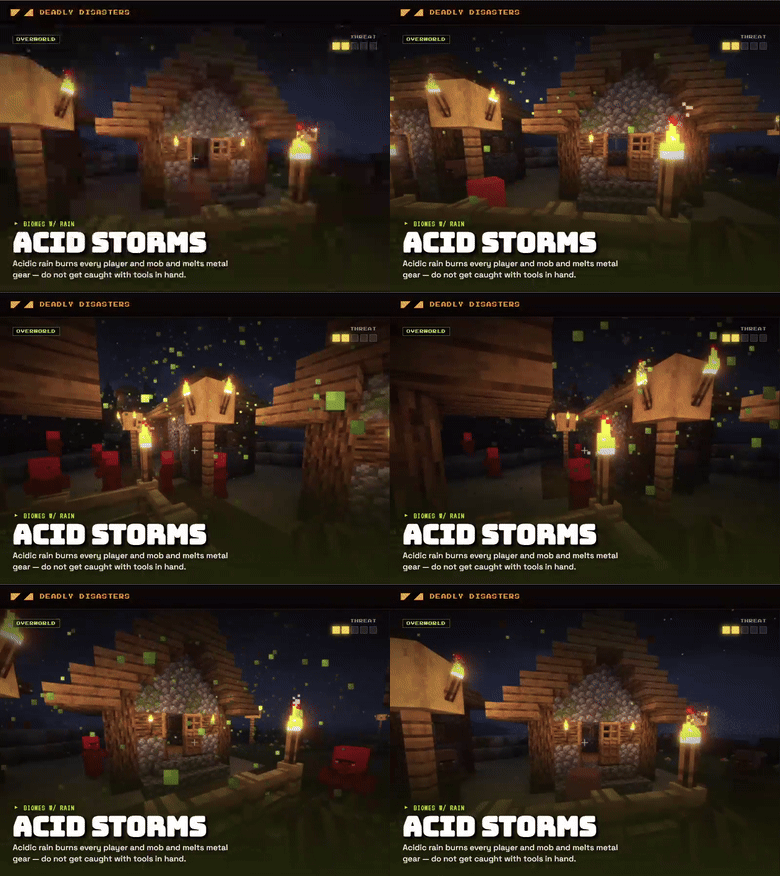
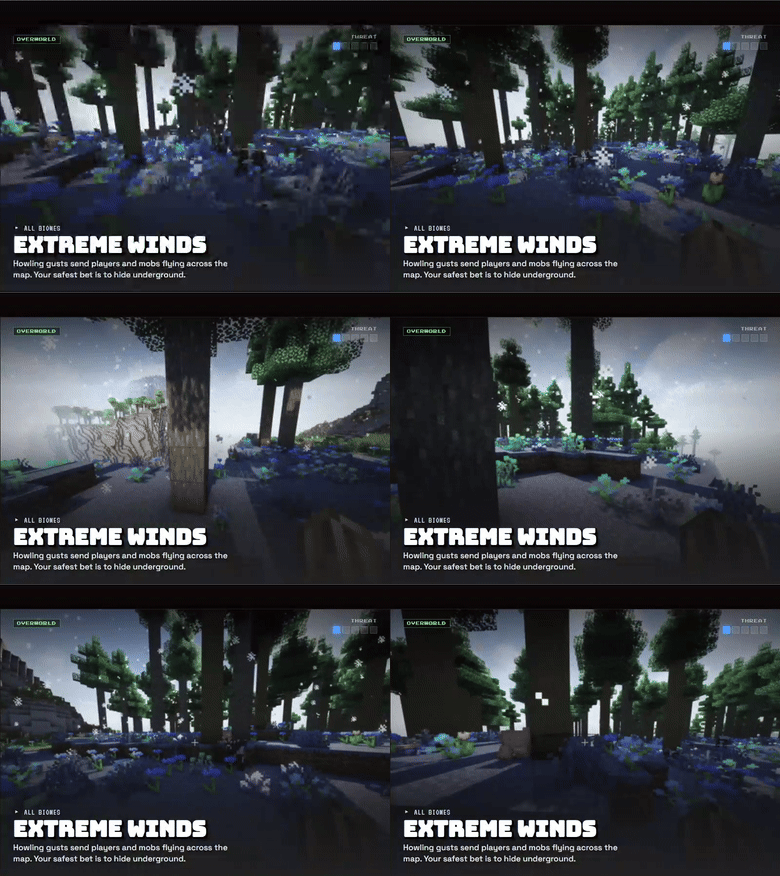
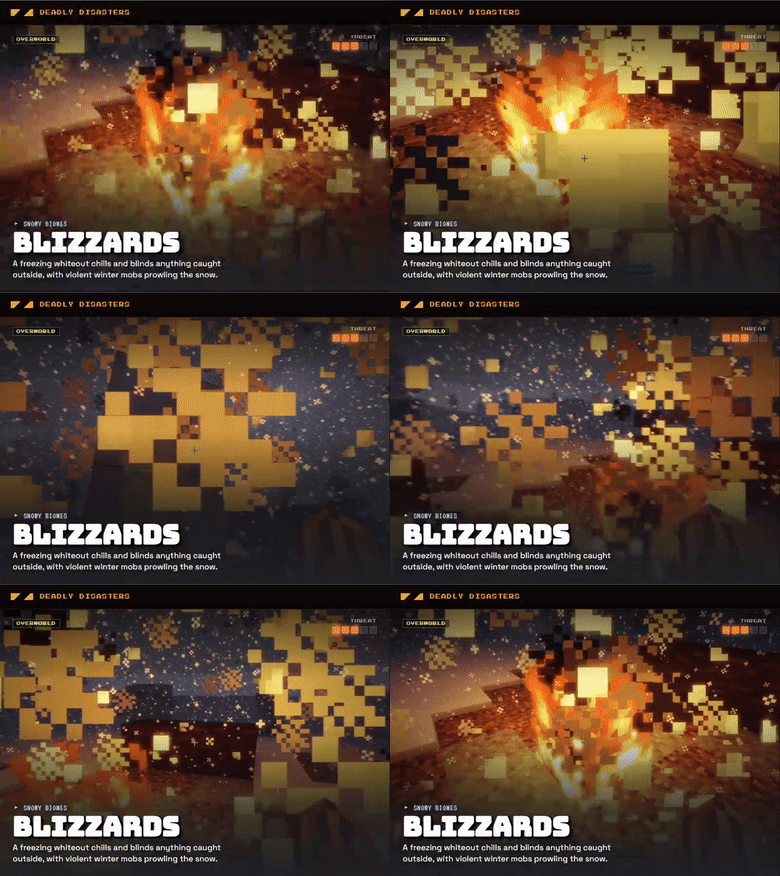
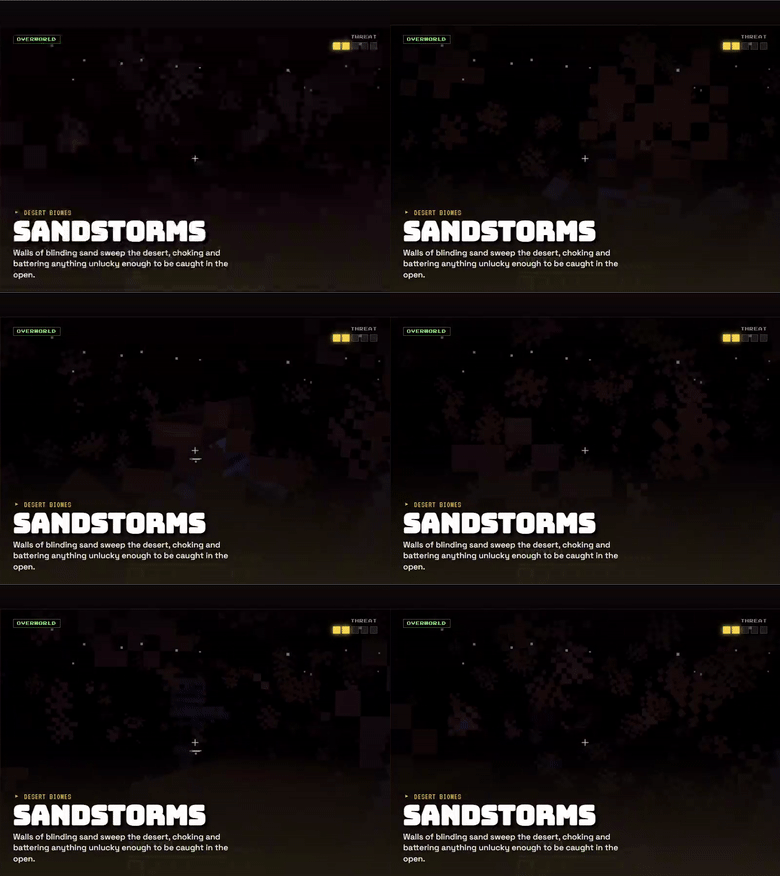
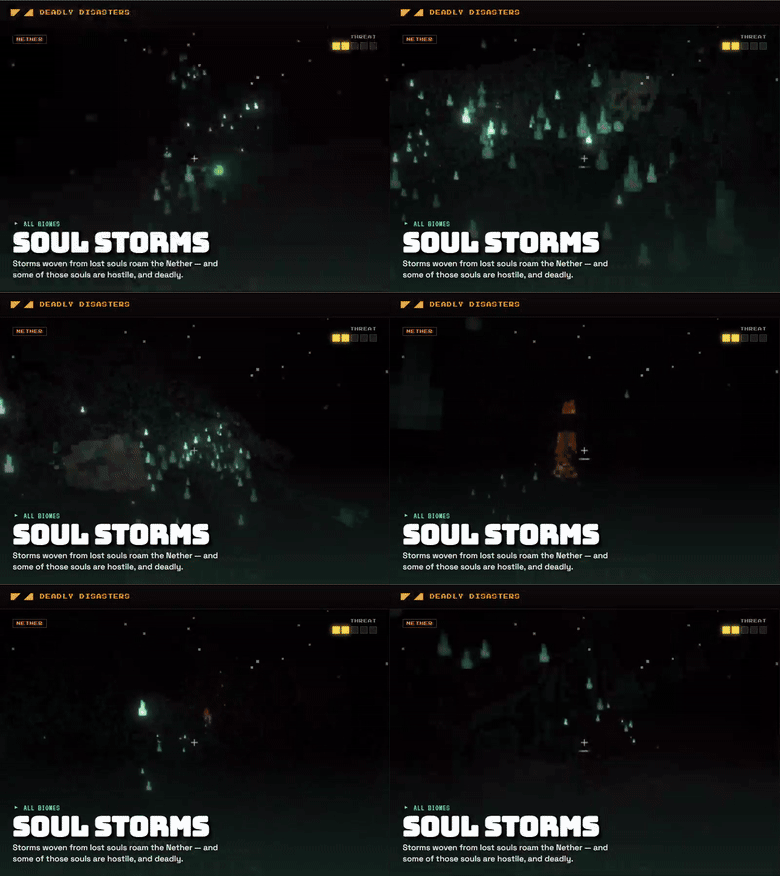
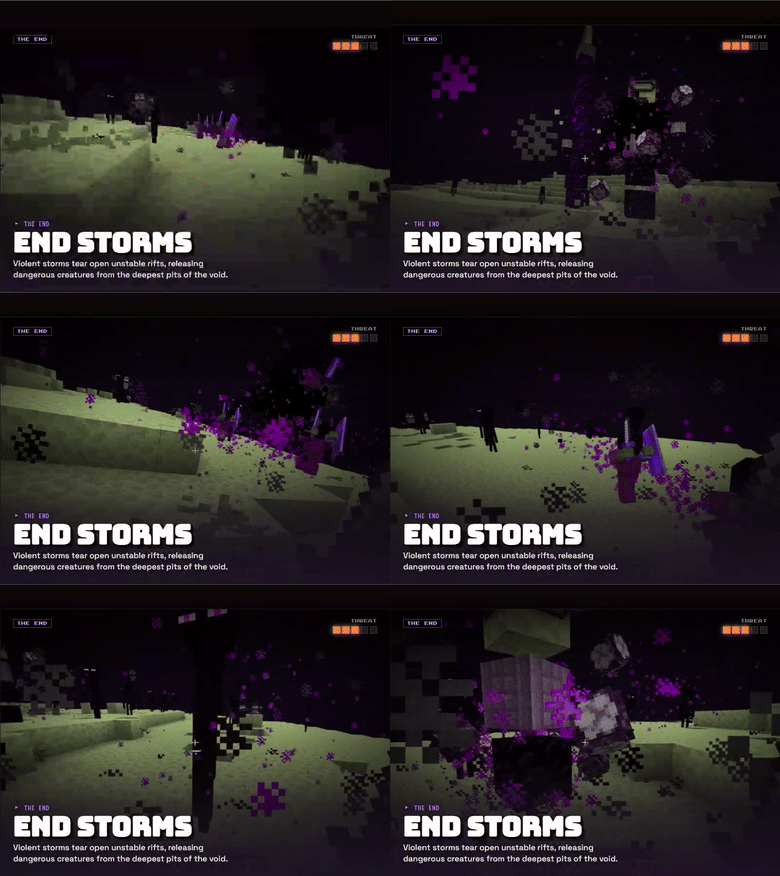
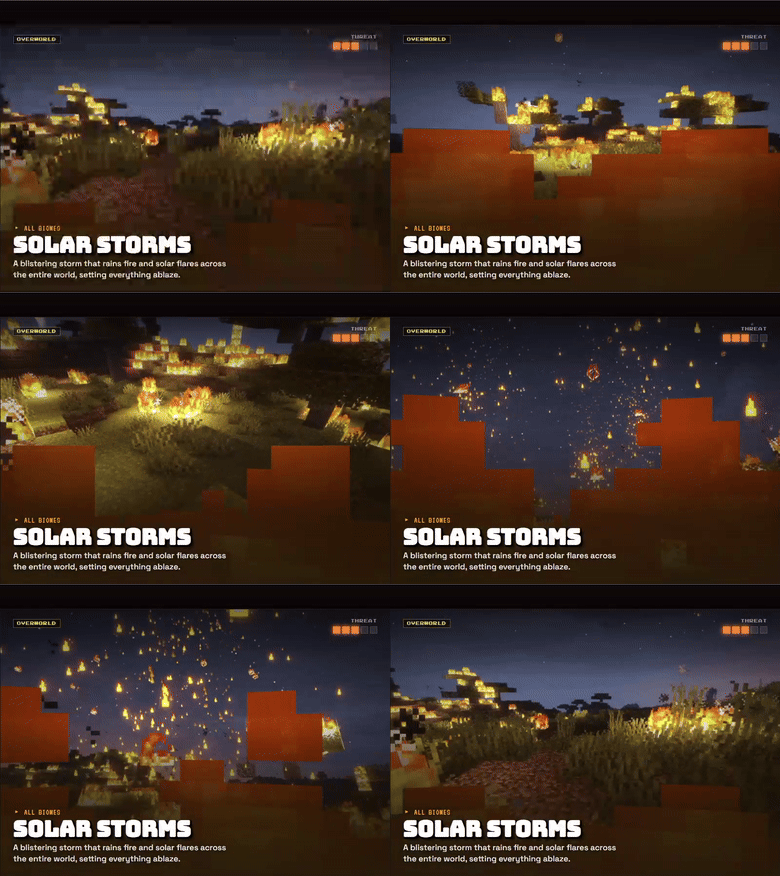
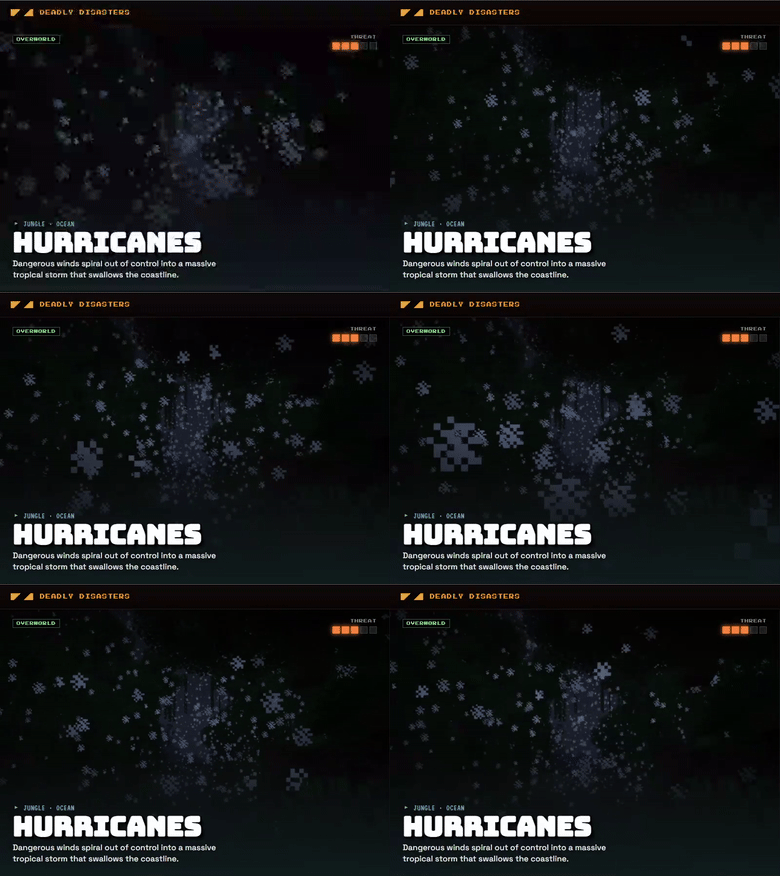
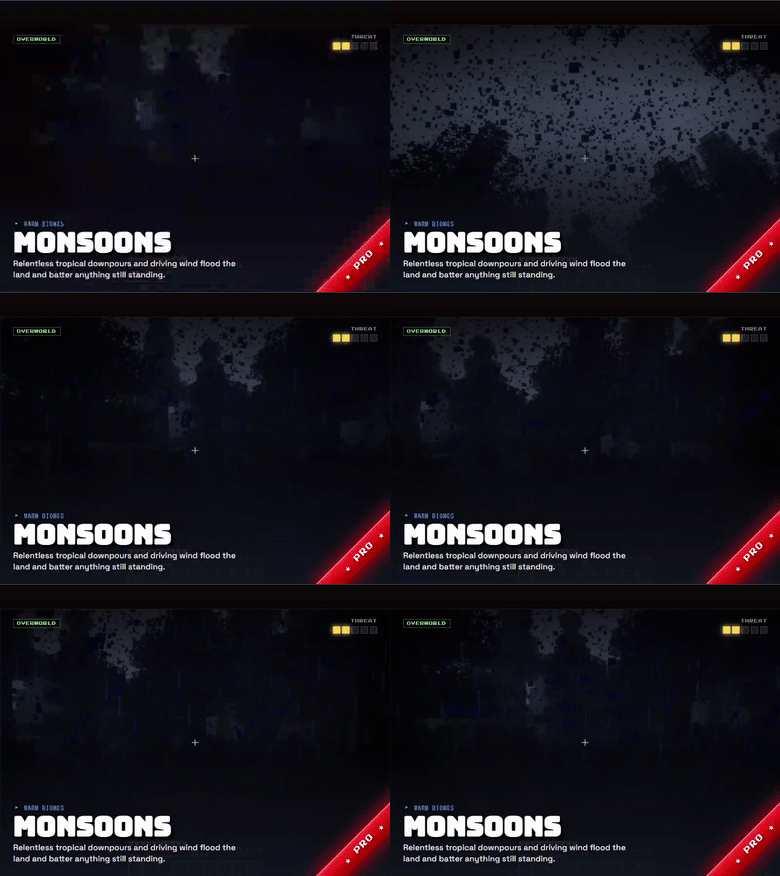
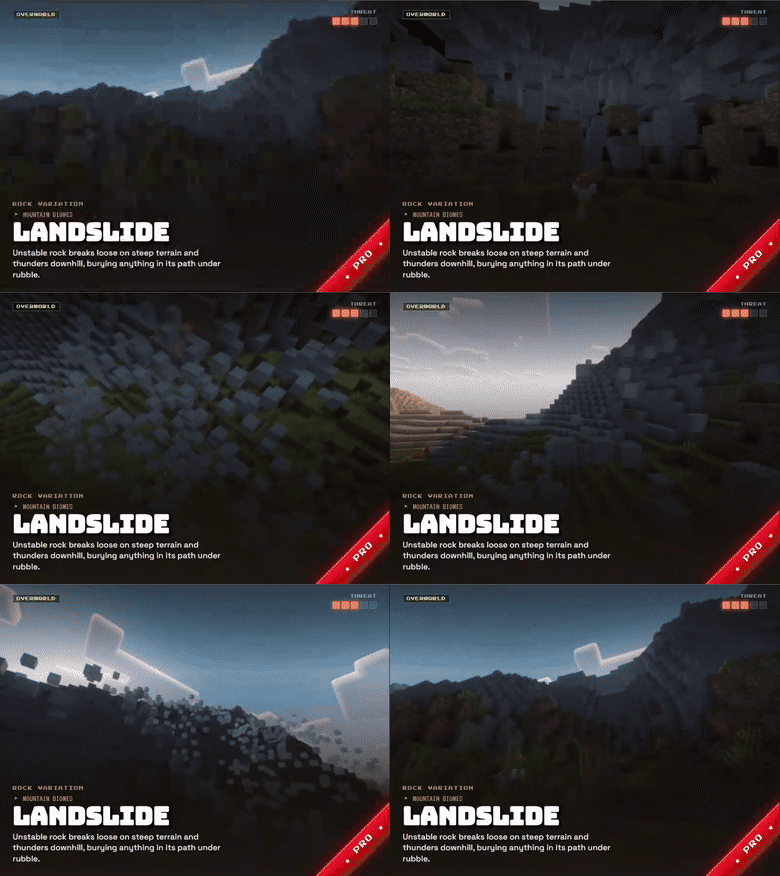
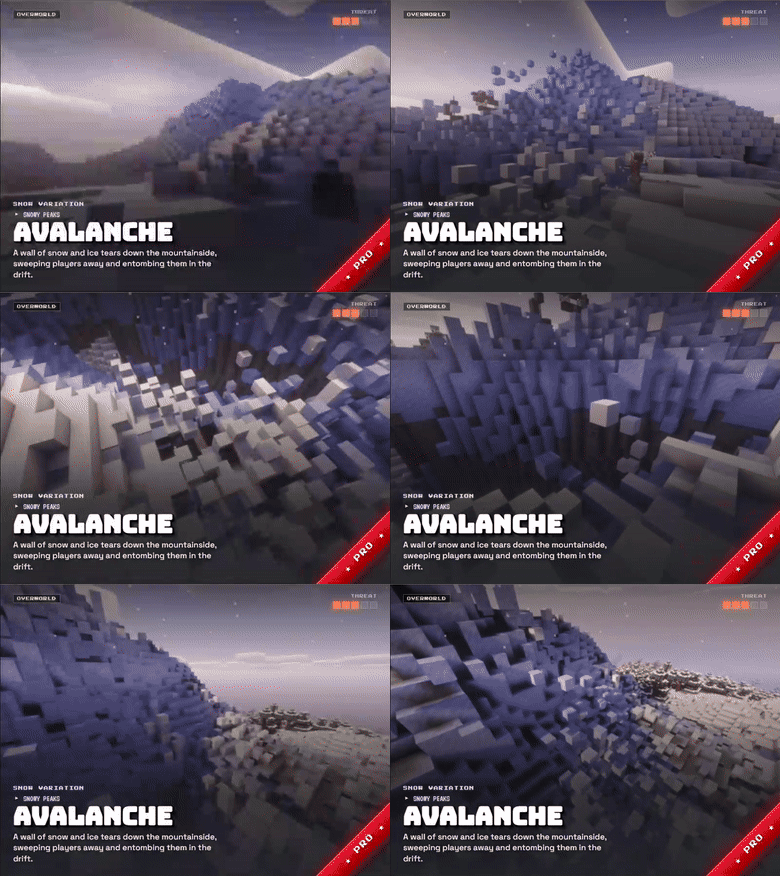
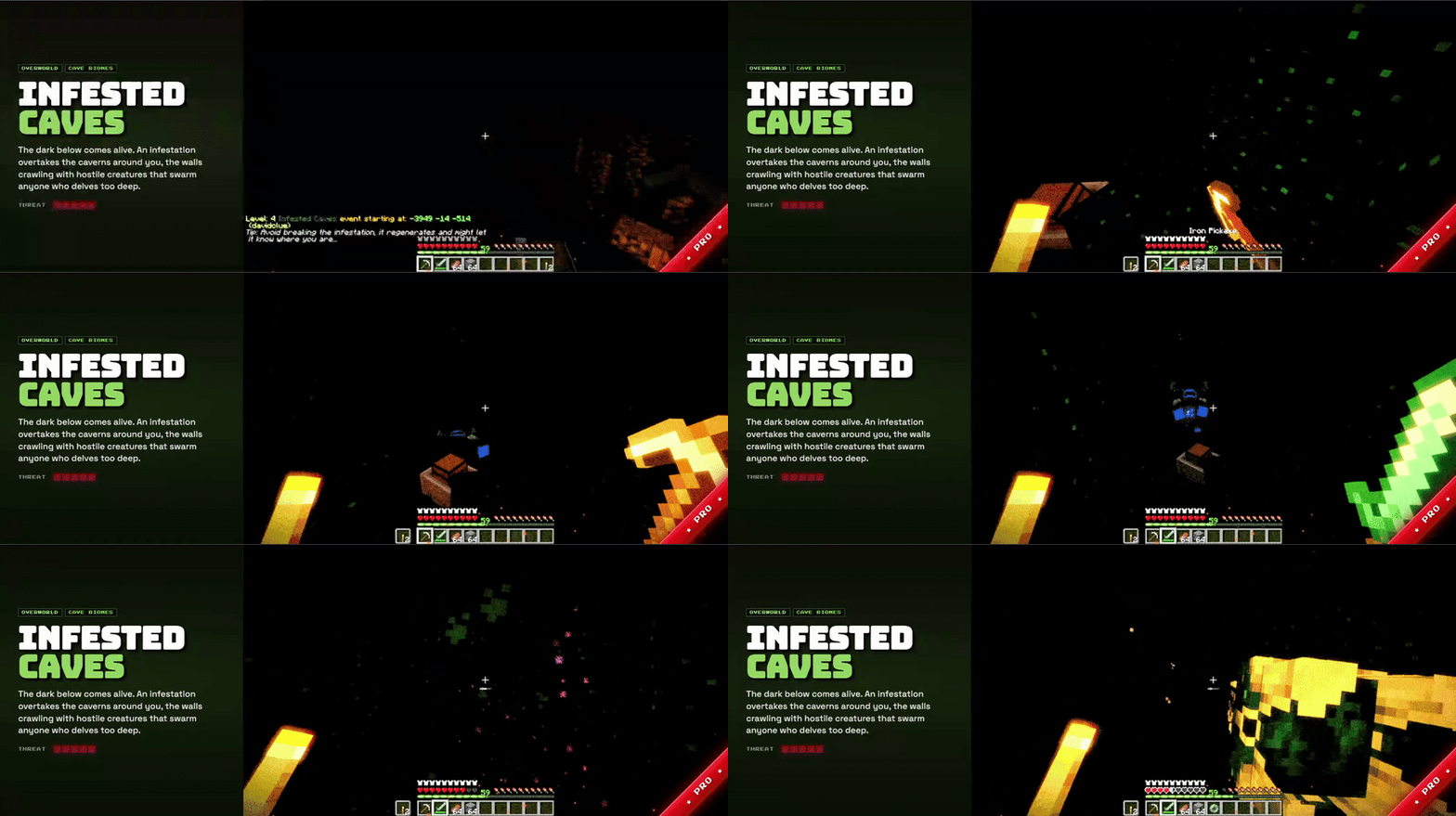
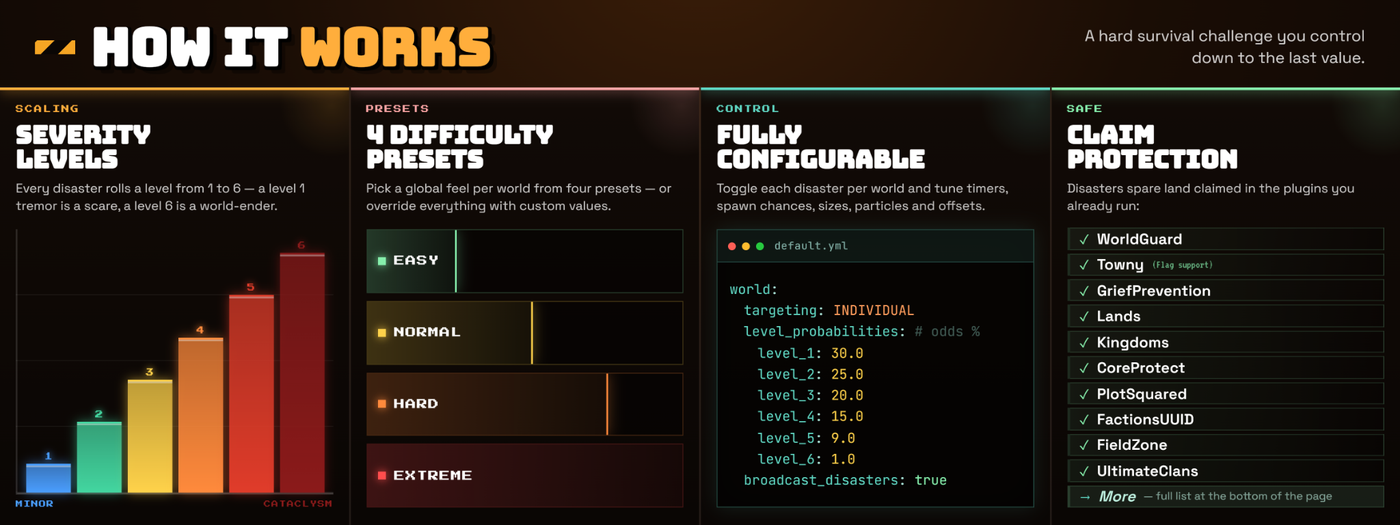
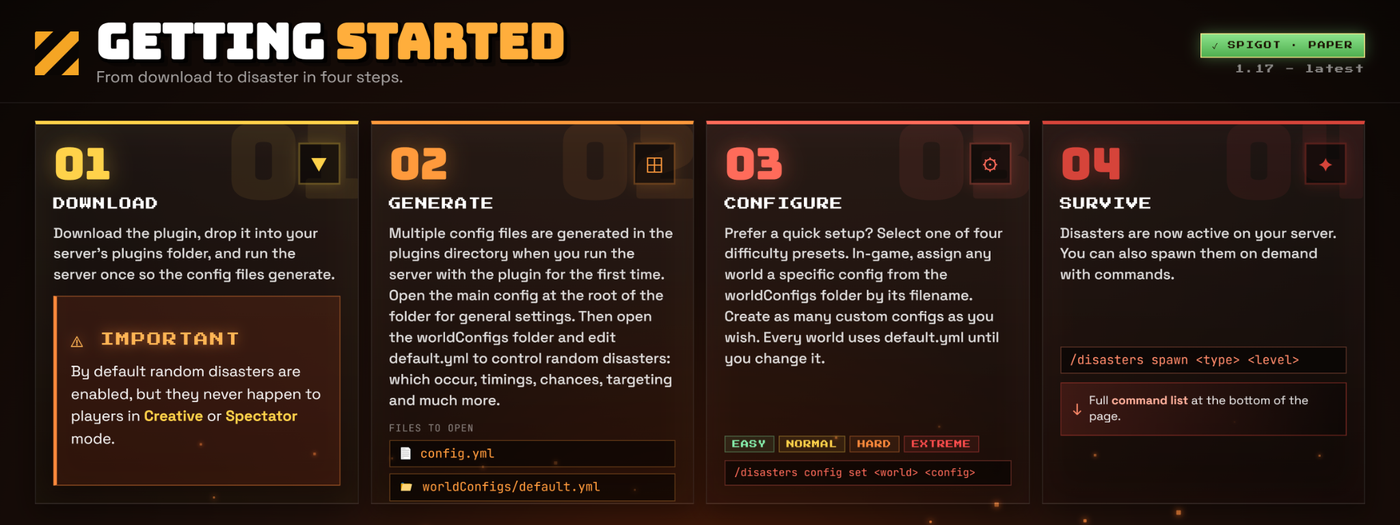
Adds naturally occurring disasters to the game to make it more challenging. These disasters can cause damage to your world and are enabled by default. It is highly recommended that you read the commands and setup to understand how to configure it to your desire. There are also plenty of explanations within the Discord in the #faq channel!
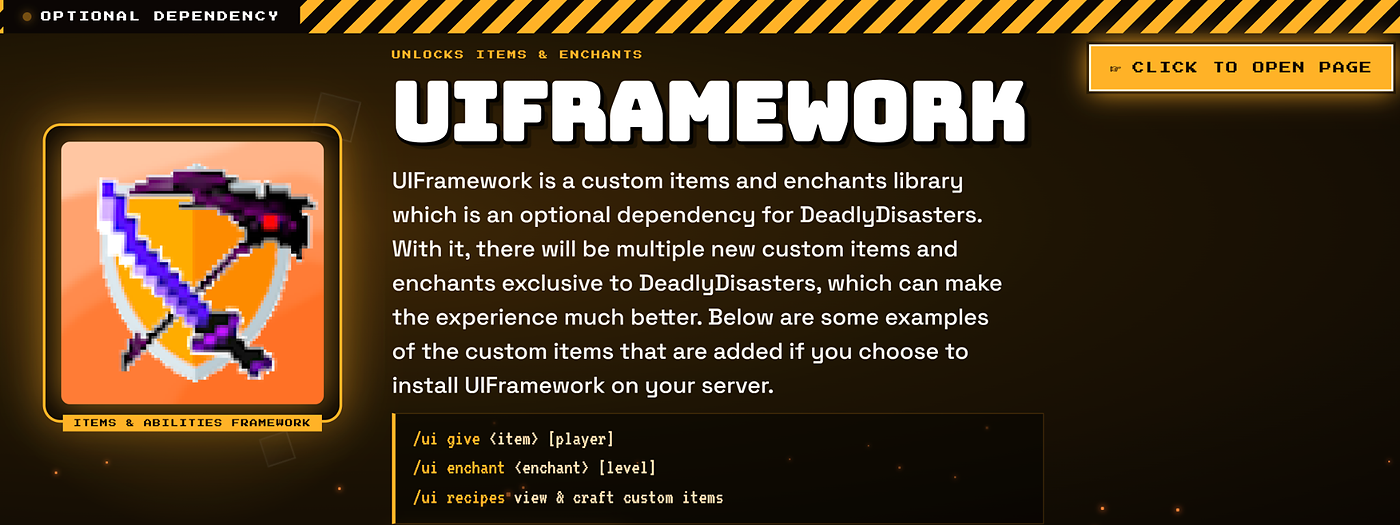
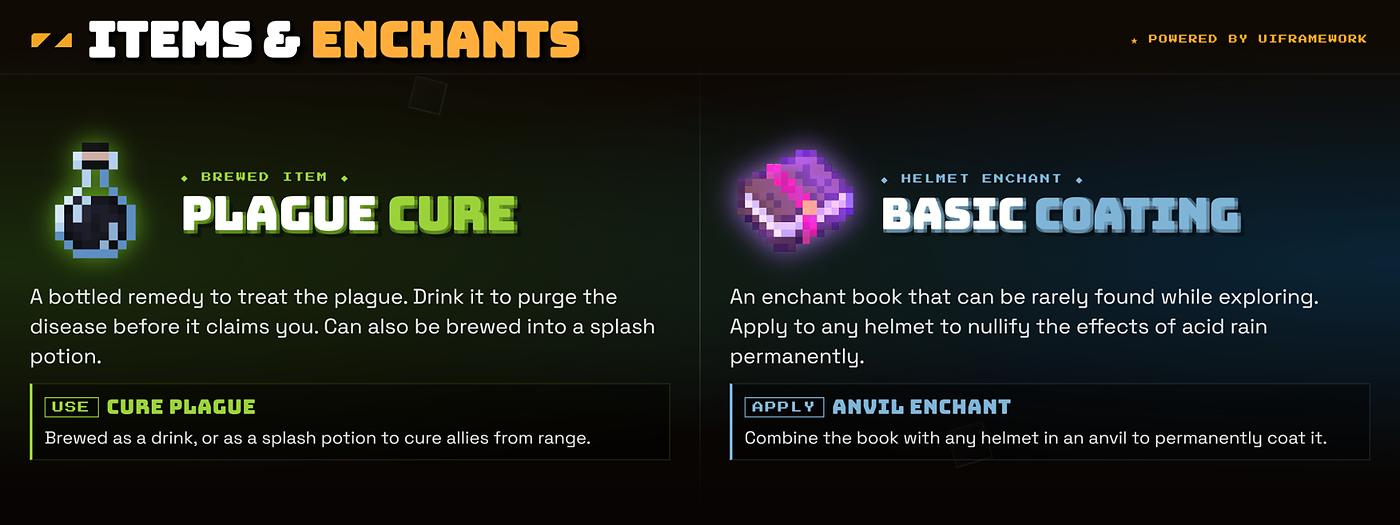
Thanks to Lordphiphi, the plugin now has an amazing resource pack for all the custom items! These textures use custom model data to function and will not affect any vanilla items. The pack can be downloaded from the Discord in the #resources channel, click here!
Check out these awesome videos of the plugin!
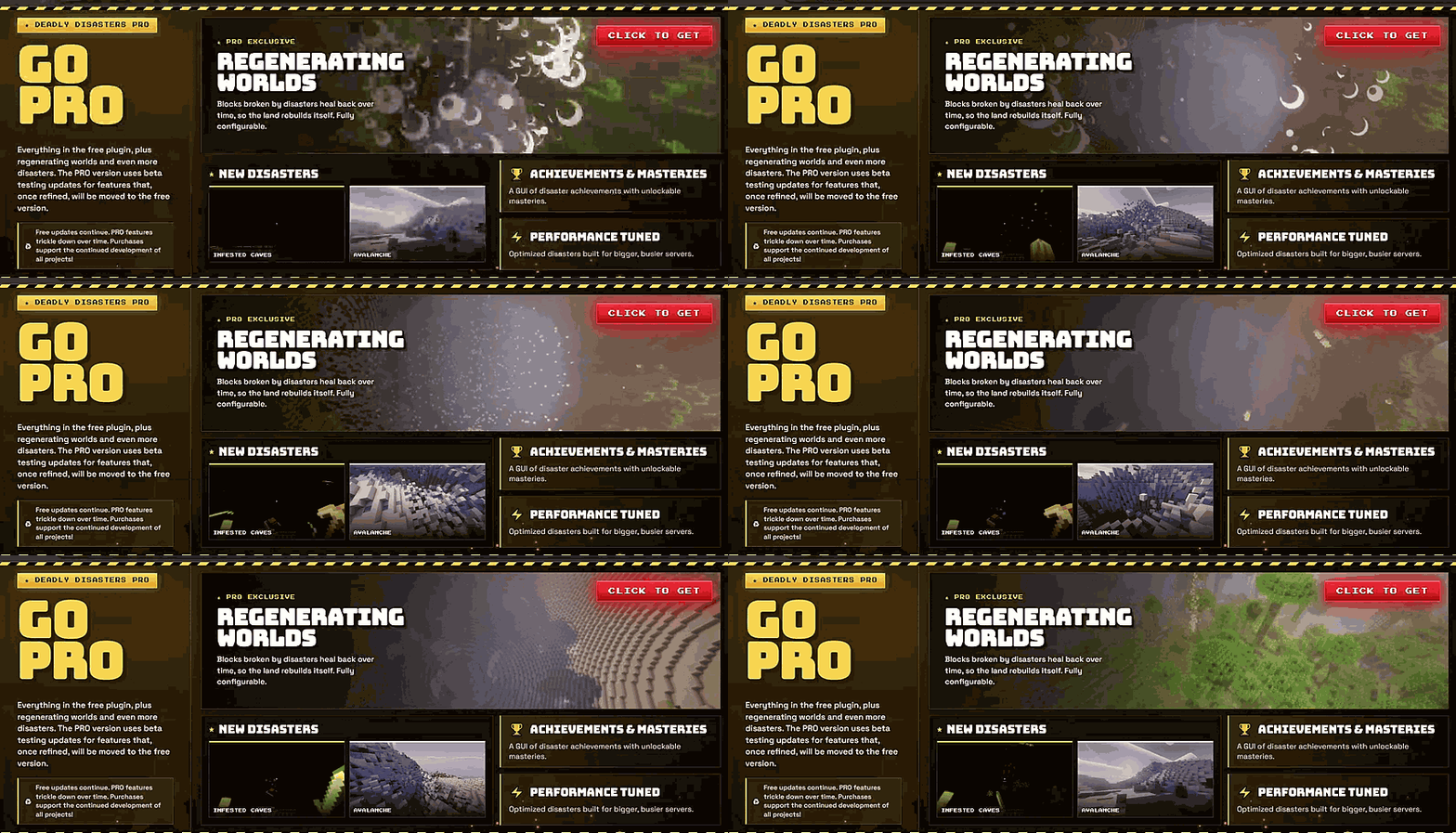
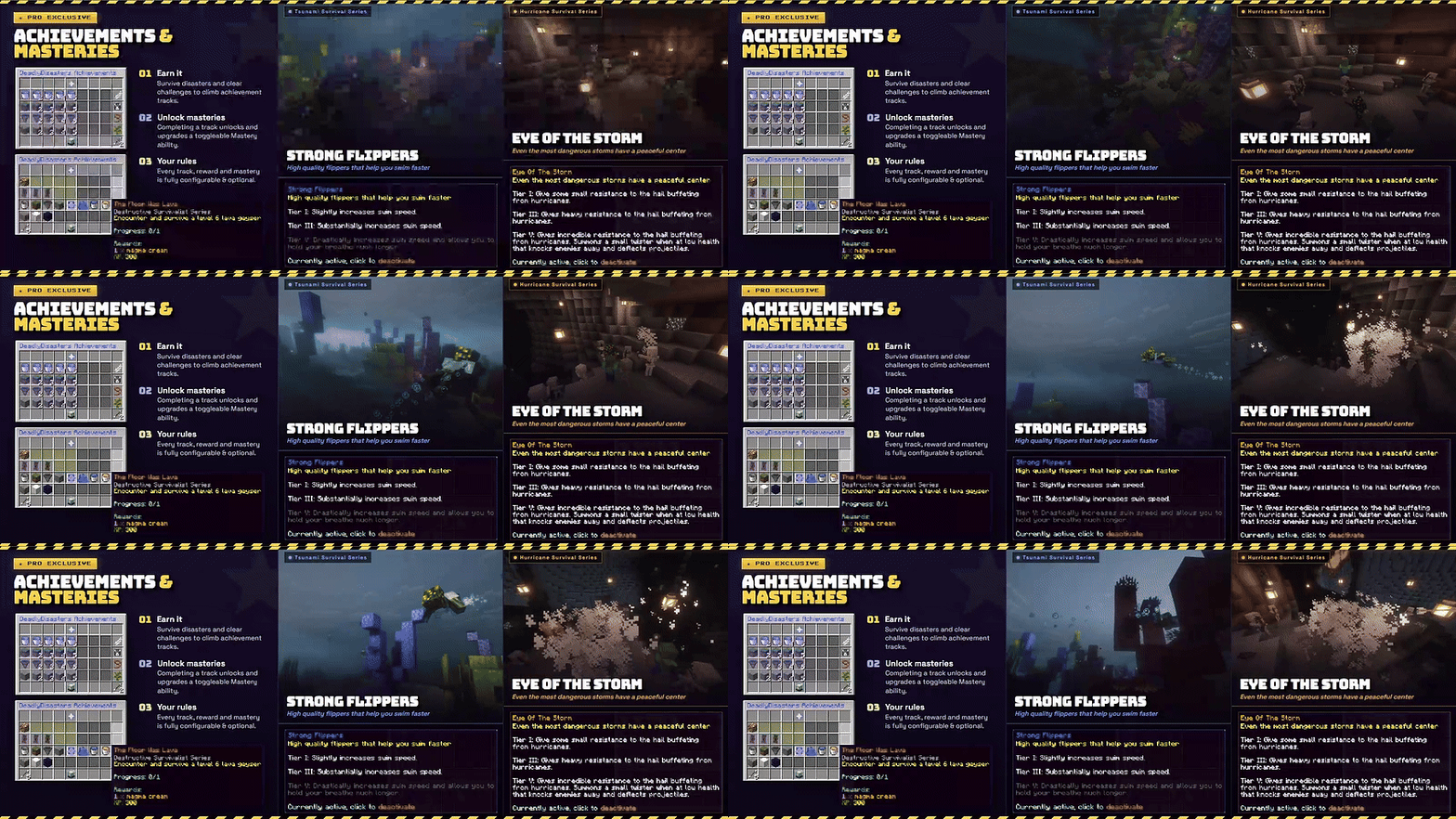
Check out the video above to see some of the pro features (Some of these are outdated and have been ported to the free version)!
Languages:
This plugin now supports multiple languages; Some translations may be out of date. You can manually translate the plugin by translating the placeholder messages within the languages.yml file that is generated in the plugin's config folder. Some translations may be available on the Discord:
- English
- Chinese (Translations by KPC123)
- Russian (Translations by ZBLL)
- French (Translations by Arryl)
Discord:
I have a Discord server you can join if you need any help with the plugin or API to get fast support. You can also make suggestions for future updates! https://discord.gg/MhXFj72VeN
Region Protection:
There are a multitude of supported region protection plugins that DeadlyDisasters can hook into automatically, and this will protect your claimed regions from any harm that disasters may cause. The following list of plugins is supported and NO others at the moment:
- World Guard
There are two available flags for world guard regions:
- "allow-disasters" defaulted to deny. This controls whether disasters can spawn in the region and if players' timers should tick down or not.
- "allow-disaster-damage" defaulted to deny. This controls whether disasters can damage blocks within the region or not.
- Core Protect (Blocks modified under the user "deadly-disasters")
- Towny (Each town is protected by default and can be toggled via the command /towndisasters <on/off> [player])
- Grief Prevention
- Lands
- KingdomsX
- Field Zone
- Plot Squared
- Ultimate Clans
- FactionsUUID
API:
This plugin has an accessible API, which you can use to start disasters or listen for disasters in your own plugins; the documentation is here.
Block Stability:
You can configure in blocks.yml the resistance of materials and blocks to disasters. Many materials are already pre-listed, and if a material you want is missing, just add it in with its F3 in-game name. Block strengths vary from 0.0 to 1.0, where 0.0 means it will always be broken and 1.0 means it is indestructible for disasters.
Commands:
Functional:
/disasters help <command> - Shows command help for the specified command. Use /disasters help config <reload|set|enable|disable|setting|list> for config subcommand help.
/disasters start <disaster> [level] [player|x y z] [world] - Starts a disaster. If a player is given, the disaster starts near that player. If coordinates are given, the disaster starts at that location, with world required when running from console.
/disasters stop [disaster] [world] - Stops ongoing disasters. If no disaster is specified, all active disasters are stopped. If a world is specified, only disasters in that world are stopped.
/disasters config reload - Reloads all DeadlyDisasters config files.
/disasters config set <world> <config|EASY|NORMAL|HARD|EXTREME> - Sets the world to use a config file from the worldConfigs folder, or applies a built-in preset difficulty. Any config that is not a built-in preset displays as CUSTOM.
/disasters config enable <disaster|category> [world] - Enables a disaster or disaster category in the selected world config.
/disasters config disable <disaster|category> [world] - Disables a disaster or disaster category in the selected world config.
/disasters config setting <option> <value> [world] - Changes a world config setting directly in-game. Supported options are targeting, minimum_time, maximum_time, disaster_offset, shared_disaster_radius, broadcast_disasters, and disaster_tips.
/disasters config list - Lists all worlds and their currently selected disaster config files.
/disasters blacklist <add|remove> <player> [world] - Adds or removes a player from a world blacklist. Blacklisted players will not have naturally occurring disasters spawn on them in that world.
/disasters timers reset [world] - Resets disaster timers. If no world is specified, timers are reset for all worlds.
/disasters timers listworlds - Lists all worlds and their current global disaster timer values.
/disasters timers listplayer [player] - Lists a player’s disaster timer values. If no player is specified, it lists all online players, their current world, and their timer value for that world.
Extra Commands:
/towndisasters <on|off> [player] - Toggles Towny disaster protection for a player’s town. Requires Towny to be installed.
Coming soon:
Apocalypse - Permanently alter the world by devastating the environment with lethal storms and violent creatures (Overworld) (End Of The World Disaster)
Diseases - Make sure to take care of yourself when you get sick, there could be many symptoms or none at all (Overworld, Nether, End) (All biomes)
Ice Age - Freeze the world into an ice age of constant blizzards and violent mobs that have evolved to survive this cold world (Overworld) (End Of The World Disaster)
Donators:
Marisol ($2.58) - "Keep up the good work :)"
Swagerman ($20.81) - "Thank you for RealisticSeasons support, keep up the good work!"
Cryomancer ($29.92) - "Amazing work!"
Nadgob ($10.00) - "Keep up the awesome disastrous work :) (love the plugin)"
MCKids Academy ($25.00) - "We are really loving your plugin Deadly Disasters"
Please report any bugs to the Discord and DO NOT leave error logs or bug reports in the reviews!
Comments


-

jewishbananas Owner
-
View User Profile
-
Send Message
Posted Jul 16, 2026yo it so cool man, keep it up
-
View User Profile
-
Send Message
Posted Jul 19, 2026@vietcong1131 Thank you, I am glad that you enjoy :)
-
View User Profile
-
Send Message
Posted Aug 21, 2025pls how to i install i clicked download and it was a file ahhjmuikyuik8i n,m89nm8l n,km uymu n,m uy,imyygf yulopk;
-
View User Profile
-
Send Message
Posted Jul 30, 2025This is a solid upgrade — love how you're turning the plugin into more of a full-featured experience rather than just a challenge system. The regenerating world mechanic and mastery buffs are especially cool additions. Your competitors are already using video — or they will be. A well-produced video sets you apart, especially in crowded industries or saturated digital markets, which is why a unique visual style like Kasra Design collage animation can really help convey complexity in creative ways. Looking forward to seeing how the pro version evolves!
-
View User Profile
-
Send Message
Posted May 9, 2025when i press the play button in minecraft launcher it is gonna start but after it is gonna crash how can i fix it?
-
View User Profile
-
Send Message
Posted Feb 28, 2025Is there any way to show a warning on the player's screen 5 minutes before the disaster starts?
-
View User Profile
-
Send Message
Posted Jul 27, 2024In reply to fireninja0706mc: Pro version just has some test features that all get dropped down to the free version. In the latest update, 12.0, I just dropped most of the Pro features down to this update in the free version. It is just a way of supporting development and keeping people happy that something doesn't break their server since lots of times this happens to Pro users, but I give fair warning that it will be buggy as it has all the untested features. Eventually, when I drop this project I plan on making pro permanently free.
-
View User Profile
-
Send Message
Posted Jan 9, 2024Hey I'm running the 1.20.4 paper version for a friend who owns the pro version of your plugin and we are running into this WARN:
Any ideas what we can do about that?
I already replaced the paper jar.
-
View User Profile
-
Send Message
Posted Jan 3, 2024In reply to fireninja0706mc:
No, pro version just has experimental work in progress features that all get moved over to free version through updates. It is just a way of supporting and obligates me to not drop the project.
-
View User Profile
-
Send Message
Posted Nov 20, 2023-
View User Profile
-
Send Message
Posted Nov 19, 2023Bitte mach daraus einen Mod der einfach zu installieren ist. Danke
-
View User Profile
-
Send Message
Posted Oct 29, 2023please make it a mod, i cant use plugins with my modpack :(
-
View User Profile
-
Send Message
Posted Aug 16, 2023can u plz make it a mod i cant run a plugin.
-
View User Profile
-
Send Message
Posted Jul 10, 2023i cant get into the server
-
View User Profile
-
Send Message
Posted Jul 3, 2023is there a way for you to be able to turn this into a mod i dont have a server
-
View User Profile
-
Send Message
Posted Jul 5, 2023In reply to mochi_donut_guy:
Unfortunately no, it would need to be completely remade for it to work as a mod. It is very easy to set up a free local hosted server though, there is plenty of tutorials on youtube just search "How to make a Minecraft spigot server"
-
View User Profile
-
Send Message
Posted Sep 5, 2023In reply to jewishbananas:
Damn, Do you plan on remaking the mod sometime in the future for forge or fabric?
It would be nice if you do, theres barely any disaster mods out there other than weather2
-
View User Profile
-
Send Message
Posted Sep 11, 2023In reply to fireninja0706mc:
At the moment no, but the source is open for anyone who would want to try it. I never made a mod before so I don't want to have to go through that big learning curve, I do plan on maybe some point in the future when I have more free time trying it and if I can get the hang of it then maybe I will port it over and make it even better.
-
View User Profile
-
Send Message
Posted Dec 30, 2023In reply to jewishbananas: In the case you do decide to, would the pro version still be charged?
-
View User Profile
-
Send Message
Posted May 30, 2023I know it may be a weird question but is there a possibility for specific biome disasters to be enabled anywhere or if it's already in the config and I just simply am blind?