Knokko's Custom Items
Note: this plug-in requires a different installation procedure than most other plug-ins. You really need to check the installation section or one of the tutorials.
Description
This plug-in allows the owners and developers of servers to create custom items with their own textures. (It requires a server resource pack.) Everyone who would like to use this plug-in needs to download the Editor and use that to create their own custom item set.
Installation
- Download and run the Editor. Editor.jar can be found in the Files section. If you have a working Java installation, you can just download and double-click this file. If not, you can either install Java or download a native version of the Editor from https://github.com/knokko/custom-items-gradle/releases
- Put this plug-in (CustomItems.jar) in your plug-ins folder
- Configure the items and textures you want (in the Editor)
- Click on the Export... button, and follow the steps (in the Editor)
If you need more detailed information about these steps, you can ask for help on the Discord server.
Discord server
Invite link: https://discordapp.com/invite/bmF3Zvu
New tutorials:
https://www.youtube.com/watch?v=GsC-pNlBjwg
Old basic tutorials:
Text: https://knokko.github.io/custom%20items/index.html
Video: https://www.youtube.com/playlist?list=PLcc-tPs9PuADC-shEBRynL9s2j6slSWCa
Old advanced tutorials:
Custom containers (video): https://knokko.github.io/custom%20items/tutorials/containers/index.html
Wands and guns (text): https://knokko.github.io/custom items/tutorials/wands and guns/index.html
Troubleshooting
If you can, use /kci debug
If that doesn't work, check whether CustomItems is listed in /plugins
Features
-Custom items with their own display name, lore, attribute modifiers and textures
-Custom tools with their own damage and durability
-Custom bows with their own damage, speed and durability
-Custom armor with their own armor value and other attribute modifiers, unfortunately without model texture.
-Crafting recipes that can use vanilla ingredients and custom items (or combined)
-Block & mob drops for custom items
-Custom containers (like a custom furnace, but much more powerful, unfortunately without block texture)
-Custom projectiles with custom wands to launch them
-Custom blocks (but still in beta)
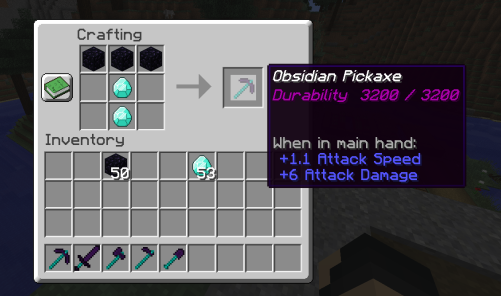
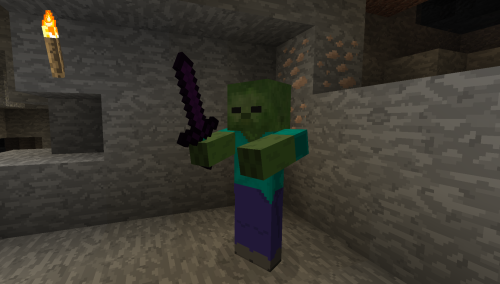
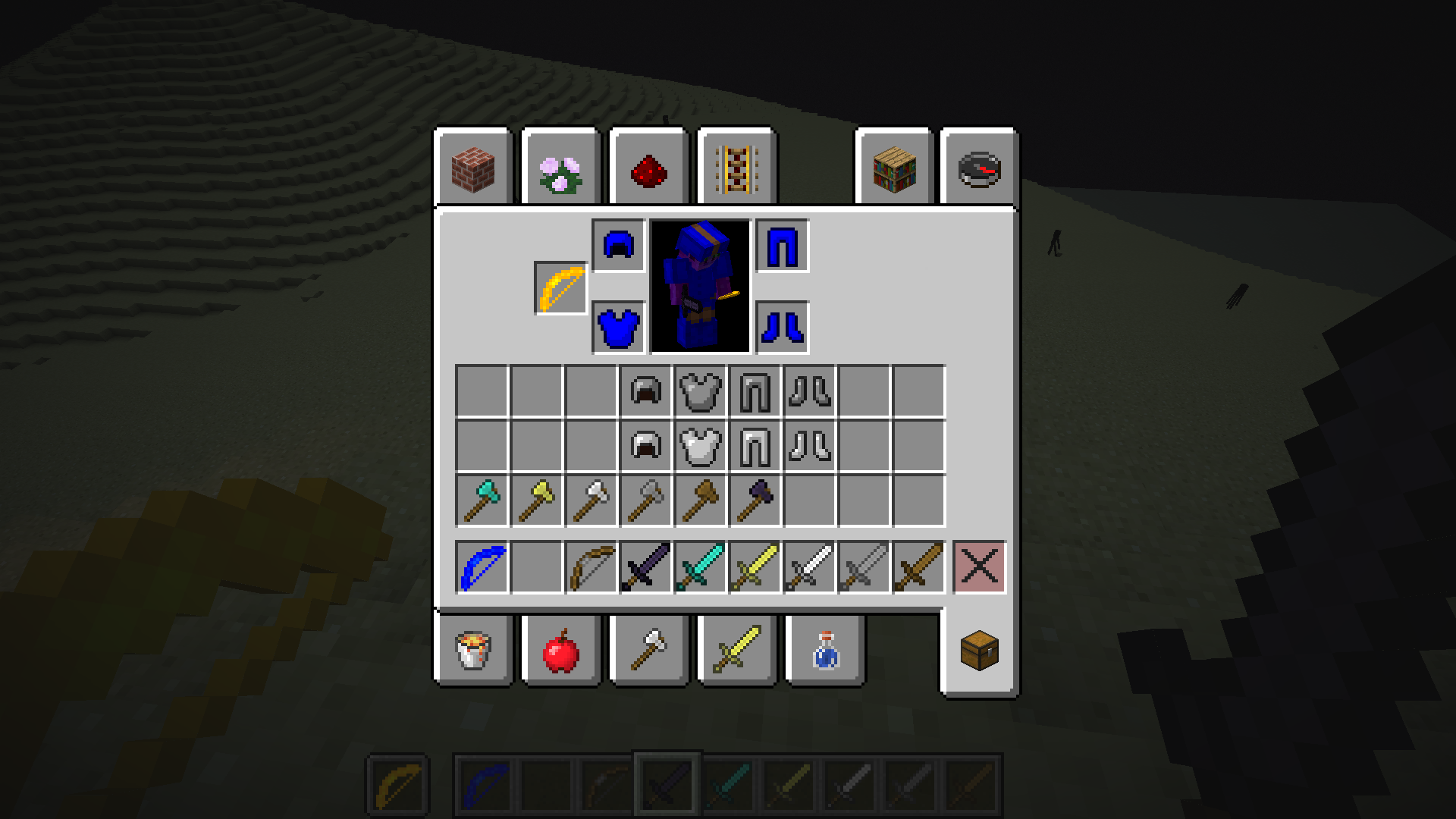
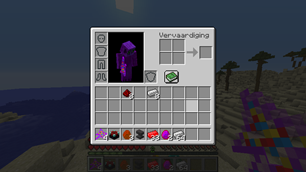
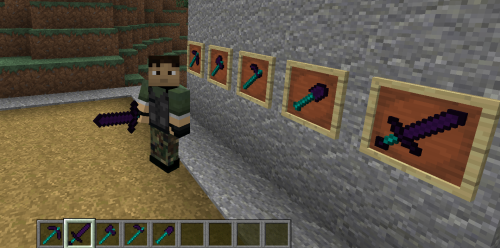
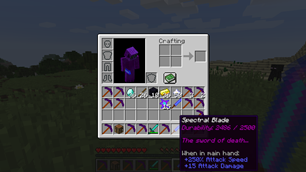
Check the wiki for more information.
Source code (programmers only)
Comments

-

knokko Owner
-

knokko2 Author
-

TechWizzart Contributor
-
View User Profile
-
Send Message
Posted Mar 12, 2022In reply to aalljkhhd:
It looks like you are asking the same questions twice: both here and on Github. Please use only 1 of the 2. (My response time won't change, but I get more notifications than needed.) I already answered it on Github.
-
View User Profile
-
Send Message
Posted Aug 1, 2021Hello, how can I use custom permission for crafting an item ?
-
View User Profile
-
Send Message
Posted Aug 2, 2021In reply to Holo795:
Not yet. This might be added in the future, but probably not very soon.
-
View User Profile
-
Send Message
Posted Feb 20, 2021does mending working on that custom durability ?
-
View User Profile
-
Send Message
Posted Feb 20, 2021In reply to djigsaw68:
Yes
-
View User Profile
-
Send Message
Posted Jan 24, 2021I am not being able to make a custom container, could you make a video about it?
-
View User Profile
-
Send Message
Posted Dec 6, 2020I got both the editor and plug-in and put them in the plug-in folder. I also received the cores and installed three in the plug-in folder, but I can't do it because I don't know the command to run the GUI.
-
View User Profile
-
Send Message
Posted Dec 6, 2020In reply to 슈온:
There is no command to run the GUI because the Editor is not a minecraft plug-in, but a desktop application.
See the text or video tutorial (at the top of this page) for more details.
-
View User Profile
-
Send Message
Posted Nov 29, 2020Can you add food type to internal item type?
For example, apples, golden apples, beef
-
View User Profile
-
Send Message
Posted Nov 29, 2020In reply to gmrdhc:
No unfortunately we need the internal item types to be tools, otherwise we could not make custom items. Custom food is in the works, but those will also have tools as internal item type. Internal item type will not be seen by the outside world, they are internal for the resourcepack and plugin only, they will appear as what you have configured them to be to everybody.
-
View User Profile
-
Send Message
Posted Nov 27, 2020I have a 1.16.3 server but the plugin doesn't work Solution??
-
View User Profile
-
Send Message
Posted Nov 28, 2020In reply to gamerxmatti:
Unless you give more information (server console logs, try https://knokko.github.io/custom items/troubleshooting.html ), I can only guess what the problem is. In this case, I think (but this is just a guess) you can solve it by upgrading your server to minecraft 1.16.4. Alternatively, you can use KnokkoCore for mc 1.16 v3 instead of KnokkoCore for mc 1.16 v4.
-
View User Profile
-
Send Message
Posted Nov 28, 2020In reply to knokko:
I do all the steps mentioned in the tutorial but I don't load the resource pack (I used a netherite item)
-
View User Profile
-
Send Message
Posted Nov 29, 2020In reply to gamerxmatti:
If you post the resourcepack url here, I can take a look.
-
View User Profile
-
Send Message
Posted Nov 29, 2020In reply to knokko:
Ok
https://www.dropbox.com/s/101dcsohqu6f96r/obsidian_set.rar?dl=1
-
View User Profile
-
Send Message
Posted Nov 29, 2020In reply to gamerxmatti:
That is just a RAR containing some files. You need to use the resourcepack made by the editor. It should be a ZIP file in your Custom Item Sets folder (next to your .cis and .cisb file).
-
View User Profile
-
Send Message
Posted Dec 1, 2020In reply to knokko:
Ok here is the Custom Item Sets
https://www.dropbox.com/sh/3rx6cg2teubsyxs/AACwgIJqeQFkyVv9XcYq5auCa?dl=0
-
View User Profile
-
Send Message
Posted Dec 2, 2020In reply to gamerxmatti:
Ok, it looks like half of the files that are supposed to be in that folder, are missing. Unfortunately, these missing files include the log files and your resourcepacks. I have seen a similar problem once before, which was when the Avast anti-virus bocked the Editor. Briefly turning off your anvi-virus right before clicking Export might resolve this problem. (And enable it once you have the resourcepack.) Also, did you see any red messages on top of the Editor window upon exporting?
-
View User Profile
-
Send Message
Posted Nov 22, 2020Hi its great plugin, but is there a way to take custom item from player? I mean something like command to just take 1 item from specific player. I want to use it with deluxemenus to make very basic shop and it will probably need command like this: /ci take (item) (amount) (playername).
-
View User Profile
-
Send Message
Posted Nov 23, 2020In reply to Forge_User_66689104:
There is no command to do that, but vanilla commands with complex nbt tags/filters may do the trick. Also, depending on what kind of shop you are making, custom containers might do the trick (unless there is really a shop owner that gets the traded items).