Knokko's Custom Items
Note: this plug-in requires a different installation procedure than most other plug-ins. You really need to check the installation section or one of the tutorials.
Description
This plug-in allows the owners and developers of servers to create custom items with their own textures. (It requires a server resource pack.) Everyone who would like to use this plug-in needs to download the Editor and use that to create their own custom item set.
Installation
- Download and run the Editor. Editor.jar can be found in the Files section. If you have a working Java installation, you can just download and double-click this file. If not, you can either install Java or download a native version of the Editor from https://github.com/knokko/custom-items-gradle/releases
- Put this plug-in (CustomItems.jar) in your plug-ins folder
- Configure the items and textures you want (in the Editor)
- Click on the Export... button, and follow the steps (in the Editor)
If you need more detailed information about these steps, you can ask for help on the Discord server.
Discord server
Invite link: https://discordapp.com/invite/bmF3Zvu
New tutorials:
https://www.youtube.com/watch?v=GsC-pNlBjwg
Old basic tutorials:
Text: https://knokko.github.io/custom%20items/index.html
Video: https://www.youtube.com/playlist?list=PLcc-tPs9PuADC-shEBRynL9s2j6slSWCa
Old advanced tutorials:
Custom containers (video): https://knokko.github.io/custom%20items/tutorials/containers/index.html
Wands and guns (text): https://knokko.github.io/custom items/tutorials/wands and guns/index.html
Troubleshooting
If you can, use /kci debug
If that doesn't work, check whether CustomItems is listed in /plugins
Features
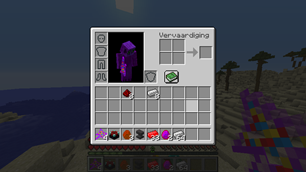
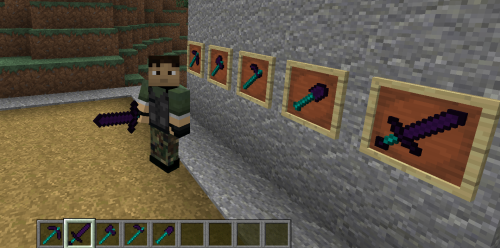
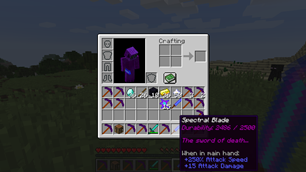
-Custom items with their own display name, lore, attribute modifiers and textures
-Custom tools with their own damage and durability
-Custom bows with their own damage, speed and durability
-Custom armor with their own armor value and other attribute modifiers, unfortunately without model texture.
-Crafting recipes that can use vanilla ingredients and custom items (or combined)
-Block & mob drops for custom items
-Custom containers (like a custom furnace, but much more powerful, unfortunately without block texture)
-Custom projectiles with custom wands to launch them
-Custom blocks (but still in beta)
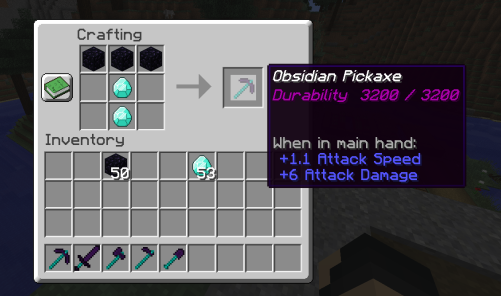
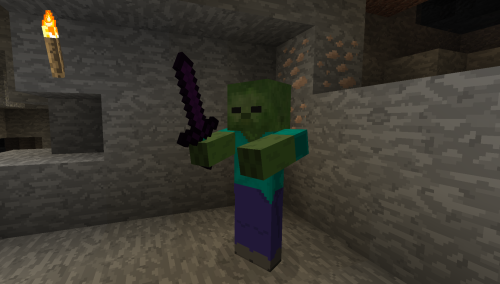
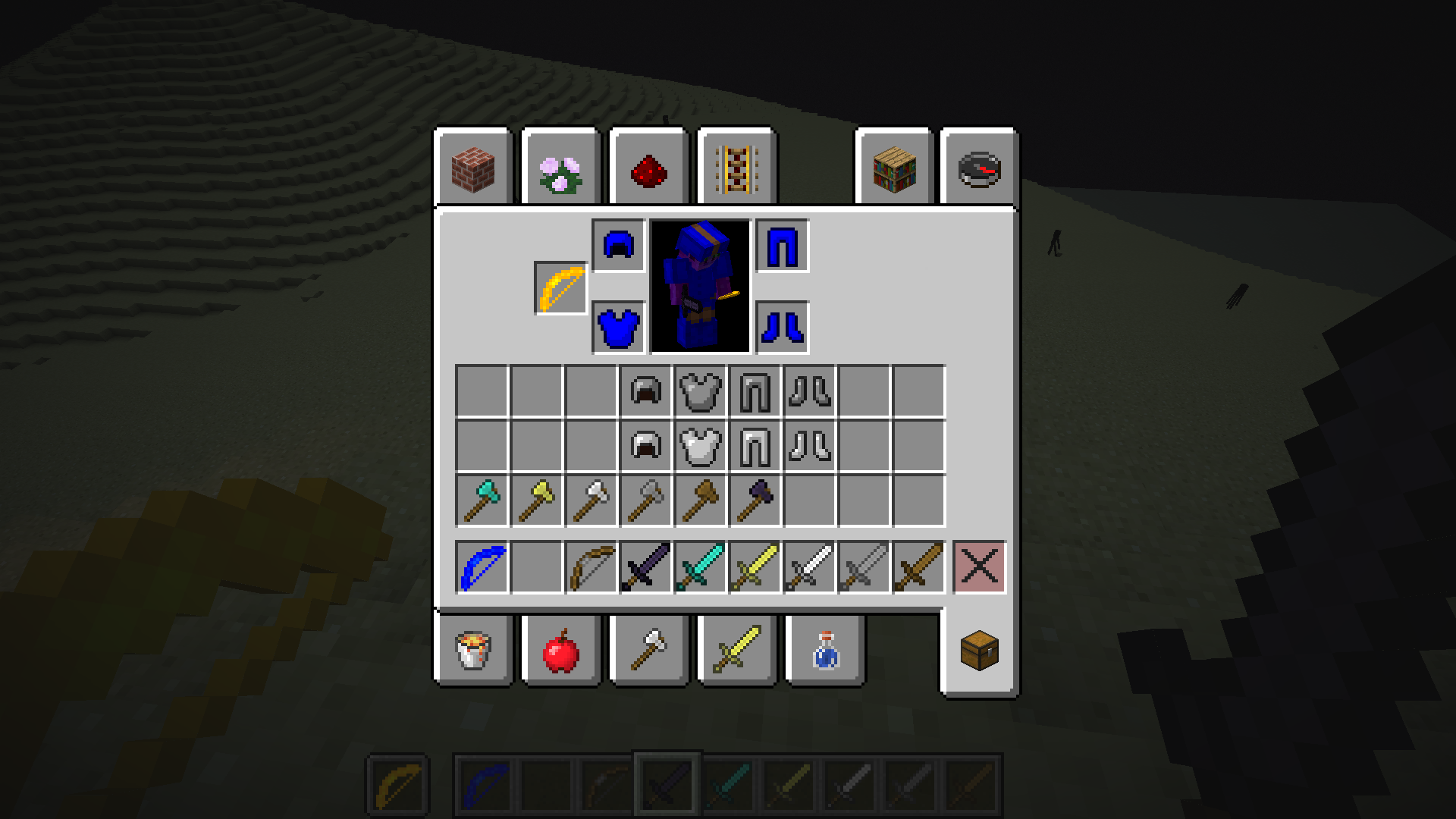
Check the wiki for more information.
Source code (programmers only)
Comments

-

knokko Owner
-

knokko2 Author
-

TechWizzart Contributor
-
View User Profile
-
Send Message
Posted Jan 12, 2020In reply to epicestgamerest:
That's quite weird. Could you send me your .cisb file?
-
View User Profile
-
Send Message
Posted Jan 12, 2020In reply to knokko:
here
-
View User Profile
-
Send Message
Posted Jan 12, 2020In reply to epicestgamerest:
The only thing that is overwritten is the crafting recipe, which is a bug you just found out! Thanks for finding this out, I will fix it soon.
-
View User Profile
-
Send Message
Posted Jan 12, 2020In reply to knokko:
thanks!
-
View User Profile
-
Send Message
Posted Jan 13, 2020In reply to epicestgamerest:
CustomItems 6.1 has been released and that version should not have this bug.
-
View User Profile
-
Send Message
Posted Jan 11, 2020I tried Spigot 1.12.2 items worked but resource packs not working. I created model and texture. I installed it in the required places but it didn't work. do you make a tutorial video for plugin?
-
View User Profile
-
Send Message
Posted Jan 11, 2020In reply to nitronik14:
There is a tutorial, but it is written (the link is almost at the top of this page).
And could you send me the resourcepack you are using? (Or just post its url if you use it as server resourcepack)
-
View User Profile
-
Send Message
Posted Jan 11, 2020In reply to knokko:
Link Removed: http://www.mediafire.com/folder/e17hwxva4w2vj/epik
Link Removed: http://www.mediafire.com/folder/e17hwxva4w2vj/epik
I read tutorial but I couldn't find a title about the model
-
View User Profile
-
Send Message
Posted Jan 11, 2020In reply to nitronik14:
It looks like your resourcepack somehow got corrupted: many occurrences of the 'i' character were replaced by '`y' or 'ı'. I don't know why or when this happened (maybe something in the editor or maybe some problem while uploading it?)
Could you check if the resourcepack is also corrupted on your computer? You can check by exporting again and opening up the resourcepack in your Custom Item Sets folder right after exporting, go to assets/minecraft/models/item and check if the names are correct. It should be 'iron_pickaxe.json' and not 'ıron_pıckaxe.json'.
If the name is correct there, it means something went wrong during uploading to mediafire. If you are lucky, it will work fine if you upload it again. If the name is already incorrect in the Custom Item Sets folder, it means that the editor seems to have issues with the 'i' character on your computer and will require more investigation.
Also, it seems that your models are not finished yet (for instance, 1 of them has a red handle, but no head).
-
View User Profile
-
Send Message
Posted Jan 11, 2020In reply to knokko:
hey I fixed characters but not worked
-
View User Profile
-
Send Message
Posted Jan 11, 2020In reply to nitronik14:
Those characters occur all over the place, not only in those 3 file names, but also within the files and in files on the other folders as well. When I fixed them all, your resourcepack worked for me.
Also, please try to check when the corruption happened (was it already corrupted or only after uploading?). And what happens when you simply export again?
-
View User Profile
-
Send Message
Posted Jan 11, 2020In reply to knokko:
can you look "items menu" in editor
"Internal item type" problem is here item names not correct. and I tried export problem is same
look names: https://prnt.sc/qmbqeu
-
View User Profile
-
Send Message
Posted Jan 11, 2020In reply to nitronik14:
That's quite fascinating, I have never seen that before! It looks like an incorrect conversion from upper case to lower case happened in the editor. I never realized until now that such functions behave differently depending on the country in which the computer is located... (which is why I never had this problem myself)
I will improve this soon. Until then, you can only use internal item types that do not contain a lower case 'i' (so pickaxes won't work until then).
-
View User Profile
-
Send Message
Posted Jan 11, 2020In reply to knokko:
thanks for information, I am waiting for new update :)
-
View User Profile
-
Send Message
Posted Jan 13, 2020In reply to nitronik14:
Editor 6.1 has released, which should no longer have this issue (unfortunately, it's hard to test for me, so I'm not absolutely sure).
-
View User Profile
-
Send Message
Posted Jan 13, 2020In reply to knokko:
thanks it is working perfectly.
Do you plan to add 1.8 - 1.11 version support? (editor and plugin)
-
View User Profile
-
Send Message
Posted Jan 14, 2020In reply to nitronik14:
1.8 uses an old resourcepack format that lacks the required features, so I can't support it. Also, this version is pretty ancient by now and thus doesn't deserve so much attention. I don't understand why people still use this version since there are plug-ins for old combat mechanics anyway.
1.9 to 1.11 could be supported with some effort, but these versions are quite old and rarely used as far as I know.
-
View User Profile
-
Send Message
Posted Jan 17, 2020In reply to knokko:
I have viaversion. some players playing different version. I think to support them all
-
View User Profile
-
Send Message
Posted Jan 17, 2020In reply to nitronik14:
Which resourcepack is required depends on the minecraft version the players are using. Since 1.9.x up to and including 1.12.x use the same resourcepack format, you can support everyone who uses one of those versions by just using the resourcepack for minecraft 1.12.
Minecraft 1.8.x and older use an older resourcepack format that lacks required features, so they simply can't be supported.
-
View User Profile
-
Send Message
Posted Jan 9, 2020I use spigot1.14.x, can't I select diamond or block by type from item?