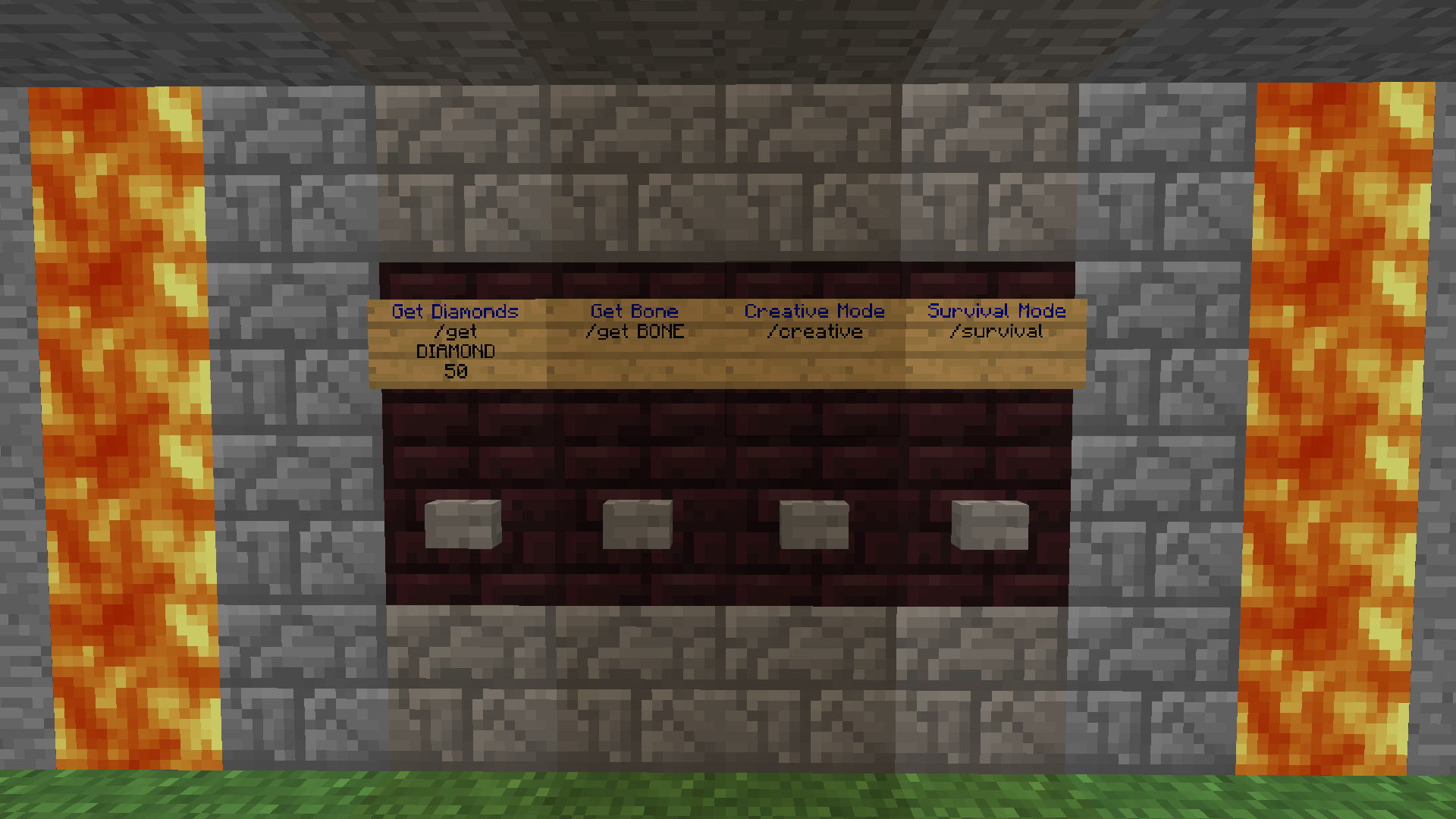
ButtonCommands

ButtonCommands
- Version 1.9 -
- # Main Page
- Documentation
- Commands & Permissions Page
- Variables & Color Codes Page
- Config File Page
- White-List Config File Page
- Alias Config File Page
- Source code
Features
- Execute one or multiple commands after a button has been pressed.
- Execute normal commands.
- Execute console commands,using the console command sender.
- Execute redstone triggered commands.
- Execute alias commands, which lets you specify multiple normal or console commands to be ran.
- Command white-list. White-list all or only selected commands. Not for normal button commands.
- Variables. Get inserted before the command gets ran.
- A few somewhat useful commands.
Buttons in relevant positions to command-signs will execute the commands on the signs.
Long version (kind of important): Documentation
This plugin doesn't hook into NMS or CraftBukkit, only the Bukkit API, so it should work on most upcoming Bukkit versions. If there's no big red line somewhere in this description saying it's broken, it isn't yet.
FAQ
Q: Why don't redstone commands work?
A: You or your server is doing it wrong. These three ways work as long as you haven't touched any weird settings and don't use any weird plugins: Three ways of setting up redstone command signs
Q: Why don't something else work?
A: Please check the Known caveats on the latest file (files).
Comments


-

HON95 Owner
-
View User Profile
-
Send Message
Posted Aug 30, 2014@davidp5118
Haven't heard otherwise, but it was a long time since the last update.
-
View User Profile
-
Send Message
Posted Aug 30, 2014Is this working?
-
View User Profile
-
Send Message
Posted Aug 1, 2014@unquieterpig
No, sorry.
-
View User Profile
-
Send Message
Posted Jul 31, 2014Any ETA on ButtonCommand V2.0?
-
View User Profile
-
Send Message
Posted Apr 12, 2014@CrafterMan245
Do guests have the buttoncommands.use.normal permission? It sounds like it should be a console command, so guests should have the buttoncommands.use.console command (although after checking the slightly messy code, users should NOT have the buttoncommands.use.console permission in order to use console commands). Sorry for late answer and possible bug, but it would help me if you answered the survey above so that I can create ButtonCommands 2.0 soon.
-
View User Profile
-
Send Message
Posted Apr 12, 2014@madtomic
It should still work, but I haven't tested it.
-
View User Profile
-
Send Message
Posted Apr 12, 2014please update for cb1.7.2-r0.3
-
View User Profile
-
Send Message
Posted Apr 4, 2014I got this plugin to work perfectly except, I can't get it to where when the guest hits the button to switch to member they have permission to do it. It keeps saying "You don't have permission to use command signs!" Please help I've tried so many things for hours.
-
View User Profile
-
Send Message
Posted Dec 8, 2013pls update to bukkit 1.7.2
-
View User Profile
-
Send Message
Posted Sep 20, 2013The plugin is great but comes at all an update? My server shows no error message but 2012 is old
-
View User Profile
-
Send Message
Posted Jul 27, 2013@Amply666
A little more details would help, but I'll give this a shot. Can't remember exactly, but you would need the .use.console and .use.alias for that. I ... messed up a 1 and 0 in the code (which I should have never used in the first place), so those two permissions actually does nothing and .use.normal works exactly like .use.*. (When I say .use.whatever I ofc mean buttoncommands.use.whatever.)
Ticket about it
-
View User Profile
-
Send Message
Posted Jul 24, 2013@BadassKetchup
I try but it work only if I'm an OP, if a player with user permission: - buttoncommands.use.* (configured in permissionsex). try to use the consol say Permission deined for alias aliasname!
-
View User Profile
-
Send Message
Posted Jul 22, 2013@Amply666
It actually confused me a bit as well, I was hitting myself when I found out how to do it. Basically you have to put c in front of the command just like a regular console command sign. Example; - c effect {N} 9 10 0 This would give the player the nausea effect for 10 seconds.
-
View User Profile
-
Send Message
Posted Jul 19, 2013Hi, I have a problem with permission using alias. I can't understand how to use consol command in alias buttons
Tankyou
-
View User Profile
-
Send Message
Posted Jul 14, 2013@Nekit999
Not entirely sure what you mean. There is a picture linked above which shows 3 signs that are activated by redstone, one with redstone pointed directly toward it, one next to a lever, and the last one next to a redstone torch.
-
View User Profile
-
Send Message
Posted May 28, 2013Can you lay out the screenshots of the redstone sign?(sorry for bad english)
-
View User Profile
-
Send Message
Posted May 25, 2013@MNSweet
Nope. :)
-
View User Profile
-
Send Message
Posted May 22, 2013Has this been tested to be 1.5.1-R0.2 build #2754 (beta) compatible?
-
View User Profile
-
Send Message
Posted May 16, 2013@CommodoreAlpha
Thanks for reporting, and sorry for your problem.
-
View User Profile
-
Send Message
Posted May 8, 2013On my server, I came across a "weird" accident. I don't know what went on for sure, but I had a hypothesis that led me to this plugin.
For some reason, I think the plugin is able to incorrectly format a sign when making a ButtonCommands sign, causing the sign to have more characters (on a single line) than it should, and thus kicking all clients that load the chunk with this sign.
I'm not saying you're at fault here, I just want to know what you make of this. If anything, I'd be blaming Mojang for not having some safety net for signs that contain too many characters on the same line.
EDIT: I can confirm this. Using MCEdit, I've detected a sign with sixteen characters on one line. MC can only support up to 15.
The first line was the following: " §1§nTime day" and the second line was the following: "/time World-3 9". Note that the first line had four spaces, followed by twelve characters, which sums up to sixteen. There is nothing wrong with the second line.