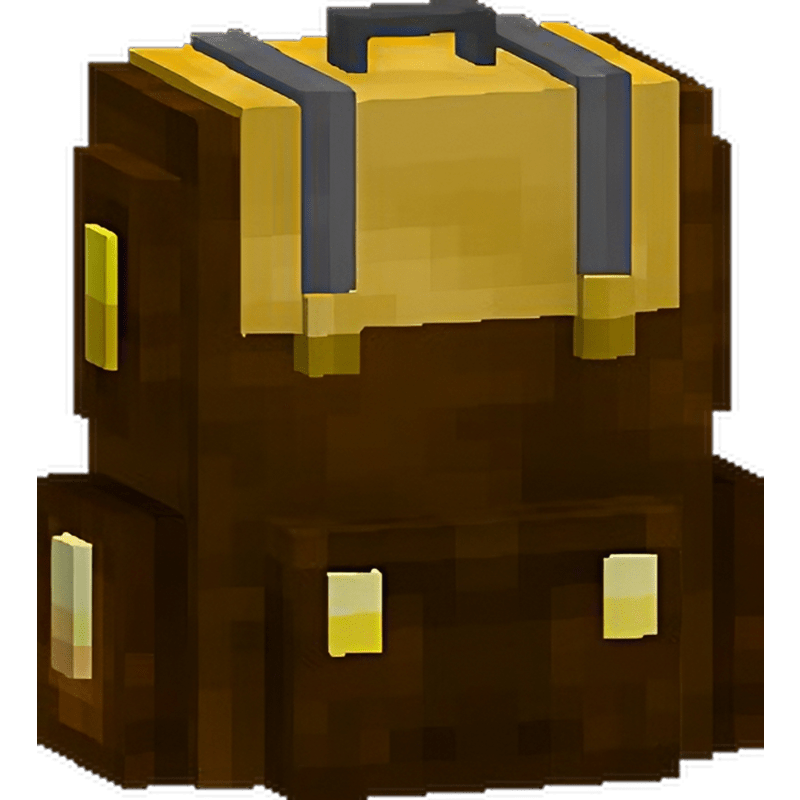
Backpack Plus
Backpack Plus is a plugin for Minecraft servers that adds three new types of backpacks to the game: Basic, Golden, and Diamond. These backpacks offer players additional storage space for items, making it easier to manage their inventory and providing more freedom to explore the Minecraft world.
Features:
- Addition of three new backpack types with different capacities:
- Basic (9 slots), Golden (27 slots), and Diamond (54 slots)
- Ability to craft backpacks in crafting
- Ability to change crafting in the configuration file or gui
- Possibility to add new backpacks
- Ability to change the model as well as the texture of the backpacks
- possibility to change crafting with the command /backpack crafting
- Unique textures for each backpack type
- You can set as many slots as you like
Backpacks allow players to store more items than regular gear, so players can carry more gear and deal with adversity more easily in the Minecraft world. In addition, each type of backpack has a unique texture, making it easy to distinguish between them.
⚠ Please read the changelog before you update the plugin
Resourcepack for 1.21.4: link
Bedrock files: BackpackPlus Bedrock Resource Pack (`.mcpack & mappings`)
Commands:
- /backpack crafting - Opens GUI with crafting backpacks.
- /backpack resourcepack - Reloads resourcepack for the player.
- /backpack resourcepack reload - Reloads resourcepack from config.yml and updates it in all players.
- /backpack backpacks <online player | player uuid> - Displays all backpacks created by a given player.
- /backpack players - Displays all players who have created backpacks.
- /backpack give <tier> [<player>] - Adds backpack to player.
Permissions:
- backpackplus.admin.crafting - /backpack crafting
- backpackplus.command.use - /backpack
- backpackplus.command.resourcepack - /backpack resourcepack
- backpackplus.admin.resourcepack.reload - /backpack resourcepack reload
- backpackplus.admin.view.backpacks - /backpack players/backpacks
- backpackplus.admin.give.backpacks - /backpack give
Discord: Link
Version Beta 0.0.4:
Version 0.0.2:
Version 0.0.1:
Special thanks to:
- belter(belterrwan) (CEO of lomihost) for providing the server
Donate
You can donate by using HERE. Any donation is appreciated. :D

Known Bugs
No known bugs. Please report them if you find any. Thanks!
Discord: Link
Comments


-

ItQerk Owner
-
View User Profile
-
Send Message
Posted Feb 9, 2025i use luckperm setting for rank in server can view crating, but when i craft in crafting table, i cant craft and open backpack. how's solve
-
View User Profile
-
Send Message
Posted Aug 31, 2024How can I get involved in localizing this project? I'd like to translate Simplified Chinese for this plugin, if possible, here is the text I've already translated (only the values, not the comments in the yaml file)
Ubuntu Pastebin
-
View User Profile
-
Send Message
Posted Sep 2, 2024In reply to safeluren:
I don't see a problem, if you can join the discord server and create a ticket because in the near future I plan to add some options to the languages (configs)
-
View User Profile
-
Send Message
Posted Jun 27, 2024Hey so, when I try using this plugin on 1.21 I get this error when starting the server: " Error occurred while enabling BackpackPlus v1.4.1 (Is it up to date?)
java.lang.NoClassDefFoundError: net/md_5/bungee/api/ChatColor " Do you know how to fix it?
-
View User Profile
-
Send Message
Posted Jun 28, 2024In reply to feli_heli:
You are using CraftBukkit if you change the server engine to e.g. Spigot, Paper, Purpur it should work
-
View User Profile
-
Send Message
Posted Jun 29, 2024In reply to ItQerk:
Thank you!
-
View User Profile
-
Send Message
Posted Feb 26, 2024Hello, I've downloaded your plugin, but I got only "backpack.db" and "config.yml”.
To create custom backpacks, should I create a folder (in oraxen for me) by my self and it will work ?
-
View User Profile
-
Send Message
Posted Feb 26, 2024In reply to oozga_:
Ok nvm I tried and it works very well !
I appreciate the plugin thanks for your work !
-
View User Profile
-
Send Message
Posted Feb 19, 2024for 1.120.4 on the latest version of this plugin(0.0.9), using the craft command shows "an internal error has occurred while attempting to perform this command" edit: found out 1.0 just came out and everything works now
-
View User Profile
-
Send Message
Posted Feb 19, 2024In reply to leegmav:
Yes. Version 0.0.9 incorrectly saved config.yml which caused an error
-
View User Profile
-
Send Message
Posted Feb 17, 2024Hello, I have the latest version of your plugin but unfortunately in the config folder, there's only the texture pack, and when I execute the commands as shown in the video, it gives me an error message.
If you ever want to discuss it with me, here is my Discord: wesleyfus
-
View User Profile
-
Send Message
Posted Feb 11, 2024How do I give myself permissions to use the command to change the crafting recipes in game, it says I do not have the permission to use the command
-
View User Profile
-
Send Message
Posted Feb 12, 2024In reply to LunatheMusician:
If you don't have any permission plugin then just give yourself an OP, but if you have one then give yourself a permission: backpackplus.admin.crafting
-
View User Profile
-
Send Message
Posted Feb 5, 2024Got an error telling me about a wrong texture pack on the server and it doesn't work
-
View User Profile
-
Send Message
Posted Feb 7, 2024In reply to daikichi245:
Write to me on discord: itqerk
-
View User Profile
-
Send Message
Posted Dec 23, 2023This has quickly become one of my favorite plugins. Very functional and I love that I can modify the recipe requirements to my liking.
I seem to be unable to place my backpack on a picture frame as is seen in the videos; but I'm unsure as to why. I thought it would be cool to use a picture frame to hang my pack up when not needed.
5/5 stars from me. Very solid plugin!
-
View User Profile
-
Send Message
Posted Jan 15, 2024In reply to stationaryopossum:
"I seem to be unable to place my backpack on a picture frame as is seen in the videos; but I'm unsure as to why. I thought it would be cool to use a picture frame to hang my pack up when not needed."
Already can be put in the frame, thank you for writing
-
View User Profile
-
Send Message
Posted Nov 15, 2023I've had my backpack disappear out of my inventory. It was on the latest Minecraft version. And it happened when the red chat message showed up "You can't open your bag right now". I was looking directly at a chest with a sign on it, and it made a breaking noise. And now is indefinitely gone.
Edit:
Ok, so the fact it's a brown dye, is why it completely got rid of the backpack. I right clicked the sign, and it used the backpack like a dye.. So that's the issue
-
View User Profile
-
Send Message
Posted Dec 4, 2023In reply to chronicsniper:
Thank you for your notification and sorry for taking so long to respond.
This should have been fixed by now (Relase 0.0.8)
-
View User Profile
-
Send Message
Posted Dec 4, 2023In reply to ItQerk:
I was thinking of suggesting a netherite backpack, or if not, I'll look at how I can modify the config.yml file to make something like that work